Template details
Gatsby Portfolio Starter
A portfolio/ blog gatsby starter built with strapi and tailwind css
About this template
Gatsby Portfolio Starter is a free, open-source portfolio and blog starter that combines Gatsby, the Strapi headless CMS, and Tailwind CSS into a single configurable project. It produces a static site with dynamic content managed through Strapi's admin panel, ideal for developers who want to maintain a personal blog and project showcase.
What is Gatsby Portfolio Starter?
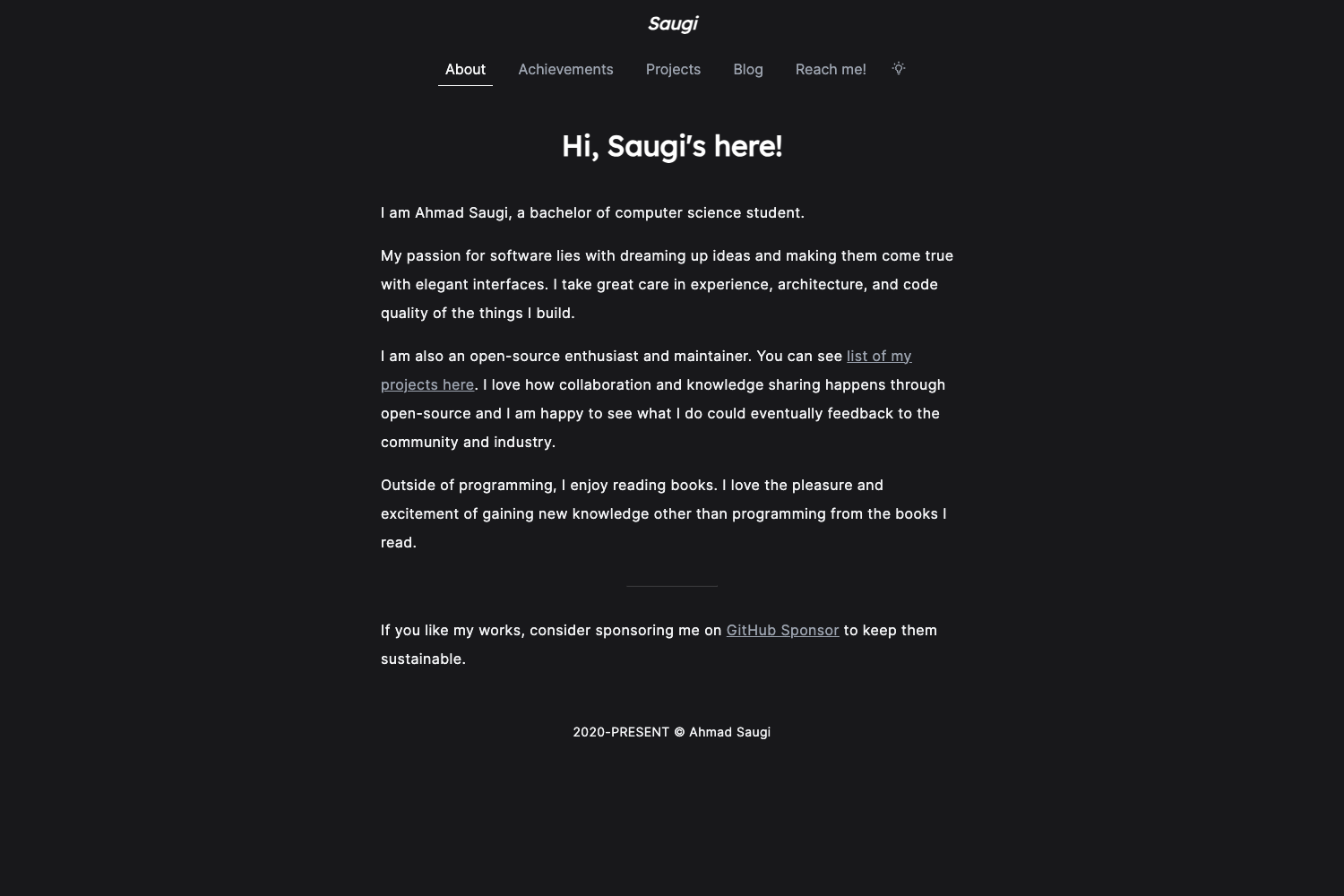
Gatsby Portfolio Starter is a Gatsby-based website template for a personal portfolio and blog. It takes content defined in Strapi — a headless CMS — and generates a static site with pre-built pages for About, Blog, Projects, and Contact. The starter is built by developer Collins Muriuki and all configuration lives in the gatsby-config.js file, including site metadata and the Strapi API URL.
Key Features
- Gatsby + Strapi integration — Uses
gatsby-source-strapito fetch content from a Strapi backend, with queryLimit set to 1000 and support for collection types (blogs, projects) and single types (bio). - Tailwind CSS styling — The user interface is styled with Tailwind CSS, plus styled-components and Sass are included via gatsby-plugin-styled-components and gatsby-plugin-sass.
- Pre-built pages and routes — Routes include about, blog, projects, and contact, mapped to components in
src/pages. - FormSpree contact form — Email submissions are handled by FormSpree, requiring only a receiving email in the siteMetadata.
- SEO and performance plugins — Includes gatsby-plugin-sitemap, gatsby-plugin-robots-txt, gatsby-plugin-react-helmet, gatsby-image, and gatsby-background-image for optimized images.
- Social media integration — Social icons and links are configured through a constants array using react-icons/fa, with examples for GitHub, LinkedIn, and Twitter.
- Blog and project content models — Strapi schema includes a bio single type plus blog and project collection types, with fields like title, excerpt, image, technologies, and URL.
- Google Analytics and Disqus — Analytics is wired via gatsby-plugin-google-analytics and comments via gatsby-plugin-disqus.
Who is it for?
- Freelance developers – Build a professional portfolio site that displays bio, projects, and blog posts, with all content editable from Strapi's admin.
- Tech bloggers – Publish articles using the built-in blog page and Disqus comments, without reinventing the routing or styling.
- Gatsby learners – Use this starter to study how Gatsby, Strapi, and Tailwind work together; it includes detailed setup instructions in the README.
- Job seekers – Quickly deploy a clean, modern portfolio with contact form and social links to showcase their work.
What can you do with Gatsby Portfolio Starter?
- Create a personal portfolio: Populate Strapi with your bio, projects, and blog posts, then generate a static portfolio with a quote, social links, and contact form.
- Run a blog: Write posts in Strapi's rich text editor, assign categories and an excerpt, and publish them through the blog page with Disqus comments.
- Customize the site metadata: Edit site title, description, author, and contact email in the siteMetadata object in gatsby-config.js.
- Extend the social links: Add new social profiles by inserting an object with a react-icon and URL into the socials constants file.
How does Gatsby Portfolio Starter work?
Set up a Strapi project with the specified content types (bio, blog, project), then point gatsby-source-strapi at its API URL. Run gatsby develop to build the site locally with live content from Strapi. The site is generated as a static site that can be deployed to any static hosting service.
FAQ
Is Gatsby Portfolio Starter free?
Yes, the starter is open-source and available on GitHub. You can clone it with npx gatsby new project-name https://github.com/collinsmuriuki/portfolio and contribute via pull requests.
How do I change the contact form email?
Open gatsby-config.js and edit the email field inside siteMetadata. FormSpree will then route submissions to that address when the form is submitted.
Does the starter work without Strapi?
No, it depends on Strapi for all page data. You must have a Strapi server running (locally at http://localhost:1337 or on a hosted URL) and configure it in the gatsby-source-strapi options.
How do I add a new social profile?
Add an object to the socials constant array located in src/constants/socials.js, importing an icon from react-icons/fa and providing the profile URL.