Template details
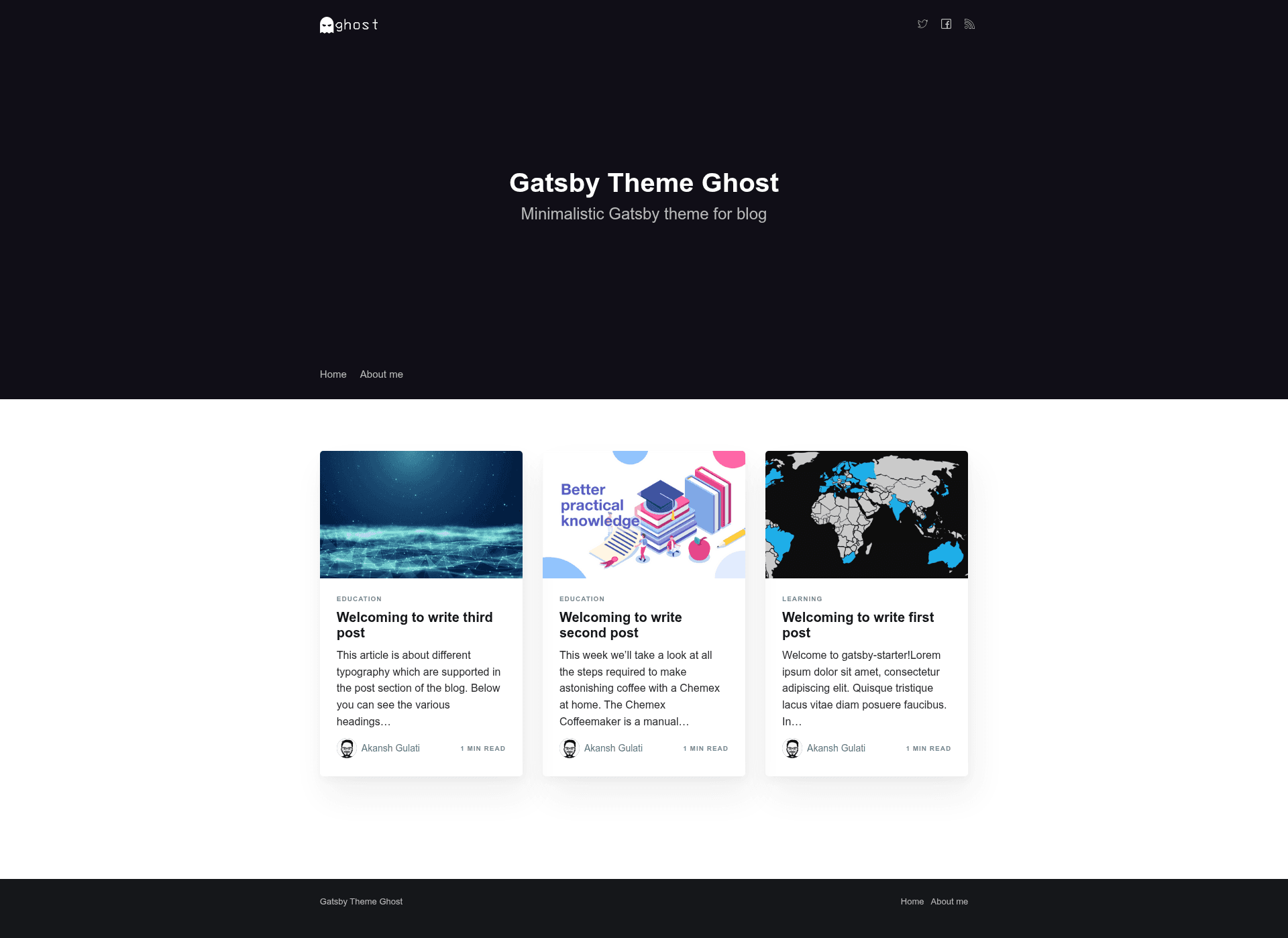
Gatsby Theme Ghost
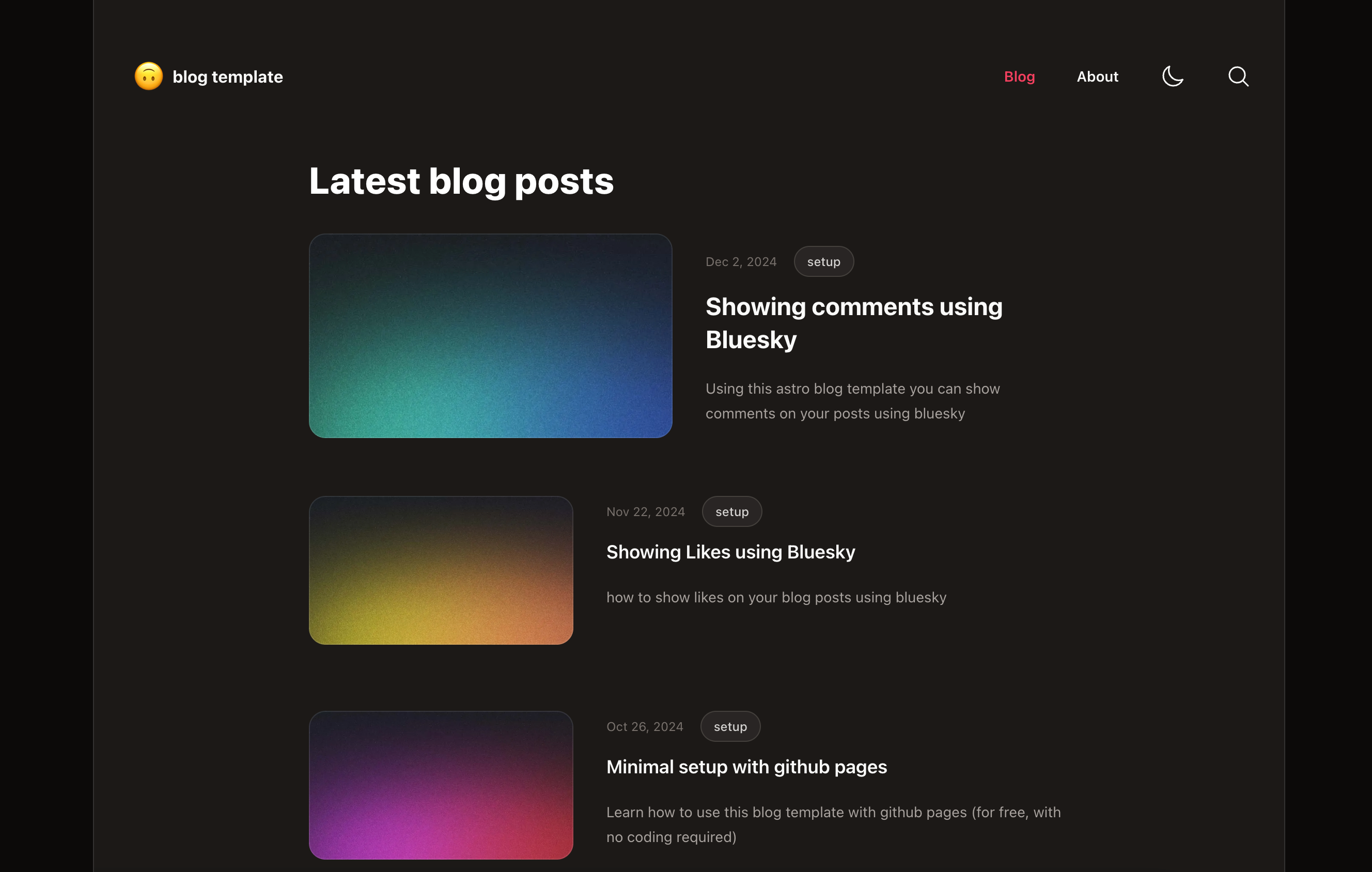
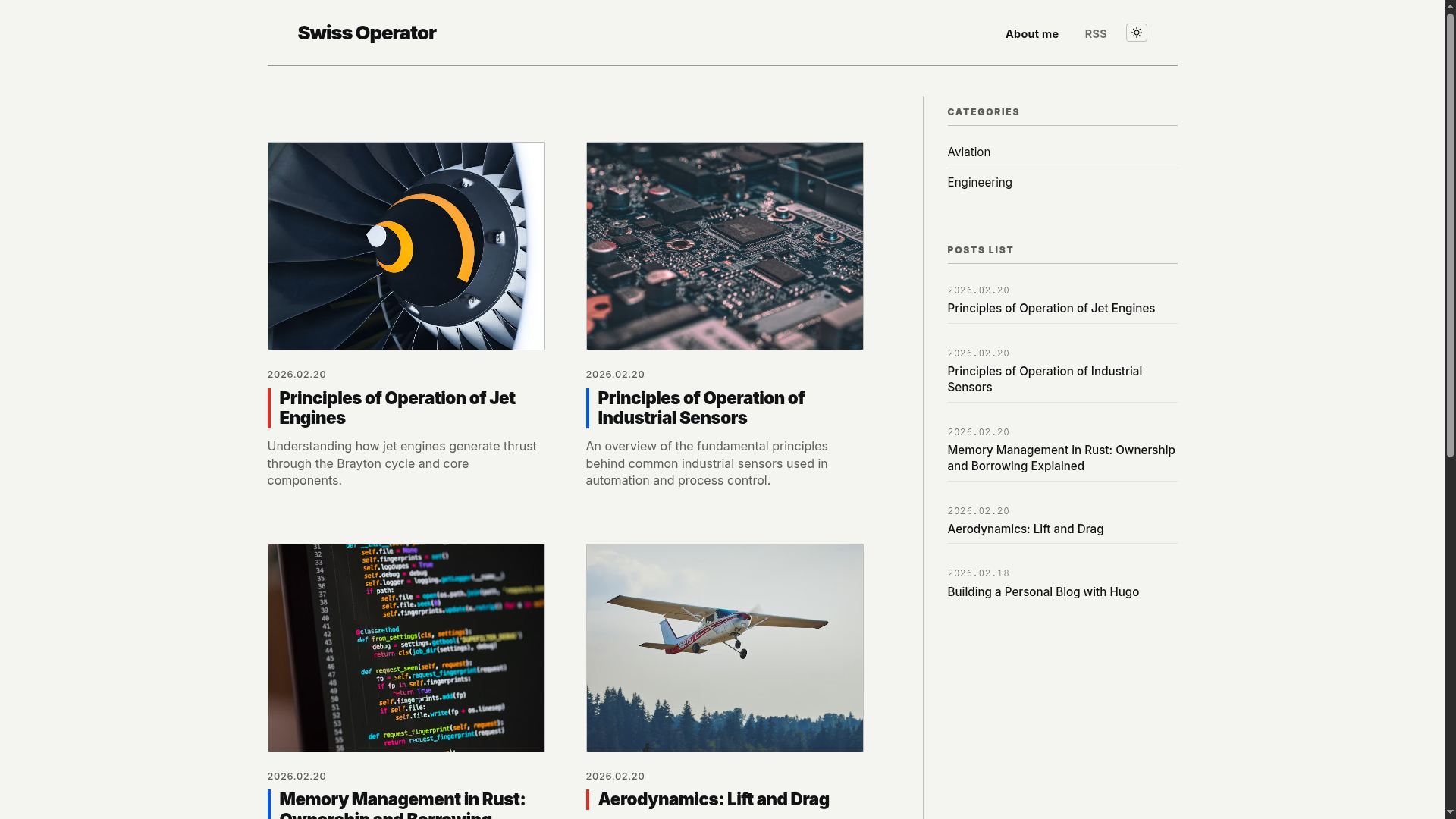
Minimalistic Gatsby theme, mobile and SEO friendly and supports author, tag and static pages.
About this template
Gatsby Theme Ghost is a minimalistic Gatsby starter theme for building fast, SEO-friendly blogs with author pages, tag pages, static pages, and markdown-based content stored in the repository.
What is Gatsby Theme Ghost?
Gatsby Theme Ghost is a minimalistic Gatsby theme for static blogs, created by Akansh Gulati. It accepts markdown files for posts, tags, authors, and pages as input and outputs a compiled static site via Gatsby's React-based build system. The theme is distributed as an npm package and on GitHub under the MIT license.
It is built on Gatsby, so all content is processed at build time and served as static HTML. The theme includes a site configuration file where you set the site URL, posts per page, metadata titles, and social handles. It also exposes GraphQL at localhost:8000/__graphql during development for querying content.
Key Features
- Code snippet support — Integration with remark-prismjs beautifies code snippets in posts with syntax highlighting.
- Performance optimization — Scores 98 or higher on Google Lighthouse for both mobile and desktop, with lazy-loaded responsive images, preloading of critical resources, retina-rich images for iOS, and async loading of non-essential scripts.
- RSS generation — Creates an RSS feed of posts for any RSS reader.
- SEO friendly — Includes sitemap generation, JSON-LD structured data, alt attributes on images, and title attributes on links.
- Social meta tags — All essential meta tags are added for sharing posts and the site on Facebook, Twitter, Instagram, and other platforms.
- Analytics integration — Google Analytics is included for site usage analysis.
- Commenting system — Disqus commenting is integrated; enable it by adding a Disqus shortname in site config.
- Deploy ready — Includes a netlify.toml configuration for direct deployment to Netlify.
Who is it for?
This theme suits bloggers, technical writers, and developers who want a markdown-driven blog in Gatsby without building the entire site from scratch. It also suits anyone looking to deploy a static blog to Netlify quickly.
- Developers and tech writers: publish markdown posts with code snippets and get syntax highlighting, pagination, and tag and author taxonomies.
- Personal bloggers: create a minimal blog with static pages like About or Contact by adding markdown files under src/pages.
- Netlify deployers: use the included netlify.toml to connect a repository to Netlify and get continuous deploys.
What can you do with it?
- Publish a multi-author blog: each author gets a page with profile image and social links; posts reference an author_id to associate content.
- Organize content with tags: create tag markdown files and reference tag_id in posts to generate tag archive pages.
- Create static pages: add markdown files for pages like About, with titles, slugs, and draft status.
- Engage readers with comments: enable Disqus comments on individual posts by setting the comment flag in post frontmatter.
How does it work?
Install by running gatsby new gatsby-blog akanshgulati/gatsby-theme-ghost, which pre-configures the theme with example content. During development, yarn dev runs a local site at port 8000 with hot reloading and a GraphQL explorer at /__graphql. Content is authored as markdown files in src/posts, src/tags, src/authors, and src/pages, then compiled into static pages on build.
FAQ
Is Gatsby Theme Ghost free?
Yes, it is open source and released under the MIT license, so it is free to use and modify for personal and commercial projects.
How do I add comments to posts?
Add your Disqus shortname to the site configuration file at utils/siteConfig.js. Then set the comment flag to true in a post's markdown frontmatter to show the Disqus comment box.
What are the required fields for a new post?
Each post markdown file needs title, date, slug, draft, tags, author, comment, feature_image, created_at, published_at, and updated_at. Tags and authors must be defined in their own markdown files first.
Does it support static pages?
Yes, it supports static pages. Create a markdown file under src/pages with title, date, draft, slug, created_at, published_at, and updated_at fields; the body becomes the page content.