Template details
Astro Blog Template
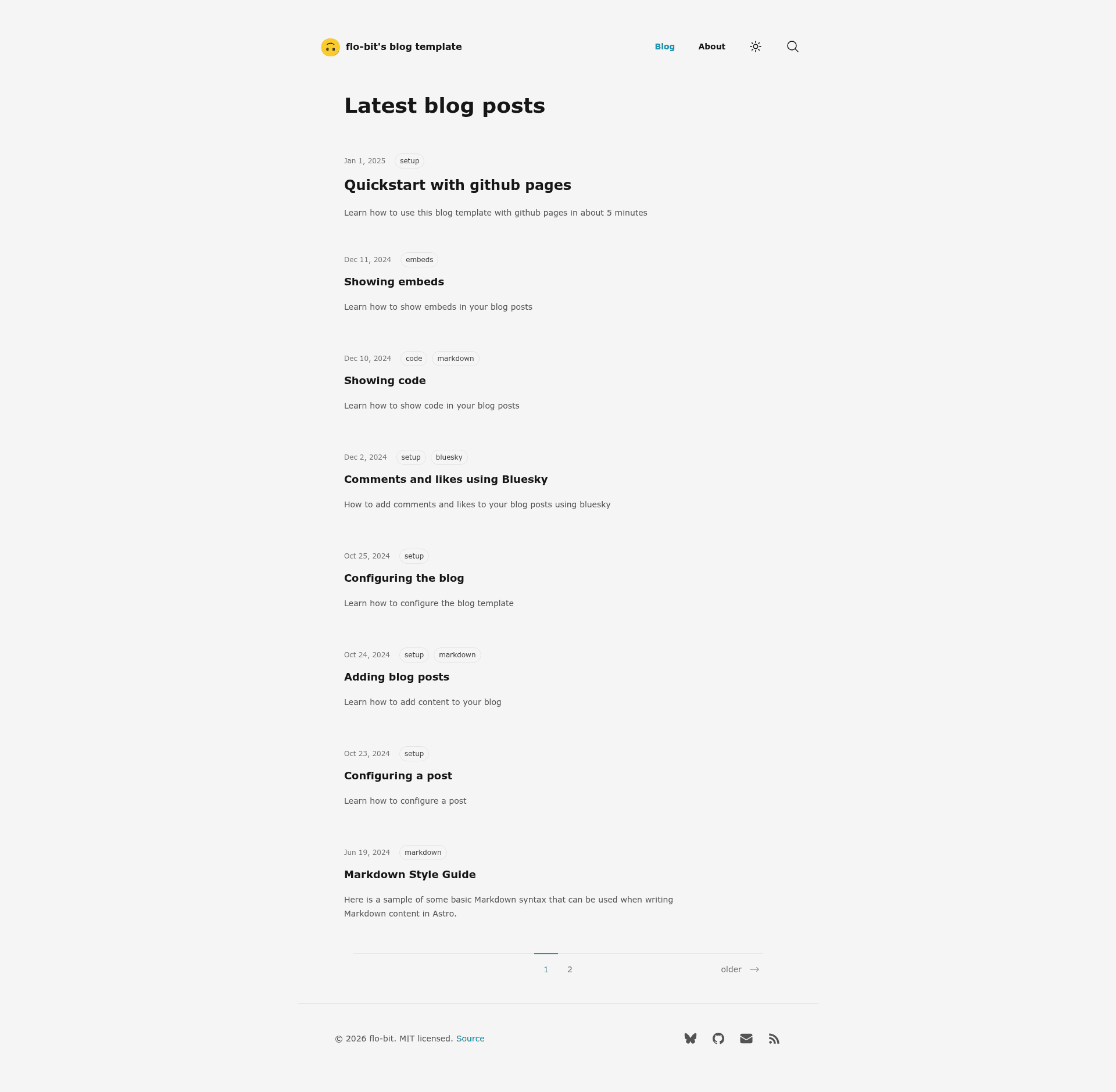
Minimalistic Astro + Svelte blog template with SEO metadata, RSS, search, dark mode, and Bluesky comments.
About this template
The Astro Blog Template is a minimalistic, opinionated blog starter built with Astro and Svelte that generates a fully static site with 100/100 Lighthouse performance, automatic SEO metadata, RSS, search, and Bluesky-powered comments.
What is the Astro Blog Template?
This template is a static blog generator that takes Markdown files as input and produces a deployable static website. It is built on the Astro framework with Svelte for interactive components, and is designed for easy deployment to GitHub Pages. The repository is maintained by flo-bit and was adopted from the default Astro blog template created by npm create astro@latest. The template is licensed under MIT.
Key Features
- 100/100 Lighthouse performance — The template scores perfect Lighthouse performance out of the box, with no extra configuration needed.
- SEO-friendly — Automatically generates canonical URLs, OpenGraph data, sitemaps, and RSS feeds for every post.
- Markdown content — Write blog posts in Markdown with syntax highlighting and a built-in copy button on code blocks.
- Dark and light mode — Includes a toggle button and auto-detection based on the visitor's system preference.
- Search — A client-side search index is included; note that search only works in production builds (
npm run build), not during dev mode. - Pagination and tags — Posts are automatically paginated and can be organized with tags for easier navigation.
- Comments and likes via Bluesky — Uses a Bluesky identifier configured in
src/config.tsto enable comments and likes on posts. - Prebuilt components — Ships with reusable components so you can extend pages without starting from scratch.
Who is it for?
- Developers — Who want a fast, SEO-ready blog deployed to GitHub Pages with minimal setup.
- Writers and bloggers — Who want to author in Markdown without maintaining a database or server.
- Personal site owners — Who want an about page, social links, and a clean footer with copyright and license.
What can you do with the Astro Blog Template?
- Publish a personal blog — Deploy to GitHub Pages under your username or project subpath, with content updated automatically on every push.
- Run a technical blog — Use Markdown with syntax highlighting, RSS, and tags to share code-focused posts.
- Add social engagement — Connect a Bluesky handle to enable comments and likes on posts.
- Customize via config — Set your site title, description, emoji favicon, author name, and social links in
src/config.ts.
How does the Astro Blog Template work?
The quick start flow takes about five minutes. Fork the repository, then in your repository settings choose GitHub Actions as the Pages source. Update src/config.ts with your site URL and base path. Remove the sample posts from src/content/blog/, add your own Markdown files, and push to main — the blog goes live in about one to two minutes.
FAQ
Does search work in dev mode?
No. Search is only available in production mode when you run npm run build. Running npm run dev will not show search results.
How do I set up comments on my blog?
Set your Bluesky handle (without the @ symbol) in the BLUESKY_IDENTIFIER field in src/config.ts. Comments and likes are then powered by Bluesky.
Is the template free to use?
Yes, the template is open source and released under the MIT license. You can use, modify, and deploy it freely.
What is the repository architecture?
Content lives in src/content/blog/ for posts and src/content/info/ for pages like the about page (about.mdx). Global configuration is centralized in src/config.ts.