Template details
Gatsby Wedding Theme
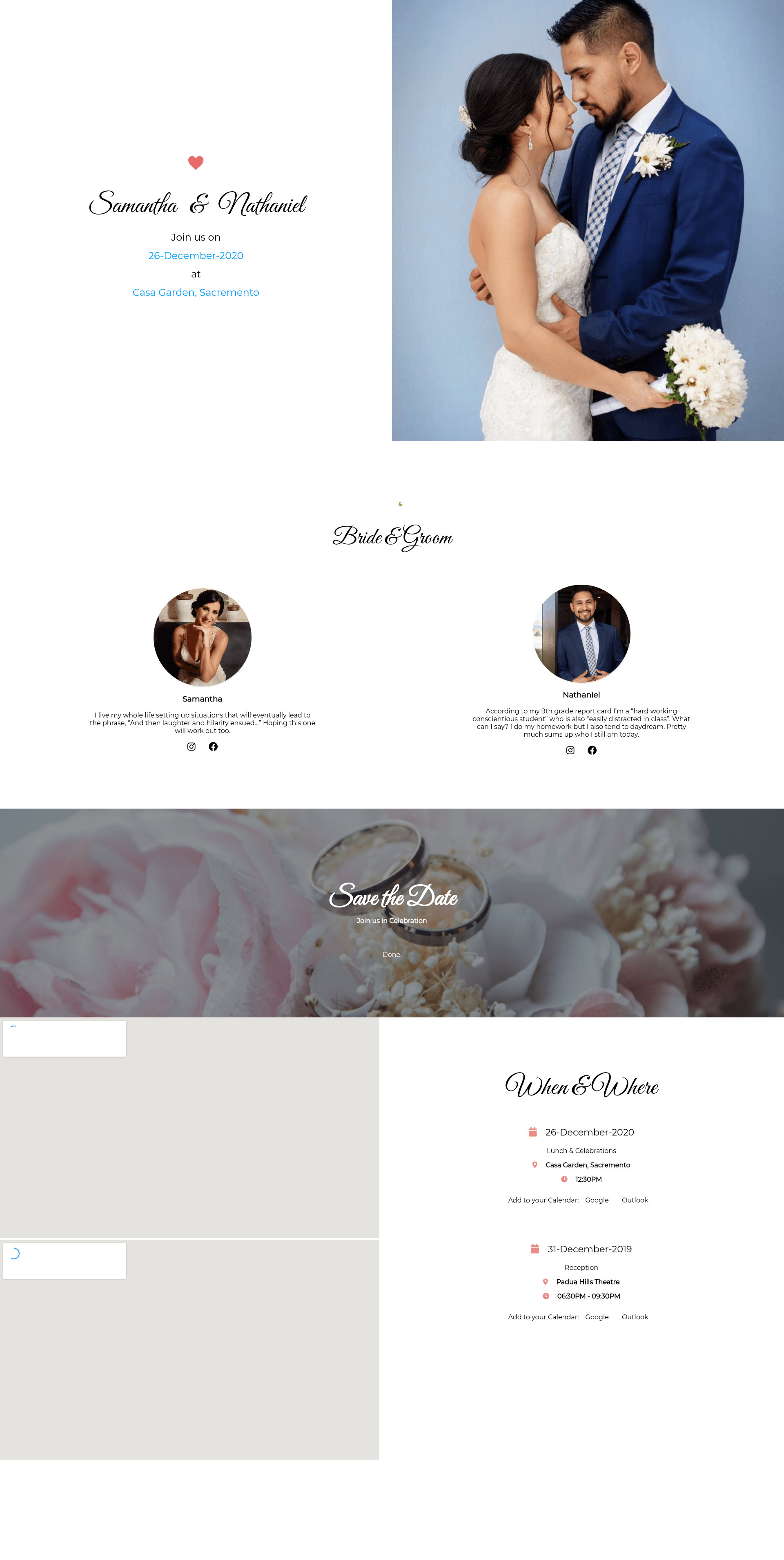
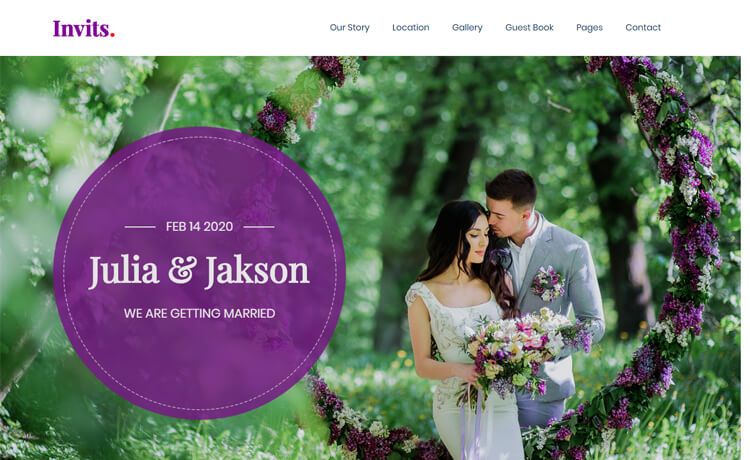
A simple Gatsby theme for wedding websites that uses JSON data and Styled Components to generate static event pages.
About this template
Gatsby Wedding Theme is an open-source Gatsby theme from the @agney npm scope for building simple wedding websites, using a JSON event file as its data source and Styled Components for styling.
What is Gatsby Wedding Theme?
Gatsby Wedding Theme is a Gatsby theme published as @agney/gatsby-theme-wedding, designed to generate a wedding event website from structured JSON data. It takes an event configuration file in JSON format and outputs a static Gatsby site, with layout and styling handled via Styled Components. The theme is configured through the gatsby-config.js file, where you set a contentPath for your data and a basePath for the URL where the theme renders. It is developed in the agneym/gatsby-wedding-theme repository and distributed as an npm package.
Key Features
The theme exposes several setup and customization mechanisms that map directly to Gatsby's theming model.
- Gatsby + Styled Components — Built on the Gatsby static site generator with Styled Components for styling, giving you a React-based stack with scoped CSS-in-JS.
- JSON data source — Event details are supplied in a
event.jsonfile, letting you update names, dates, and venue information without touching markup. - Configurable paths —
gatsby-config.jsoptionscontentPathandbasePathcontrol where your data lives and the URL prefix for the generated site. - Theme customization — Override the default design by creating a
theme.jsfile atsrc/@agney/gatsby-theme-wedding/components/theme.js; you can merge in a custom theme object with libraries likelodash.merge. - Component shadowing — The theme supports Gatsby's component shadowing, allowing you to replace individual React components with your own versions.
- Yarn Workspaces — The repository uses Yarn Workspaces for development, with a
yarn workspace example developcommand for local preview.
Who is it for?
Three groups typically get value from this theme.
- Couples planning a wedding — Publish a simple informational page for guests with event date, location, and details by editing one JSON file.
- Gatsby developers — Use it as a reference for building theme-driven sites, including hands-on experience with
theme.jstheming and component shadowing. - Event organizers — Adapt the JSON-driven structure for other single-day events where a lightweight, static page is sufficient.
What can you do with Gatsby Wedding Theme?
The theme supports three concrete workflows.
- Create a wedding page quickly — Install the theme, set the two config options, and fill in your event JSON to get a live static site.
- Restyle the design — Change colors and other theme tokens by creating a custom
theme.jsthat inherits the default theme and overrides selected properties. - Replace UI components — Use Gatsby shadowing to swap out any component, such as the header or event details sections, without forking the theme.
How does Gatsby Wedding Theme work?
The setup follows three steps: install the package with npm i @agney/gatsby-theme-wedding or yarn add, register it in gatsby-config.js with contentPath and basePath options, and add your event data as a JSON file. The theme then builds a static wedding site at the configured path. During development, you can run the example workspace with yarn workspace example develop to preview changes.
FAQ
Does Gatsby Wedding Theme require a CMS?
No. The theme reads event information from a local JSON file, so there's no content management system or external backend involved. You edit the JSON data and rebuild the Gatsby site.
Can I use the theme for non-wedding events?
Yes, because the site structure is driven by event JSON and path configuration, you can adapt it for other single-day events. The demo page is served under an /event path, and the data format is generic enough to hold event details.
How do I change the colors?
Create a theme.js file at src/@agney/gatsby-theme-wedding/components/theme.js, export a theme object, and it will override the defaults. The repository documents properties you can modify, and lodash.merge can keep existing values while changing only some.
Is the theme available for free?
The theme is published as an open-source npm package on the public registry, and the source is hosted on GitHub. No commercial licensing or pricing details appear in the documentation.