Template details
Geekyll Starter Blog
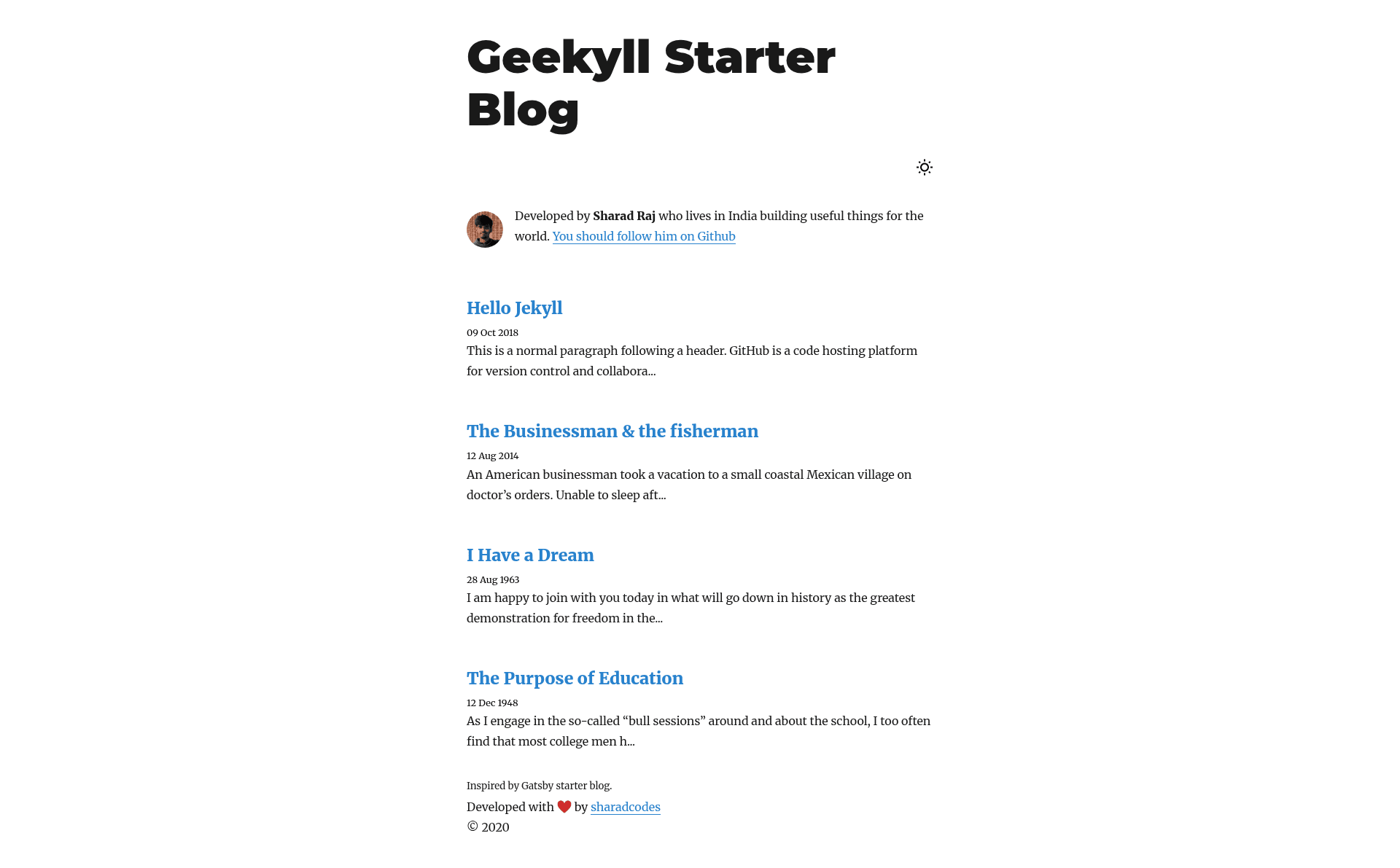
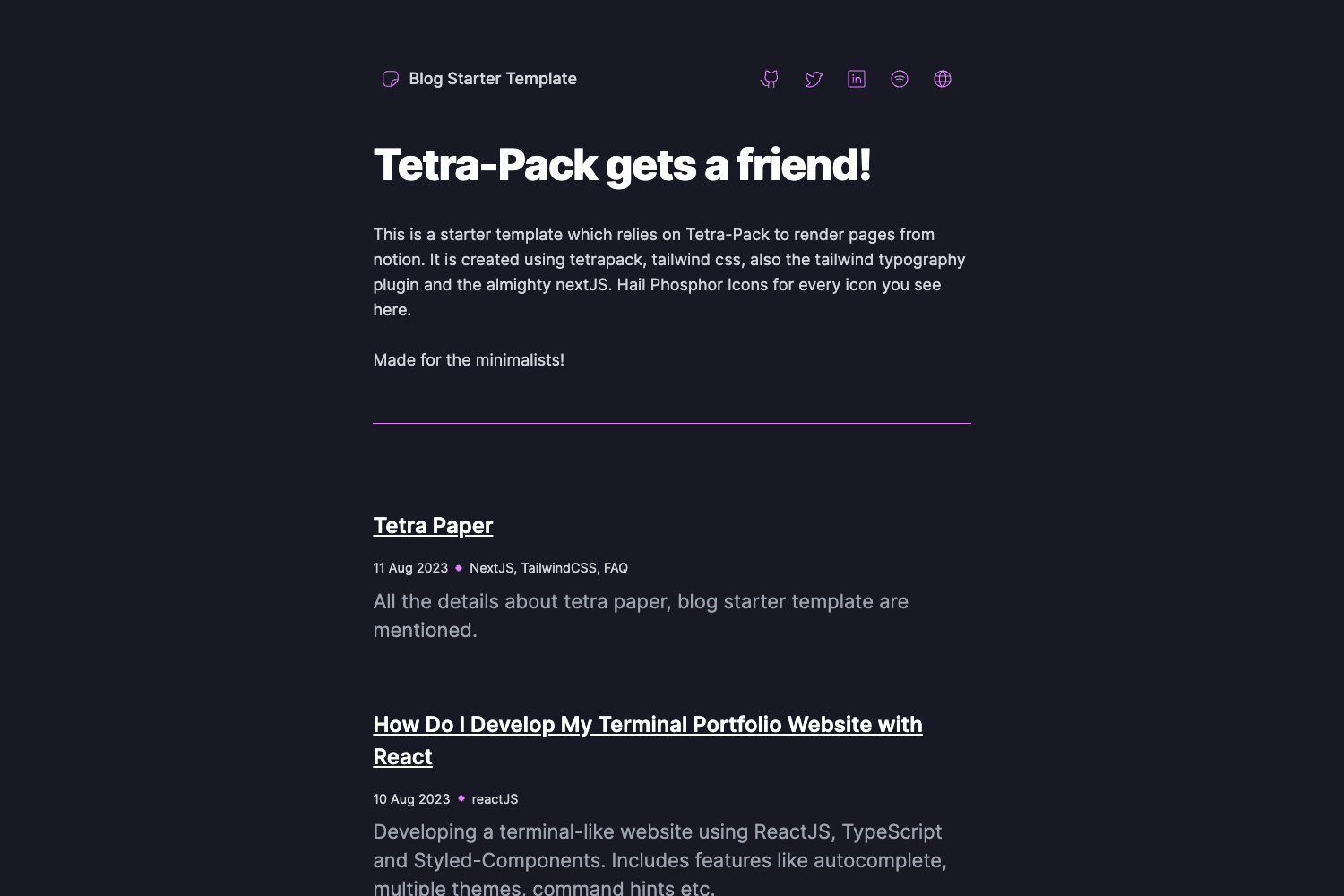
A minimal Jekyll theme for blogging with dark mode, syntax highlighting, and image lightbox.
About this template
Geekyll Starter Blog is a minimal Jekyll theme for blogging, created by Sharad Raj Singh Maurya, that generates a static, Markdown-driven blog site.
What is Geekyll Starter Blog?
Geekyll Starter Blog is a free, open-source Jekyll theme for building minimal static blogs. It takes Markdown content and a _config.yml configuration file as inputs and outputs a flat-file blog with dark mode and syntax highlighting. It runs on the Jekyll static site generator, which is built with Ruby, and is designed to work with GitHub Pages. The theme is distributed through a public GitHub repository that you can clone and customize.
Key Features
- Dark mode — The default layout includes a dark color scheme with no extra plugins required.
- Minimal CSS — A lightweight stylesheet keeps pages fast and visually uncluttered.
- Syntax highlighting — Code blocks are displayed with language-specific colorization.
- Image lightbox — Every image inserted into a post can be clicked to open a full-size lightbox view.
- Markdown content — Write posts in Markdown and Jekyll converts them to static HTML at build time.
- Single config file — Site-wide settings such as title and metadata are controlled from
_config.yml. - Standard Jekyll workflow — The theme supports
bundle install,bundle exec jekyll serve, and uploading the built site to any Jekyll-compatible host.
Who is it for?
- Technical bloggers — Write tutorials and posts in Markdown without touching HTML or CSS.
- Developers seeking a quick site — Clone the repository, install dependencies with
bundle install, edit_config.yml, and runbundle exec jekyll serveto preview locally. - GitHub Pages users — Because the theme is Jekyll-based, you can push the repository to GitHub and publish via Pages without extra build steps.
- Minimalist writers — People who want a distraction-free, JavaScript-free blogging experience with a small page weight.
What can you do with it?
- Personal blogs: Publish a clean, dark-mode-enabled blog with syntax-highlighted code snippets for a developer audience.
- Technical documentation: Use the flat-file structure to organize guides and tutorials by folder or topic.
- Project portfolios: Share write-ups with clickable images that open in a lightbox, ideal for design and photography posts.
How does it work?
The installation flow is: clone the GitHub repository, run bundle install to fetch dependencies, start a local server with bundle exec jekyll serve, and customize _config.yml to your site name and metadata. Afterwards, write posts as Markdown files, upload the entire repository to your hosting platform, and the site regenerates.
FAQ
Is Geekyll Starter Blog free?
Yes, the theme is hosted on GitHub and can be cloned and used at no cost. The repository page does not list a price or a commercial license.
How do I install Geekyll Starter Blog?
Clone the repository with git clone https://github.com/sharadcodes/geekyll-starter-blog.git, enter the folder, run bundle install, then start the server with bundle exec jekyll serve. Finally, edit _config.yml to personalize the site.
Does Geekyll Starter Blog support dark mode?
Yes, dark mode is a built-in feature of the theme, so no additional setup is needed to enable it.
Can I use Geekyll Starter Blog with GitHub Pages?
Yes, since Jekyll is the generator used by GitHub Pages, you can upload the repository to GitHub and enable Pages to deploy the blog automatically.
What does Geekyll Starter Blog require to run?
It requires Ruby and the Bundler gem installed on your system, along with Jekyll dependencies pulled in via bundle install.