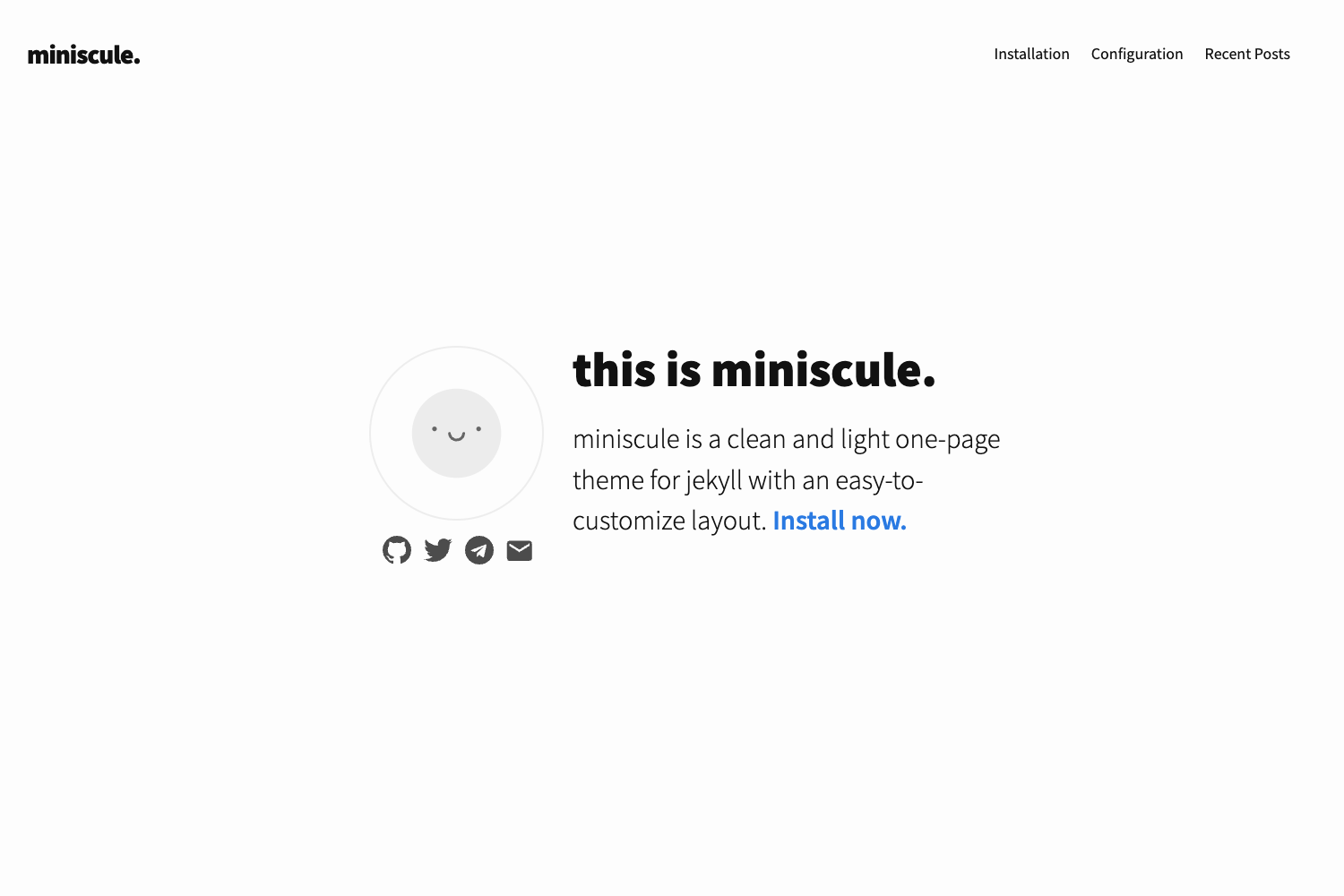
Template details
Minima
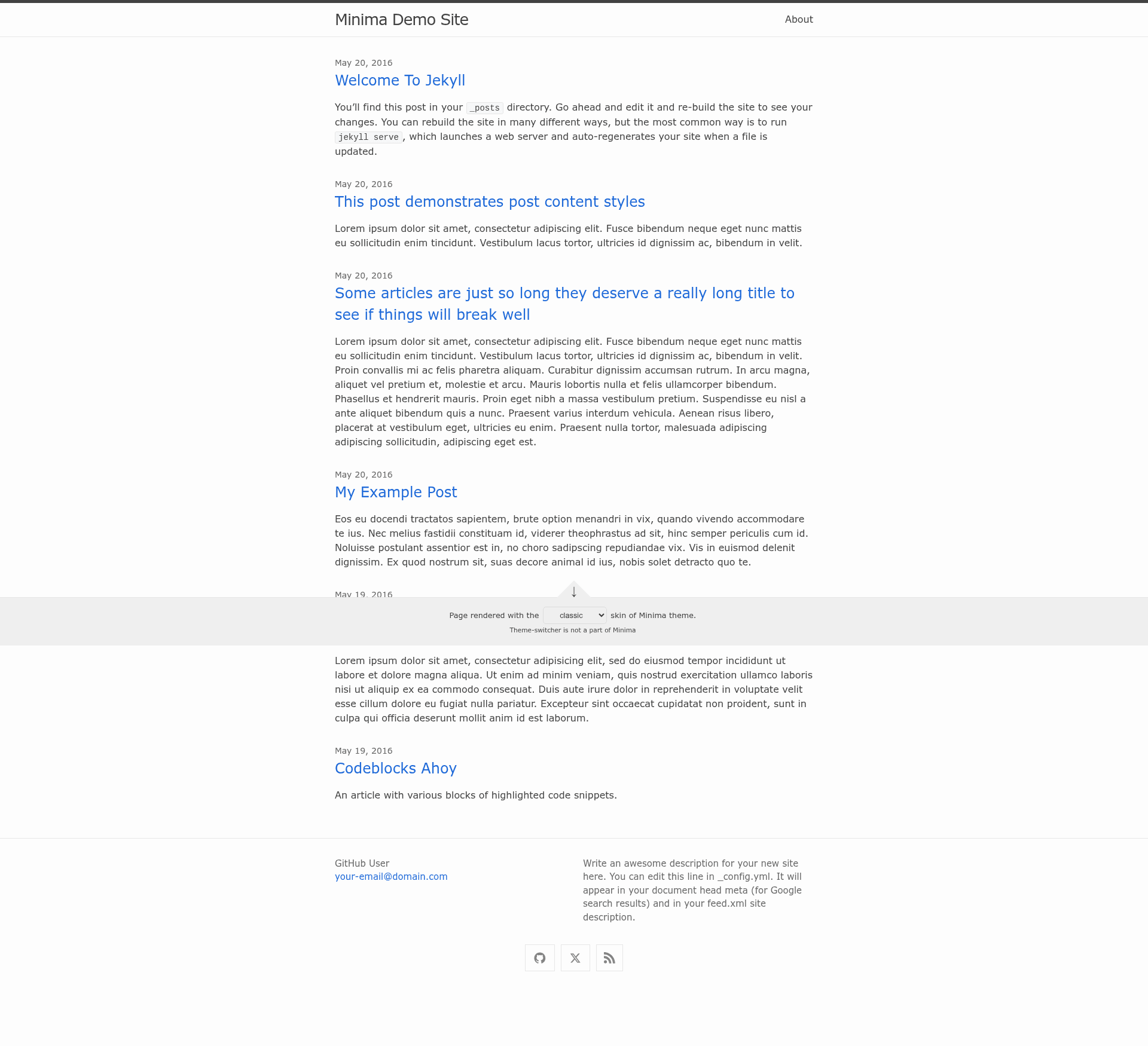
Minima is a one-size-fits-all Jekyll theme for writers.
About this template
Minima is the default Jekyll theme for writers, a one-size-fits-all theme gem that scaffolds a complete static blog site with zero configuration via jekyll new. As Jekyll's first theme, it provides the layouts, includes, Sass styling, and integration hooks needed to publish a blog on the Ruby-based static site generator, and it is maintained in the open-source repository at github.com/jekyll/minima.
What is Minima?
Minima is a Jekyll theme, available as a Ruby gem, that defines the complete structure for a Jekyll site: four layouts (base.html, home.html, page.html, post.html), nine includes (comments, footer, google-analytics, head, custom-head, header, nav-items, social, sub-footer), and Sass partials organized under _sass/minima/. It takes your site's Markdown posts, pages, and _config.yml settings and renders them into static HTML via Jekyll, with all theme assets processed through assets/css/style.scss. The theme includes the jekyll-seo-tag plugin preinstalled to add meta tags.
Key Features
- Zero-configuration scaffolding — The theme was scaffolded with the
jekyll new-themecommand and contains every file and directory needed to run a new Jekyll site without additional setup. - Flexible home layout — From Minima v2.2, the
homelayout injects all content fromindex.mdorindex.htmlbefore thePostsheading, and the post listing appears automatically only when posts or drafts exist. - Multiple color skins — Six built-in skins are available under
_sass/minima/skins/: classic (default), dark, auto (adaptive viaprefers-color-scheme), solarized, solarized-light, and solarized-dark; switching is done withminima: skin: darkin_config.yml. - Customizable navigation — Set
minima.nav_pagesin_config.ymlto define which pages appear in the header and their order, replacing the oldersite.header_pageskey. - Social media icons — The
social.htmlinclude renders Font Awesome Free brand icons from a remote CDN for each entry inminima.social_links, with your site's feed link always rendered last unlessminima.hide_site_feed_linkis true. - Comments and analytics — Disqus comments (enabled by default, active only in
production) and Google Analytics (using the new G-measurement ID format) are both controlled from_config.yml. - Sass customization hooks — You can override Sass variables and mixins in
_sass/minima/custom-variables.scssand all other styles in_sass/minima/custom-styles.scsswithout maintaining entire partials. - Open source license — The theme is released under the MIT License, and contributions are accepted via GitHub.
Who is it for?
- Writers and bloggers who want a clean, default Jekyll site produced by
jekyll new, with post listing, excerpts, and date formatting (e.g.,%b %-d, %Y) configured throughsite.minima.date_format. - Jekyll beginners who need a working theme out of the box, since Minima comes preinstalled and requires only
theme: minimain the config to run. - Theme developers who plan to customize an existing base theme: they can copy any layout or include from the gem into their site directory, or collect overrides in the two Sass hook files to stay in sync with upstream releases.
- Site owners with color-scheme requirements who want light, dark, or adaptive themes without writing CSS, thanks to the six skins.
What can you do with Minima?
- Start a personal blog: Run
jekyll newand immediately write posts in Markdown; the home layout will automatically list them and display excerpts whenminima.show_excerpts: true. - Add social proof to your footer: Configure
minima.social_linkswith entries like GitHub icon and X (formerly Twitter) icon, and the SVG icons will be rendered from Font Awesome's remote CDN. - Adapt to your audience's dark-mode preference: Set
minima: skin: autoso visitors on dark-mode operating systems get the dark variant and light-mode users get the classic variant via CSS media query. - Build a portfolio or company site: Use the
page.htmllayout for non-post documents, and customize the header navigation to link only to selected pages like about.md and portfolio.md.
How does Minima work?
Installation is straightforward: add gem "minima" to your Gemfile, run bundle, and set theme: minima in _config.yml. The master branch is under active development for a semver-major release with breaking changes, so the README recommends pinning a specific git ref (e.g., remote_theme: "jekyll/minima@1e8a445") rather than using the latest HEAD. To customize, copy any theme file (such as _includes/head.html) into your site's corresponding directory and edit it there.
FAQ
Is Minima free to use?
Yes, Minima is open-source software released under the MIT License, so you can use, modify, and distribute it freely, including in commercial projects.
How do I enable comments on my posts?
Add your site's URL and a Disqus shortname to _config.yml (for example, disqus: shortname: my_disqus_shortname). Comments are enabled by default and only appear when the Jekyll environment is production; you can disable them per post with comments: false in the post's front matter.
Which skins come with Minima and how do I switch?
Minima includes six skins: classic (default), dark, auto, solarized, solarized-light, and solarized-dark. To activate a different one, set minima: skin: dark (or your chosen skin name) in _config.yml. The auto skin adapts between the classic and dark variants based on the visitor's prefers-color-scheme setting.
How do I customize navigation links?
In Minima 3.0, use minima.nav_pages in _config.yml and list the pages you want in the header, for example - about.md and - portfolio.md. This replaces the older site.header_pages key from Minima 2.x.