Template details
Tetra Paper
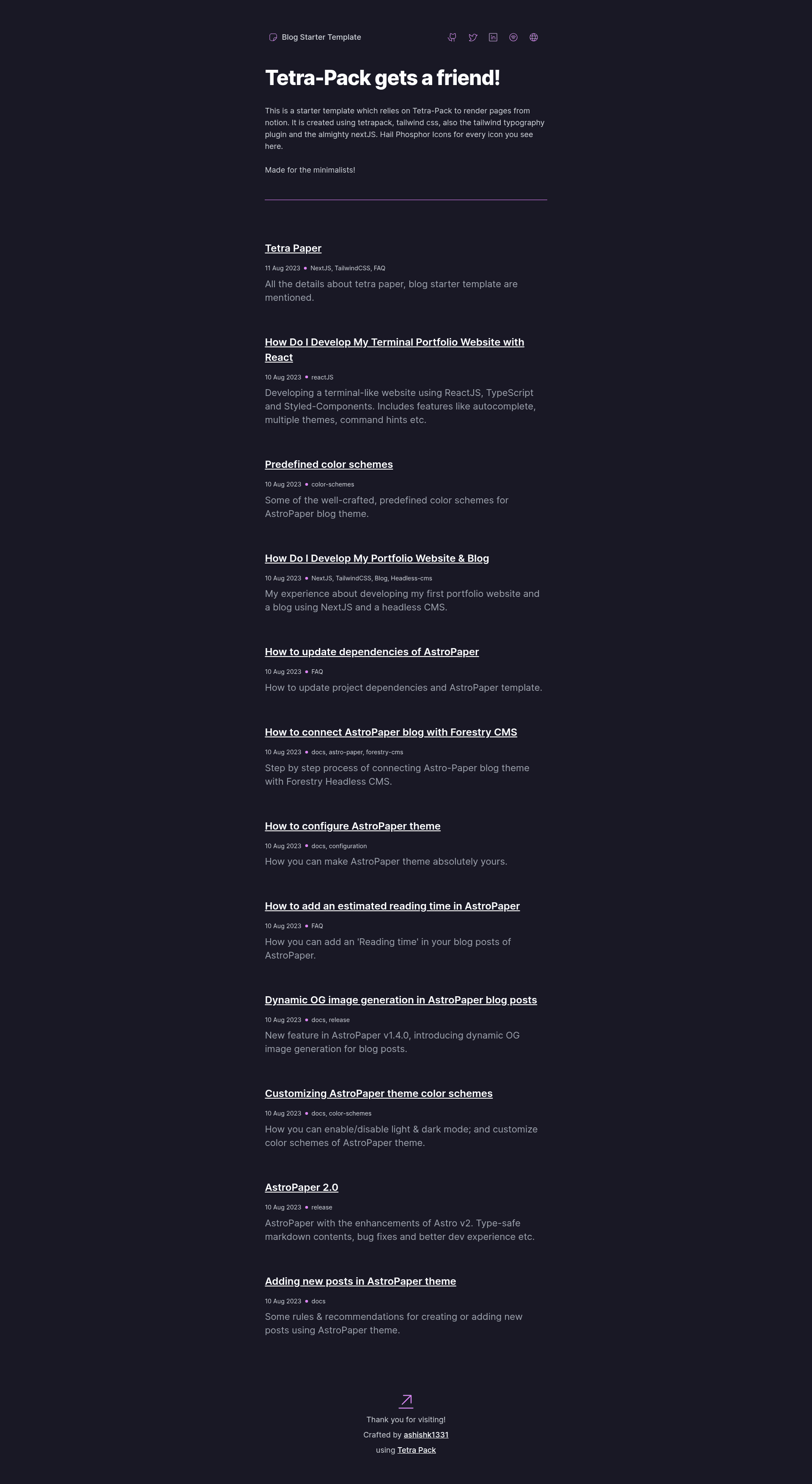
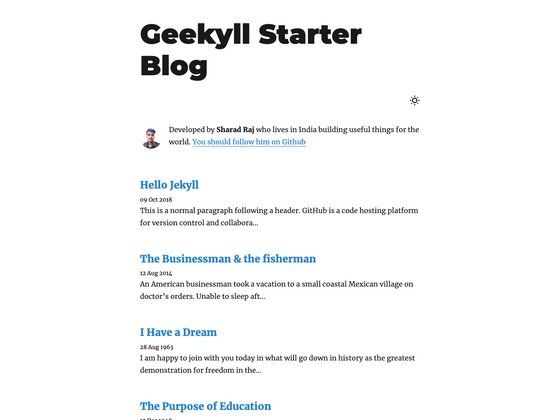
A starter blog template using TetraPack, Tailwind CSS, and Next.js, rendering posts from a Notion database.
About this template
Tetra Paper is a starter blog template built with Next.js, Tailwind CSS, and Tetra-Pack that renders blog posts directly from a Notion database. It is a minimal self-hosted blog solution with no separate CMS — your Notion pages become your posts.
What is Tetra Paper?
Tetra Paper is a Next.js starter template that uses Tetra-Pack to pull content from a Notion database and render it as a blog. You write posts in Notion, and the template fetches them using two environment variables: NOTION_TOKEN and NOTION_DATABASE. The final output is a Next.js site that can be deployed anywhere.
Key Features
- Notion as your CMS — write and manage posts in Notion; the template renders them automatically via Tetra-Pack.
- Next.js framework — built on Next.js, enabling server-side rendering and static generation for fast page loads.
- Tailwind CSS styling — styled with Tailwind CSS and the Tailwind Typography plugin, which provides clean prose formatting for article content.
- Phosphor Icons — the UI uses icons from Phosphor Icons, a consistent open-source icon set.
- Single-file configuration — edit
blog.config.jsto change the tagline, description, social contacts, and website title. - Two-key setup — only
NOTION_TOKEN(from the Notion developer dashboard) andNOTION_DATABASE(the ID of a duplicated Notion template) are needed to launch. - Live demo — a working example is deployed at blog-starter-tetrapack.vercel.app, so you can preview the result before building your own.
- Host anywhere — after running
npm run dev, the site can be built and hosted on Vercel, Netlify, or any static host.
Who is it for?
- Notion power-users — if you already keep notes and articles in Notion and want a blog with the same editing experience, this template removes the need for a separate content management system.
- Minimalist bloggers — the README says it's "made for the minilists," meaning people who want a small, focused personal blog rather than a feature-heavy site.
- Next.js developers — the codebase is a concise example of integrating Next.js with Notion through Tetra-Pack, useful for learning or as a foundation for custom projects.
What can you do with it?
- Publish posts from Notion — duplicate the provided Notion blog template, fill it with your writing, and the blog updates automatically.
- Customize the site — set the tagline, description, social contacts, and website title in
blog.config.jswithout touching any component code. - Deploy your own blog — clone the repository, add your Notion credentials, run
npm run dev, and then host the result anywhere you like.
How does it work?
The README outlines a step-by-step setup: clone the repository, edit blog.config.js, duplicate the Notion template to obtain the database ID, and create a .env file with NOTION_TOKEN and NOTION_DATABASE. After running npm run dev, the blog runs locally; once you're happy with the preview, you can build and deploy it to your preferred host.