Template details
GitWind Portfolio
A GitHub-themed portfolio and blog template built with Next.js and TailwindCSS.
About this template
GitWind Portfolio is a free, open-source GitHub-themed portfolio and blog template built with Next.js and TailwindCSS, created by dntandan.
What is GitWind Portfolio?
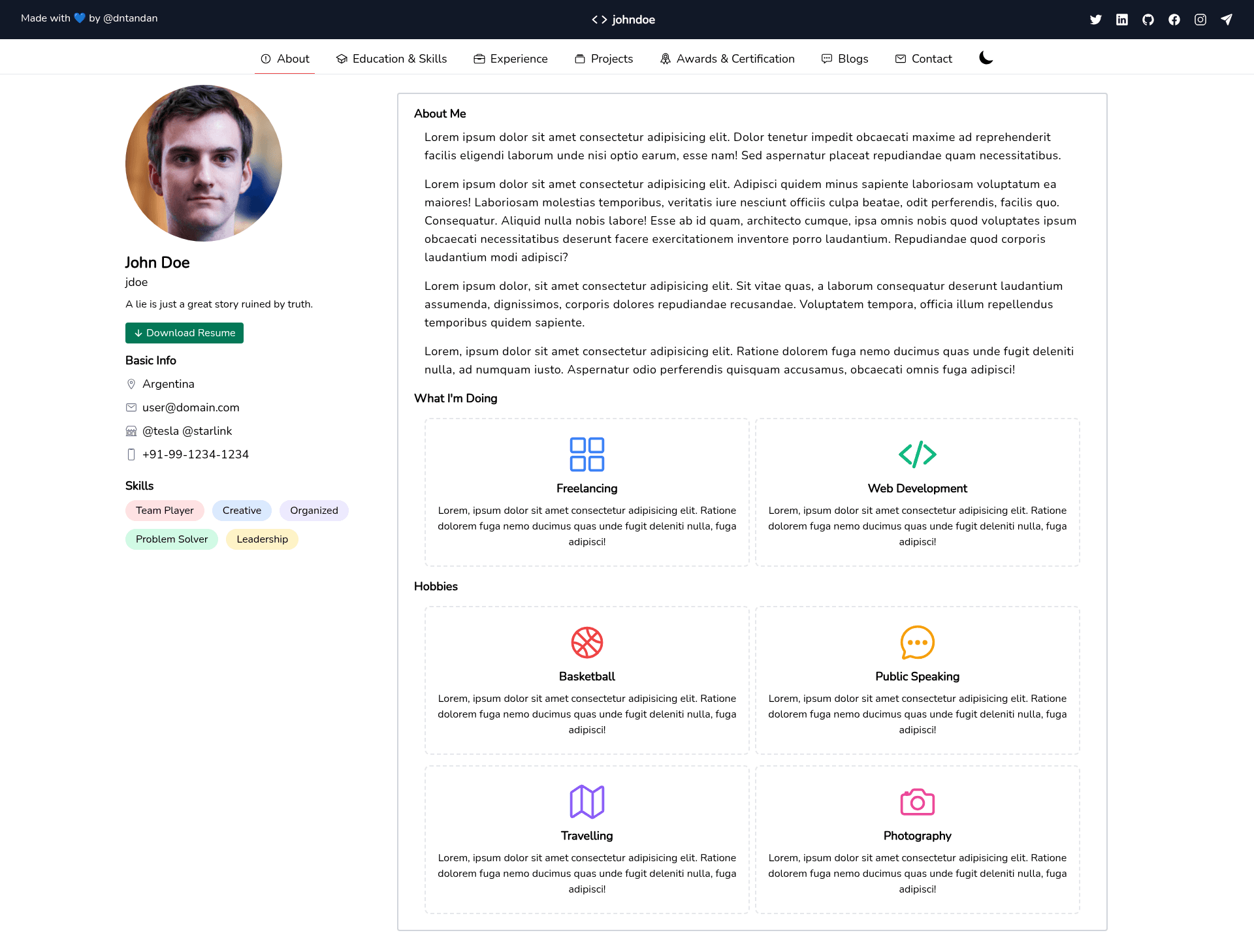
GitWind Portfolio is a GitHub-themed portfolio template built on the Next.js framework with TailwindCSS for styling. It takes your personal content — projects, profile info, blog posts — and generates a static portfolio site with a dark, GitHub-like interface. The template is open source under an MIT license and includes a one-click deploy button for Vercel, making it easy to go live. The repository is maintained by dntandan, who also uses it for a personal production site at dntandan.ml.
Key Features
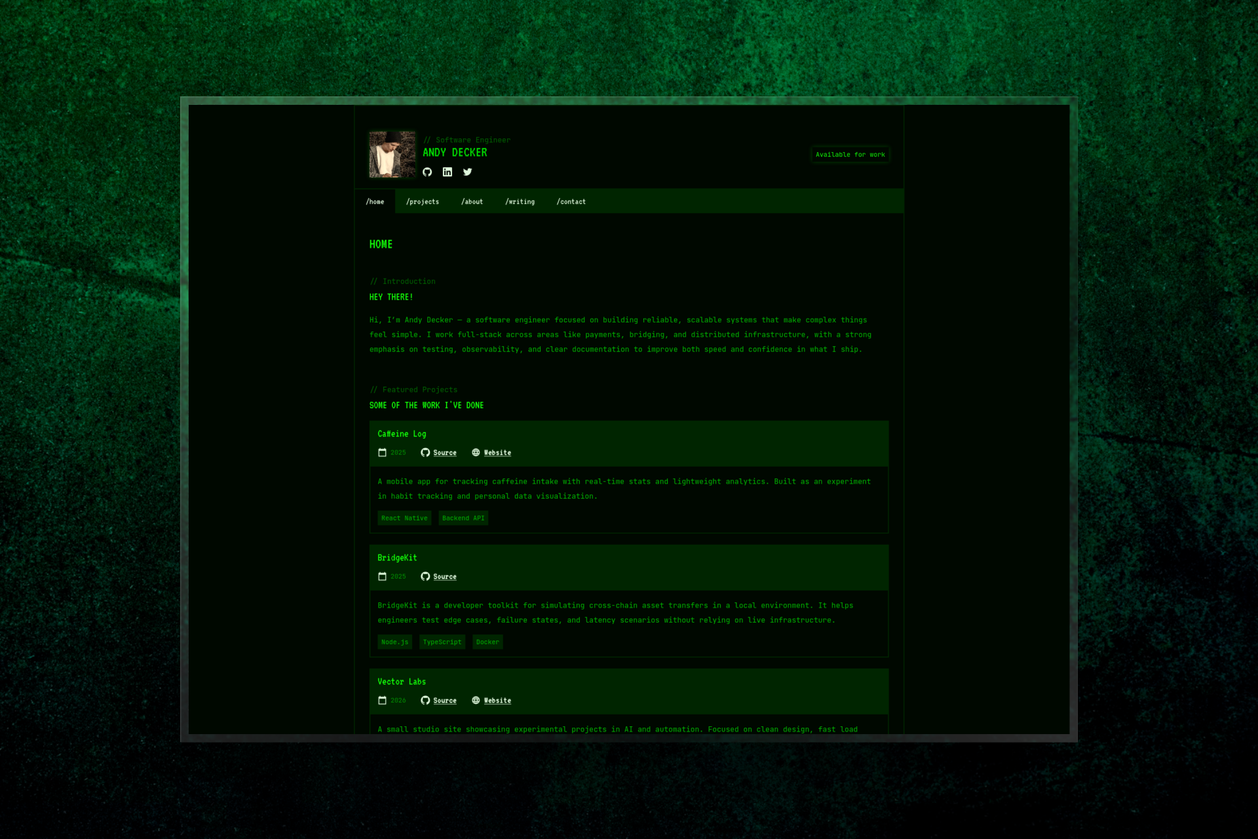
- Dark Theme — The entire interface uses a dark color scheme inspired by GitHub's look, with no light-mode toggle mentioned.
- Next.js Framework — Built on Next.js, giving you React-based rendering, a dev server via
yarn dev, and easy static export or server deployment. - TailwindCSS — Styling is handled with TailwindCSS utility classes, which makes customizing colors and spacing straightforward without writing custom CSS.
- Mobile Friendly — The layout is responsive and works on smaller screens without extra configuration.
- Blog Ready — The template supports a blog section, as shown in the author's personal demo which is a combined portfolio and blog.
- Vercel Deployment — A pre-configured deploy button lets you launch the site on Vercel by connecting your GitHub repository.
- Open Source — Released under the MIT license, allowing free use, modification, and redistribution.
Who is it for?
- Developers who want a portfolio that showcases their GitHub repos and projects in a familiar dark GitHub aesthetic.
- Technical bloggers who prefer a minimal, dark blog theme and already use the Next.js ecosystem.
- Open-source beginners looking for a well-documented starter template with clear installation steps and contribution guidelines.
What can you do with GitWind Portfolio?
- Showcase your projects: Use the GitHub-like layout to list repositories and personal projects with a professional dark theme.
- Publish a blog: Write posts that appear in a blog section, as demonstrated by the author's production site.
- Deploy quickly: Push the template to your GitHub account and click the Vercel deploy button to get a live URL within minutes.
How does GitWind Portfolio work?
The template is installed locally with Yarn: clone the repository, run yarn install to fetch dependencies, and yarn dev to start the development server. After customizing your content, you deploy it to Vercel using the provided deployment button or the standard Next.js build commands.
FAQ
Is GitWind Portfolio free?
Yes, it is open source under the MIT license, so you can use it for personal or commercial projects without paying a licensing fee.
What tech stack does it use?
It uses Next.js as the React framework and TailwindCSS for styling. The repository also lists React as a dependency, which is inherent to Next.js.
How do I deploy GitWind Portfolio?
The easiest method is to use the "Deploy with Vercel" button in the README, which connects your GitHub repository to Vercel and builds the project automatically. You can also run yarn dev locally and deploy the output manually.
Does it include a blog?
Yes, the template is designed for portfolio plus blog use. The author's personal demo at dntandan.ml is a production portfolio and blog built with this template.