Template details
Gatsby Starter Elemental
Gatsby starter for portfolio sites with blog, portfolio, and static pages for creatives.
About this template
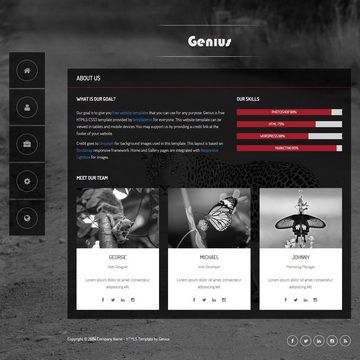
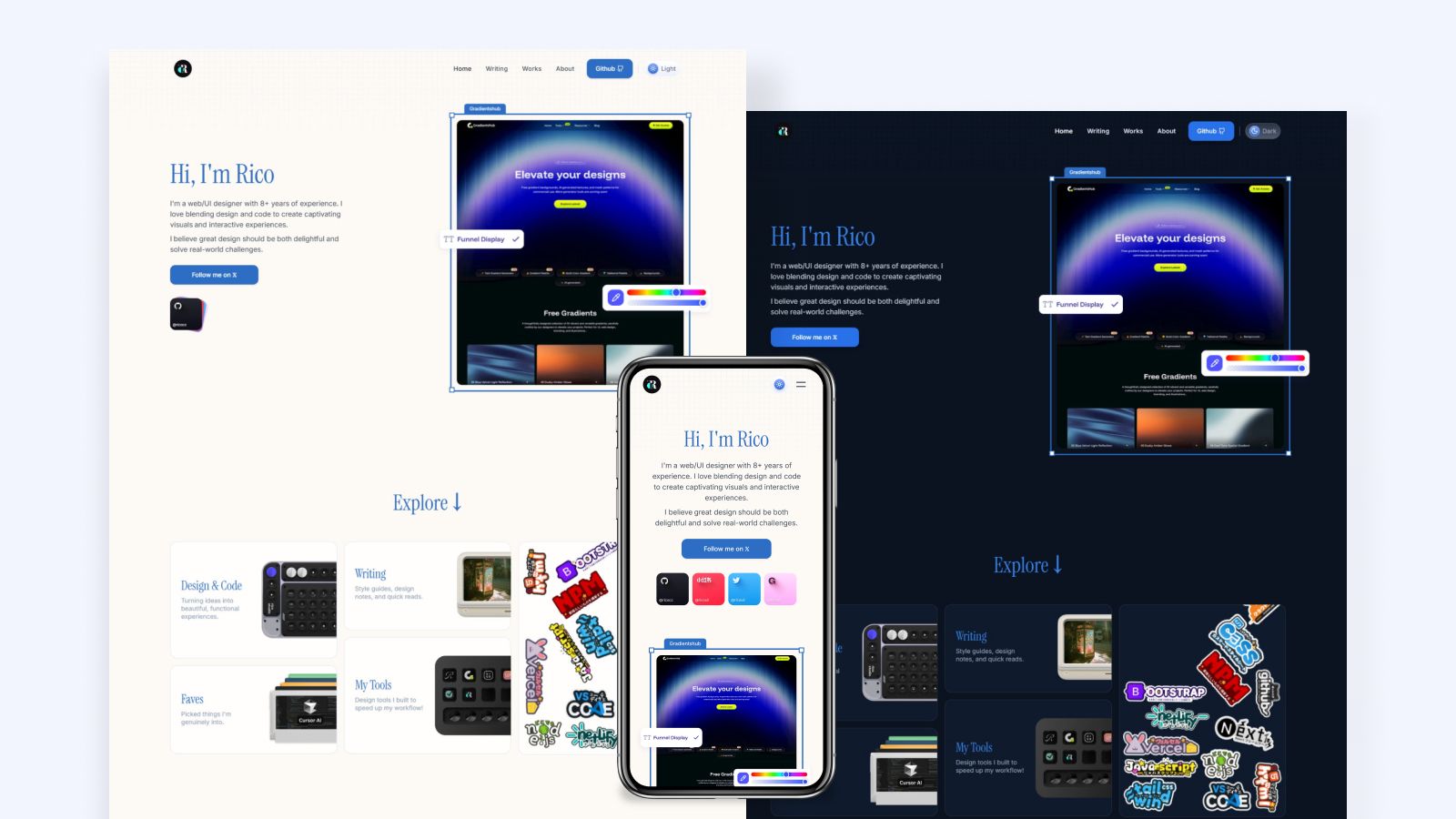
Gatsby Starter Elemental is a portfolio template for Gatsby that lets artists, photographers, and designers build a personal site with blog, portfolio, and static pages such as privacy policy. It is version 2.1.2, MIT licensed, and maintained by akzhy, with a live demo at https://elemental.netlify.app.
What is Gatsby Starter Elemental?
Elemental is a Gatsby starter that turns Markdown files into a static site for creative portfolios. It accepts content from three folders — contents/blog, contents/portfolio, and contents/basepages — and outputs pages for a homepage, blog listing, portfolio grid, and individual posts. The starter runs on Gatsby, so it produces a pre-rendered static site that can be deployed to any host, such as Netlify.
What makes it stand out?
Elemental combines built-in theming, Markdown content, and optional integrations that many portfolio starters lack.
- Dark mode and theme switcher — dark mode is enabled by default and can be toggled via the
switchThemesetting inconfig.js. - Configurable site metadata — the intro tag, title image, logo, favicon, open graph image, nav links, footer links, and social profile icons are all editable in
config.jswithout editing component code. - Blog and portfolio content — add a post by creating a folder under the corresponding content directory and an
index.mdwith frontmatter specifyingtitle,date,image,banner, anddescription. - Portfolio grid layout — portfolio posts support
RowandColcomponents inside Markdown to build responsive equal-width columns. - Contact form with validation hooks — the form appears only if an API URL is set in the
contactconfig (e.g. Getform);beforeContactFormSubmitcan validate name, email, and message, andcontactFormSubmitcontrols the request. - Disqus comments — optional comment threads on blog posts by setting the
disqusshortname inconfig.js. - Pagination — blog and portfolio sections respect
blogItemsPerPageandportfolioItemsPerPage, both defaulting to 10 items per page. - Open Graph and title images —
titleImagefills the homepage title area,ogImagesets the social share thumbnail, and each post can have its own image and banner.
Who should use Gatsby Starter Elemental?
Elemental is best for creatives and developers who want a Markdown-driven portfolio without a CMS.
- Photographers and videographers — showcase portfolios with a full-width title image and a two-column wall layout, supported by an intro tag such as
PHOTOGRAPHER | VIDEOGRAPHER. - Artists and designers — present project grids using the Row/Col Markdown components and write detailed case studies in the blog.
- Independent bloggers — publish Markdown posts with pagination, Disqus comments, and SEO descriptions.
- Developers building a quick personal site — scaffold a new Gatsby project and customize themes and content through
config.jsand Markdown folders.
Use cases
Here are the things you can actually do with this starter once configured.
- Creative professionals: publish a portfolio and blog with pagination, social links, and a contact form that posts to Getform — no CMS required.
- Site owners: add a Disqus shortname to enable comment threads on blog posts.
- Markdown authors: write content as Markdown files with a simple frontmatter schema; no admin panel or database involved.
- Developers: scaffold a new project with
gatsby new project-name https://github.com/akzhy/gatsby-starter-elemental, then rungatsby developfor local editing.
How does it work?
Getting started takes five steps, from installing Gatsby to running a production build.
- Install Node and Gatsby.
- Create a new project using the starter URL via
gatsby new. - Edit
config.jsto set title, site URL, social links, contact information, and theme preferences. - Add content folders under
contents/blog,contents/portfolio, orcontents/basepages, each containing anindex.mdfile. - Run
gatsby buildto generate a static site ready for deployment.
FAQ
Is Gatsby Starter Elemental free?
Yes, it is released under the MIT License.
What does Gatsby Starter Elemental do?
It converts Markdown files into a static portfolio website with blog, portfolio, and miscellaneous pages, built on Gatsby.
Can I remove the blog section?
Yes, delete everything inside the contents/blog folder (without deleting the folder itself) to hide the blog from the site.
How do I add a contact form?
Set the api_url value in the contact object to a service endpoint like Getform and the form appears automatically. If left empty or false, the form is hidden.
Does it support comments?
Yes, set the disqus field with your Disqus shortname and blog posts will include comment sections.