Template details
React-Bricks Portfolio
A portfolio boilerplate built with React-Bricks CMS, Next.js, Tailwind CSS, and TypeScript, deployed on Vercel.
About this template
React-Bricks Portfolio is a boilerplate portfolio template that lets you build and edit your site layout with the React-Bricks CMS Editor. The stack is Next.js for the framework, Tailwind CSS for styling, and TypeScript for typed components.
What is the React-Bricks Portfolio template?
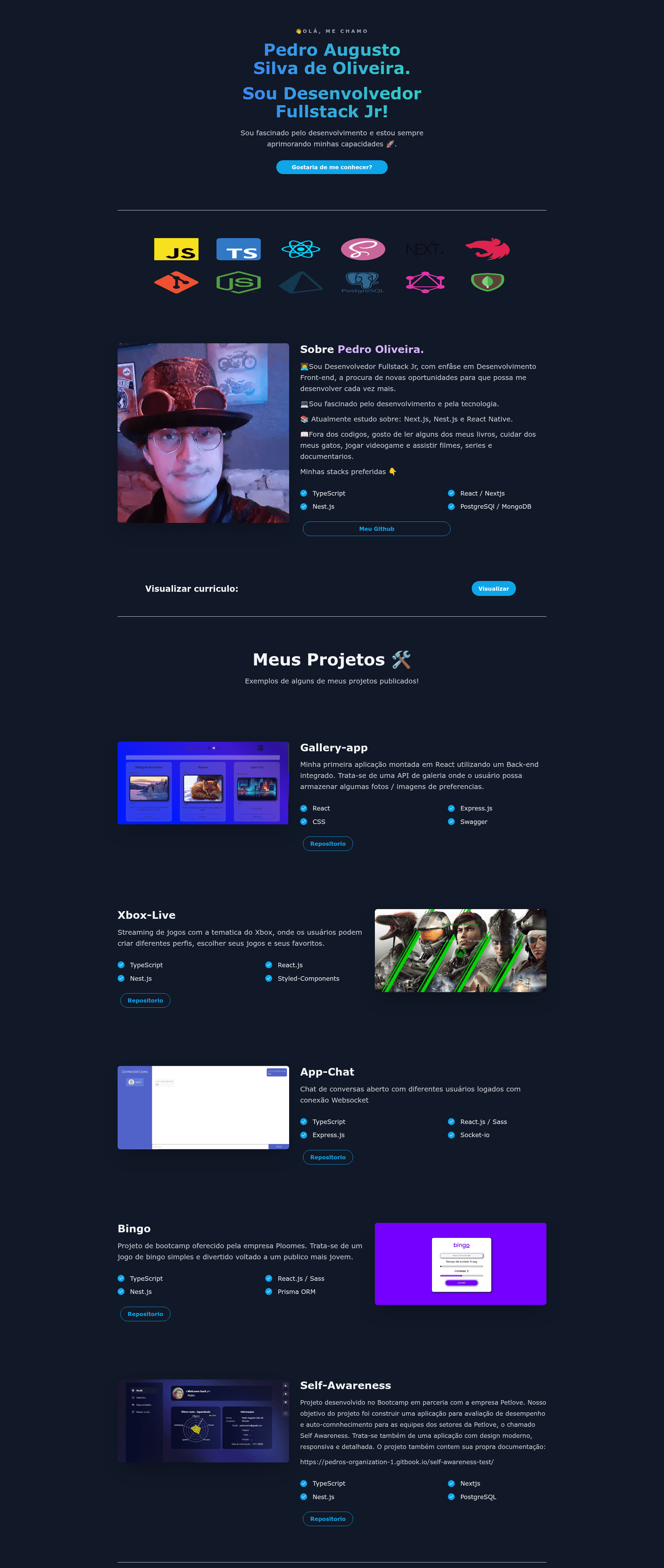
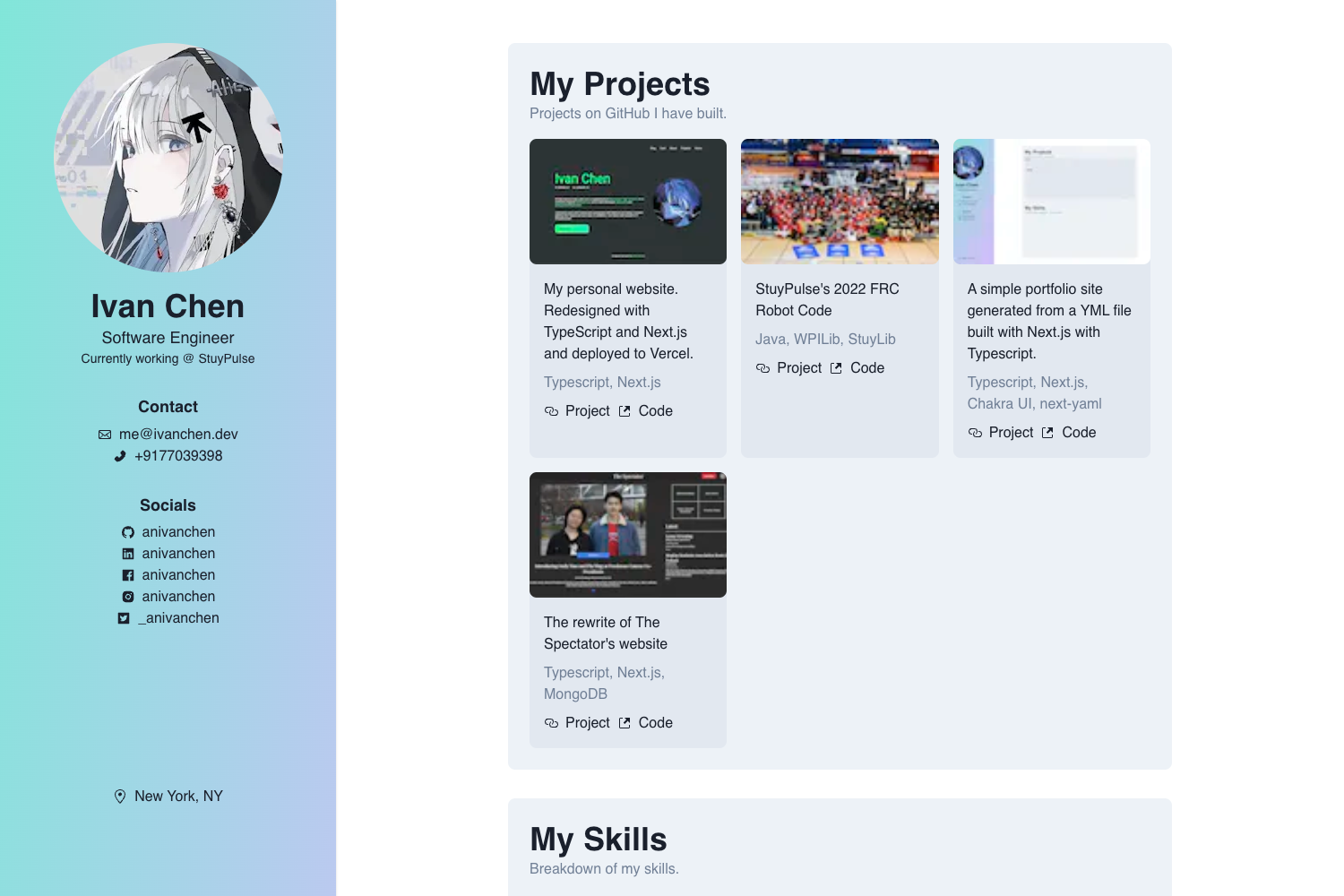
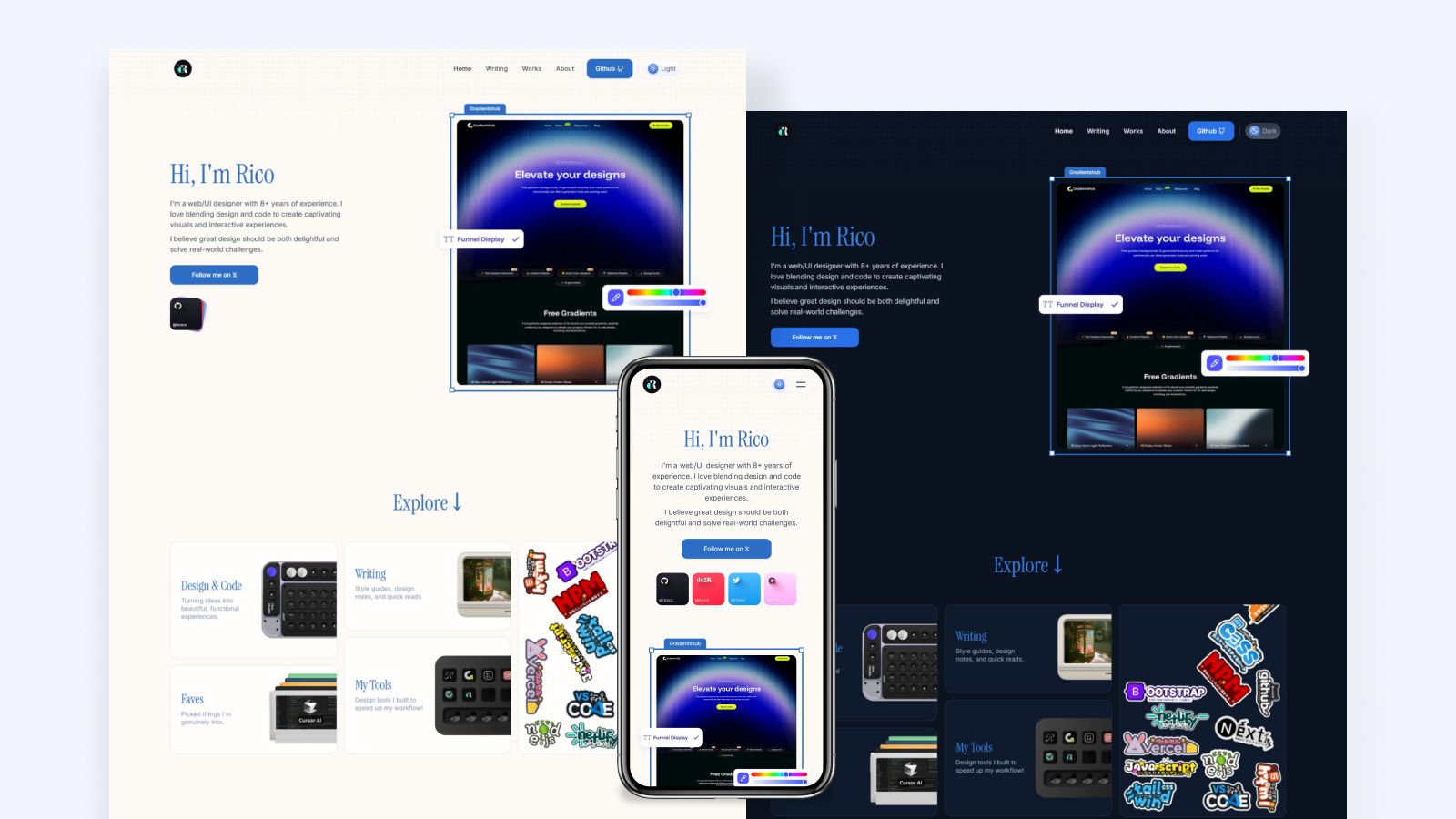
The React-Bricks Portfolio template is a simple portfolio site designed to present a person's profile and a selection of their completed projects. It uses the React-Bricks CMS Editor as its layout-building tool, meaning the page structure is assembled through React-Bricks' visual editing interface rather than hand-coded. The template runs on Next.js and is styled with Tailwind CSS, while TypeScript provides type safety across the codebase. It is published as a live project on Vercel, and the repository is tagged as a boilerplate, so it can serve as a reusable starting point for new portfolio projects.
Key Features
- React-Bricks CMS Editor — The template is built with the React-Bricks CMS Editor, which allows the layout to be constructed and edited inside the CMS's visual editor.
- Next.js framework — The project is built on Next.js, giving it React-based page rendering and the ability to deploy as a static or server-rendered site.
- Tailwind CSS styling — Tailwind CSS is used for styling, providing utility classes that speed up layout customization.
- TypeScript support — The codebase is written in TypeScript, adding static types to the portfolio's components and pages.
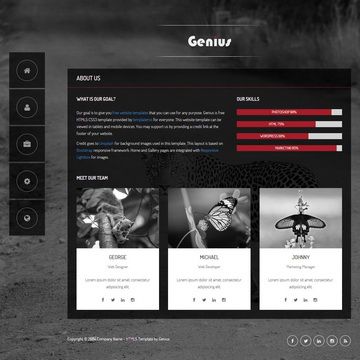
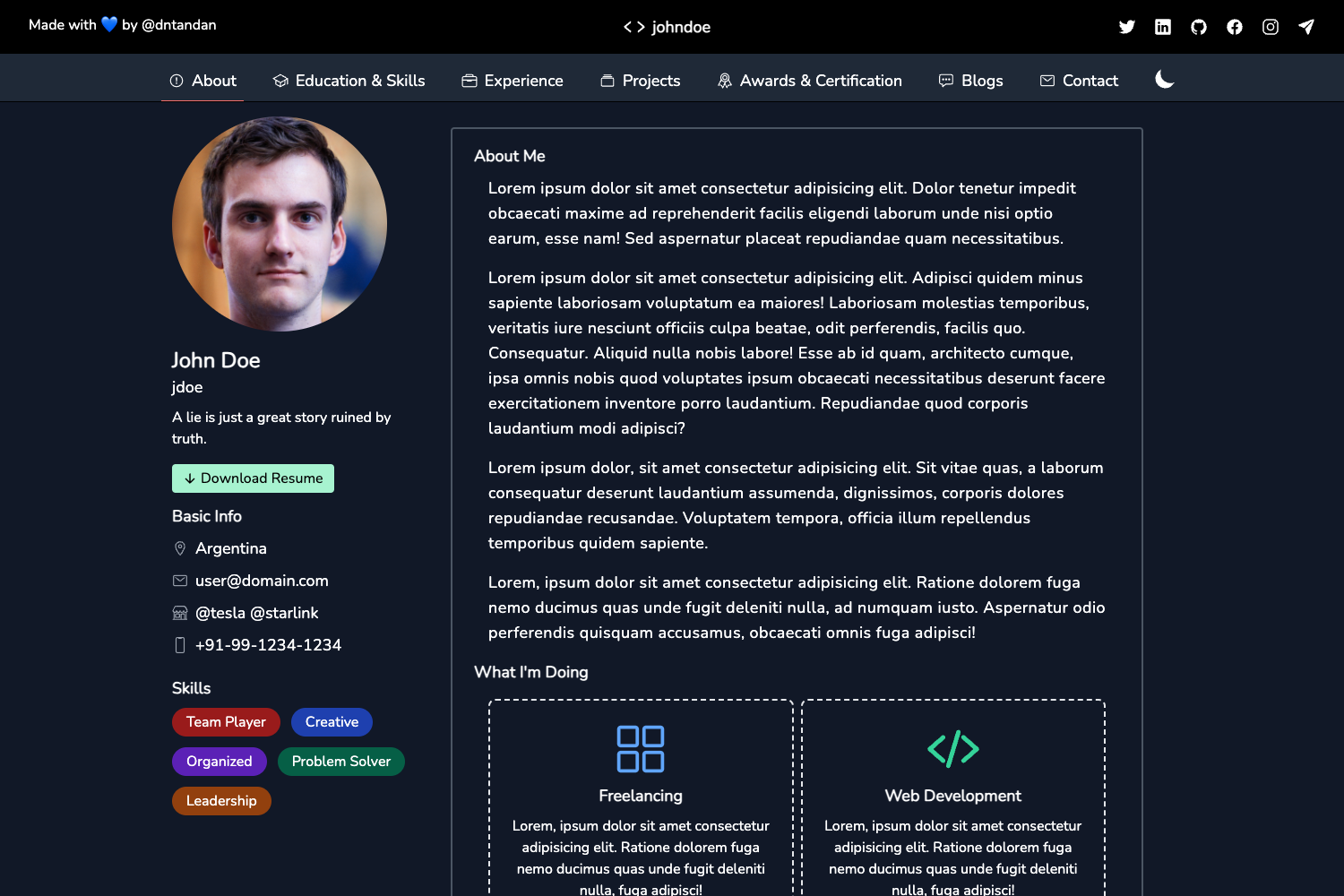
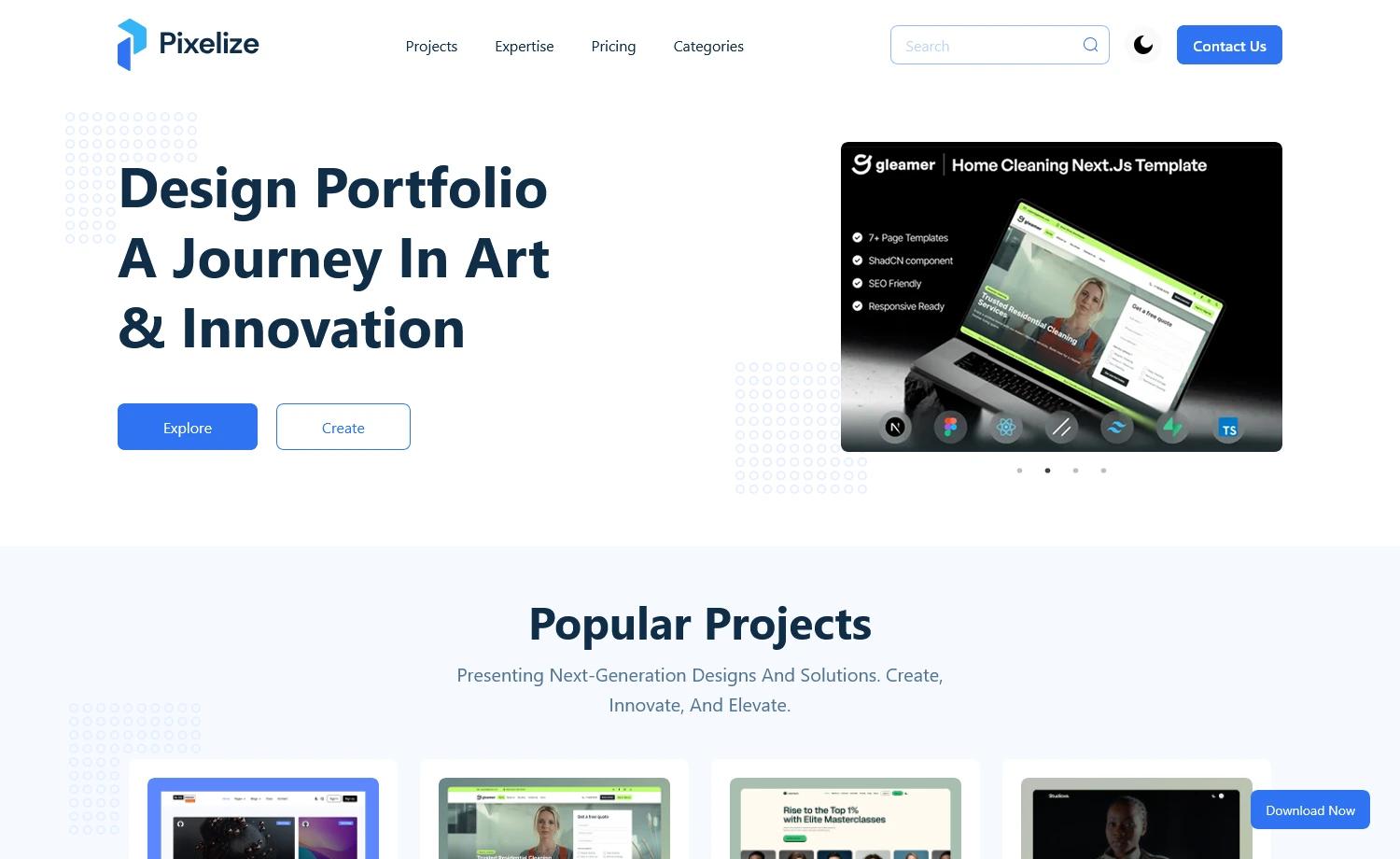
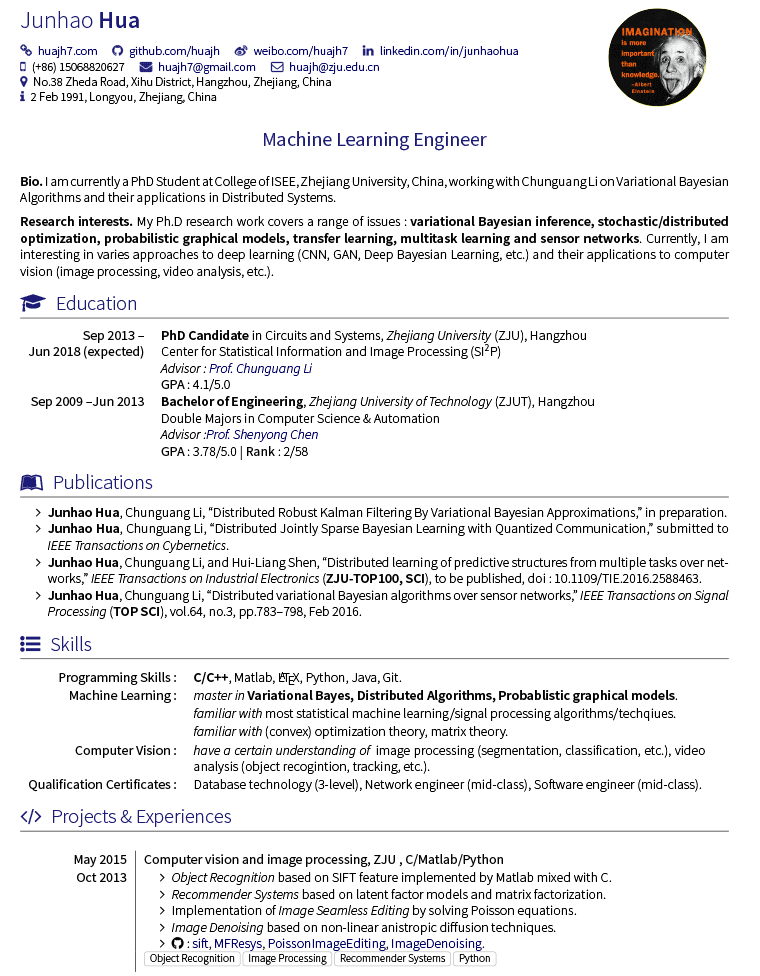
- Profile and project sections — The portfolio includes a profile section for personal information and a projects area to showcase previous work, as stated in the template's own description.
- Vercel deployment — The portfolio is deployed to Vercel, with a live instance available at https://portifolio-6wpt.vercel.app.
- Boilerplate structure — The repository is tagged as a boilerplate, meaning it is intended to be copied and adapted for new portfolio sites.
Who is it for?
The React-Bricks Portfolio template is aimed at developers, designers, and other professionals who want a personal portfolio site with a visual editing workflow. A developer can use it as a starting point and customize the layout via React-Bricks without writing layout code from scratch. A designer who prefers visual tools can manage the portfolio's content and structure through the React-Bricks CMS Editor. A freelancer or job seeker can quickly deploy the template to Vercel and fill in their own profile and project details to create a live portfolio.
What can you do with the React-Bricks Portfolio template?
- Developers: Set up a personal portfolio that presents your profile and selected projects, then deploy it to Vercel for a live site.
- Visual editors: Use the React-Bricks CMS Editor to rearrange the portfolio layout and update text content without touching the underlying Next.js code.
- Freelancers: Substitute the existing profile and project content with your own details and publish a polished portfolio for client pitches.