Template details
Grape Theme
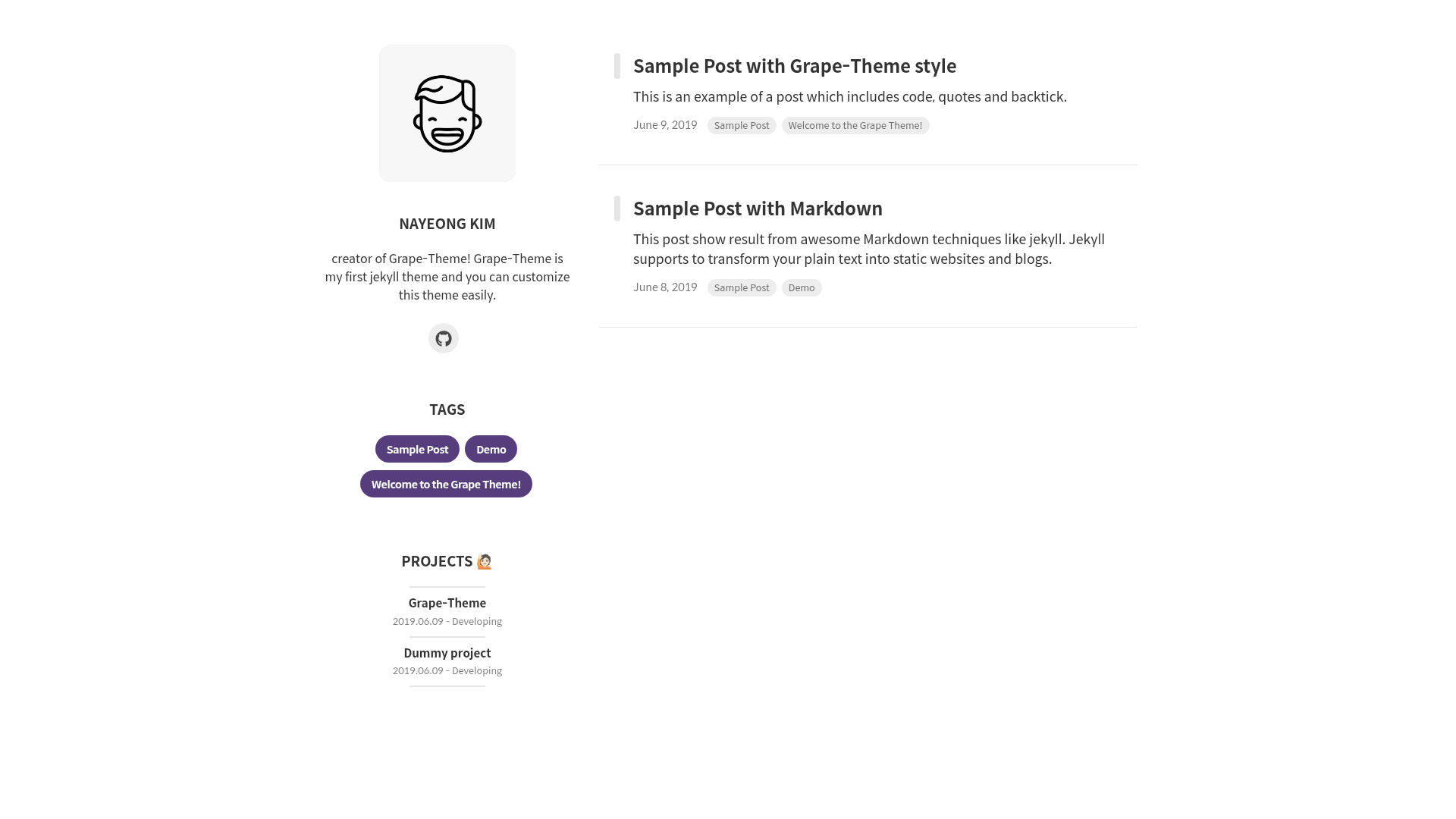
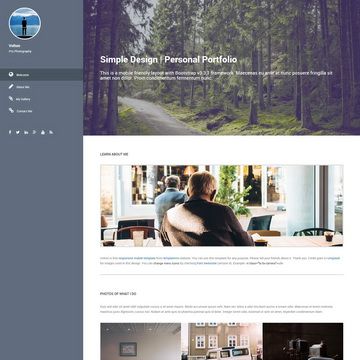
Free open-source Jekyll theme for building a blog and portfolio together with profile section, project showcase, and modal details.
About this template
Grape Theme is a free, open-source Jekyll theme for building a blog and portfolio in one static site, with a profile section on the home page and a project showcase with modal detail views. The theme is maintained by naye0ng, released under the MIT License, and demonstrated live at grape-theme.netlify.com.
What is Grape Theme?
Grape Theme is a Jekyll-based theme that produces a static site with two core page types: a blog and a portfolio. You configure it by editing _config.yml for blog and profile settings and _data/projects.yml for project entries; Jekyll then generates the HTML output. It runs on any Jekyll environment, including GitHub Pages, and its demo is hosted on Netlify. The repository (naye0ng/Grape-Theme) has 121 stars and describes itself as good for both portfolio and blog use.
Key Features
- Profile section — The home page displays a profile image, username, description, plus an experience timeline and skills bars with percentage values, all set in
_config.yml. - Portfolio page with modal details — Projects listed in
_data/projects.ymlappear as cards; settingmodal: Trueenables a modal with detailed contents (title, image, description), whilemodal: Falsehides the button. - Print projects on landing page — Set
print: Trueon a project to also render its information on the home page, not just the portfolio page. - Pagination — The number of posts per page is controlled by the
paginatevalue in_config.yml(example uses 5). - Disqus comments — Add your Disqus shortname in
_config.ymland setcomments: truein a post's front matter to enable comment threads on blog posts. - Centralized color theming — All colors are defined in
_sass/base/_variable.scss, so you can change the whole site's palette from one file. - Customizable post styling — Post tag rendering styles live in
_sass/base/_utility.scss, with two demo posts showing how different HTML and markdown tags are drawn. - Front matter extras — Posts support a subtitle, tags, author, and comments flag in their YAML front matter.
Who is it for?
- Developers and designers who want a single personal site that combines a blog and project portfolio without building from scratch.
- Job seekers and freelancers who need to showcase experience, skills, and project links in a structured layout for clients or recruiters.
- Jekyll users who prefer configuration-file-driven customization (editing
_config.ymlandprojects.yml) over heavy UI admin panels.
What can you do with it?
- Publish blog posts — Write markdown files in
_postswith the filename formatYYYY-MM-DD-title.mdand front matter (layout, title, subtitle, tags, author, comments) to generate dated posts. - Showcase projects — Add each project with a full URL, image path under
assets/project/, date range, title, summary, and optional modal contents to build a portfolio page with external links. - Embed a résumé-style profile — Fill the profile block in
_config.ymlwith experience entries and skill percentages to display work history and technical proficiency on both the home and portfolio pages.
How does Grape Theme work?
- Fork and clone the repository, then install Jekyll with
gem install jekyll. - Run
bundle installto install the theme's dependencies. - Update
_config.ymland_data/projects.ymlwith your settings. - Run
bundle exec jekyll serveto preview locally, then build and deploy to GitHub Pages or Netlify.
FAQ
Is Grape Theme free?
Yes. It is open source under the MIT License, so you can use, modify, and redistribute it freely for personal or commercial projects.
Do I need to know Jekyll to use it?
Basic familiarity with Jekyll helps. You edit two YAML configuration files and add markdown posts; no Ruby coding is required, but you must have Jekyll installed to build the site.
Can I use it without the portfolio page?
Yes. Portfolio features are driven entirely by _data/projects.yml and the print/modal flags; if the file is empty or no projects are set, the blog works independently.
Does it support comments?
Yes, through Disqus. Add your Disqus shortname to _config.yml and set comments: true in a post's front matter to enable comments on that post.
What is the filename requirement for posts?
Posts must follow YYYY-MM-DD-title.md inside the _posts folder. The theme's author notes that using English filenames avoids issues with Google search indexing.