Template details
Folio UI
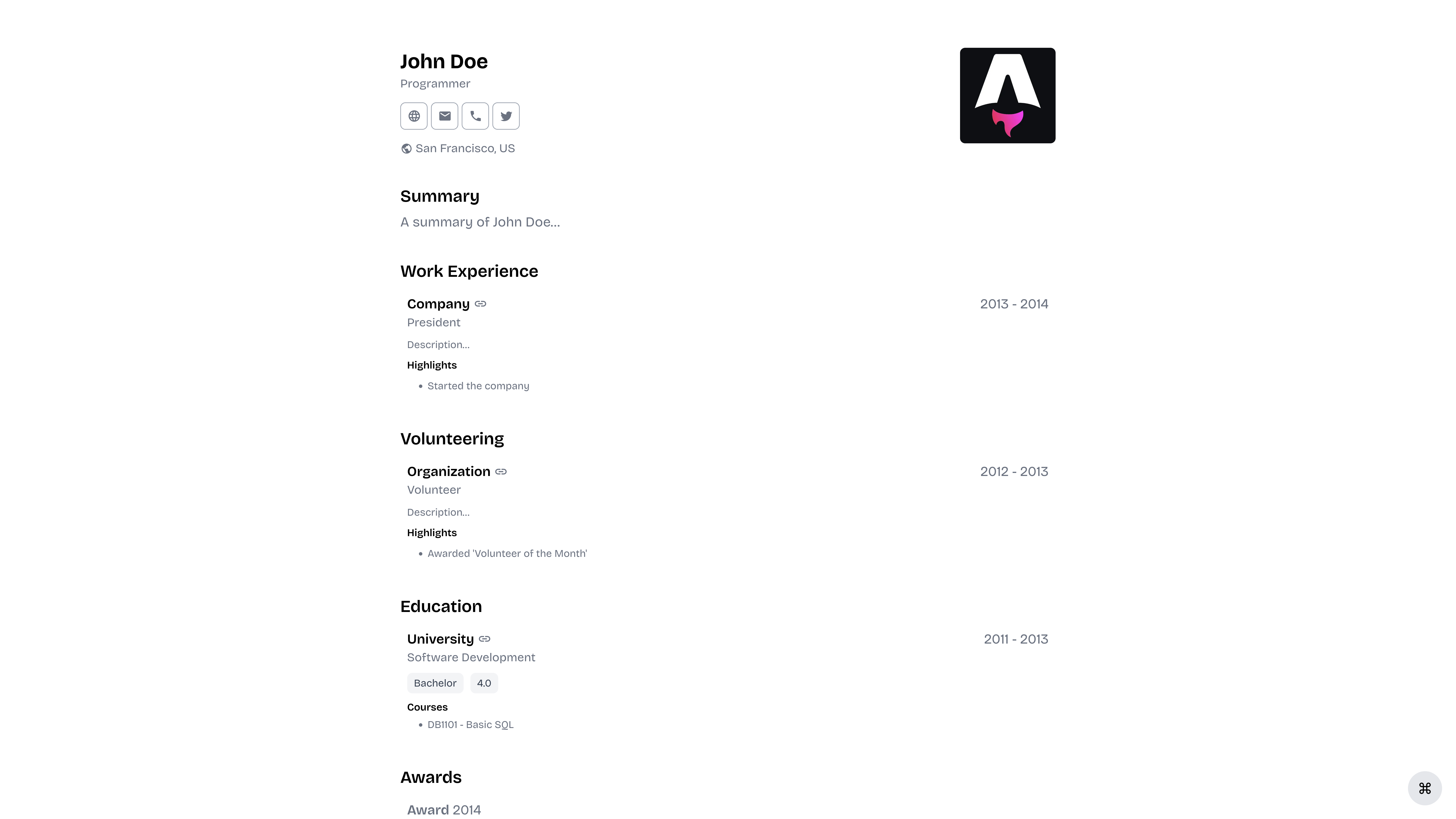
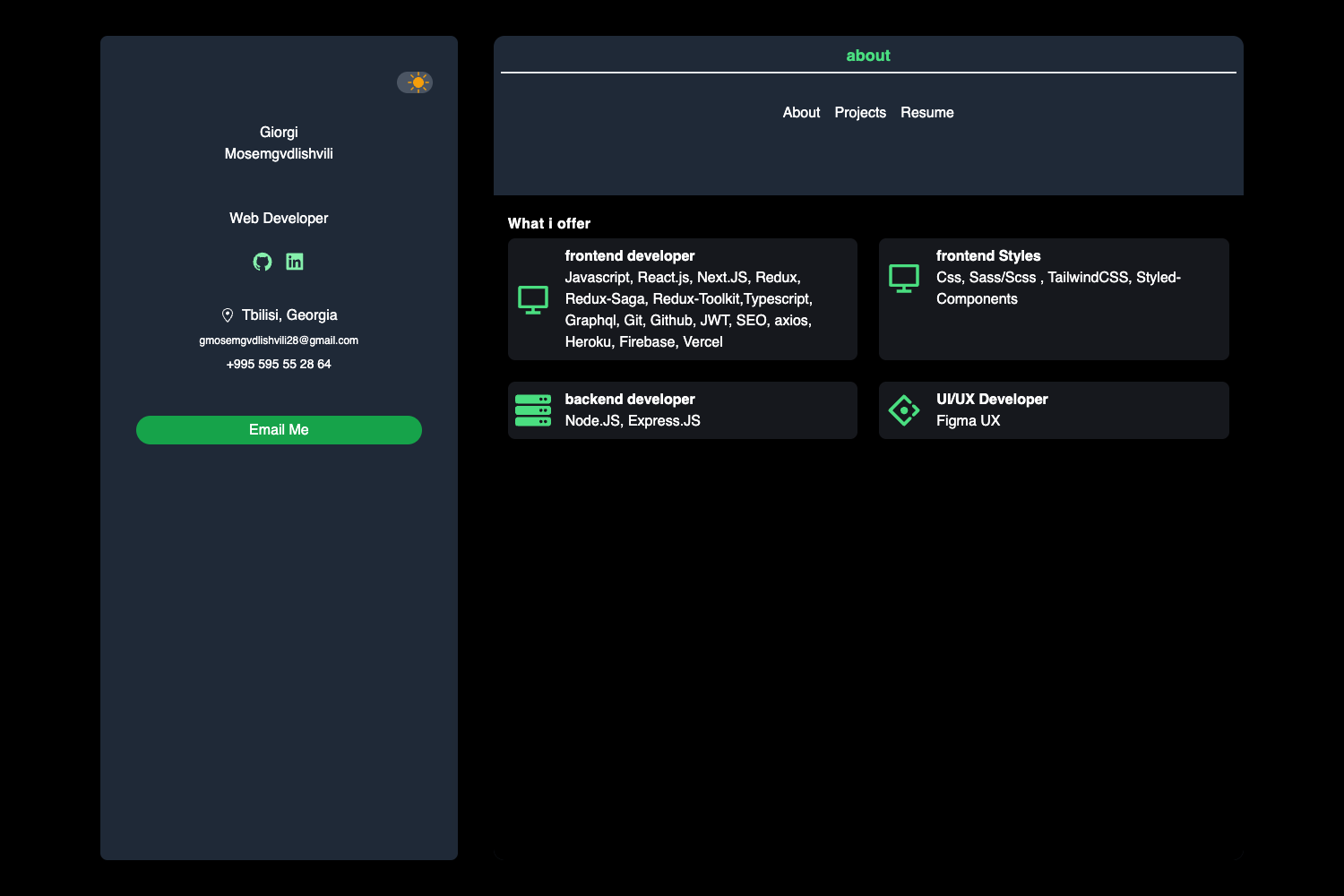
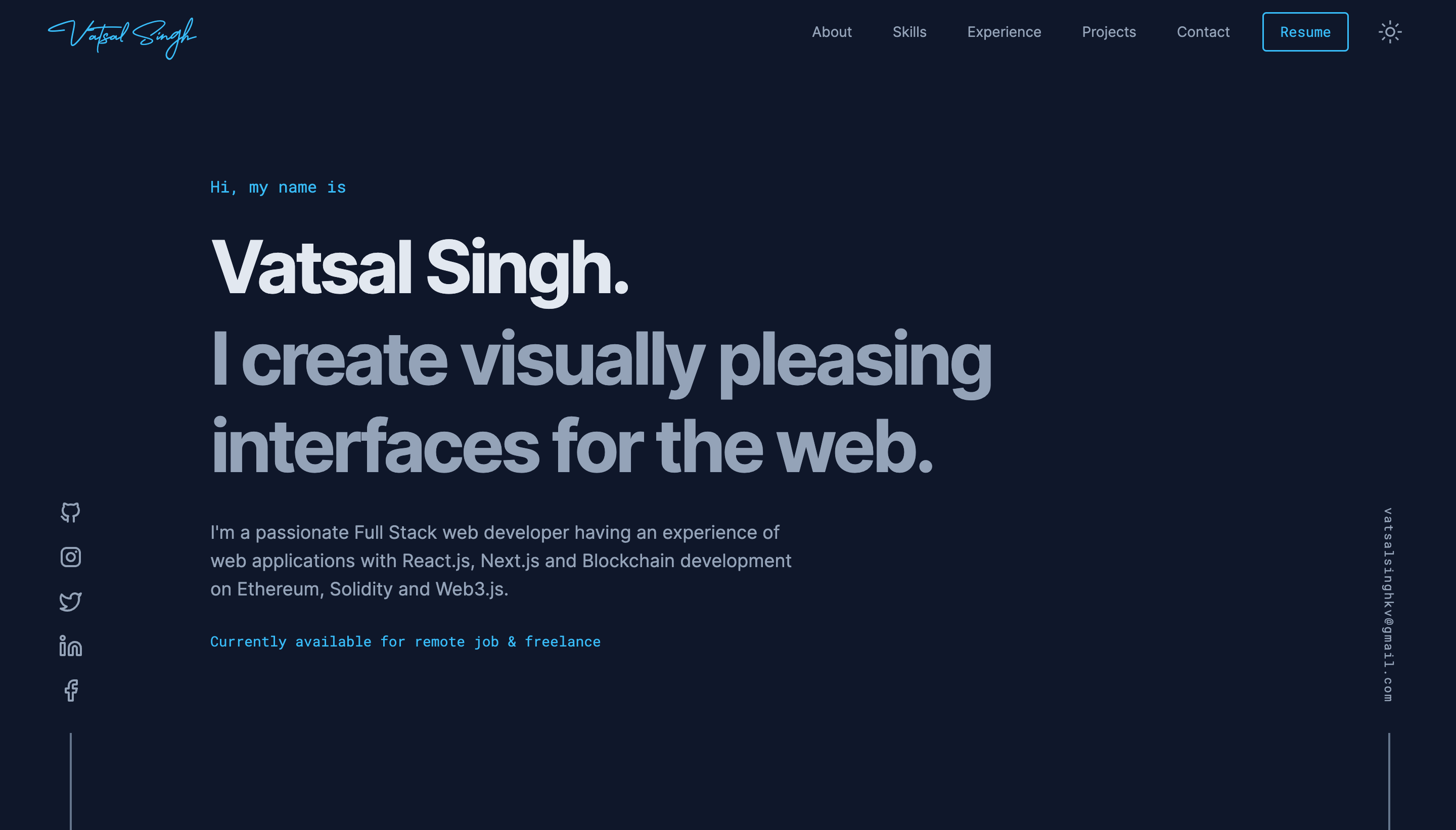
A simple, modular and minimalistic component library that gives you the building blocks you need to build your portfolio.
About this template
FolioUI is a minimalistic, modular React component library that provides building blocks for creating portfolio websites, distributed via npm and licensed under MIT.
What is Folio UI?
FolioUI is a simple, modular and minimalistic component library that gives you the building blocks you need to build your portfolio. It runs on React and is designed to work with Next.js, using SCSS for styling and TypeScript for type safety. The library is authored by Dulaj Kavinda and published to npm as folio-ui, with documentation available at folio-ui.com. It produces reusable UI components such as buttons, avatars, and other primitives that you can drop into a portfolio project.
Key Features
- Modular and minimalistic — FolioUI is intentionally small and focused, providing only the components you need for a portfolio without unnecessary bloat.
- TypeScript support — The library is written in TypeScript, giving you typed props and better editor autocompletion.
- SCSS styling — Components are styled with SCSS, which you can easily customize or extend with your own theme.
- Storybook documentation — The project includes Storybook, allowing you to view and develop components in isolation at localhost:6006.
- Package manager support — Install via npm, yarn, or pnpm with a single command.
- Simple API — Import components like
Buttonand render them as JSX, e.g.<Button>Hello</Button>. - MIT License — Free to use, modify, and distribute, even in commercial projects.
- Next.js compatibility — Built for React ecosystems and particularly suited for Next.js portfolio projects.
Who is it for?
- Portfolio developers — Developers who want to quickly assemble a personal portfolio site using ready-made React components rather than writing all the CSS and markup from scratch.
- Next.js users — Builders using the Next.js framework who need a lightweight component kit that fits into their existing project structure.
- Design-minded developers — Those who prefer a minimal, modular aesthetic and want to customize components with SCSS to match their own brand.
What can you do with Folio UI?
- Build a personal portfolio — Combine FolioUI components like buttons and avatars to create a professional-looking portfolio page with minimal effort.
- Prototype a portfolio layout — Use the library in a Storybook environment to quickly mock up different sections and component combinations before integrating them into your site.
- Extend with your own theme — Since the styles are SCSS-based, you can override variables and add your own design tokens to make the components fit your identity.
How does Folio UI work?
- Install the package using your preferred package manager (npm, yarn, or pnpm).
- Import components from the library, e.g.
import { Button } from 'folio-ui'. - Use the components in your JSX just like any React component.
- For local development, clone the repo, run
yarn installandyarn run storybookto start Storybook at http://localhost:6006, and runyarn testto execute the test suite.
Pricing
FolioUI is free and open source under the MIT License. You can use it in personal and commercial projects without paying any licensing fees.
FAQ
Is FolioUI free?
Yes, FolioUI is licensed under the MIT License, which allows free use, modification, and distribution, including in commercial projects.
What is FolioUI?
FolioUI is a minimal, modular React component library specifically designed to help you build portfolio websites. It provides building-block components like buttons and avatars, styled with SCSS and written in TypeScript.
How do I install FolioUI?
You can install it with npm (npm i folio-ui), yarn (yarn add folio-ui), or pnpm. Once installed, import components directly into your JavaScript or TypeScript files.
Where can I find the documentation?
Documentation is available online at folio-ui.com, with component-specific pages such as the avatar component documentation at https://www.folio-ui.com/docs/components/avatar.
Does FolioUI work with Next.js?
Yes, FolioUI is built for React and is compatible with Next.js. The project's repository lists Next.js as a topic, and it's designed to fit into modern React and Next.js workflows.