Template details
portfolio-v2
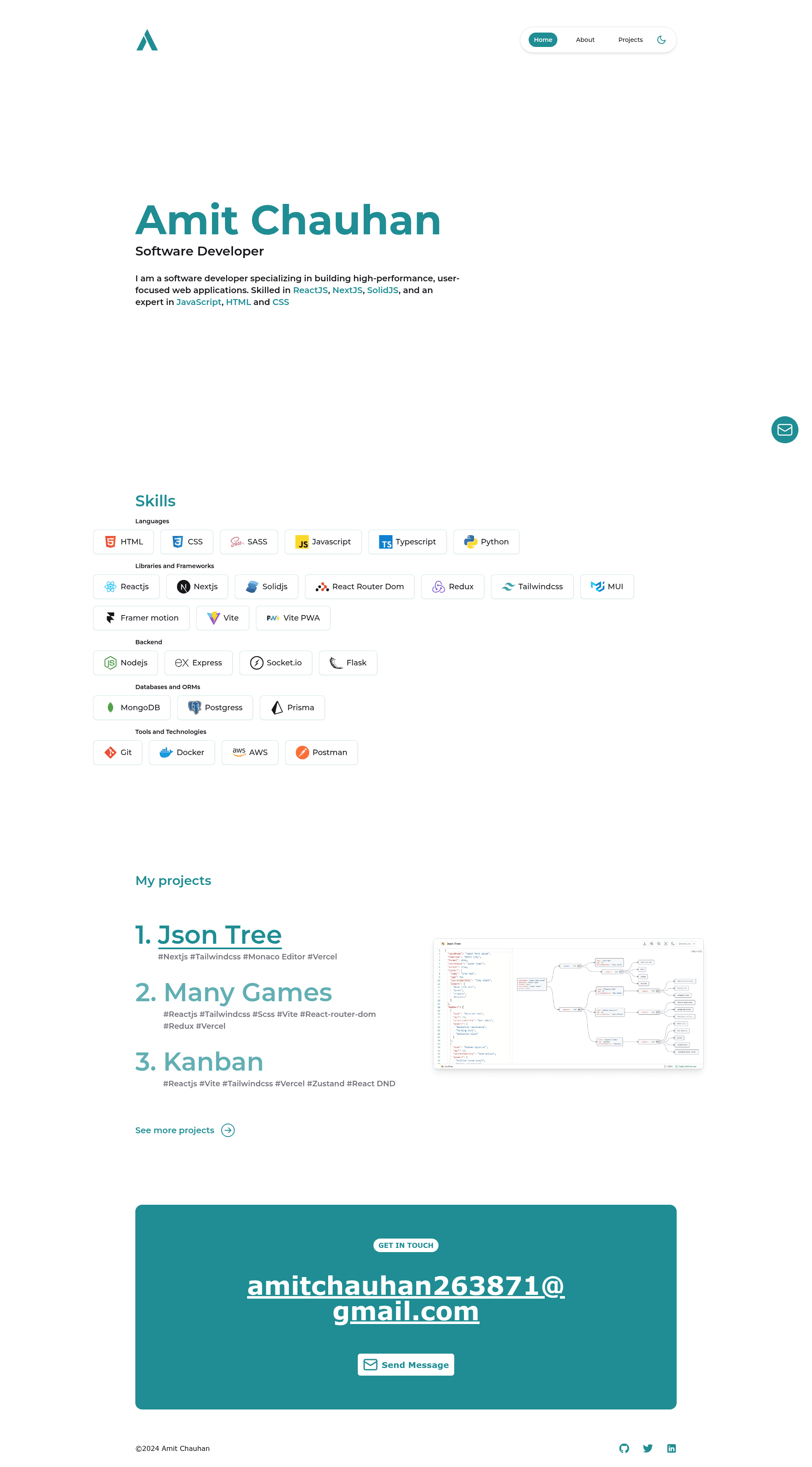
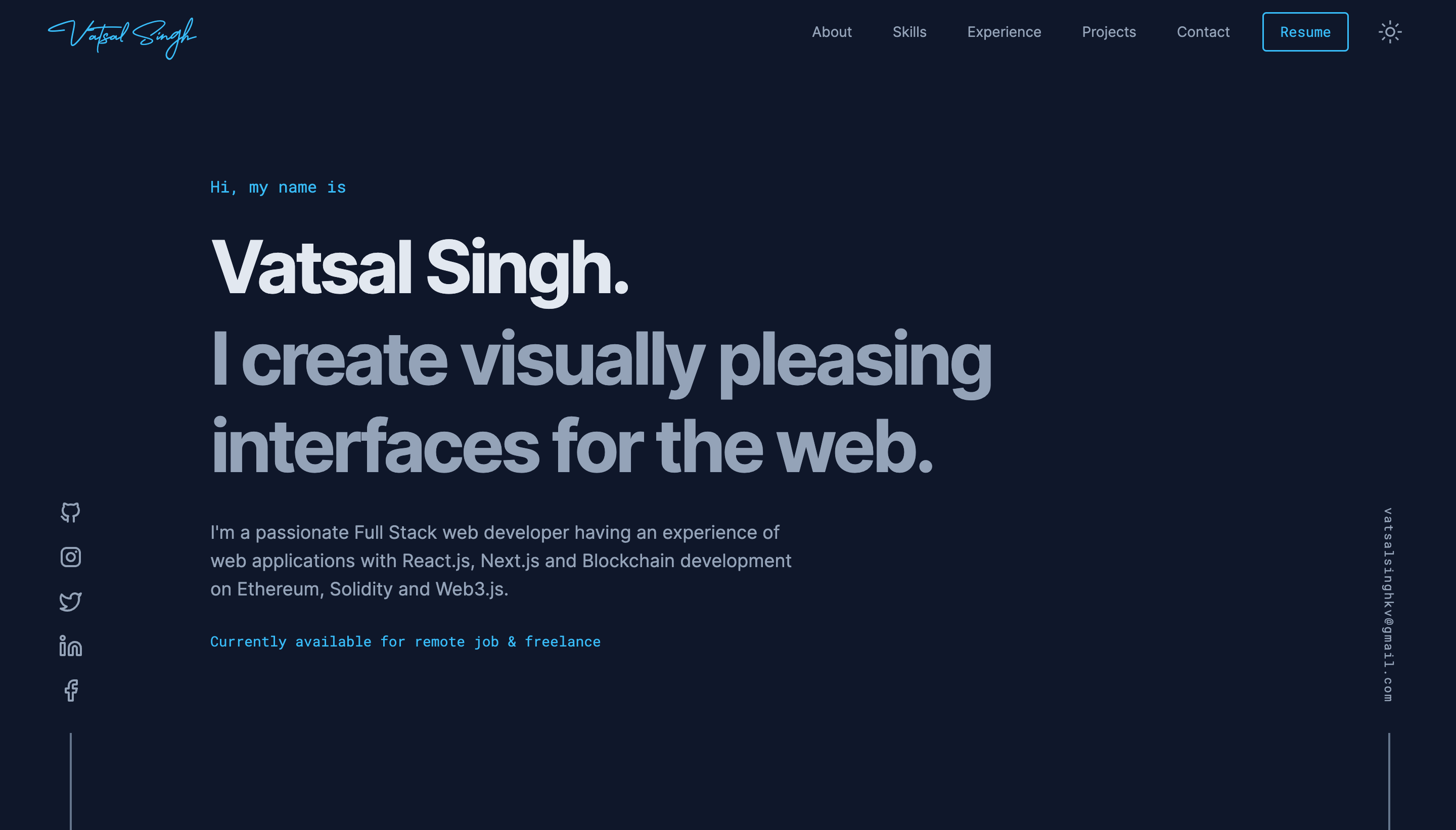
Portfolio website made using Nextjs 13, Tailwindcss and Framer motion
About this template
Portfolio-v2 is a free and open-source portfolio website template built with Next.js 13, TypeScript, Tailwind CSS, and Framer Motion, designed to display a developer's projects, skills, and a working Nodemailer contact form.
What is portfolio-v2?
Portfolio-v2 is an open-source portfolio template built on Next.js 13 that turns a developer's content, including project data and site metadata, into a personal website with Framer Motion animations. The repository is published on GitHub under the BUMBAIYA account as amitchauhan-v2 and includes a contact form wired through Nodemailer, premade color themes, and automatic sitemap.xml and robots.txt generation. The template is written in TypeScript and styled with Tailwind CSS.
Key Features
- Next.js 13 framework — React-based, open-source framework for building efficient web applications; the README directs that Nodemailer transporters and mail functions live in Next.js API routes so credentials never reach the client.
- Tailwind CSS — Utility-first CSS framework used for rapid UI development across the template components.
- Framer Motion — React animation library that adds motion to the user interface, including an animated logo whose theme color must be hard-coded separately from the CSS variables.
- Nodemailer email integration — Node.js library supporting attachment handling and HTML content; configured through NODEMAILER_USER and NODEMAILER_PASS environment variables using a Google App Password.
- Customizable themes — Premade themes inside theme-examples.css (shown examples: Violet, Rose, Yellow) that you copy into globals.css, or create your own; CSS variables accept only HSL values separated by spaces.
- Automatic SEO output — Generates sitemap.xml and robots.txt into the public folder via src/scripts/generateSitemap.mjs, run after the build or with the command
pnpm sitemap; dynamic routes with bracketed names such as [slug] are excluded. - Google Site Verification — Replace the verification code inside src/data/siteMetaData.mjs with your own, obtainable for free at Google Search Console.
- Open-source license — The README grants freedom to modify, distribute, and use the code for any purpose with no restrictions.
Who is it for?
- Frontend developers — who want a ready-made portfolio on the Next.js 13 stack that they can deploy, extend with API routes, and restyle through CSS variables.
- Freelancers and designers — who need an animated, themeable portfolio site with a contact form and SEO files without building the foundation from scratch.
- Job-seeking developers — who want a free personal site with automatic sitemap and robots.txt generation to improve search visibility of their projects.
What can you do with it?
- Developers: deploy a personal portfolio with Next.js pages, Framer Motion animations, and a contact form that sends email through Google App Passwords.
- Open-source contributors: fork the repository and submit pull requests or open issues, as the README explicitly invites improvements and bug reports.
- Customizers: switch between the included premade themes (Violet, Rose, Yellow) or define a new theme by editing the HSL-based CSS variables in globals.css.
How does it work?
Setup follows three steps: create a Google App Password under 2-Step Verification, set NODEMAILER_USER and NODEMAILER_PASS in a .env file, then install dependencies with pnpm install and start the development server with pnpm dev at http://localhost:3000. The build also runs the sitemap script so sitemap.xml and robots.txt are written to the public folder automatically.
FAQ
Is portfolio-v2 free to use?
Yes. The README states the project is open source and grants freedom to modify, distribute, and use the code for any purpose without restrictions, including using it as a template for your own portfolio.
How do I set up the Nodemailer contact form?
Go to your Google Account, select Security, then 2-Step Verification, then App passwords. Create an app, copy the generated password, and use it as the value for NODEMAILER_PASS with your email as NODEMAILER_USER in a .env file. Passwords are not visible once closed.
Why should Nodemailer credentials be kept out of GitHub?
Pushing NODEMAILER_PASS can give access to your Google email. The README instructs using a .env file and Next.js API routes for the transporter and mail functions, because API routes run only on the server and cannot expose the credentials to the client.
What theme options are included?
The repository ships premade themes in theme-examples.css, with Violet, Rose, and Yellow shown as examples. You copy one theme's styles into globals.css or edit the CSS variables directly; variables accept only HSL values separated by spaces, and the animated logo color is hard-coded.
Does the template generate SEO files automatically?
Yes. sitemap.xml and robots.txt are generated into the public folder by the scripts in src/scripts/generateSitemap.mjs, either after building the project or by running pnpm sitemap. Dynamic routes identified by bracketed folder or file names are excluded from the sitemap.