Template details
Gravity
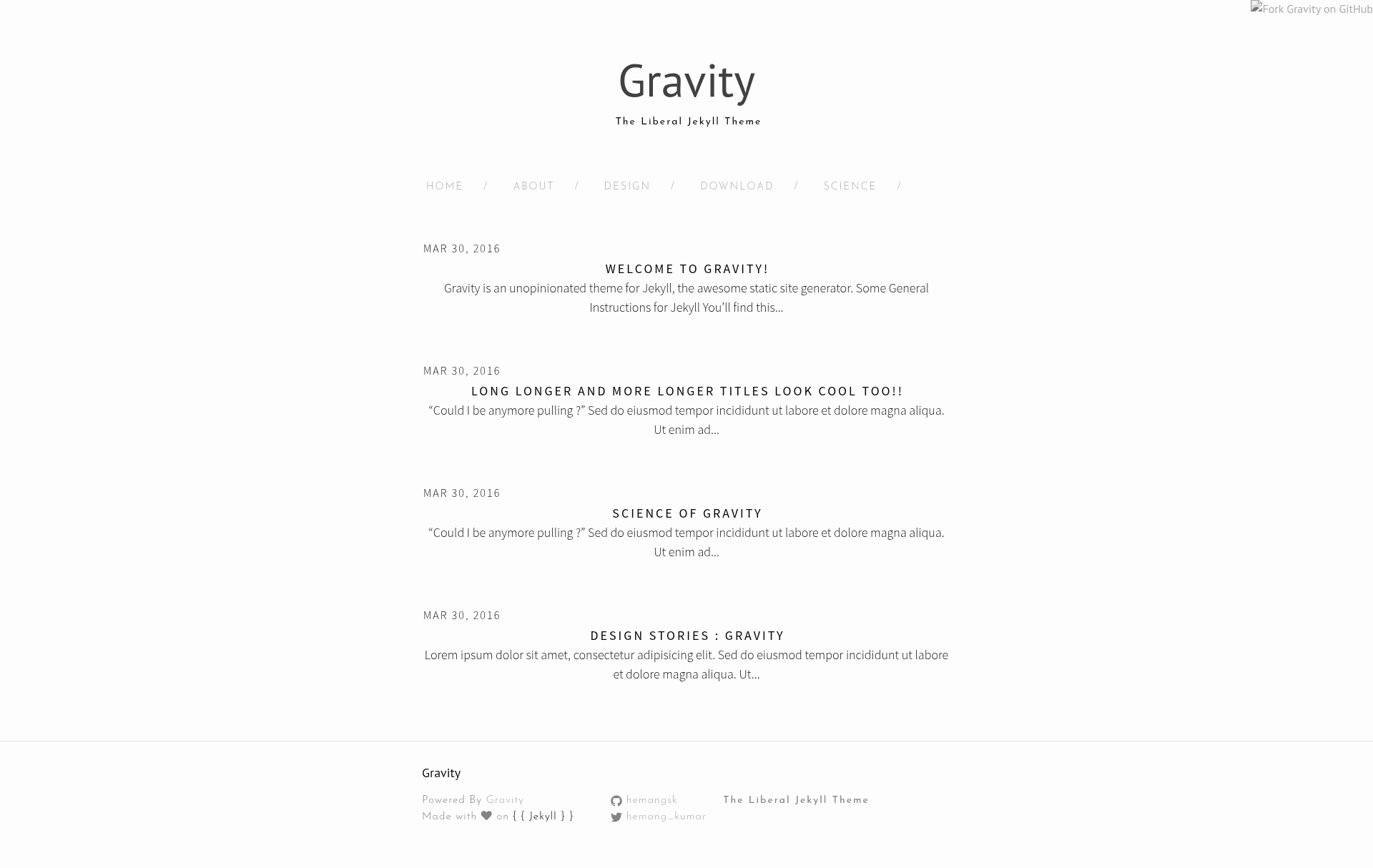
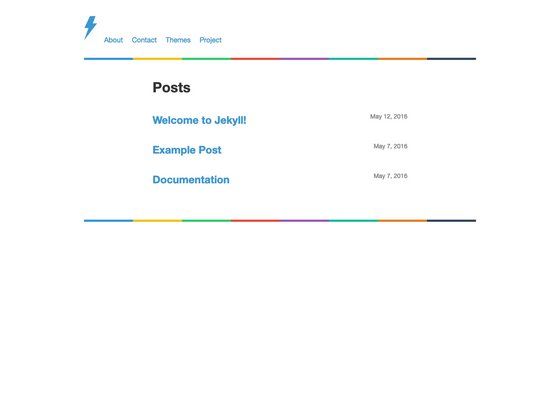
Minimalist Jekyll theme with category archive pages, taglines, and pagination for personal blogs.
About this template
Gravity is a minimalist Jekyll theme for personal blogs and portfolios, turning Markdown content into a clean static website with category archive pages and per-page taglines.
What is Gravity?
Gravity is a free, open-source Jekyll theme created by Hemang Kumar and distributed through the GitHub repository hemangsk/Gravity. It takes Markdown posts and pages as input, processes them through Jekyll's static site generator (which compiles the bundled SASS files via the built-in SCSS compiler), and outputs plain HTML ready to host on any static server. The theme includes four layouts — default, post, page, and archive — and ships with starter posts, example pages, and a feed.xml.
Key Features
- Minimal design — The theme's tagline is "Minimal is the new cool," reflected in a typography-focused layout and sparse decoration.
- Archive pages — The archive layout lists all posts for a chosen category on a standalone page; you set the category in front matter.
- Tagline support — Pages can show a short subtitle via the tagline front-matter field, as in the sample science page ("Humanity is overrated.").
- Pagination — Post listing is paginated using the jekyll-paginate gem, configured through the standard Jekyll pagination settings.
- Built-in SCSS pipeline — Styles are organized as SASS partials in _sass and compiled into css/style.scss by Jekyll, with syntax highlighting included.
- Social icons — Inline SVG icons for GitHub and Twitter are provided as include partials (icon-github.html, icon-twitter.html).
- Documented directory structure — The README includes a full tree of _includes, _layouts, _posts, _sass, and root pages, making the theme easy to navigate.
Who is it for?
Gravity suits bloggers who want a no-frills Jekyll blog with category organization, developers learning Jekyll who need a clearly documented example of front matter, layouts, and SASS partials, and personal-site owners who want to publish both posts and static pages like about, design, and download with optional taglines.
What can you do with Gravity?
- Personal bloggers: Write posts as .markdown files in _posts, assign categories, and let Gravity display them with pagination and per-category archive pages.
- Portfolio owners: Build static pages using the page layout, each with its own permalink and tagline, without touching layout HTML.
- Jekyll learners: Follow the README's installation steps, clone the repository, and inspect how the default, post, page, and archive layouts interact with the included partials and SASS files.
How does Gravity work?
Install the required gems (Jekyll, bundler, and jekyll-paginate), then clone or download the Gravity repository. Add your Markdown files to _posts and root-level page files, edit _config.yml, and run "jekyll serve" to generate the site locally.
FAQ
Is Gravity free?
Yes, Gravity is open-source and available on GitHub under the hemangsk/Gravity repository. You can clone it, download the master branch as a zip, or fork it, and the author invites users to create issues for setup problems.
What dependencies does Gravity need?
Gravity requires Jekyll itself, the bundler gem, and the jekyll-paginate gem for pagination. All styling uses Jekyll's built-in SCSS compiler, so no separate CSS preprocessor setup is needed.
How do I create a new post?
Create a .markdown file inside the _posts folder, name it using the YEAR-MONTH-DAY-title.markdown format, and add front matter with layout, title, date, and categories. The README provides a concrete example with the title "The One with the Blackout."
How do I add an archive page?
Create a .md file in the root directory, set its front matter layout to archive, and provide a category name. Gravity will then generate a page that lists all posts in that category, with an optional tagline.