Template details
Hexo Theme Smash
Colorful Hexo blog theme using Pug templates with IE 11 support.
About this template
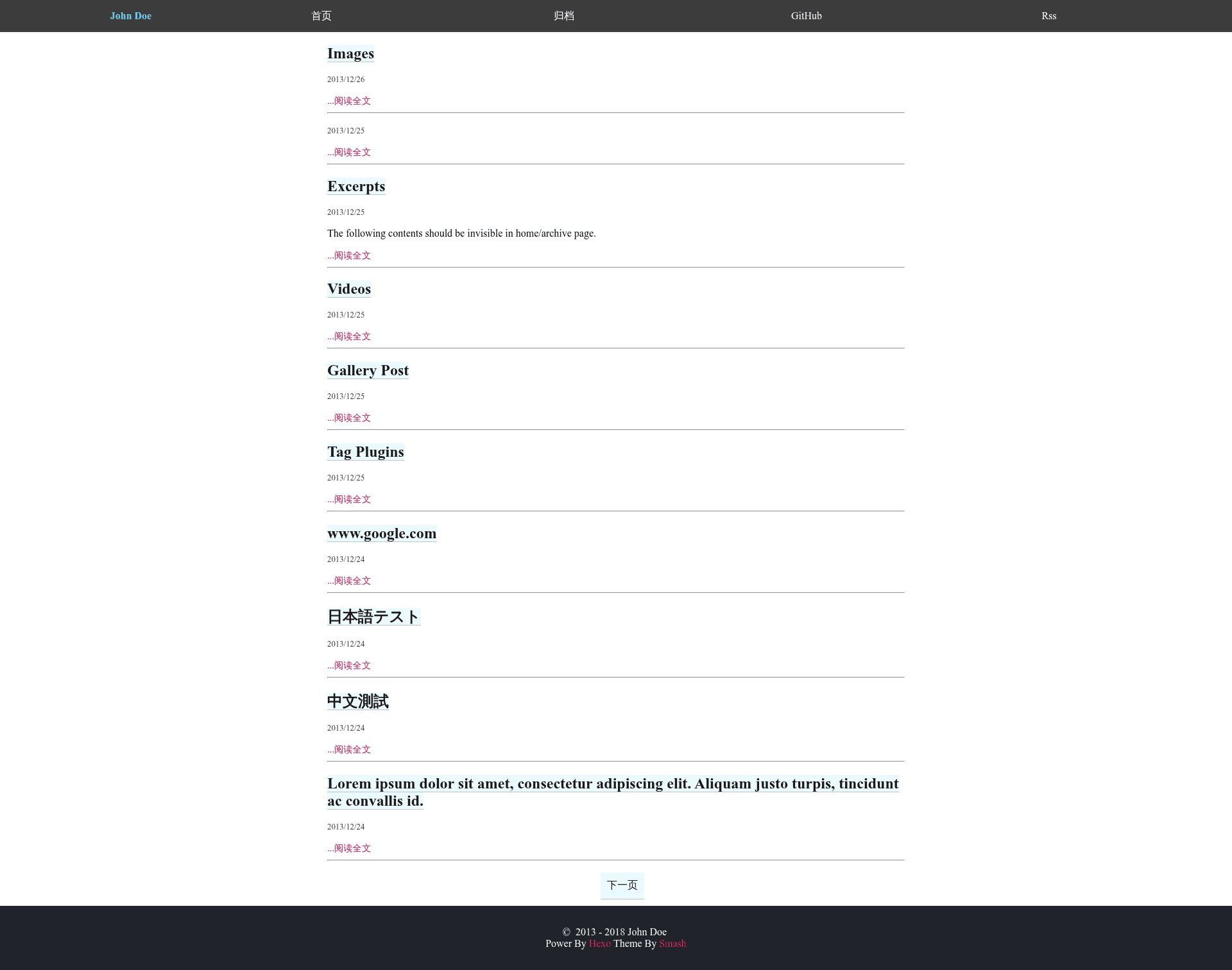
hexo-theme-smash is a colorful Hexo theme for personal blogs that renders static sites using the Pug template engine and explicitly supports Internet Explorer 11 and newer. It is distributed under the MIT license and is maintained on GitHub by user bbbbx, with a live demo hosted at https://bbbbx.github.io/hexo-theme-smash.
What is hexo-theme-smash?
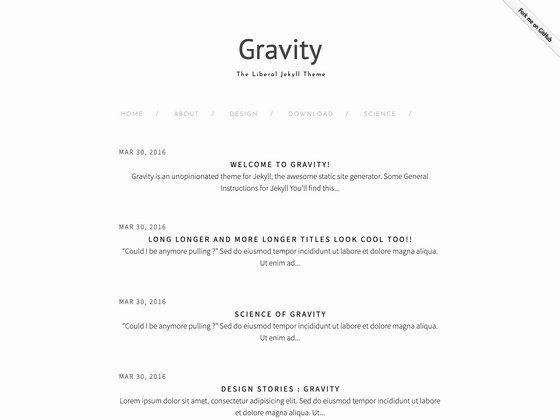
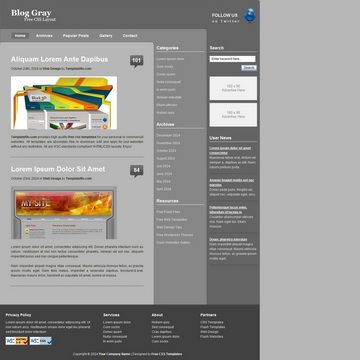
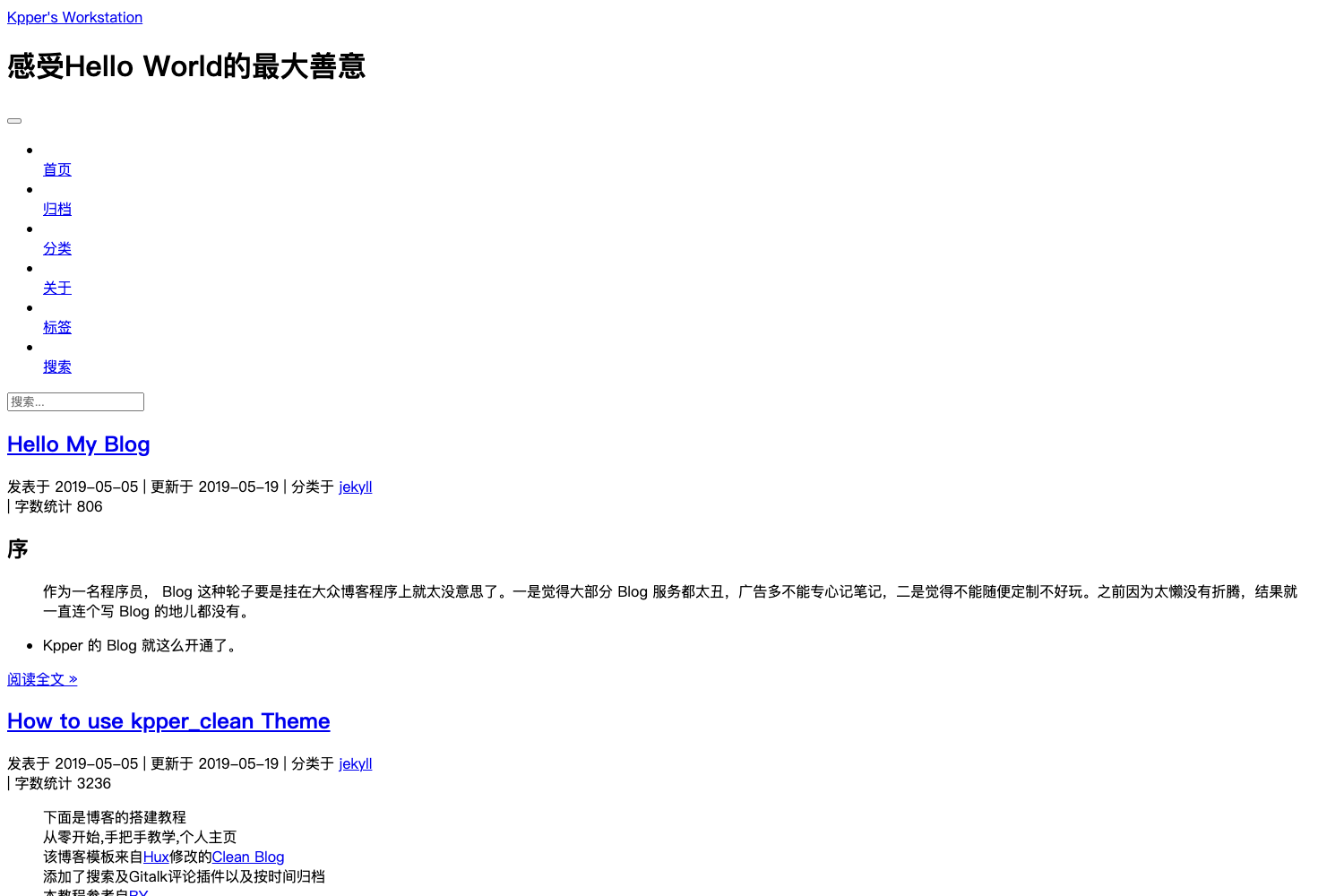
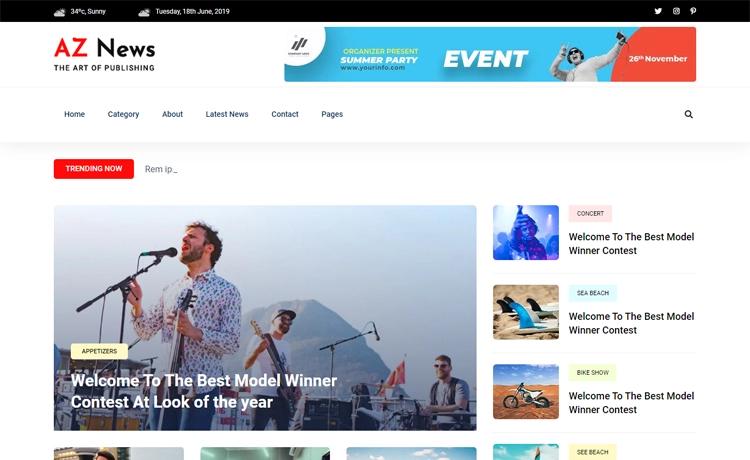
hexo-theme-smash is a theme for the Hexo static site generator. It takes a standard Hexo blog — content written in Markdown and configured in the root _config.yml — and produces a static website with a colorful, playful visual style. The theme's templates are written in Pug, so you must install the hexo-render-pug npm package for the site to build. The theme is installed by cloning the repository into the themes directory of a Hexo project and switching the active theme in the configuration file.
Key Features
- Colorful design — The theme's tagline describes it as "colorful" and uses a lollipop emoji, giving blog posts a bright and fun presentation.
- IE 11 support — Browser compatibility is a stated priority, with support for Internet Explorer 11 and all newer browsers.
- Pug templating — All view templates use Pug, and the hexo-render-pug package is a required dependency for compiling the theme.
- Simple installation — Setup takes three shell commands: initialize a Hexo blog, clone the theme into ./themes/hexo-theme-smash, and run npm install --save hexo-render-pug.
- One-line configuration — Activating the theme requires only changing the "theme" value in the root _config.yml from the default "landscape" to "hexo-theme-smash".
- Live demo — A working preview is available at https://bbbbx.github.io/hexo-theme-smash, so you can see the theme's appearance before installing it.
Who is it for?
- Hexo bloggers — Anyone running a Hexo-powered blog who wants a colorful, vibrant look instead of the default landscape theme.
- Front-end developers using Pug — Developers who already write Pug templates will find the theme's structure familiar and easy to extend.
- Sites with legacy browser visitors — The explicit IE 11 support makes the theme suitable for audiences who still use older browsers.
What can you do with hexo-theme-smash?
- Launch a personal blog — Write posts in Markdown, run Hexo, and publish a static site styled with this theme.
- Evaluate the design — Visit the live demo to see the theme's typography, colors, and layout before committing to installation.
- Modify the source — Because the theme is MIT-licensed, you can fork it on GitHub and change the Pug templates to suit your own branding.
How does hexo-theme-smash work?
The theme works within the standard Hexo workflow. After initializing a Hexo project with "hexo init blog", you clone the theme repository into the themes folder, then install the Pug renderer. Finally, you edit the root configuration to set "theme: hexo-theme-smash" and run Hexo to generate the static site.
FAQ
Is hexo-theme-smash free?
Yes, the theme is open source under the MIT license, which means you can use, modify, and distribute it freely, including for commercial projects.
Does hexo-theme-smash support Internet Explorer 11?
Yes, the project explicitly states support for IE 11 and newer. This makes it a viable choice for websites that must work in legacy browsers.
What template engine does hexo-theme-smash use?
The theme uses Pug templates. To build the site you need to install the "hexo-render-pug" package with npm, as shown in the installation instructions.
How do I install hexo-theme-smash?
Initialize a Hexo blog, run "npm install", clone the theme repository into ./themes/hexo-theme-smash, and then run "npm install --save hexo-render-pug". Finally, change the "theme" setting in the root _config.yml to "hexo-theme-smash".
Where can I see a live demo?
The live demo is hosted at https://bbbbx.github.io/hexo-theme-smash, and you can also find the repository on GitHub under the username bbbbx.