Template details
Thunder
A minimal and superfast Jekyll theme for GitHub Pages, ideal for blogs and portfolios.
About this template
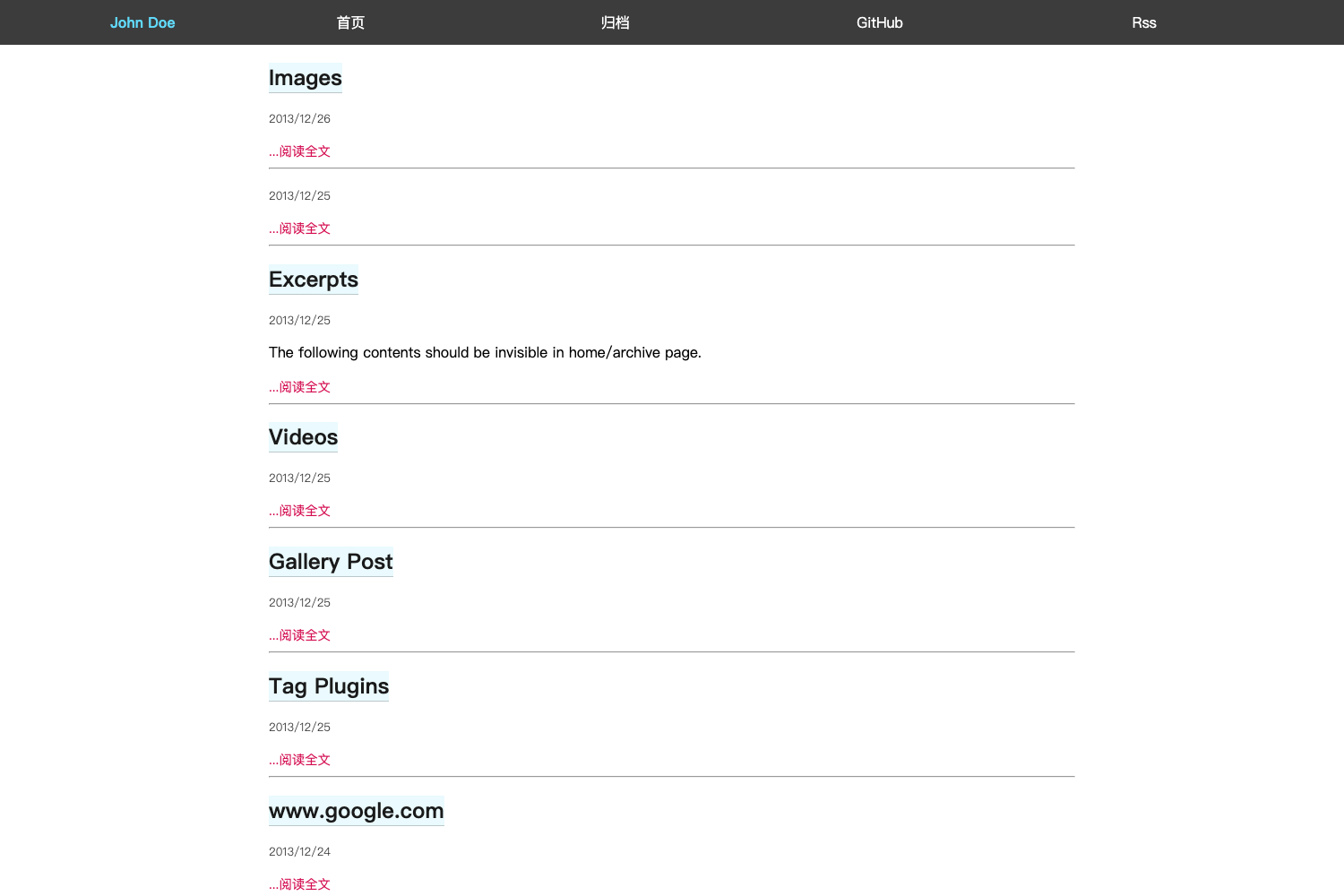
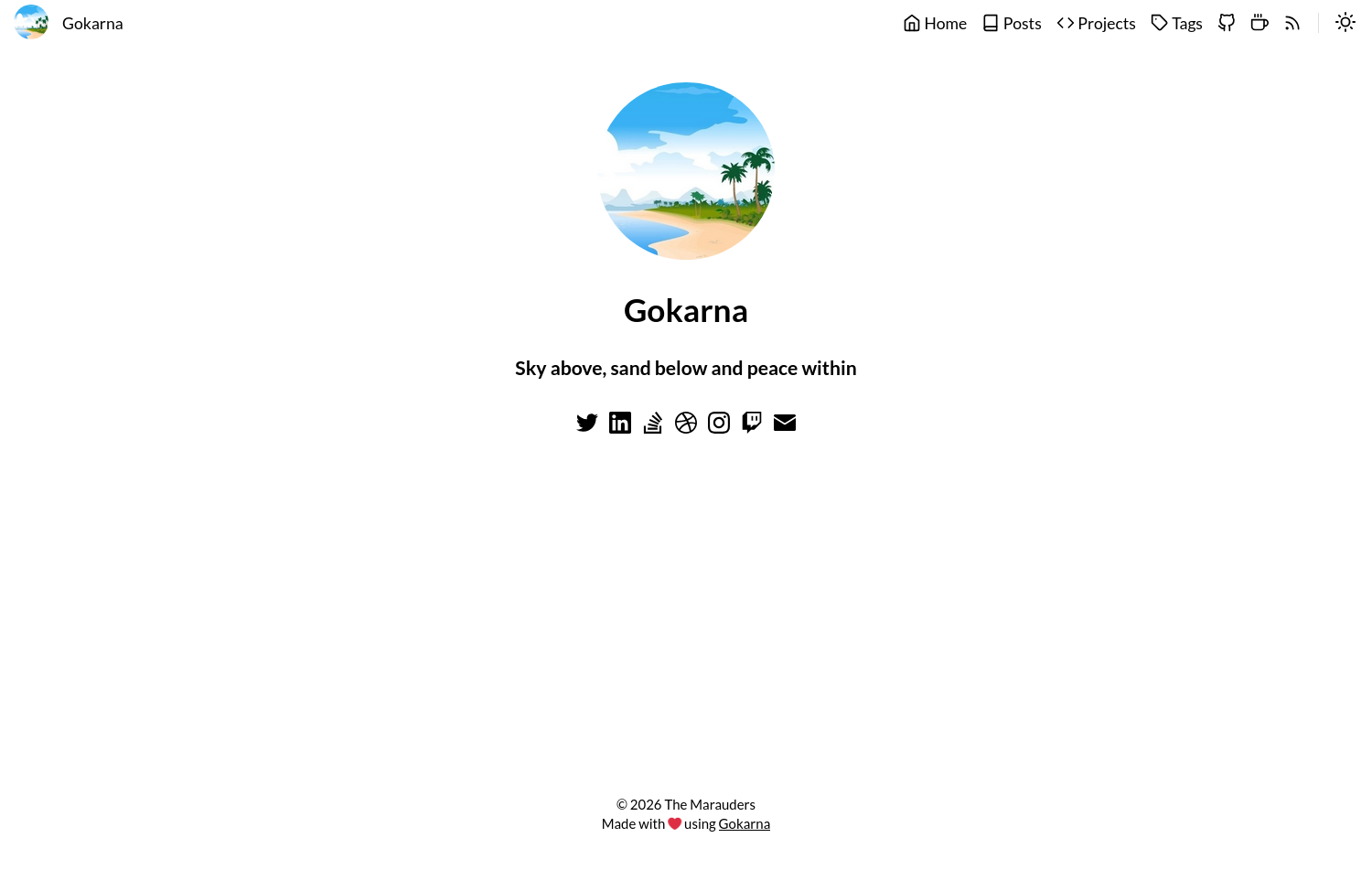
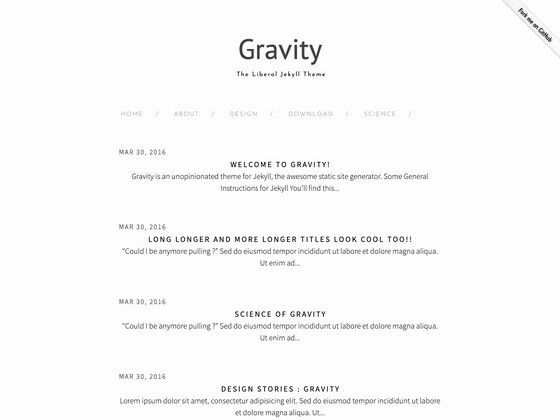
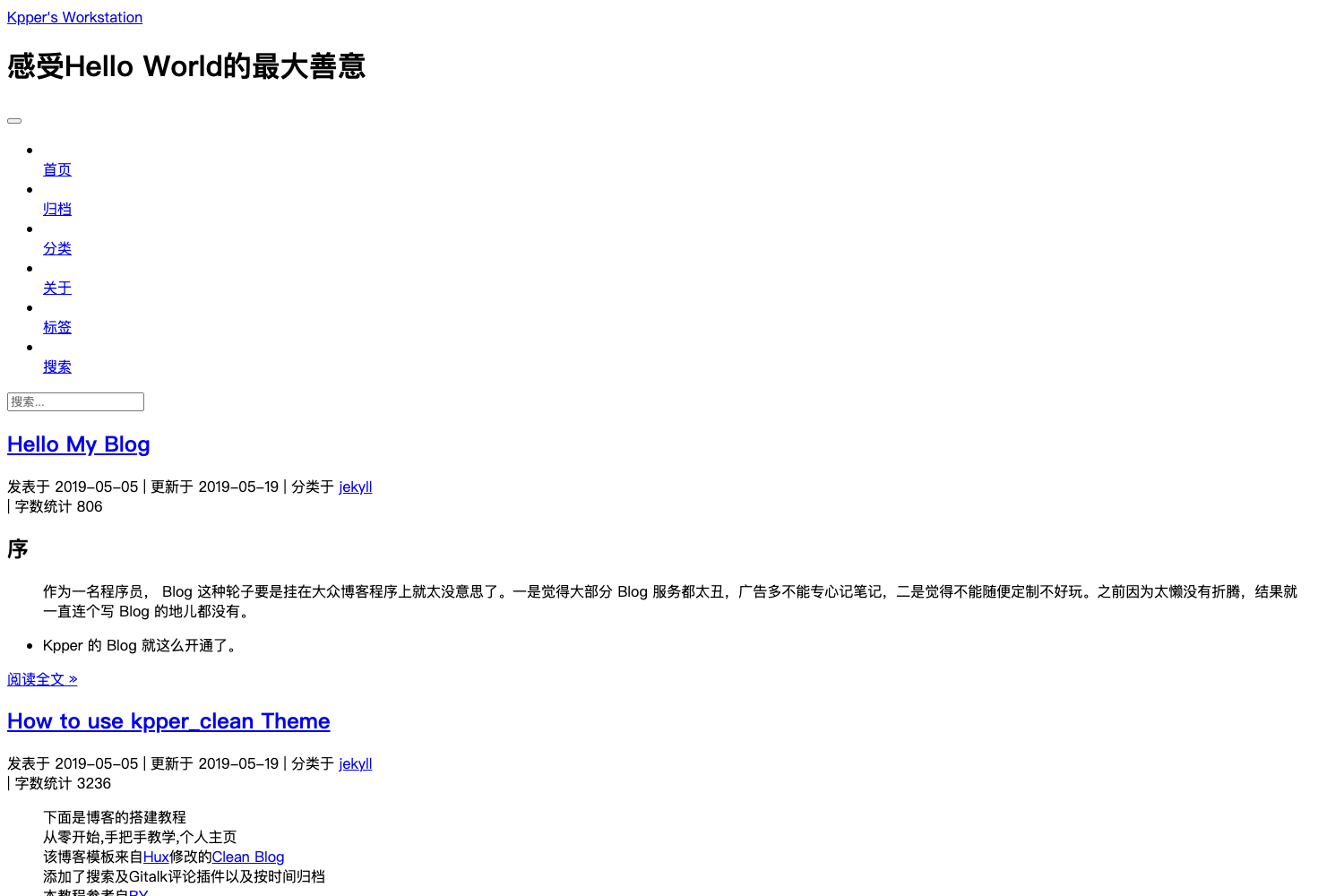
Thunder is a minimal and superfast Jekyll theme designed for GitHub Pages, providing a lightweight static website for personal blogs and portfolios. Built on Jekyll's static site generator, it converts Markdown content into a fast-loading site with no server-side dependencies.
What is Thunder?
Thunder is a Jekyll theme that runs entirely on GitHub Pages, producing static HTML from Markdown and Liquid templates. It takes a GitHub repository as input — you fork the theme's repo, edit the content files, and GitHub Pages automatically builds and hosts the resulting site. The theme is described as minimal and superfast, with a live demo at webjeda.com/thunder. It is maintained on GitHub, and at the time of writing the repository had 19 stars.
Key Features
- Minimal design — Removes unnecessary visual clutter to keep content readable and pages lightweight.
- Superfast performance — Generates static files, so pages load without server processing or databases.
- GitHub Pages integration — Deploy by forking the repository and setting the Pages source to master.
- Jekyll-based — Leverages Jekyll's templating and Markdown support for easy content authoring.
- Simple installation — Only three steps are required: fork the repo, set the source branch, and your site goes live.
- Demo site — The theme is showcased at webjeda.com/thunder so you can preview its layout before installing.
Who is it for?
- Personal bloggers — Publish a clean, minimal blog without managing hosting or a CMS.
- Developers — Set up a portfolio or project page using Jekyll and GitHub Pages with version control and free hosting.
- Technical writers — Build lightweight documentation sites by writing Markdown files and letting Jekyll generate the static output.
What can you do with Thunder?
- Start a personal blog: Write posts in Markdown and get a fast, static website hosted on GitHub Pages.
- Showcase a portfolio: Present projects and skills with a focused, professional layout.
- Publish documentation: Use the theme as a base for concise technical docs with low overhead.
How does Thunder work?
Installation is straightforward: fork the repository on GitHub, open the repository settings, and set the GitHub Pages source to master. Once configured, the site is live at your GitHub Pages URL. Content is managed by editing Markdown files in the repository, and Jekyll rebuilds the site automatically.
Pros and cons
Pros: Free to use; effortless deployment through GitHub Pages; fast static pages; minimal footprint. Cons: As a minimal theme, it lacks built-in widgets and plugins; customizing beyond defaults requires some familiarity with Jekyll and GitHub.
FAQ
Is Thunder free?
Yes, Thunder is an open-source Jekyll theme. You can fork the repository from GitHub and use it for free, subject to the license defined in the repository.
How do I install Thunder?
Fork the repository, go to its settings on GitHub, set the GitHub Pages source to master, and your site will be available at your GitHub Pages URL. No local installation is required.
Does Thunder need a dedicated server?
No. Thunder generates static files through Jekyll, and GitHub Pages hosts them for free. There is no database, backend, or server-side processing.
Can I customize Thunder's design?
Yes. Since it's a Jekyll theme, you can edit the HTML, CSS, and configuration files in your forked repository to change the layout, colors, and typography.
What type of content can I publish with Thunder?
Thunder supports Markdown-based content, so you can publish blog posts, static pages, and documentation. The theme is designed for text-focused sites rather than complex applications.