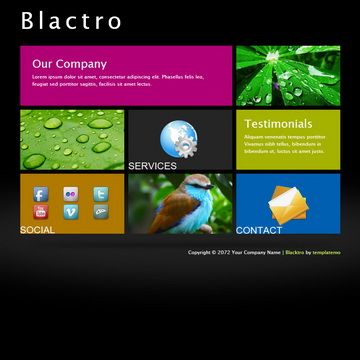
Template details
Grid Portfolio Theme
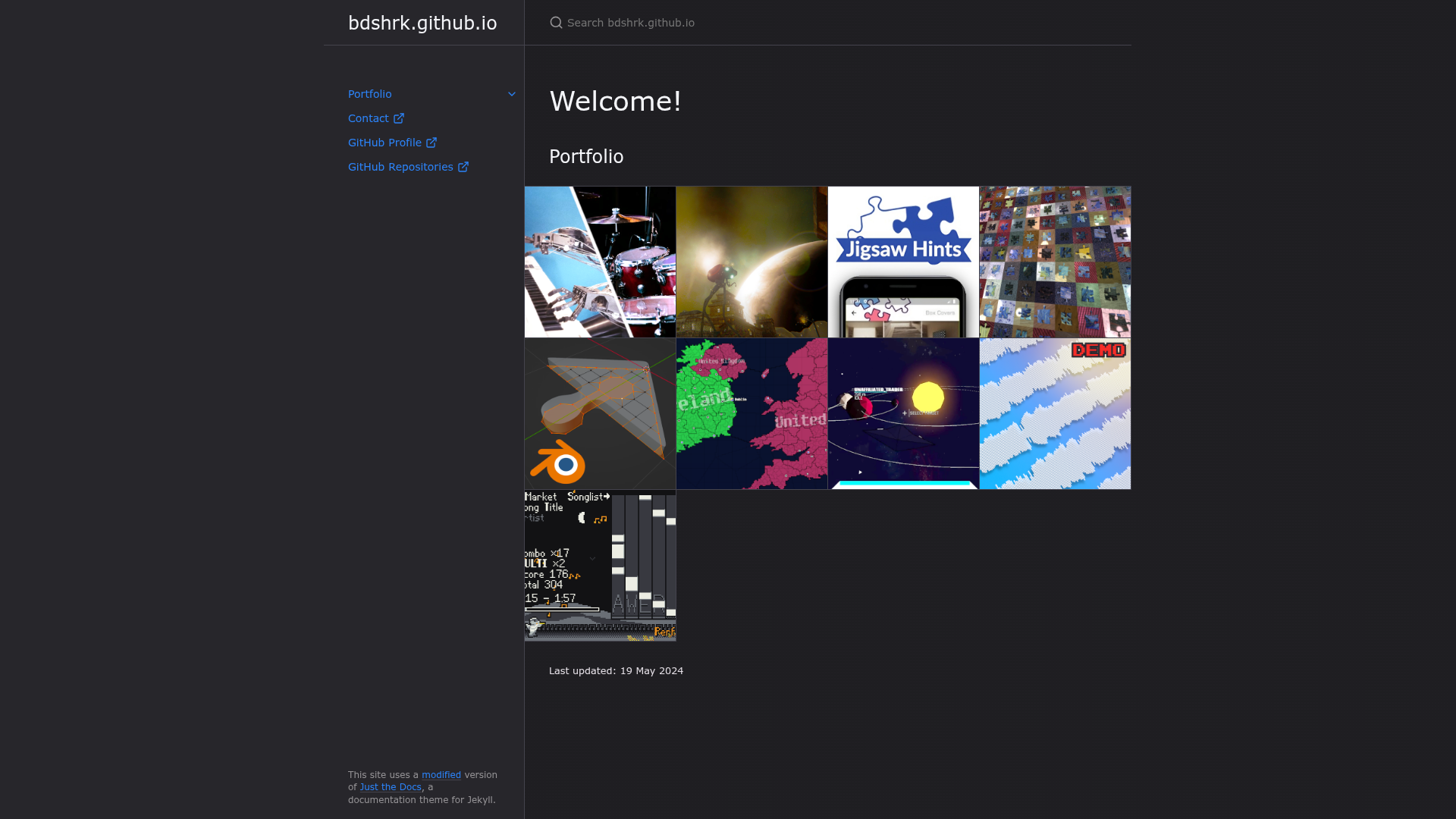
A grid portfolio theme for Jekyll using HTML and CSS, with splash-image cards, navbar ordering, and post layouts.
About this template
Grid Portfolio Theme is a free Jekyll theme that creates a grid-based portfolio website that can be hosted on GitHub Pages using only HTML and CSS.
What is Grid Portfolio Theme?
Grid Portfolio Theme is a Jekyll theme built for GitHub Pages that displays a portfolio as a visual grid of image-backed cards. It takes standard Jekyll posts and pages with front matter variables like splash and navindex and produces a responsive portfolio site with a navbar, grid index, and blog posts. The theme is developed by the GitHub user bdshrk and is distributed as an open source project under the MIT License, so it can be reused and modified freely.
Key Features
- Three layouts — the theme ships with
portfolio,page, andpostlayouts; theportfoliolayout powers the grid index,pageis for static pages without dates, andpostis for blog entries. - Splash image support — each post can define a
splashfront matter variable that points to an image URL, which becomes the card background in the grid. - Navbar ordering — any page can set a numeric
navindexfront matter value to control its position in the navigation bar, with lower numbers on the left. - Style customisation — fonts and colors can be changed by editing
assets/css/style.scss, which contains comments explaining the available options. - Built-in table of contents — the theme integrates
jekyll-toc, so blog posts with headings can automatically generate a table of contents. - GitHub Pages remote theme — the theme is installed by adding
remote_theme: bdshrk/grid-portfolio-themeto_config.yml, with no additional plugins required. - MIT licensed — the theme is open source, uses the MIT License, and accepts bug reports and pull requests on GitHub.
Who is it for?
- Jekyll users building a portfolio — developers and designers can set up a grid-style showcase of their work, using image splash links for each project card.
- Freelancers creating a personal site — the portfolio layout plus the
pagelayout lets freelancers add an about page, contact page, or service page, each ordered vianavindex. - Bloggers who want posts and projects in one site — the
postlayout supports dated posts with a generated table of contents, while theportfoliolayout shows project cards. - GitHub Pages users — anyone comfortable with YAML front matter can install the theme remotely and deploy it to GitHub Pages without building a site locally.
What can you do with Grid Portfolio Theme?
- Create a project showcase — set the layout to
postand provide asplashimage URL for each project; the theme renders them as a grid of cards on the home page. - Order navigation without plugins — assign each page a
navindexvalue to control the order of links in the navbar, avoiding the need for a menu plugin. - Write posts with a table of contents — standard Markdown posts using the
postlayout automatically get a TOC generated by the includedjekyll-toc. - Customize branding — open
assets/css/style.scssand adjust font families and color variables to match a personal brand, then redeploy the site.
How does Grid Portfolio Theme work?
The theme works through Jekyll front matter and GitHub Pages remote theme support. First, add the line remote_theme: bdshrk/grid-portfolio-theme to your _config.yml and remove any other theme references. Then create content files that use one of the three layouts, giving each post a splash URL for its grid card and each page an optional navindex number. After pushing the repository to GitHub, GitHub Pages builds the site with the theme automatically.
FAQ
Is Grid Portfolio Theme free?
Yes, the theme is open source and released under the MIT License, meaning it can be used for personal and commercial projects free of charge. There is no paid tier and no premium version.
How do I install the theme on GitHub Pages?
Add remote_theme: bdshrk/grid-portfolio-theme to your _config.yml file. Make sure no other theme or remote_theme lines exist, then push the repository and GitHub Pages will build the site.
Do I need to configure a splash image for every post?
Only posts that use the portfolio or post layout as grid cards need a splash front matter variable. It should point to an image URL that the grid uses as the background for that card. Pages without splash simply show in the navbar.
Can I change the fonts and colors?
Yes, the theme stores customization options in assets/css/style.scss. Edit this file, following the comments inside, and the changes apply across the whole site after rebuilding.
Does the theme support table of contents in posts?
Yes, the theme includes jekyll-toc. Posts using the post layout will have a table of contents generated automatically when the post contains headings.