Template details
Letter Portfolio
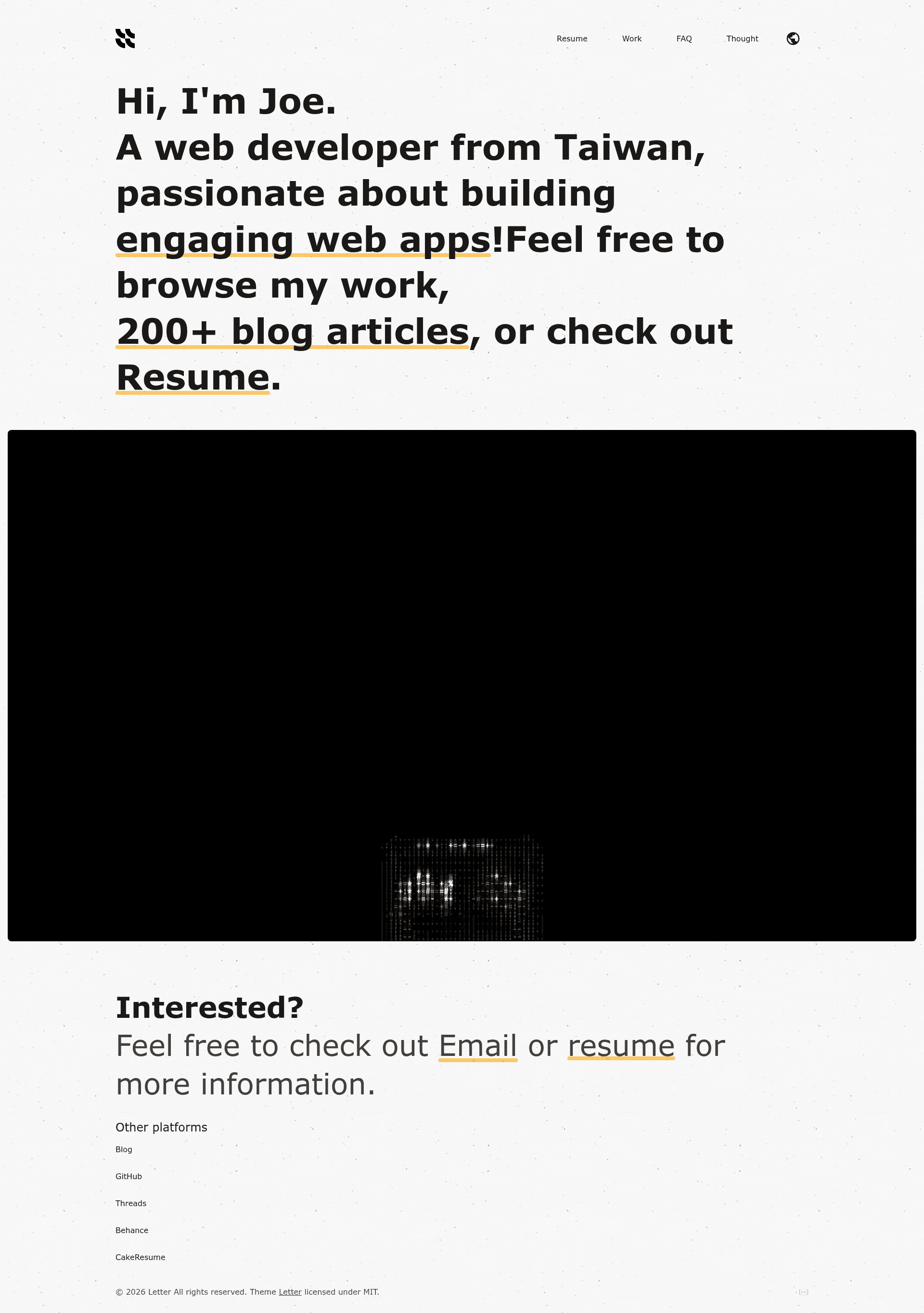
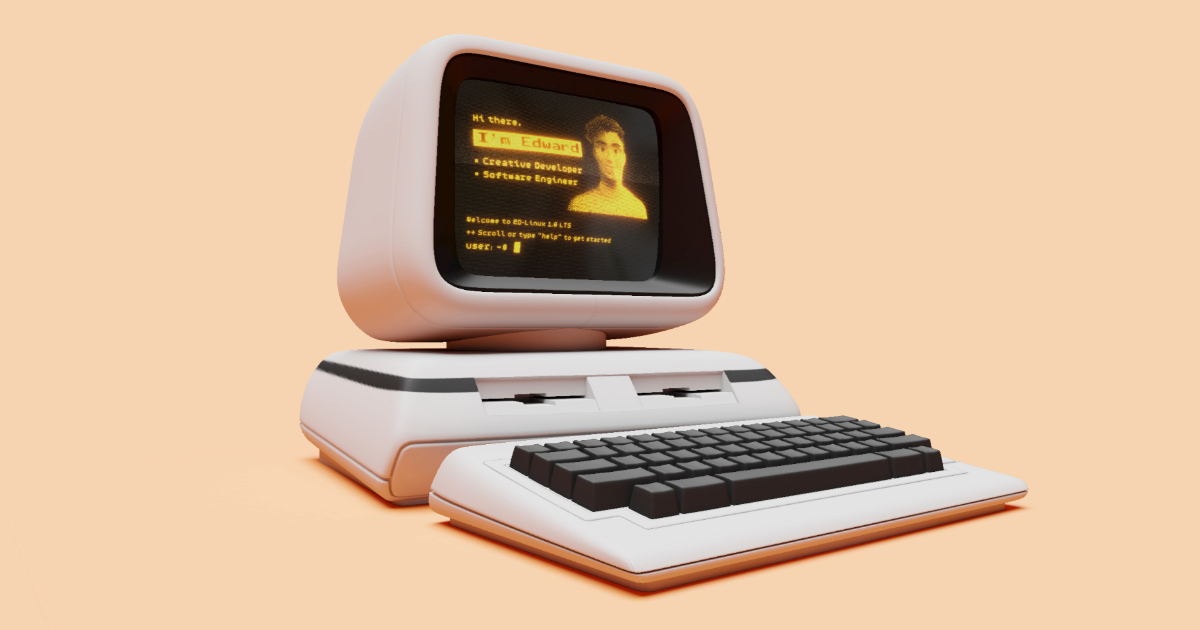
Personal portfolio that is built for digital creatives, powered by Astro v7 and Tailwind v4.
About this template
Letter Portfolio is a personal portfolio website template for digital creatives, built with Astro v7 and Tailwind v4, that compiles typed markdown content into a static site with resume, projects, and FAQ pages.
What is Letter Portfolio?
Letter Portfolio is an open-source personal portfolio template for digital creatives. It takes markdown files and JSON settings as input and generates a fully static website with resume, work, and FAQ sections, ready to host on GitHub Pages or Cloudflare Pages. The template is developed by riceball-tw and distributed under the MIT license.
Key Features
- Astro v7 + Tailwind v4 — The site is built with the Astro static-site generator and styled with Tailwind CSS v4, giving you a modern component-based setup.
- Optimized for speed — The template reports a 100% Lighthouse score in all categories, covering performance, accessibility, best practices, and SEO.
- Responsive & SEO-friendly — Layouts adapt to mobile and desktop and include meta tags and semantic HTML for search engines.
- Built-in i18n — A translation system lives in /src/i18n, letting you publish the portfolio in multiple languages with separate language routes.
- CI pipeline — GitHub Actions runs ESLint, Prettier, TypeScript type checking, and Lighthouse CI as part of the repository workflow.
- CD pipeline — Deployment works out of the box for Cloudflare Pages (via Wrangler) or GitHub Pages, using secrets such as CLOUDFLARE_ACCOUNT_ID and BASE_URL.
- Typed content — Site configuration, projects, resume, and FAQ data are defined in /src/content using markdown and structured settings, so you edit content without touching templates.
- Docker deployment — A Dockerfile lets you build and run the site as a container with a simple docker build and docker run.
Who is it for?
- Digital creatives — Designers, illustrators, writers, and other creatives who want a portfolio site to showcase projects with a clean, typographic layout.
- Developers — Developers who prefer a code-first portfolio with markdown content, full CI checks, and automated deployment to static hosting.
- Freelancers and job seekers — People who need an online resume with a dedicated resume page plus a FAQ section to answer common client questions.
- Multilingual individuals — Users who want their portfolio available in more than one language using the built-in i18n system.
What can you do with Letter Portfolio?
- Designers — Publish a resume page and a work page filled with project descriptions by editing markdown files in /src/content.
- Developers — Set up automated quality checks and deploy to GitHub Pages or Cloudflare Pages through the provided GitHub Actions pipeline.
- Agency owners — Add an FAQ page to address client inquiries and use the Docker image to deploy the site on any container host.
- Technical writers — Use the i18n directory to maintain translated versions of the portfolio for international audiences.
How does Letter Portfolio work?
The workflow starts by cloning the repository and installing dependencies with pnpm. You then customize configuration in astro.config.mjs, add content to /src/content, adjust translations in /src/i18n, and run pnpm build to generate the static output in /dist. For deployment, you can either upload the dist folder anywhere, deploy via the Cloudflare Pages or GitHub Pages pipelines, or build the included Docker image.
Pricing
Letter Portfolio is free and open source under the MIT license, so you can use and modify it without licensing fees.
FAQ
Is Letter Portfolio free?
Yes. The template is released under the MIT license, meaning you can use it for personal or commercial projects, modify it, and redistribute it without paying for it.
Does Letter Portfolio support multiple languages?
Yes. It has a built-in i18n system in /src/i18n, and the demo shows English and other language routes. You can add translations by editing the translation files.
How do I deploy Letter Portfolio?
You have several options: upload the generated /dist folder to any static host, use the provided GitHub Actions workflow to publish to GitHub Pages or Cloudflare Pages, or build and run the Docker container using the Dockerfile.
What content format does it use?
Content is written in markdown and structured settings under /src/content. The template includes sections for site configuration, projects, resume, and FAQ, so you edit text content without needing to change the Astro components.
What customization files do I need to edit?
The main files are astro.config.mjs for site URL, /src/content for content data, /src/i18n for translations, /public for assets like your logo and favicon, and /src/styles/global.css for styling. The deployment pipeline is in .github/workflows/deploy-pipeline.yml.