Template details
Grunge
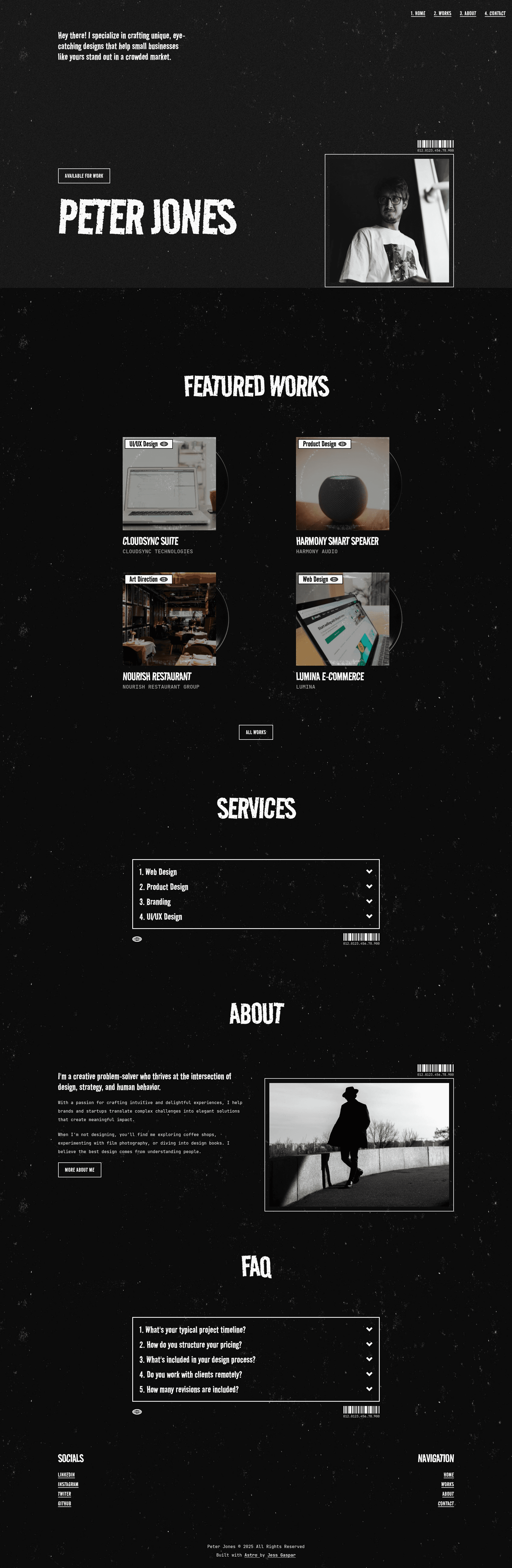
Astro portfolio theme with a grunge aesthetic for developers, designers, and 90s music fans.
About this template
Grunge is a portfolio theme built with Astro v6 and Tailwind CSS v4 that gives developers and designers a 90s-grunge aesthetic for showcasing their work.
What is Grunge?
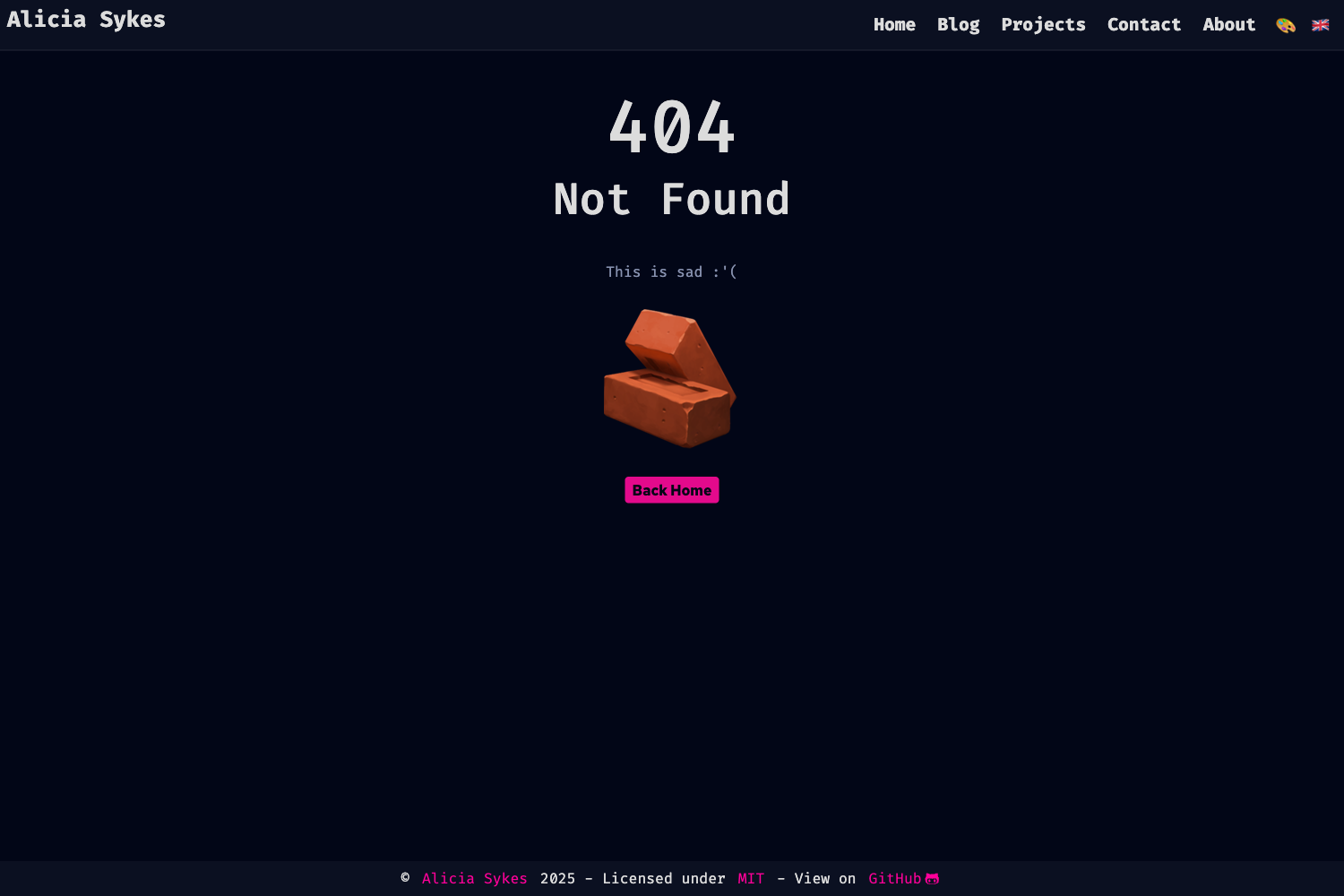
Grunge is a portfolio template for Astro, a static site generator, styled with a grunge aesthetic inspired by the 90s music scene. It takes Markdown content collections as input and produces a static portfolio website with pages for works, individual work, about, contact, and a 404. The theme is created and maintained by Jess Gaspar, with a live demo and a changelog at jessgaspar.dev.
Key Features
- Astro v6 and Tailwind CSS v4 — The theme is built on Astro v6 and uses Tailwind CSS v4 for styling, with both JavaScript and TypeScript support.
- Content collections — Projects are defined as Markdown content collections, so adding a new work means dropping a folder with images and a description into the content directory.
- Reusable components — The project is organized into elements, global, and section components (such as Work.astro, Pagination.astro, Hero.astro, and Services.astro) that can be reused across pages.
- Pagination — The Works page includes pagination through dynamic routes (using the [...page].astro pattern), allowing large portfolios to be split into multiple pages.
- SEO setup — A BaseHead component and an SEO component are included to handle meta tags, Open Graph data, and other search engine optimization needs.
- Sitemap — The template includes sitemap support, helping search engines discover all pages.
- Tailwind theme — Global styling and the Tailwind theme configuration live in src/styles/global.css, giving you a central place to adjust design tokens.
- Ongoing updates — The author promises ongoing updates, with a changelog available to track changes.
Who is it for?
- Developers — who want a portfolio that stands out from typical minimal themes and reflects a 90s alternative culture.
- Designers — who want to present their work with a grunge visual style that matches their personal brand.
- Creative professionals — such as musicians, writers, or artists who want a portfolio theme that expresses nostalgia for the grunge era.
What can you do with Grunge?
- Publish a portfolio — Add your projects as content collections and display them on the Works page, with individual work pages for details.
- Create an about page — Use the About section components to introduce yourself, list education and experience, and share a resume via a dropdown component.
- Set up a contact page — The Contact section includes ContactDetails and ContactItem components to display your email, social links, and other contact information.
- Customize the design — Edit the Tailwind theme in global.css, replace images in the assets folders, and modify components to make the theme your own.
How does Grunge work?
To get started, clone the template and run npm install to install dependencies. Add your projects as Markdown files in the images directory, where each work has its own folder for images and a project-title.md file. Then run npm run dev to start the development server at localhost:4321. When ready, run npm run build to generate a static site in the ./dist/ folder, and npm run preview to test the production build locally.