Template details
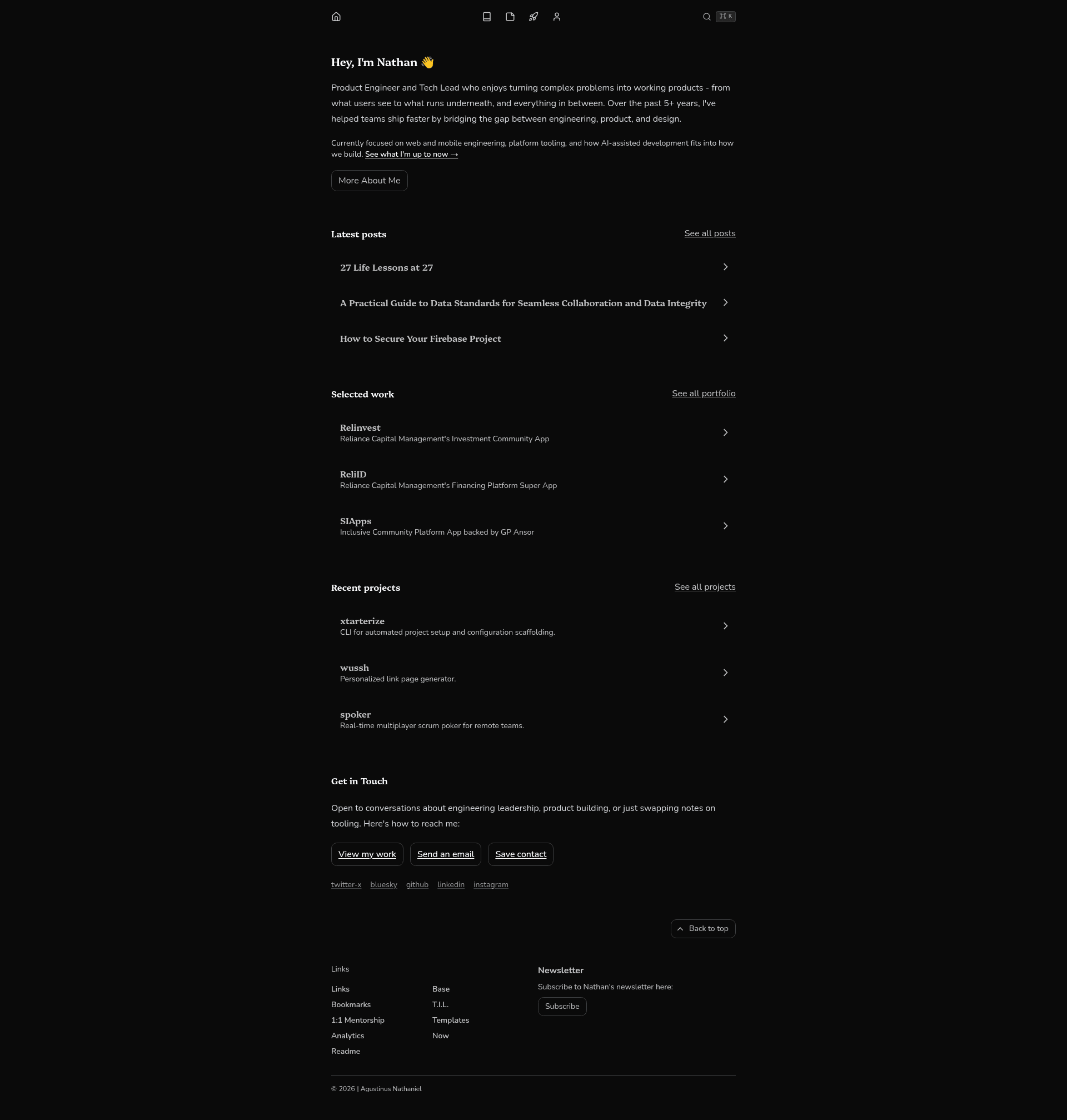
agustinusnathaniel.com
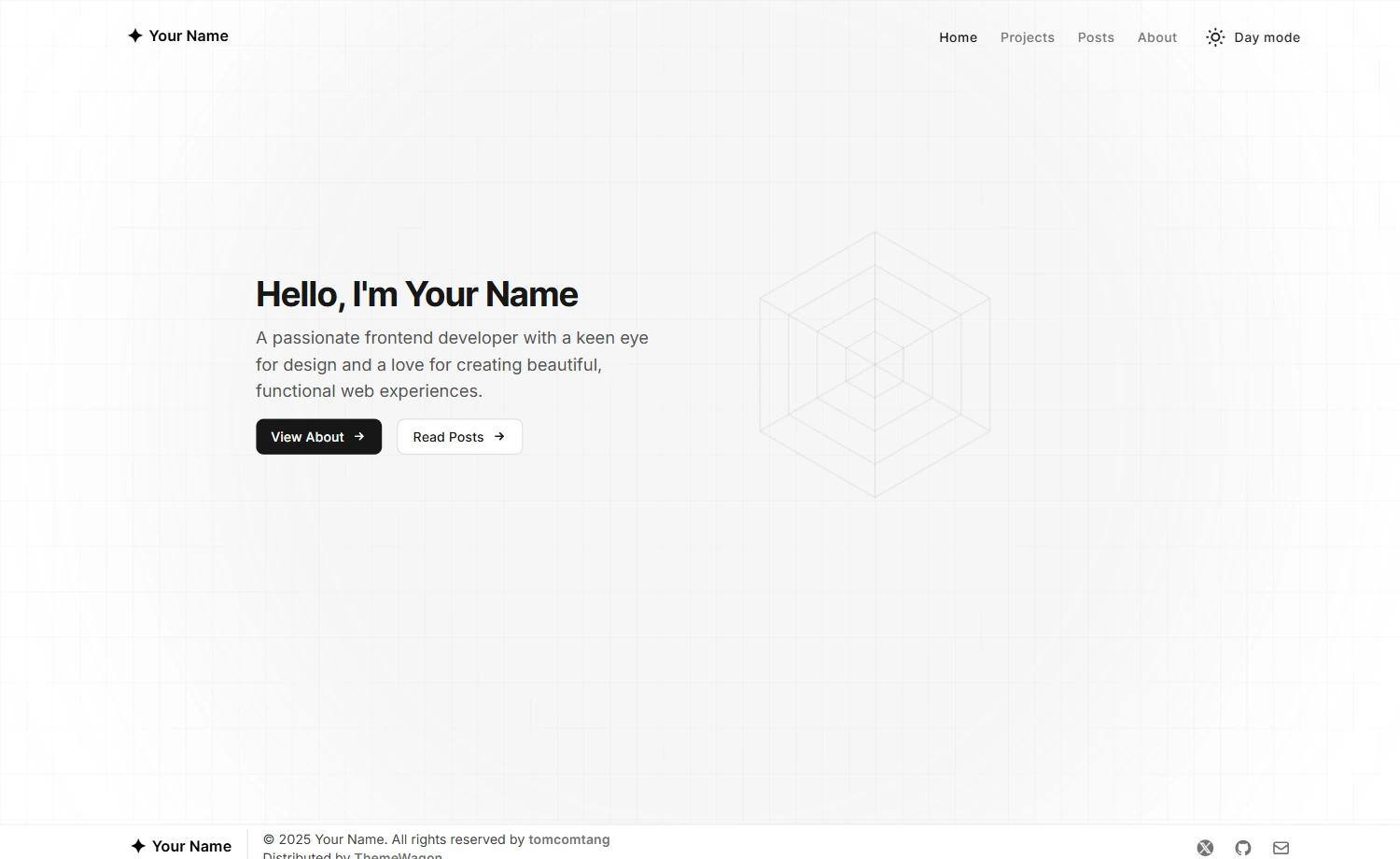
Pre-2025 archived personal website template built with Next.js, Chakra UI, and TypeScript.
About this template
agustinusnathaniel.com is an archived personal developer website template built with Next.js, Chakra UI, and TypeScript, open-sourced on GitHub for use as a portfolio and blog.
What is agustinusnathaniel.com?
agustinusnathaniel.com is the pre-2025 version of a personal developer site, archived as a GitHub repository. It takes content and configuration as input and produces a static portfolio and blog website, built with Next.js for rendering and Chakra UI for component styling. The site is written in TypeScript and uses Contentlayer to manage written content.
Key Features
- Next.js framework — Built on Next.js, offering React-based static site generation and server-side rendering for the portfolio and blog.
- Chakra UI component library — Uses Chakra UI for accessible, themeable React components that style the entire interface.
- TypeScript support — The codebase is written entirely in TypeScript, providing static type checking across pages and components.
- Contentlayer integration — Contentlayer is configured to handle content, allowing markdown or MDX posts to be loaded as typed data.
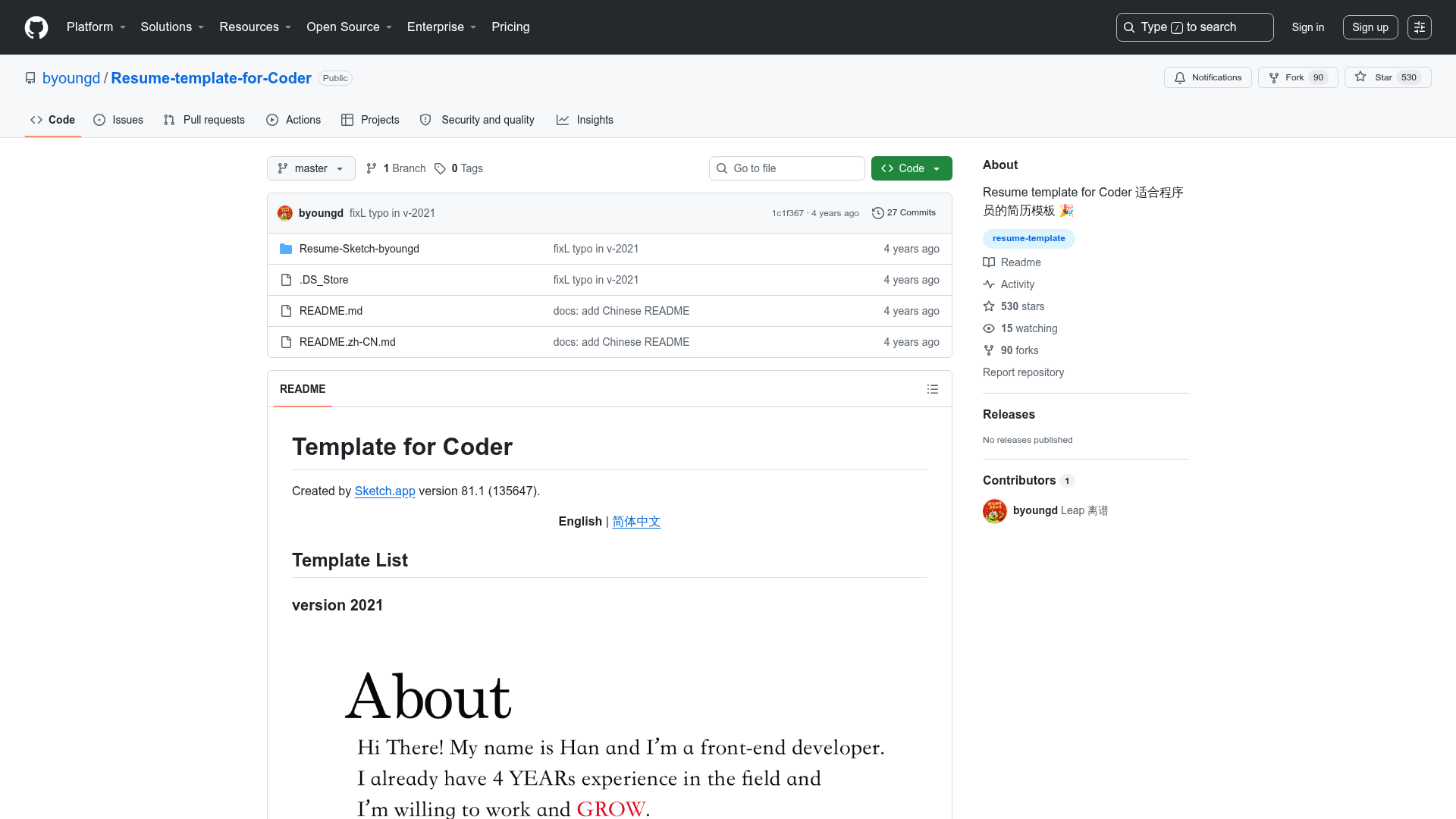
- Code quality badges — The repository integrates CodeFactor and SonarCloud, displaying maintainability and bug metrics in the README.
- Archived documentation — Includes references.md and specifications.md that document the site's design and requirements for future maintainers.
- Open-source license — The project ships with a LICENSE file, making the code legally reusable; the repository has 222 stars as of the archive.
Who is it for?
- Developers — who want a clean, type-safe portfolio site template that already integrates blog functionality and content management.
- Technical bloggers — who need a Next.js and Chakra UI foundation for publishing writing with Contentlayer.
- Open-source learners — who want to study a real-world Next.js + Chakra UI + TypeScript codebase with CI quality checks.
What can you do with it?
- Launch a personal portfolio: Deploy the Next.js site to Vercel or another host to publish a developer portfolio with minimal setup.
- Publish blog posts: Use Contentlayer to write markdown posts that automatically appear in the blog section.
- Customize the design: Adjust the Chakra UI theme and components to change colors, fonts, and layout without touching core logic.