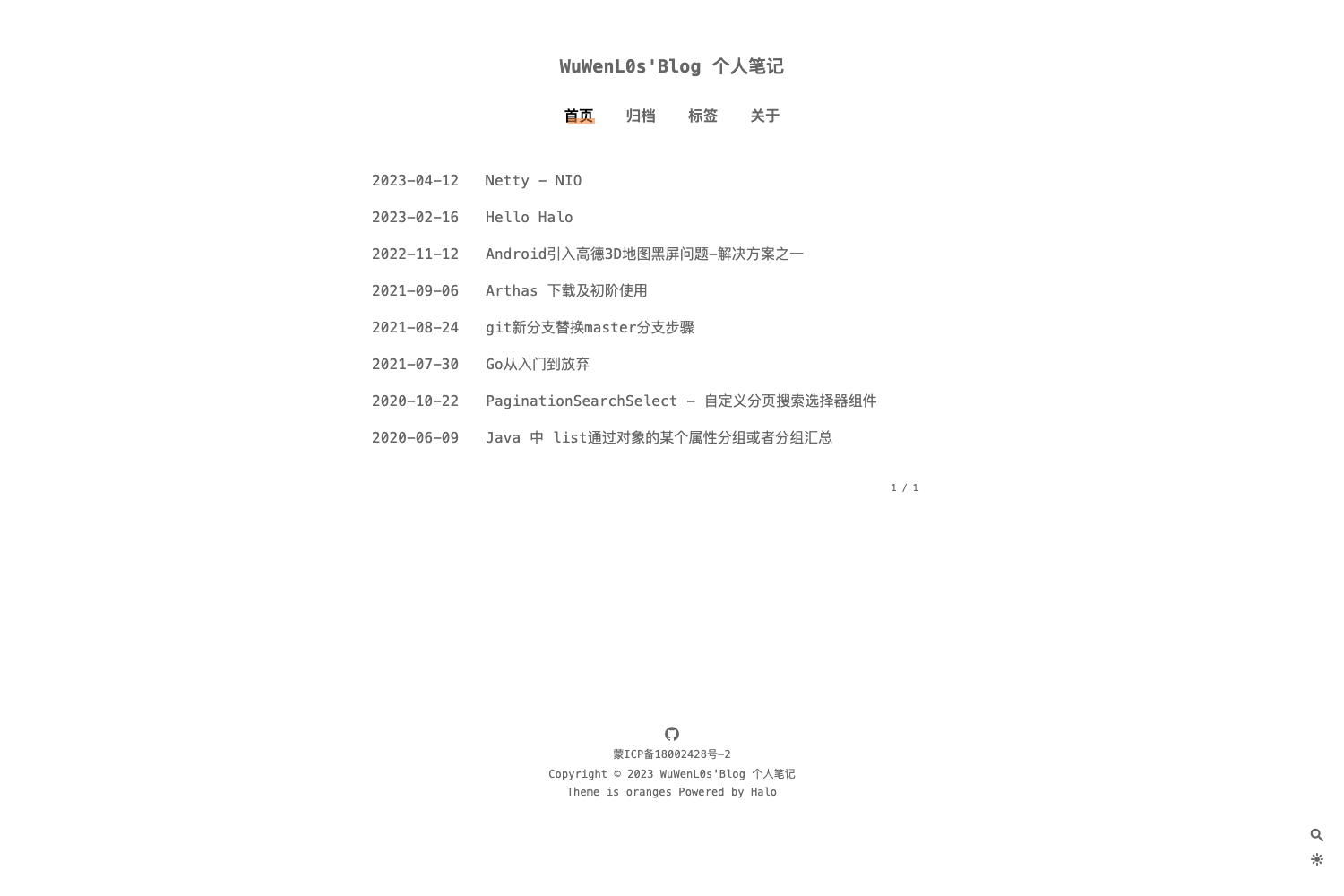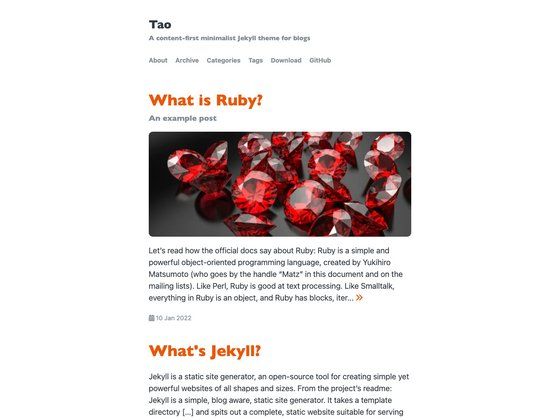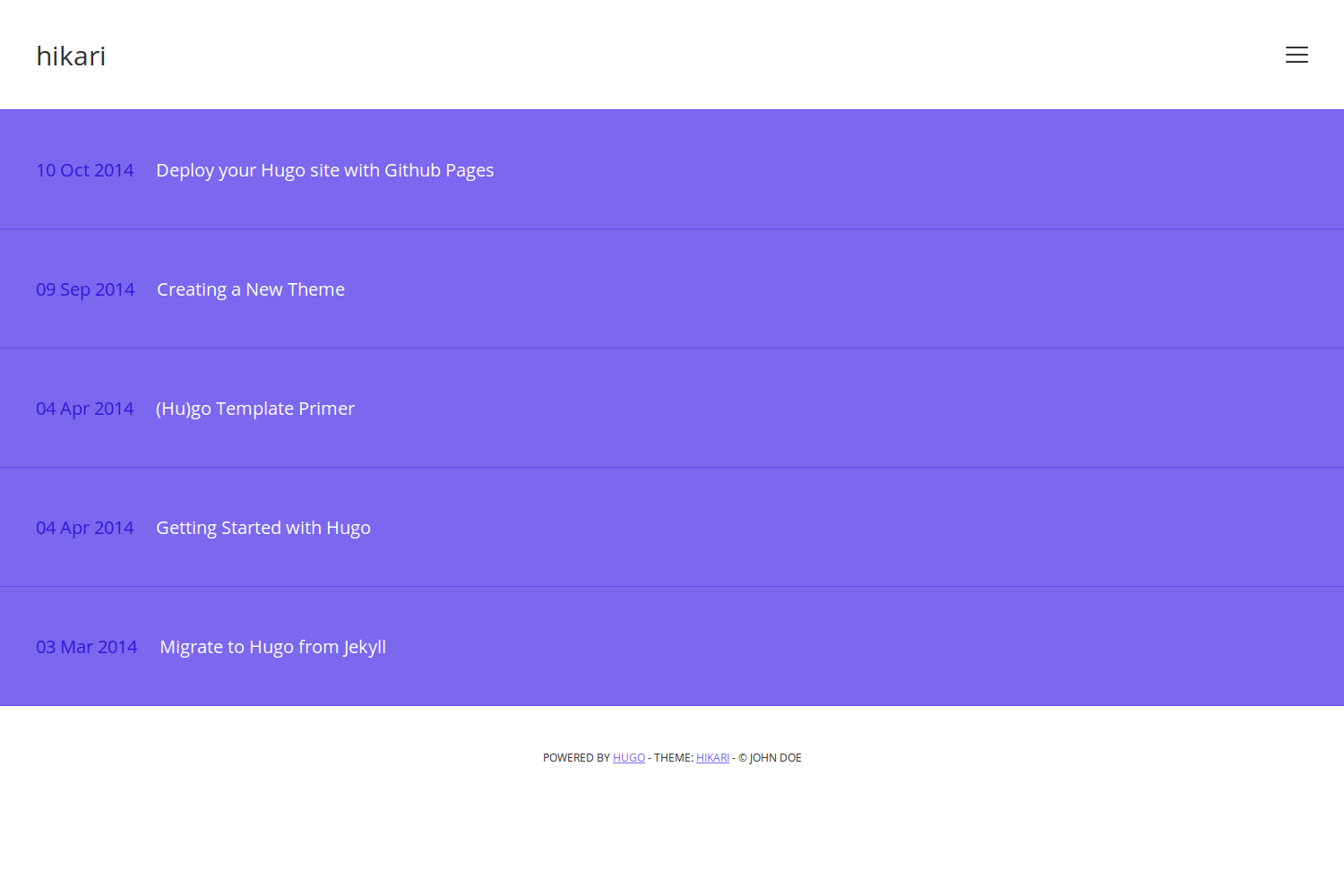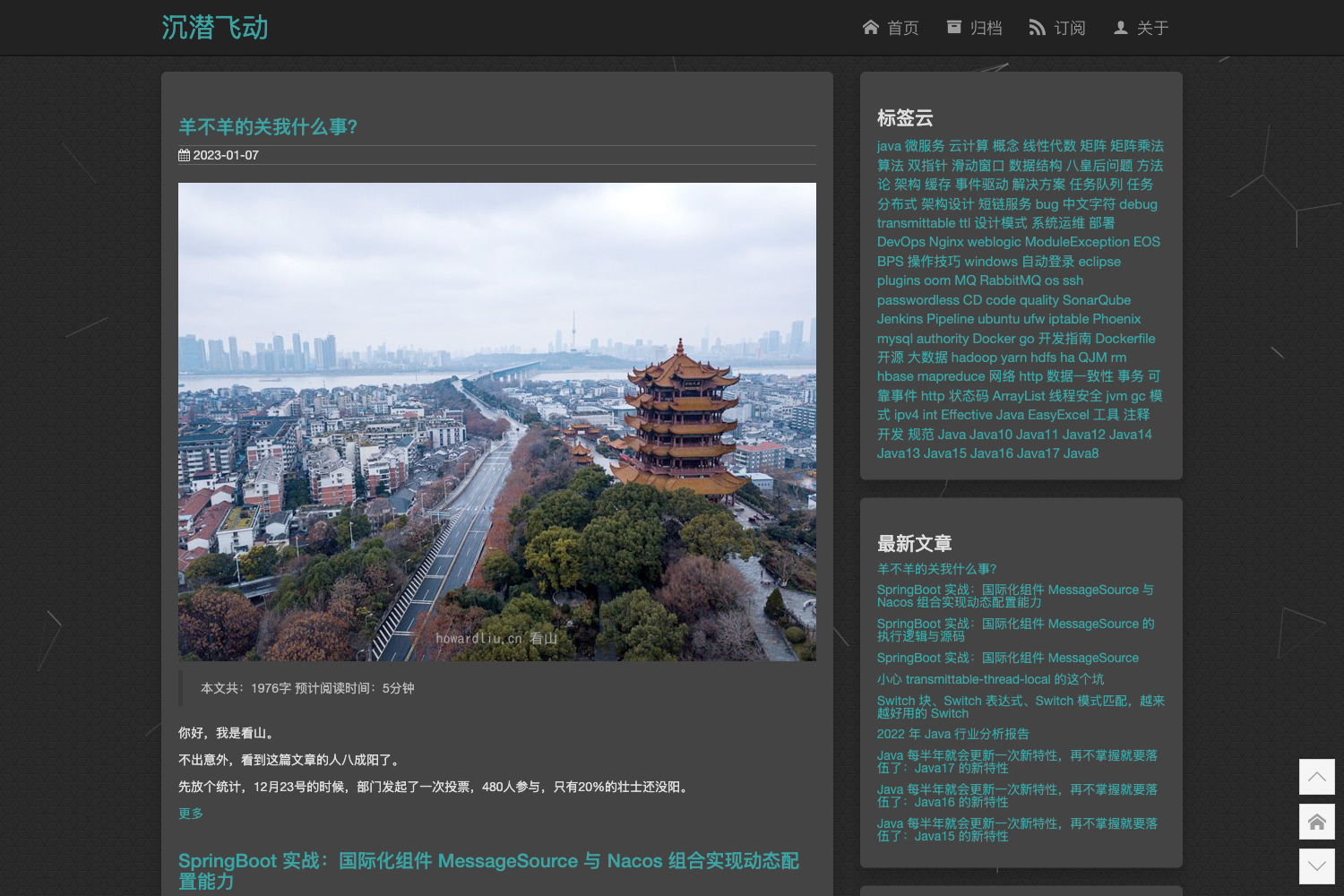
Template details
Halo Theme Aurora
A Halo 2.x blog theme ported from the Hexo Aurora theme, with light/dark modes.
About this template
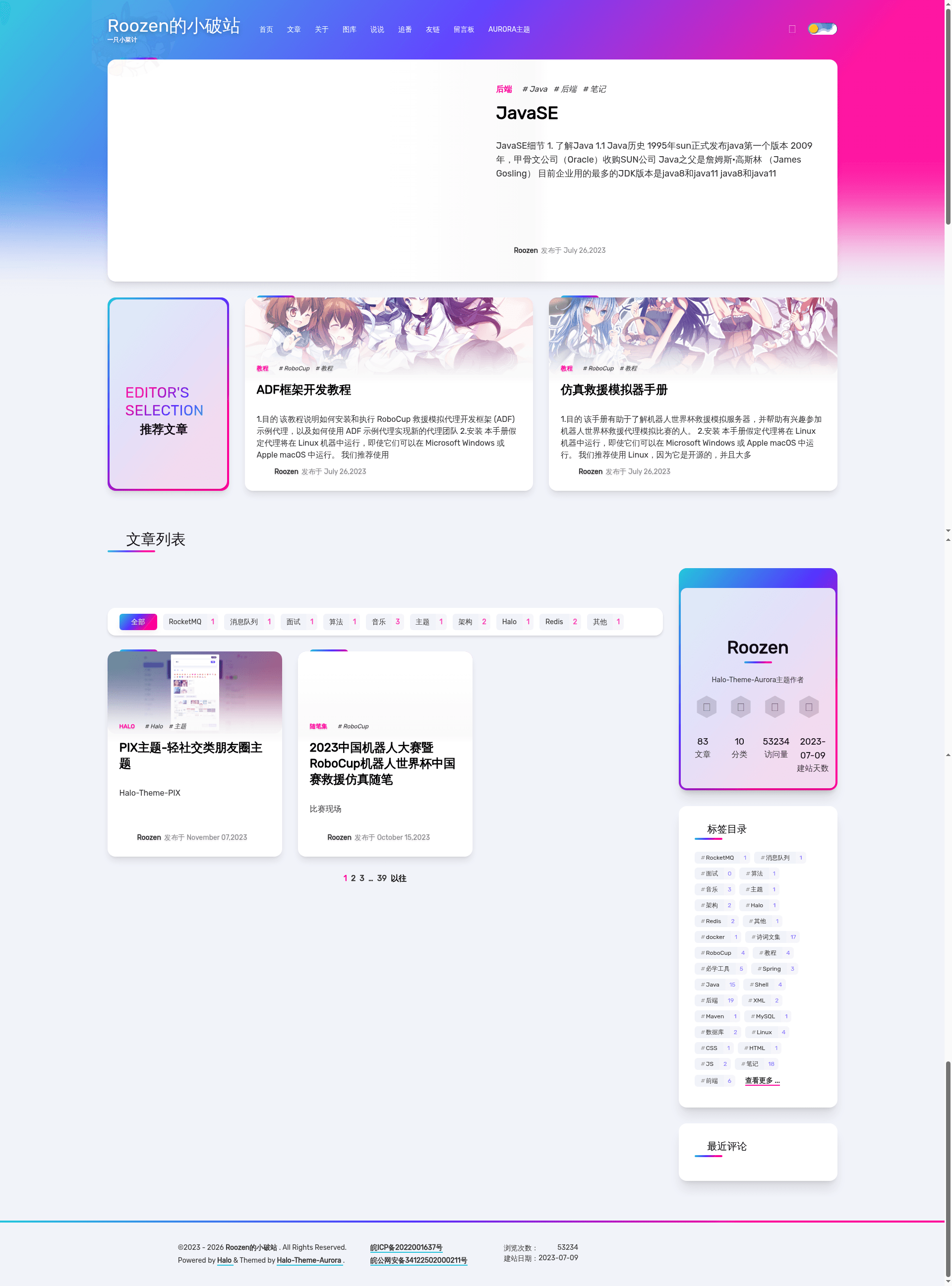
Halo-Theme-Aurora is a free, open-source blog theme for Halo 2.x that ports the popular Hexo Aurora theme to the Halo platform, giving Halo users a modern, responsive blog front end with light and dark modes.
What is Halo-Theme-Aurora?
Halo-Theme-Aurora is a blog theme built for Halo 2.x, the Java-based blogging platform. It is a port of the Hexo-Theme-Aurora created by Benny Guo from the auroral-ui organization, adapted by Roozen (GitHub user Roozenlz) for Halo. The theme takes Halo's content and renders it as a modern blog with automatic light and dark appearance, a featured layout, and optional plugin integrations for comments, search, friend links, moments, and Bilibili anime tracking. It requires Halo version 2.8.0 or higher.
Key Features
- Light and dark modes — Two color schemes, shown as aurora-light and aurora-dark, with a toggleable design that matches the original Aurora aesthetic.
- Plugin-based extensibility — Optional support for plugin-comment-widget, plugin-search-widget, plugin-links, plugin-moments, and plugin-bilibili-bangumi; features appear only when the corresponding plugin is installed.
- Multiple installation paths — Can be installed automatically from the Halo app market, by uploading a zip from GitHub Releases, or by remote download from the repository URL.
- Halo 2.8.0+ requirement — The theme explicitly requires Halo version 2.8.0 or later; running on older versions may cause errors.
- MIT licensed — Released under the MIT License, so it can be freely used, modified, and redistributed with attribution.
- Community-driven — Follows the all-contributors specification, with two current contributors (Roozen and 困困鱼), and accepts contributions via pull requests and issues.
Who is it for?
- Halo bloggers — Users running Halo 2.x who want a modern, visually distinctive blog theme without building a front end from scratch.
- Former Hexo users — People familiar with the original Hexo Aurora theme who want the same look and feel on the Halo platform.
- Bilibili enthusiasts — Bloggers who want to display their anime watch list using the optional plugin-bilibili-bangumi integration.
What can you do with Halo-Theme-Aurora?
- Set up a personal blog — Install the theme on a Halo site, then customize settings through the Halo admin panel to configure site identity and appearance.
- Add interactive features — Enable comments and search by installing the official plugin-comment-widget and plugin-search-widget, which the theme is designed to support.
- Create a links page — Use plugin-links to maintain a friend-link page; use plugin-moments for a "moments" or photos feed.
- Track anime — Integrate plugin-bilibili-bangumi to show Bilibili anime follow lists directly on the blog.
How does Halo-Theme-Aurora work?
The theme is activated inside the Halo admin console under Appearance > Themes. You can install it by clicking the download link in the Halo app market, uploading a zip file from the GitHub Releases page, or entering the repository URL for remote download. Once enabled, the theme renders your Halo posts and pages, and optional plugins add specific blocks. The README notes that if a 500 error appears after installation, you should open the theme settings page and save every setting once.
Pricing
Halo-Theme-Aurora is free and open source under the MIT license. There are no paid tiers or premium features mentioned in the repository.
FAQ
What Halo version does Halo-Theme-Aurora require?
The theme requires Halo version 2.8.0 or higher. Installing it on older Halo versions may lead to compatibility errors, so check your Halo version before enabling the theme.
Is Halo-Theme-Aurora free?
Yes, the theme is completely free and released under the MIT open-source license. You can use, modify, and share it as long as you keep the license notice.
How do I install Halo-Theme-Aurora?
You can install it from the Halo app market with a single click, or manually by uploading the latest zip from GitHub Releases. A remote download option is also available by pasting the repository URL into Halo's theme installer.
What plugins do I need for comments or search?
The theme supports plugin-comment-widget for comments and plugin-search-widget for search. These are optional — if you don't install them, the corresponding features simply won't appear on your site.
I get a 500 error after enabling the theme. What should I do?
The README advises going to the theme settings page and saving each setting individually. If the error persists, check the theme documentation and release notes, then ask for help in the community WeChat group before opening an issue.