Template details
Mero
Hugo theme for personal blogs with live demo, example config, and simple git-clone installation.
About this template
Mero is a Hugo theme for personal blogs, providing a minimal static-site layout for writers who want a fast, lightweight publishing platform.
What is Mero?
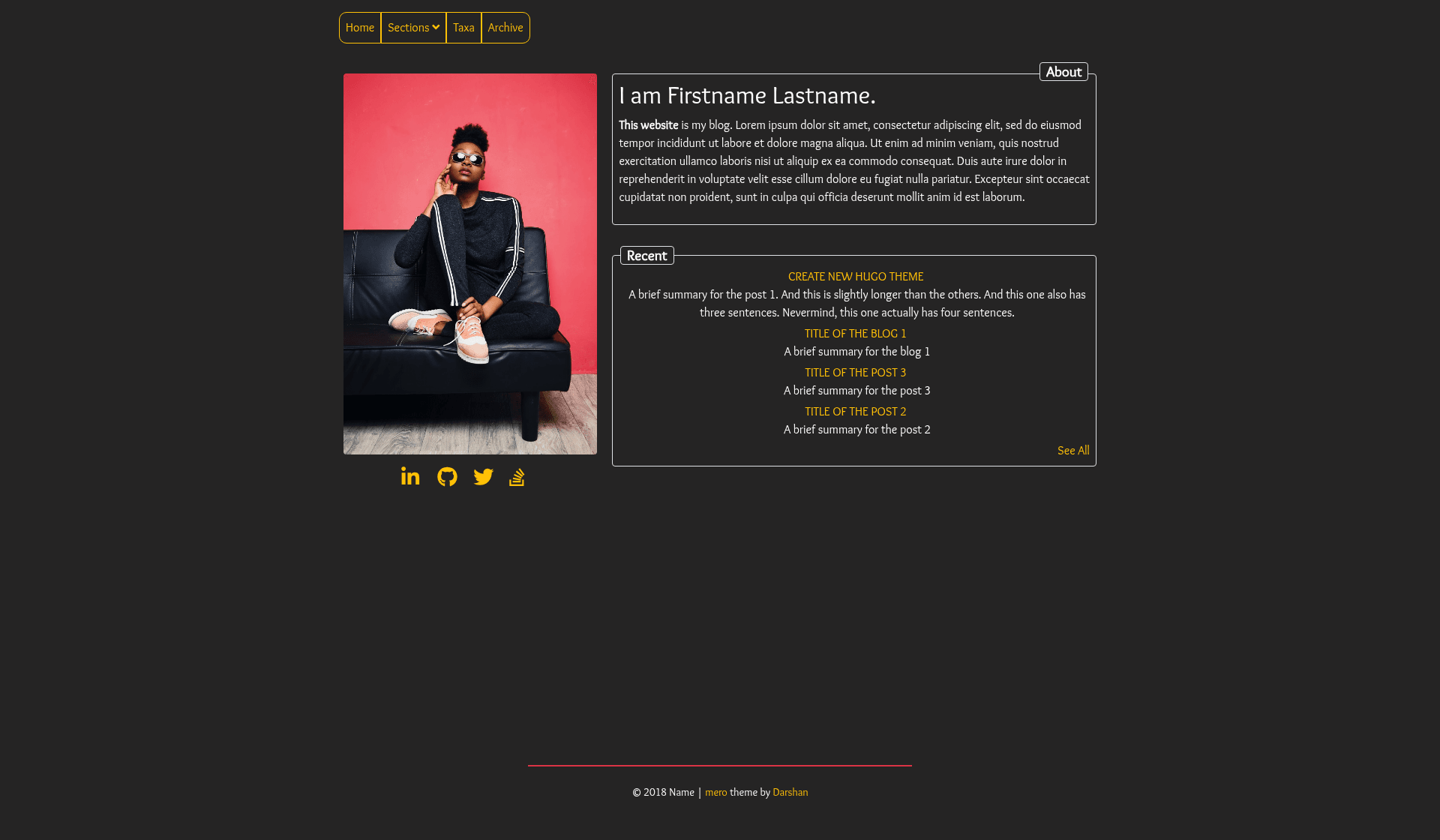
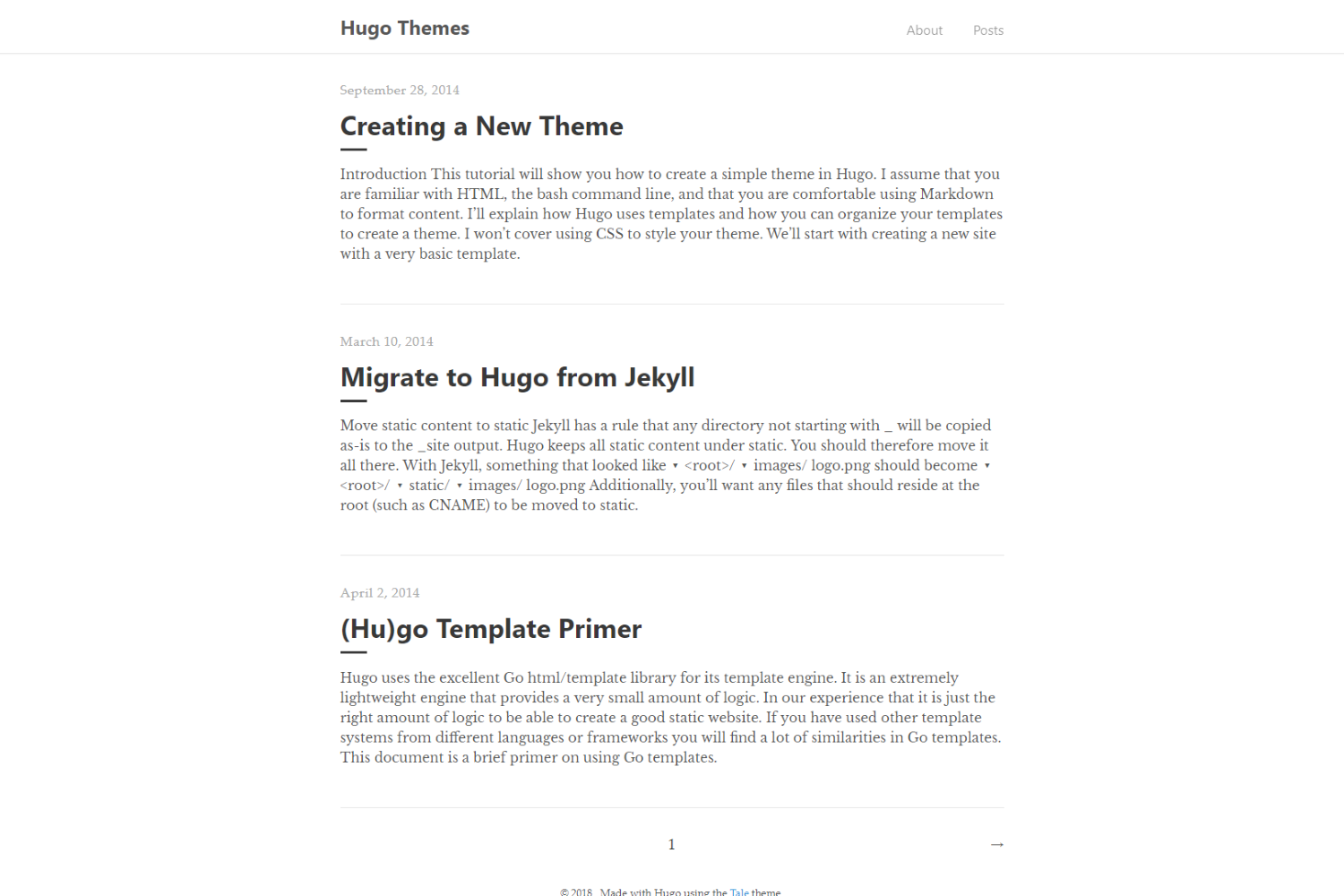
Mero is an open-source Hugo theme created by Darshan Baral and distributed through the GitHub repository darshanbaral/mero, where it currently has 12 stars. It takes Markdown content and Hugo configuration files as input and produces a static blog site as output, with no database or server-side dependencies. The theme includes a live demo at https://merodemo.netlify.app/ so potential users can preview its default appearance before installing.
As a Hugo theme, Mero runs within the Hugo static site generator. It is installed by cloning the repository into the themes directory of a Hugo project. The repository ships with an example configuration file under exampleSite, which users can copy to the root of their site and customize.
Key Features
- Personal blog layout — The theme is purpose-built for personal blogs, offering a clean, content-first presentation for written articles.
- Static site output — Because it is a Hugo theme, Mero generates plain HTML files that can be hosted on any static hosting service, such as Netlify, GitHub Pages, or an ordinary web server.
- Example configuration — The
exampleSitefolder contains a completeconfig.tomlfile that demonstrates how to set up the theme, including parameters for site metadata and menu navigation. - One-line installation — Users can install the theme by running
git clone https://github.com/darshanbaral/mero.gitinside their Hugo site'sthemesfolder. - Live demo hosted on Netlify — The demo site (https://merodemo.netlify.app/) gives a real example of how the theme renders, making it easy to evaluate before committing to the theme.
- Open source and modifiable — The theme's source code is publicly available, allowing users to inspect, fork, or adapt it to their needs.
Who is it for?
Mero is aimed at personal bloggers who want a straightforward, no-fluff theme for their Hugo-based website. It is particularly suitable for writers who are comfortable editing a config.toml file and who prefer a minimal setup without administrative panels or dynamic content.
The theme also serves as a learning resource for Hugo beginners. Its small scope makes it a good example of how Hugo themes are structured, and the example configuration gives a practical starting point for understanding theme parameters. Static-site enthusiasts who dislike heavy JavaScript and database-backed systems will find Mero a simple base for personal publishing.
What can you do with Mero?
- Personal bloggers: Publish posts by writing Markdown files and running Hugo; the theme renders them into a blog layout automatically.
- Hugo learners: Use the theme's code and example configuration to understand how Hugo templates and configuration files interact.
- Static hosting users: Deploy the built HTML files to Netlify or another static hosting provider, as demonstrated by the project's own demo site.
How does Mero work?
To install Mero, navigate to your Hugo site's themes directory and run git clone https://github.com/darshanbaral/mero.git. Next, copy the config.toml from the exampleSite folder to the root of your Hugo site and edit it with your own site name, menus, and settings. When Hugo builds the site, it uses Mero's templates to convert the Markdown content in content/ into static pages.