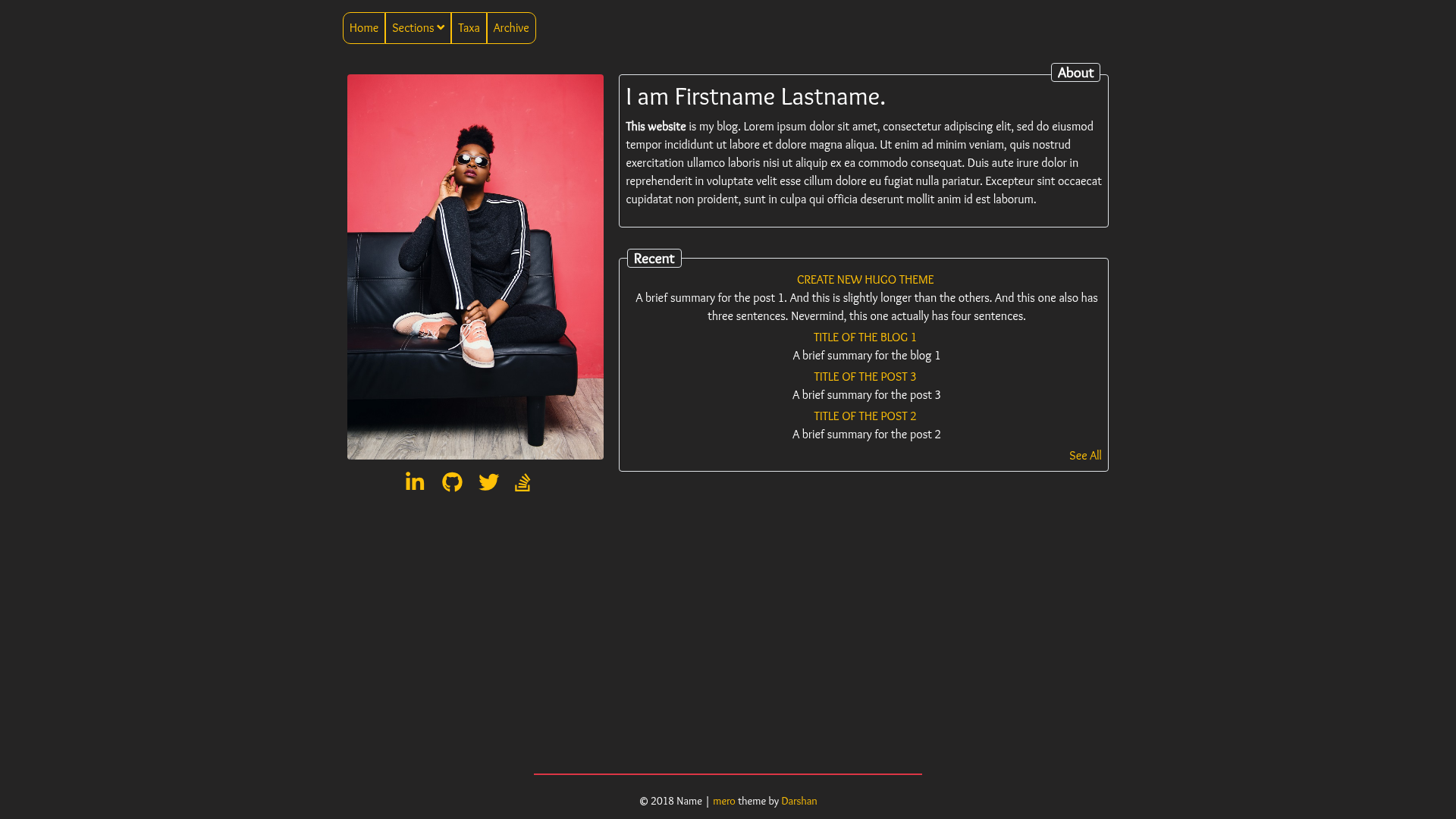
Template details
Tao
A content-first minimalist Jekyll theme for blogs.
About this template
Tao is a content-first minimalist Jekyll theme for blogs, distributed as the Ruby gem jekyll-theme-tao and installable on GitHub Pages.
What is Tao?
Tao is a content-first minimalist Jekyll theme for blogs, built as a Ruby gem and designed to run in any standard Jekyll environment, including GitHub Pages via the jekyll-remote-theme plugin. It takes Markdown posts and pages as input and renders them into a clean, typography-focused blog layout with support for archives, comments, analytics, and math typesetting. The theme is maintained by vfvong and published on GitHub at vfvong/jekyll-theme-tao.
Key Features
- Light and dark mode — Automatically switches based on the visitor's
prefers-color-schemesetting, with no JavaScript or configuration needed. - MathJax support — Render LaTeX math in posts by setting
math: truein the front matter of a page; disabled by default to keep pages fast. - Disqus comments — Enable discussion on posts by setting a Disqus shortname in
_config.yml. - Google Analytics 4 — Add a Measurement ID in
_config.ymlto track site traffic. - Pure-Liquid archive pages — Create archive pages grouped by year, category, or tag using the built-in
archivelayout and atypefield. - Font Awesome icons — Social links use Font Awesome classes, so no SVG files are needed for icons.
- Custom head injection — Drop a
_includes/custom-head.htmlfile into your repo to add extra scripts or meta tags without overriding the theme. - Sass variable customization — Change colors and fonts by copying and editing
_sass/tao/_variables.scss.
Who is it for?
- Bloggers who want a minimal, content-first layout that puts writing at the center.
- Developers hosting on GitHub Pages who need a theme that installs quickly via gem or remote theme.
- Technical writers who need MathJax for equations and archives for long-form content.
- Personal site owners who want a simple navigation and social links without a heavy theme.
What can you do with Tao?
- Publish a blog — Write posts in Markdown, and Tao renders them with a clean reading experience and automatic categories/tags archives.
- Add comments and analytics — Connect Disqus for reader engagement and Google Analytics 4 for traffic insights.
- Customize without forking — Override navigation and social links via
_datafiles, inject custom head content, and adjust Sass variables.
How does Tao work?
Installation follows the standard Jekyll theme workflow: add gem "jekyll-theme-tao" to your Gemfile, set theme: jekyll-theme-tao in _config.yml, and run bundle install. For GitHub Pages, add jekyll-remote-theme and set remote_theme: vfvong/jekyll-theme-tao. Then configure navigation in _data/navigation.yml and social links in _data/social.yml.
FAQ
Is Tao free to use?
Yes. Tao is open source under the MIT License, so it is free to use for personal and commercial projects.
How do I install Tao on GitHub Pages?
Add jekyll-remote-theme to your Gemfile, then set remote_theme: vfvong/jekyll-theme-tao in your _config.yml. The theme will be fetched from GitHub when your site builds.
How do I turn on MathJax?
MathJax is off by default. On any page where you want math rendering, set math: true in the front matter. The theme then loads MathJax for that page.
Does Tao have built-in dark mode?
Yes. Tao supports light and dark mode automatically using the CSS prefers-color-scheme media query, so it follows the visitor's system setting with no manual toggle.
How do I customize the theme's colors?
Copy _sass/tao/_variables.scss into your own _sass directory and edit the variable values. The theme's Sass will pick up your overrides without requiring you to copy all the CSS.