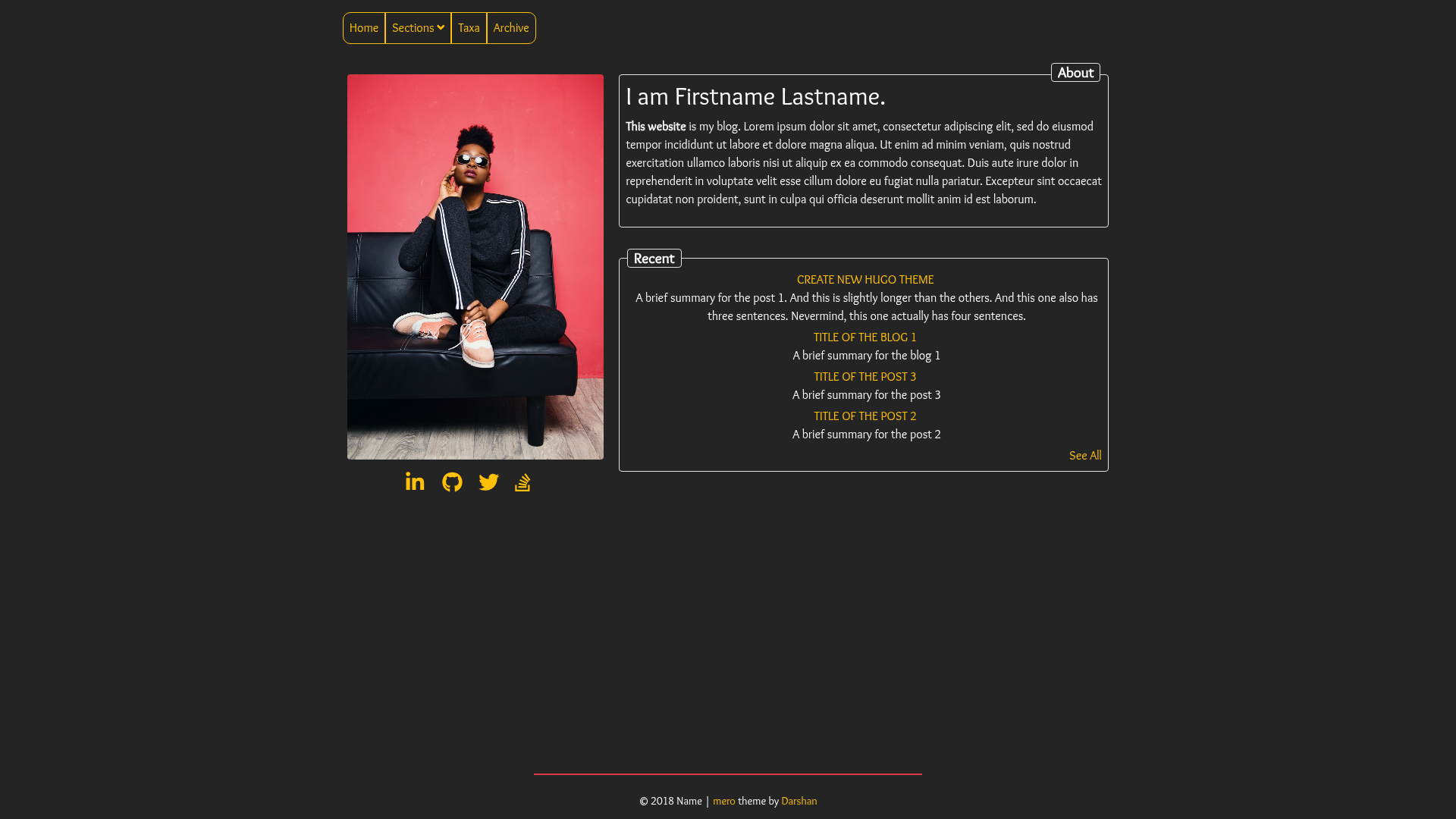
Template details
Halo Theme Oranges
A minimalist Halo blog theme ported from hexo-theme-oranges, with archive pagination, RSS, and ICP filing support.
About this template
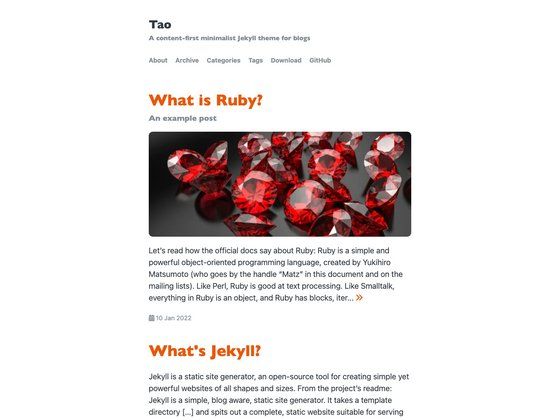
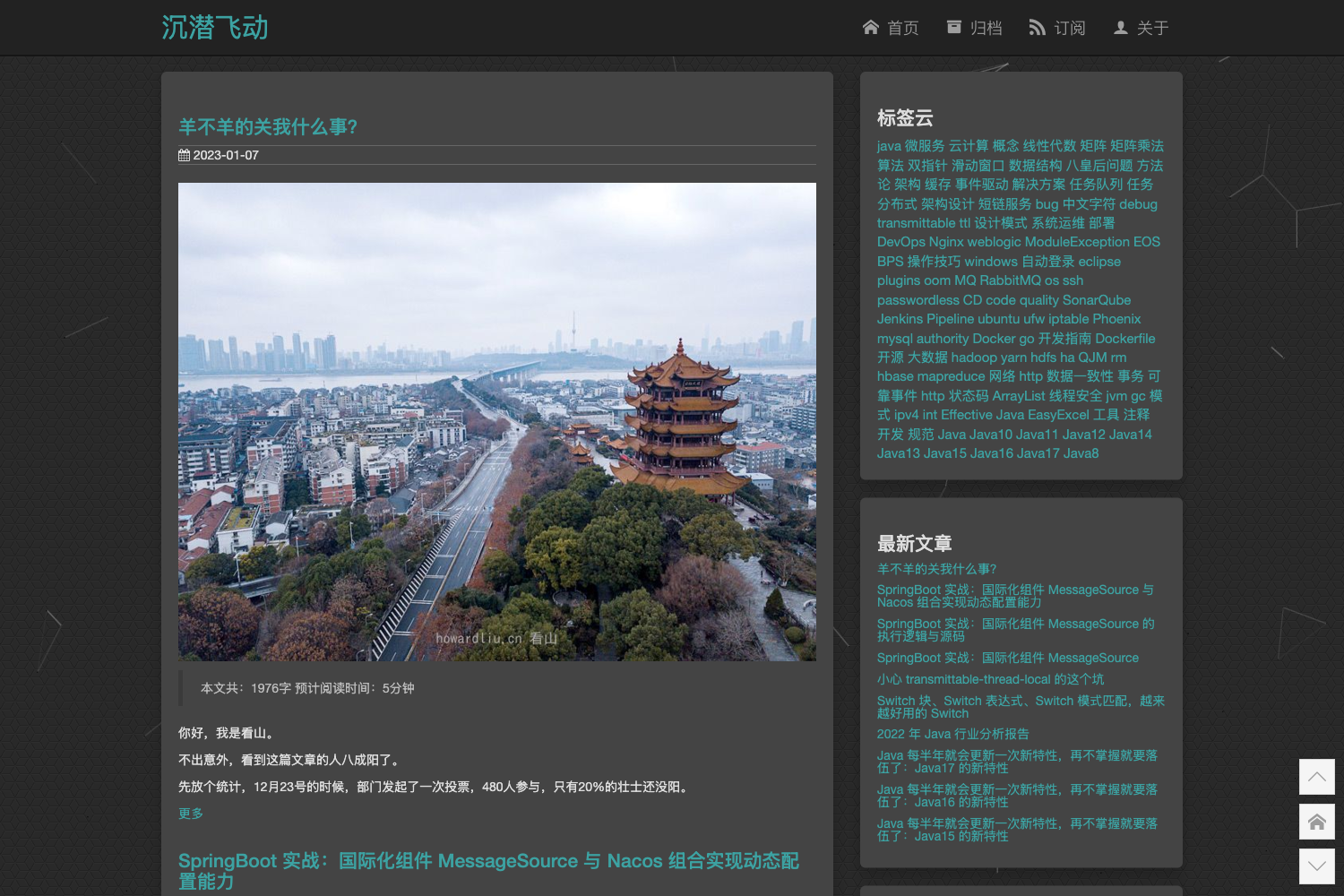
Halo Theme Oranges is a minimalist blog theme for the Halo blogging platform, ported from the Hexo theme hexo-theme-oranges originally created by zchengsite. This port maintains the simple, clean aesthetic of the original while adapting it to Halo's template system, offering a lightweight option for bloggers who want a distraction-free reading experience.
What is Halo Theme Oranges?
Halo Theme Oranges is a Halo 2.x theme that renders a blog's posts, tags, categories, and archive pages into a minimalist interface with a focus on typography and whitespace. It takes Halo's site configuration, post content, and taxonomy data as input and outputs a responsive web page. The theme is open source under the GitHub repository WuWenL0/halo-theme-oranges, which currently has 36 stars and is maintained by the community.
Key Features
- Minimalist design — A clean, simple layout that prioritizes reading comfort, true to the original hexo-theme-oranges aesthetic.
- Archive pagination — The archive page includes pagination buttons, added in version 1.0.2, so long lists of posts are organized without performance issues.
- Fixed time formats — Archive and category pages had their time format errors corrected in 1.0.2, ensuring consistent date display.
- Tag page optimization — Version 1.0.2 improved the way the tag page retrieves variables, making it more stable with larger tag sets.
- Footer RSS link — A footer RSS entry was added in version 1.0.3, letting readers subscribe to the blog feed directly.
- ICP filing configuration — Version 1.0.1 added a setting for Chinese ICP filing information, commonly required for personal sites hosted in mainland China.
- Global footer code injection — Also from 1.0.1, this allows adding custom scripts or analytics snippets to the site footer without editing theme files.
- Detailed title information — Version 1.0.4 includes full title details in the browser tab, improving search-engine context.
Who is it for?
- Halo bloggers who want a simple, fast personal blog without complex page-building options.
- Developers learning Halo theming who can clone the repo and run
pnpm devto see how a theme is built. - Hexo users migrating to Halo who already like the original oranges theme and want the same look on a different platform.
What can you do with it?
- Personal bloggers: Install the theme via zip from the release page and go live in minutes through the Halo admin panel.
- China-hosted sites: Use the built-in ICP filing configuration to display filing numbers legally without a plugin.
- Site maintainers: Inject global footer scripts for analytics or custom widgets through the admin settings.
- Theme developers: Fork the repository, run local development with pnpm, and contribute improvements via pull requests.
How does it work?
Installation follows a simple process: download the theme zip from the release page, navigate to the Halo admin console under Appearance → Themes, click "Switch Theme," then "Install Theme," upload the zip, and enable it from the "Not Installed" section. For development, you can clone the repository into your Halo 2 development themes directory and run pnpm install followed by pnpm dev.
FAQ
Is Halo Theme Oranges free?
Yes, it is open source under the GitHub repository WuWenL0/halo-theme-oranges, and you can download it at no cost from the release page.
How do I install the theme?
Download the zip file from the release page, go to your Halo admin panel under Appearance → Themes, click "Switch Theme" → "Install Theme," and upload the zip. After installation it appears under "Not Installed," where you can enable it.
Does the theme support RSS?
Yes, a footer RSS link was added in version 1.0.3, allowing visitors to subscribe to your blog's feed directly from the footer.
Can I customize the theme code?
Yes. The repository includes development setup instructions: clone it to your Halo 2 development themes directory, then run pnpm install and pnpm dev to preview changes locally.
What version of Halo does it work with?
The development instructions reference the ~/halo2-dev/themes path, indicating this theme is built for Halo 2.x. If you use a different Halo version, check the repository for compatibility notes.