Template details
Hexo Theme Lightx
A lightweight, PWA-supported Hexo theme with almost zero dependencies for fast blog sites.
About this template
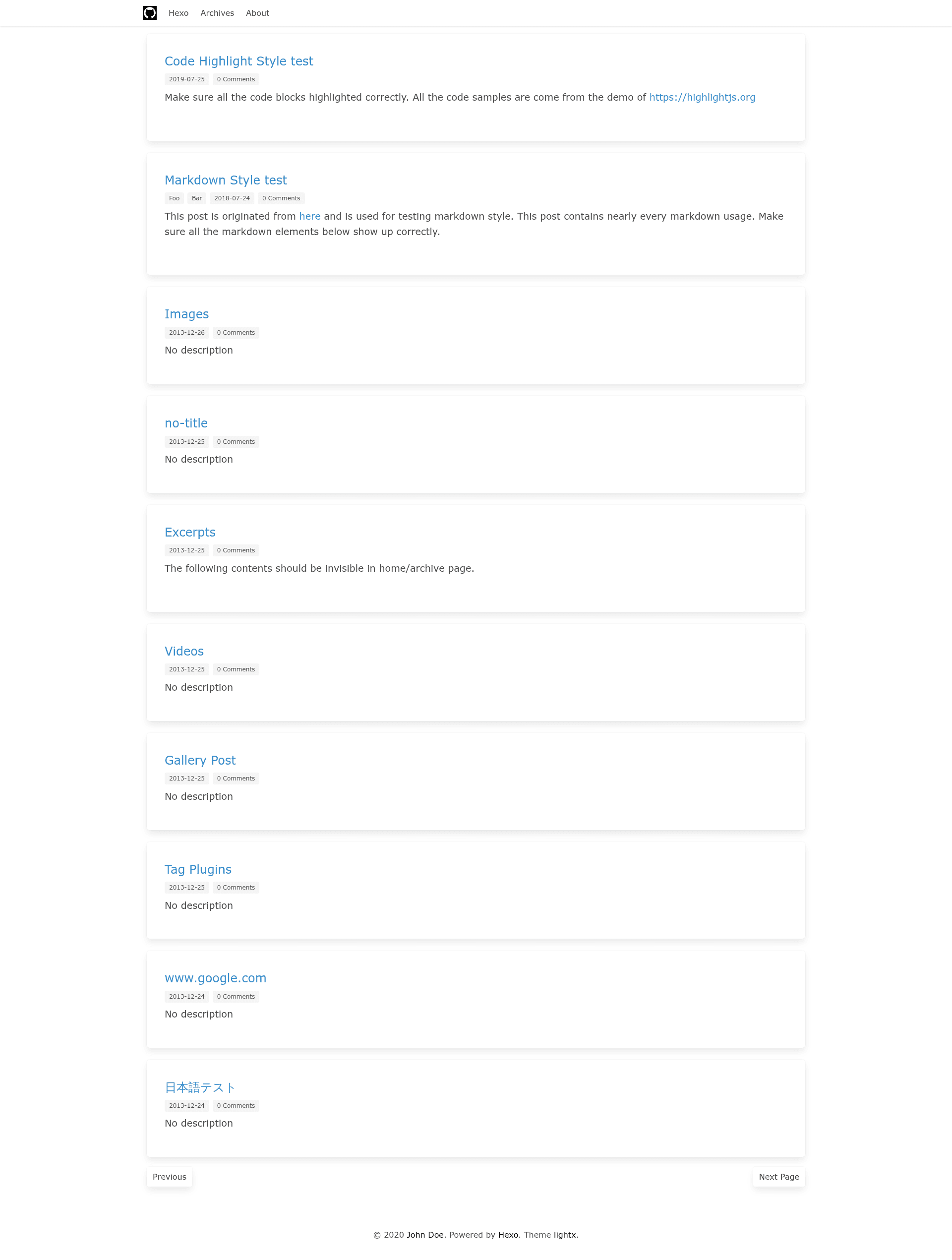
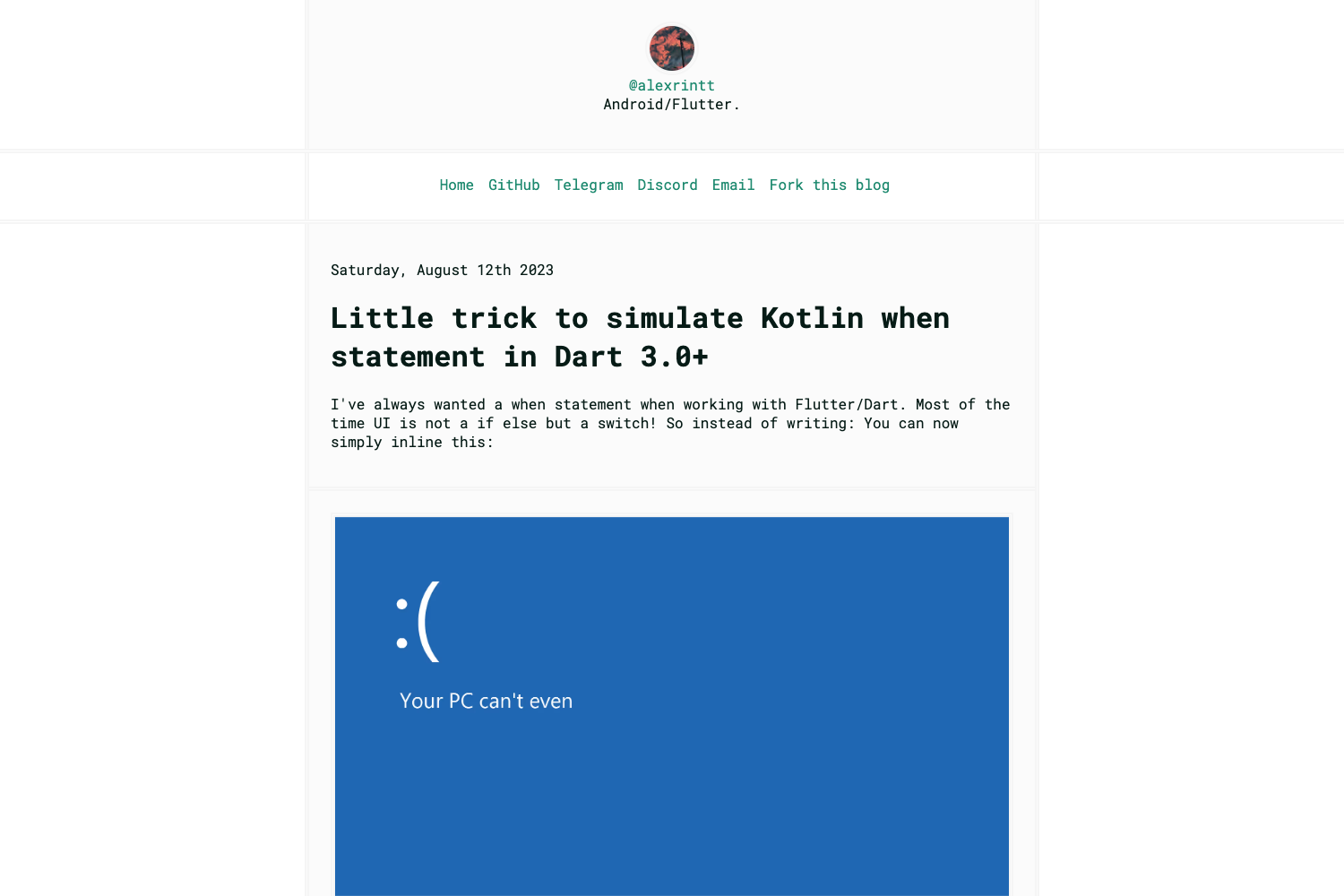
Hexo Theme Lightx is a lightweight Hexo blog theme with built-in PWA support, nearly zero external dependencies, and styling based on the Bulma CSS framework. It turns your Markdown posts into a static blog site with a minimal, fast-loading front end.
What is Hexo Theme Lightx?
Hexo Theme Lightx is a theme for the Hexo static site generator, designed to render Markdown content into a clean, lightweight blog. It takes your Hexo blog content as input and produces static HTML, CSS, and JavaScript pages styled with the Bulma framework. The theme is distributed through a GitHub repository and is almost dependency free, meaning it relies only on Hexo's core features rather than a large plugin ecosystem.
Key Features
- PWA support — The theme includes a
manifest.jsonfile you can edit to set your app name, and it supports progressive web app behavior for offline access. - Almost dependency free — Beyond the Hexo core, the theme avoids requiring extra plugins, keeping the build simple and reducing maintenance overhead.
- Lightweight — The theme's codebase is intentionally small, with only the essential templates and assets for a fast-loading blog.
- Bulma-based styling — The repository topics indicate the theme uses Bulma, a modern CSS framework, for responsive layout components.
- Stylus preprocessing — Styles are written in Stylus, a preprocessor that compiles to CSS through Hexo's asset pipeline.
- Markdown content — As a Hexo theme, it renders Markdown posts and pages via Hexo's built-in renderer, so you write content in plain text.
Who is it for?
- Hexo bloggers — People who already run a Hexo blog and want a lightweight, PWA-capable theme without changing providers or adding heavy tooling.
- Performance-focused developers — Developers who need a minimal blog theme with almost no dependencies to keep page weight low and load times short.
- PWA enthusiasts — Users who want their blog to work offline and be installable on mobile devices through the included manifest configuration.
What can you do with Hexo Theme Lightx?
- Set up a fast blog — Clone the theme into your Hexo project, apply it in the config file, and publish a static blog with a clean Bulma-based design.
- Make your blog installable — Edit the
manifest.jsonfile to name your app (for example, "My Blog") and configure the PWA settings. - Customize visuals — Replace the images in the theme's source folder with your own, following the required dimensions, to change the look of your site.
How does Hexo Theme Lightx work?
Installation follows four steps: clone the repository from https://github.com/songquanpeng/hexo-theme-lightx.git into your Hexo blog's theme folder, set theme: hexo-theme-lightx in your main _config.yml, disable Hexo's built-in highlight by setting enable: false, and replace the theme's source images with your own. Finally, edit manifest.json to set your PWA app name. After these steps, Hexo builds the site as usual.
Pricing
Hexo Theme Lightx is free to use, distributed publicly on GitHub. The repository lists a small star count (10 stars at the time of writing), indicating it is still a niche theme.
FAQ
What does Hexo Theme Lightx do?
Hexo Theme Lightx is a theme for the Hexo static site generator that renders Markdown content into a lightweight, PWA-supported static blog. It uses the Bulma CSS framework for styling and includes a manifest file for configuring the app name.
How do I install Hexo Theme Lightx?
Clone the repository from https://github.com/songquanpeng/hexo-theme-lightx.git into your Hexo theme folder. Then edit your Hexo _config.yml to set the theme name, disable Hexo's default highlight, and replace the theme images. Finally, update manifest.json with your PWA app name.
Does Hexo Theme Lightx support PWA?
Yes, PWA support is listed as a core feature. The theme includes a manifest.json file that you configure with your app name, and it enables offline-capable behavior for visitors.
What dependencies does Hexo Theme Lightx have?
The theme is described as almost dependency free. According to the repository topics, it uses Bulma, a CSS framework, and the source hints indicate Stylus for preprocessing. It does not require a long list of Hexo plugins.
Can I use Hexo Theme Lightx without Bulma?
The theme is built with Bulma styling, so replacing it would require modifying the theme's source files. There is no built-in option to swap the styling framework.