Template details
Kawaii Hugo Theme
A modern Hugo theme with kawaii aesthetics, dark mode, and delightful animations.
About this template
Kawaii is a Hugo theme that creates fast, accessible static websites with a kawaii aesthetic, automatic dark mode, and built-in client-side search.
What is the Kawaii Hugo Theme?
Kawaii is an open-source Hugo theme created by yuis-ice. It takes Hugo content directories (Markdown files with YAML front matter) and generates a static website with a modern design, dark mode, and search. The theme requires Hugo Extended version 0.147.0 or higher and is released under the MIT License.
Key Features
- Modern Design — clean, contemporary typography using the Inter and JetBrains Mono fonts, plus Feather icons.
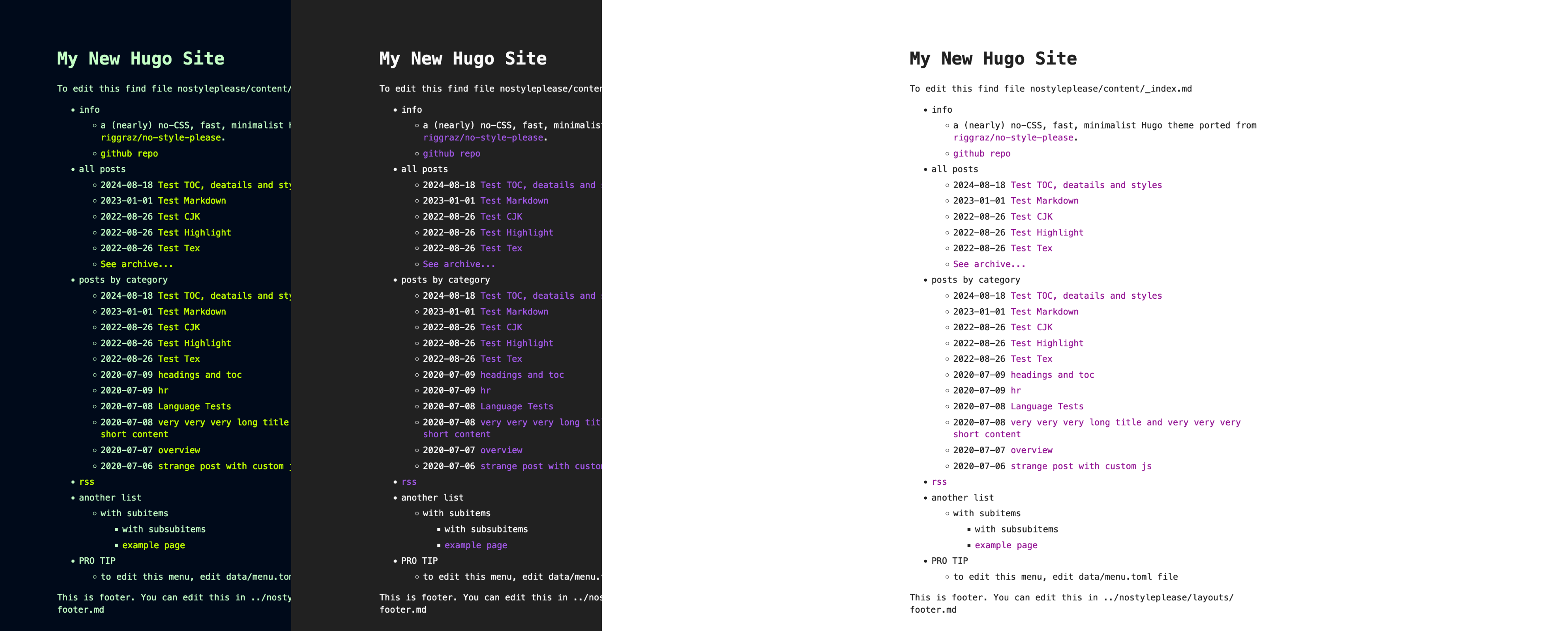
- Dark Mode — automatic system preference detection with a manual toggle controlled by the theme_toggle parameter.
- Responsive Layout — mobile-first design that adapts to all screen sizes.
- Performance — Lighthouse scores of 100/100 across all four categories, with combined CSS and JavaScript under 50 KB and load times under 1 second on modern connections.
- Built-in Search — client-side search functionality enabled with the search parameter, no external service required.
- Animations — smooth animations and micro-interactions for a delightful browsing experience.
- Accessibility — WCAG-compliant structure with keyboard navigation support.
- Customizable — colors and fonts can be changed via CSS custom properties, and the hero section, social links, navigation menu, and featured sections are configurable in hugo.toml.
- Browser Support — works on Chrome/Chromium 88+, Firefox 85+, Safari 14+, and Edge 88+.
Who is it for?
Kawaii is designed for bloggers, personal site owners, and developers who want a lightweight, stylish Hugo theme. Bloggers can publish Markdown posts with tags and featured images. Developers can use it as a portfolio to showcase projects, and site owners can quickly set up an about or contact page without touching HTML.
Use cases
- Personal bloggers: create a kawaii-themed blog with an automatic dark mode and built-in search so readers can find posts easily.
- Portfolio owners: display projects and an about page with a hero call-to-action, using the featured sections to highlight links.
- Open-source maintainers: use it for project documentation or release notes, taking advantage of its performance and accessibility scores.
How does it work?
Installation follows a standard Hugo workflow: add the theme as a git submodule, set the theme name in hugo.toml, and run the Hugo development server. The repository includes an exampleSite with a complete configuration and sample content that you can copy to start immediately.
Pricing
Kawaii is free and open-source under the MIT License. There are no paid plans, premium features, or usage limits.
FAQ
Is the Kawaii Hugo theme free?
Yes, the theme is released under the MIT License, so you can use it for personal or commercial projects without paying any license fees.
What version of Hugo does it require?
This theme requires Hugo Extended version 0.147.0 or higher. Older versions of Hugo may not compile the theme correctly because it relies on modern SCSS features and build tools.
How do I install the theme?
Install it by running 'git submodule add' from the repository URL, setting theme to "kawaii" in your hugo.toml file, then starting the server with 'hugo server'. The README shows the exact commands.
Can I customize the colors and fonts?
Yes, the theme exposes CSS custom properties for its primary, secondary, and accent colors, as well as for the font family and monospace font. You can override these variables in a custom CSS file without editing the theme's source.
Does the theme support dark mode?
Yes, Kawaii includes an automatic system preference detection and a manual toggle. The toggle is enabled by default and can be turned off by setting the theme_toggle parameter to false in your site configuration.