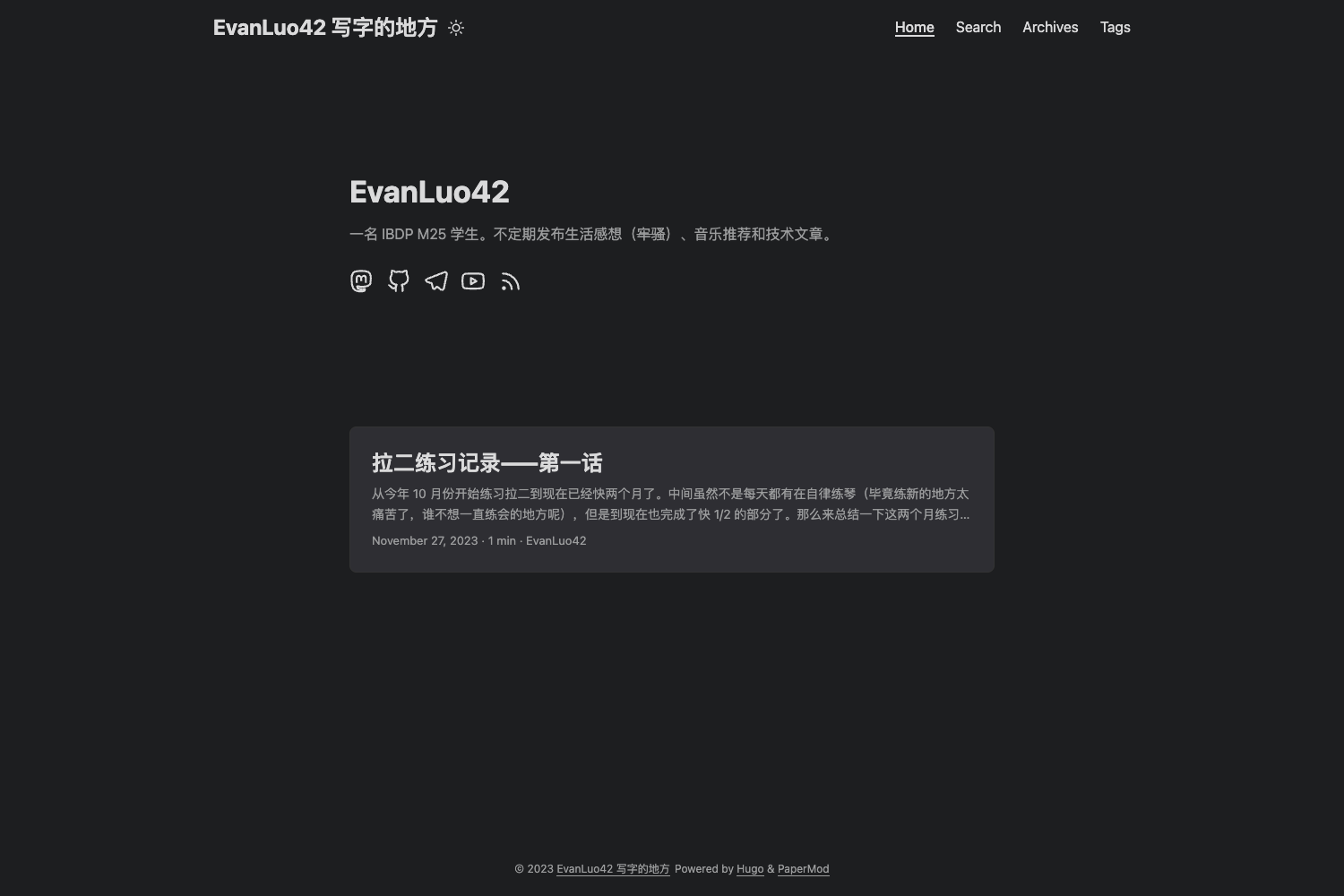
Template details
Hexo Theme Memory
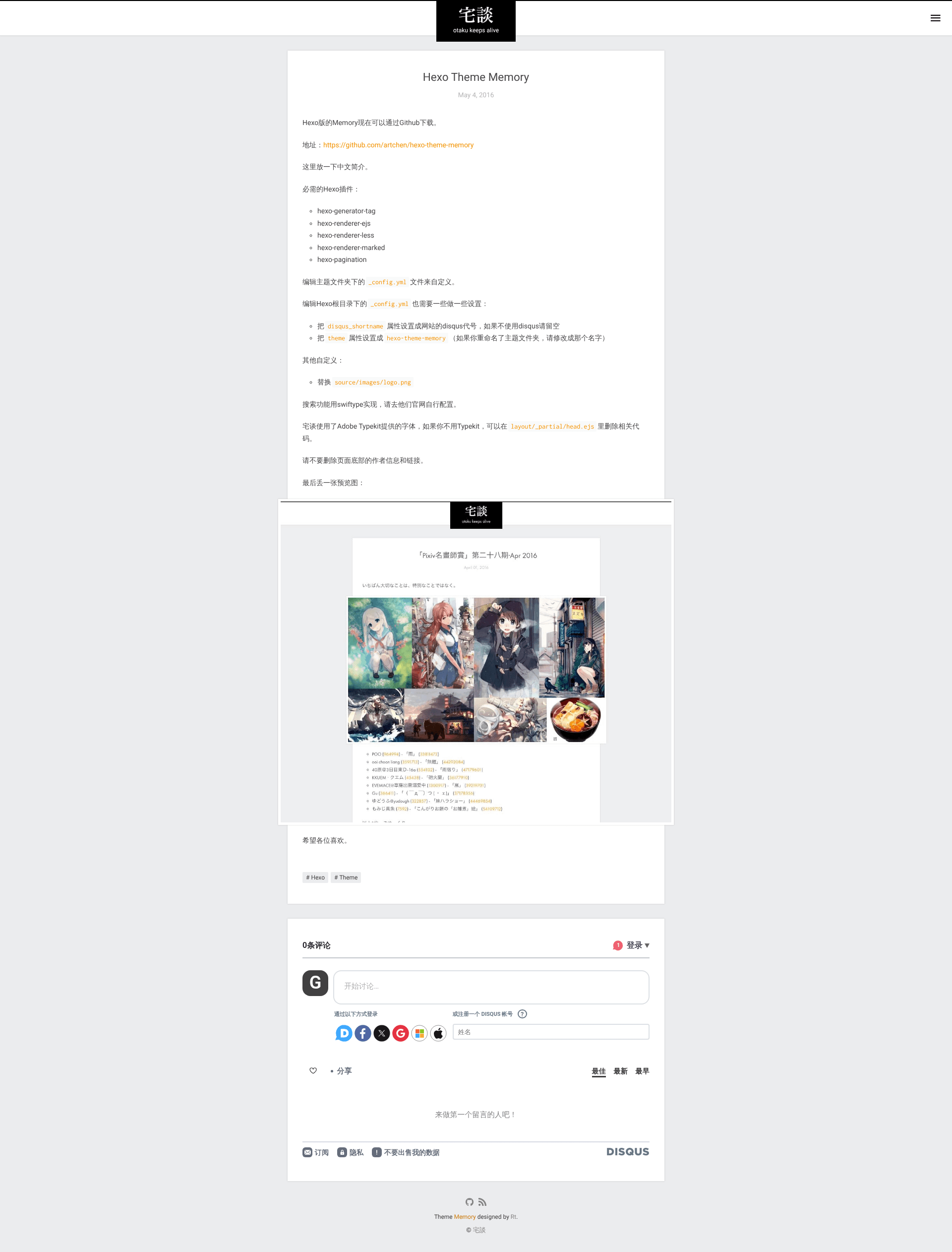
A minimal Hexo blog theme with Disqus comments and support for Google, Algolia, and Azure search.
About this template
Hexo Theme Memory is a minimal blogging theme for the Hexo static site generator, created by Art Chen and also released as a Ghost theme under the name ghost-theme-memory.
What is Hexo Theme Memory?
Hexo Theme Memory is a minimal theme designed for blogs built with Hexo, a Node.js-based static site generator. The theme accepts Markdown posts and pages from a Hexo site and renders them into a clean, content-focused static blog. The theme is authored by Art Chen and the same visual design is also available for the Ghost publishing platform via a separate repository. The source is hosted on GitHub, and a demo screenshot is referenced in the README.
What makes Hexo Theme Memory stand out?
The theme keeps the layout minimal while providing practical integrations for a self-hosted blog.
- Search service support — Works with Google custom search, Algolia, and Microsoft Azure search, using the universal-search integration series linked from the README.
- Disqus comments — Enables comments when
disqus_shortnameis set in the Hexo global_config.yml. - Theme configuration — Options are managed through a dedicated
_config.ymlinside the theme directory, so templates do not need editing for basic changes. - Replaceable logo — The logo lives at
source/img/logo.pngwith a PSD source atsource/img/logo.psdfor designers. - Icon font from icomoon — UI icons come from the icomoon icon font set rather than image files.
- Cross-platform availability — The same design is packaged as ghost-theme-memory for Ghost, making migration between Hexo and Ghost simpler.
- Explicit dependency set — The install requires
hexo-generator-archive,hexo-generator-tag,hexo-renderer-ejs,hexo-renderer-dartsass,hexo-renderer-marked,hexo-pagination, andhexo-tocto render content correctly.
Who is Hexo Theme Memory for?
The theme suits bloggers and developers who want a fast, text-first site without a heavy visual framework.
- Hexo bloggers — People who run a Hexo blog and want a simple theme with minimal styling.
- Developers — Those who need search integration and can follow the universal-search setup guides for Google, Algolia, or Azure.
- Ghost users — Site owners who want the same look across Ghost and Hexo, since both theme versions exist.
- Designers — Anyone who wants a small codebase and access to the PSD logo file for customization.
What can you do with Hexo Theme Memory?
- Personal bloggers — Publish a clean blog with support for archive and tag pages via the required Hexo generators.
- Technical writers — Use the table-of-contents dependency (hexo-toc) and search services to build browsable documentation.
- Multi-platform publishers — Use the Hexo theme and the Ghost theme together to keep the same design on both platforms.
How does Hexo Theme Memory work?
Installation starts by cloning the GitHub repository into the themes/hexo-theme-memory folder and running npm i github:artchen/hexo-theme-memory in the Hexo site root. The global _config.yml must set theme to hexo-theme-memory, and disqus_shortname can be configured for comments. Theme-specific settings are then adjusted in the theme's own _config.yml.
FAQ
Is Hexo Theme Memory free to use?
The theme is an open-source project on GitHub, and the README only requires that the author information and links in the footer remain intact. The free usage model is implied by the attribution requirement.
Does Hexo Theme Memory support search?
Yes, it supports Google custom search, Algolia, and Microsoft Azure search. The universal-search series provides setup instructions for each service.
Can I use Hexo Theme Memory on Ghost?
A separate Ghost version exists in the ghost-theme-memory repository, so the minimal design can be used on Ghost as well as Hexo.
What dependencies does Hexo Theme Memory require?
It needs hexo-generator-archive, hexo-generator-tag, hexo-renderer-ejs, hexo-renderer-dartsass, hexo-renderer-marked, hexo-pagination, and hexo-toc to render pages.