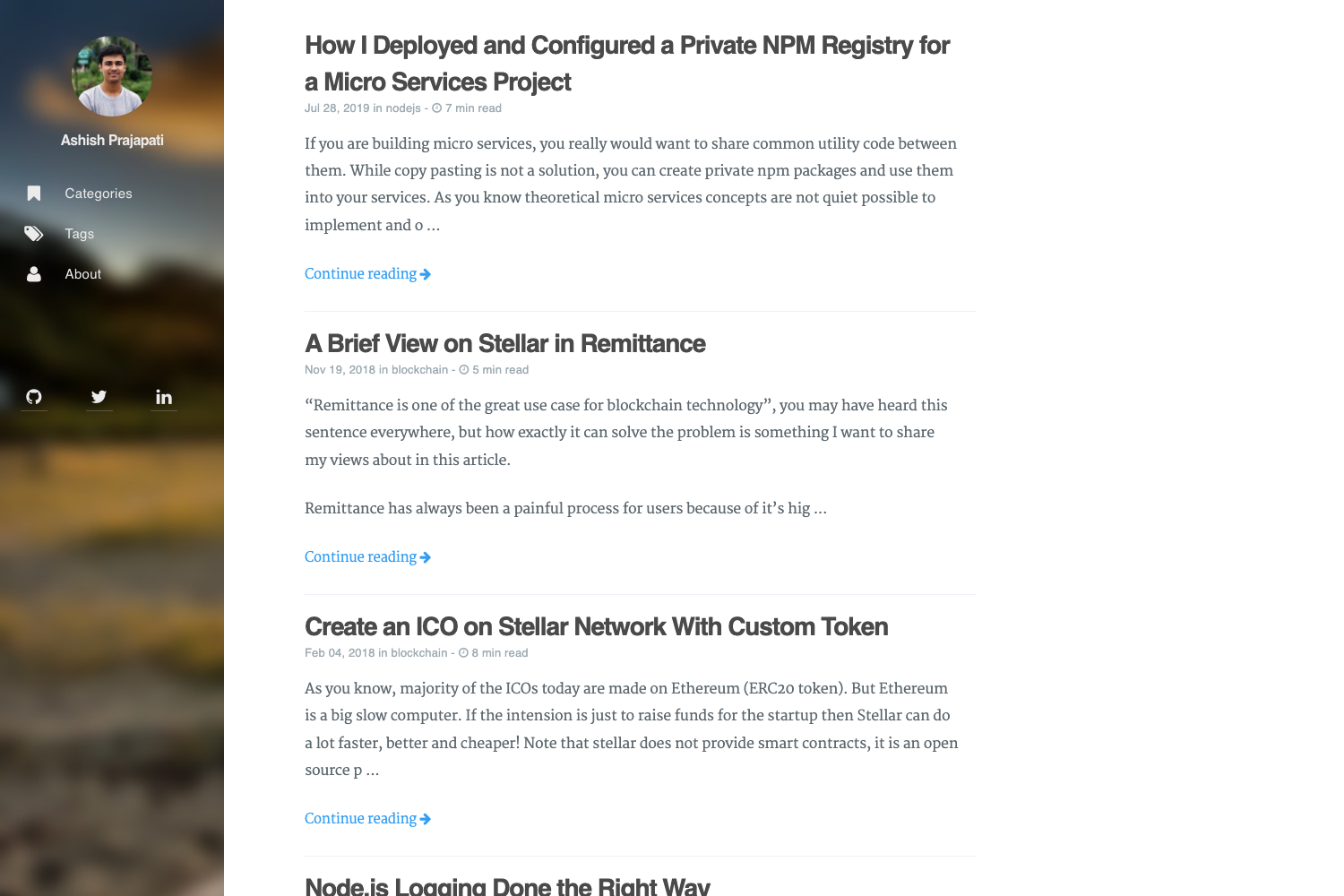
Template details
Hexo Theme Quark
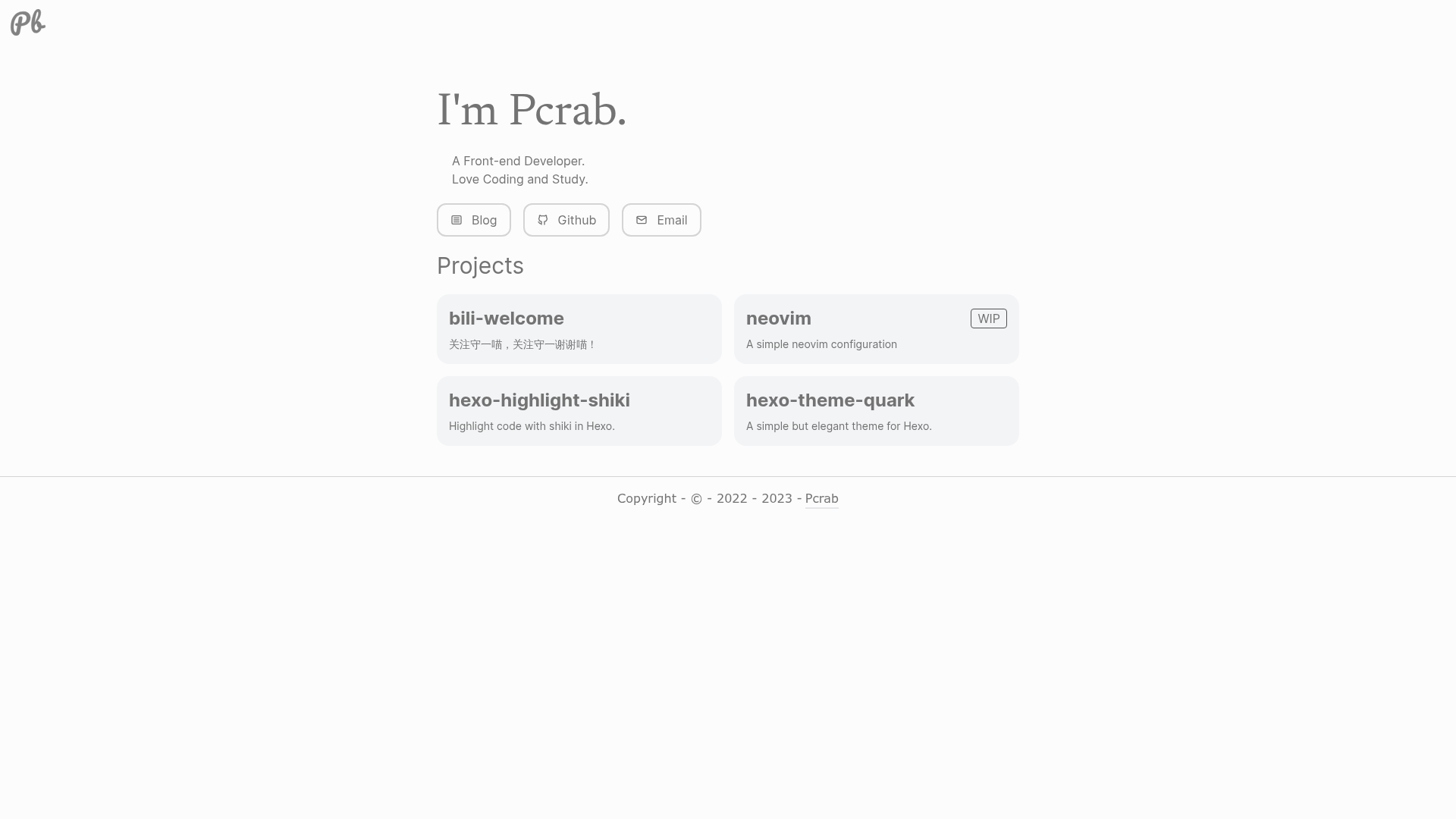
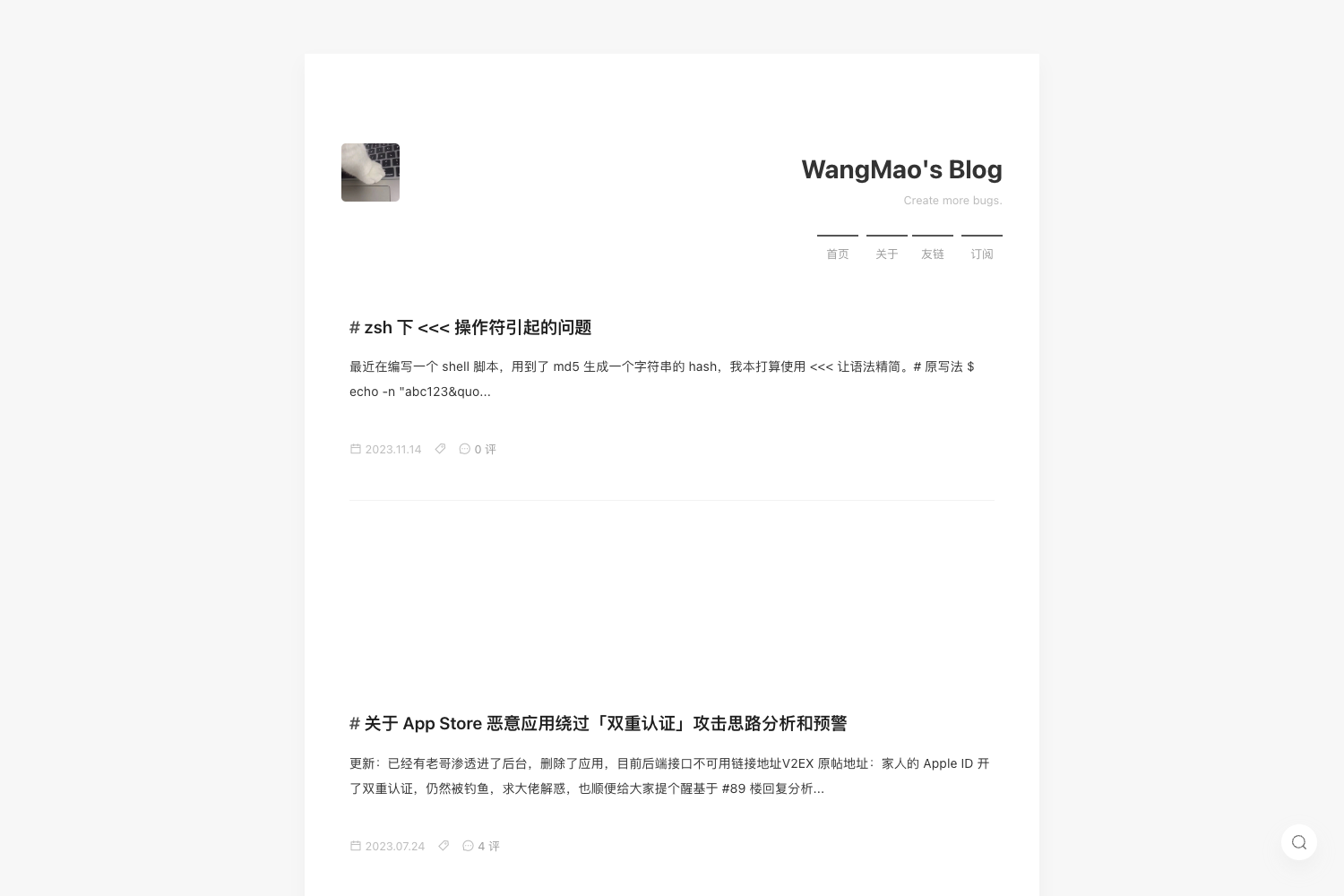
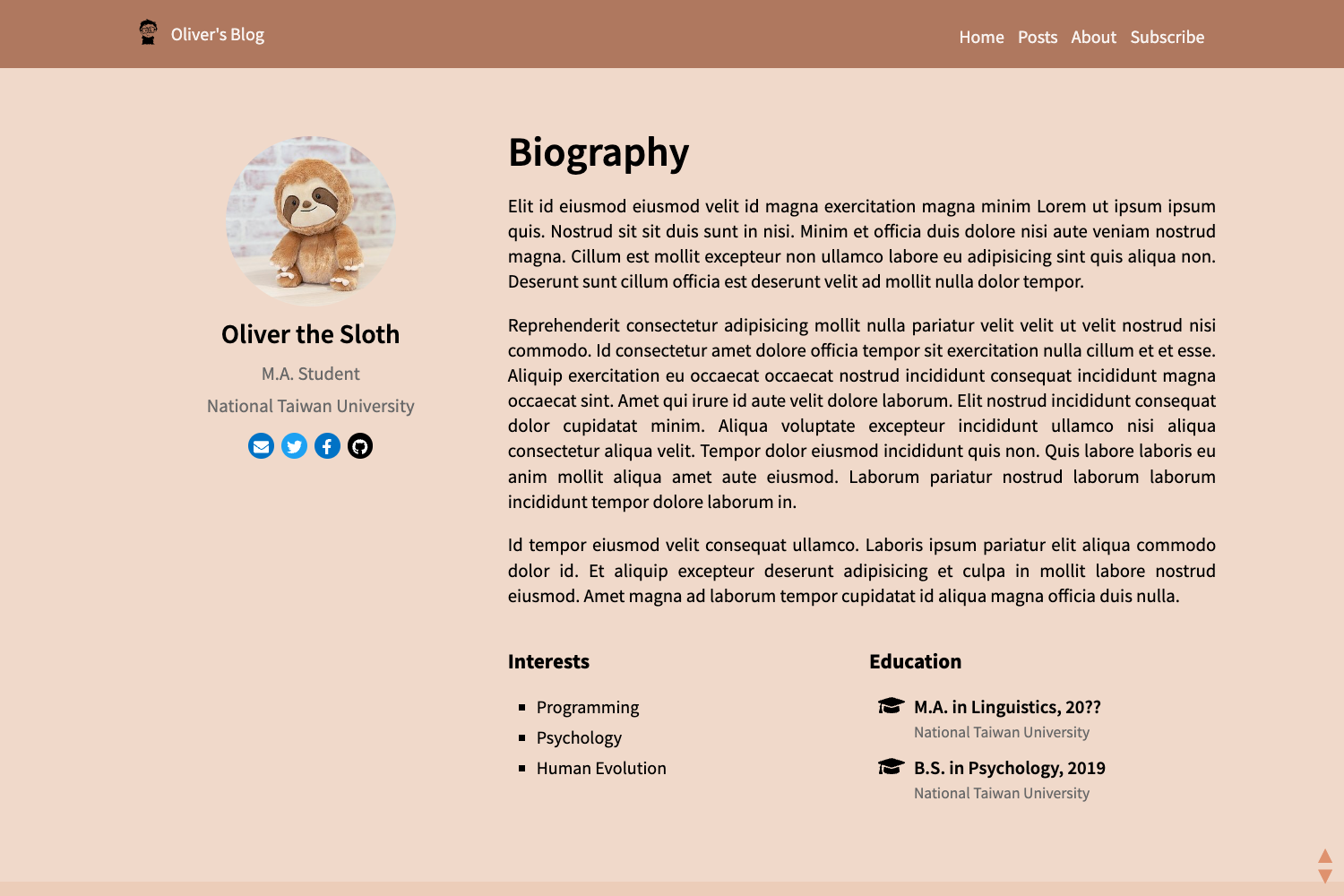
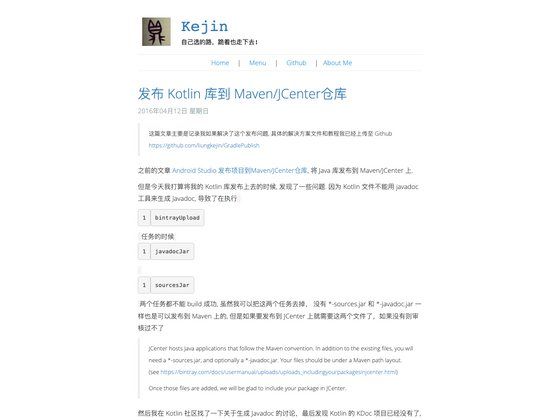
A simple Hexo theme with Valine and Disqus comments, code highlighting, and custom pages for tags, about, search, and friend links.
About this template
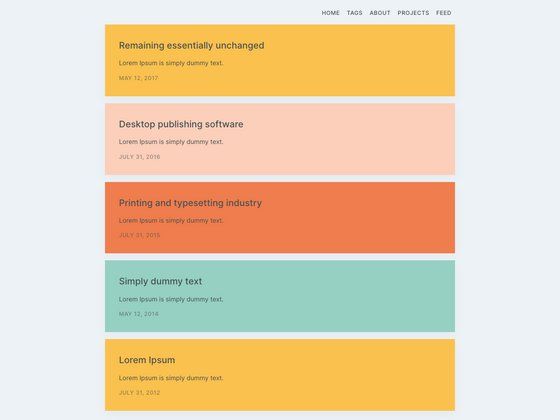
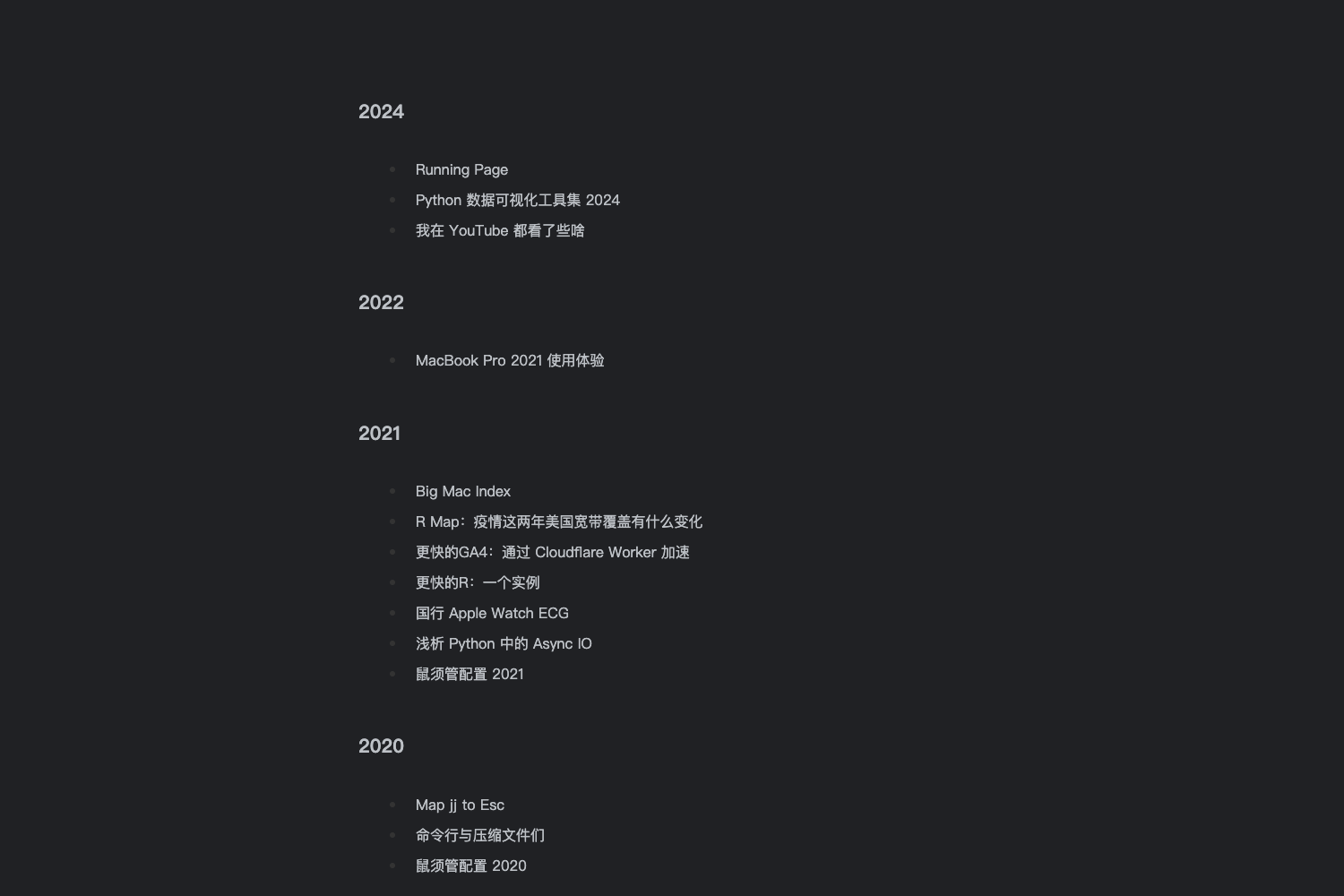
Hexo Theme Quark is a minimal open-source theme for the Hexo static site generator, designed to give personal blogs a clean layout with configurable comments, syntax highlighting, and four built-in custom pages.
What is Hexo Theme Quark?
This theme runs on Hexo and turns a standard Hexo blog into a lightweight personal blog with a clean, minimal design. It takes a Hexo site as input and produces static pages with support for Valine or Disqus comments, highlight.js code highlighting, and custom pages for tags, about, search, and friend links. The theme is authored by Pcrab and is still under development, with all configuration handled through the theme's _config.yml file.
Key Features
- Comment system integration — Supports two comment backends, Valine (requires a Leancloud account, international version recommended) and Disqus (configurable via reverse proxy if needed).
- Custom pages — Includes layouts for tags, about, search, and friend links; each requires manual page creation with
hexo new pageand the matching layout. - Code highlighting via highlight.js — Theme relies on highlight.js; users download a custom build, rename
highlight.pack.jstohighlight.min.js, replace it in/source/js/, and disable Hexo's built-in highlight. - Syntax highlight theme configuration — The
syntaxoption in_config.ymlcontrols whether highlighting is global and which highlight.js theme (e.g.,xcode) is applied. - Dark mode — The
darksetting toggles night mode. - Custom footer —
startYear,showTheme, andbeianoptions let you control footer text and add an ICP filing number. - Author and friend links — The
authoroption powers the about page, andfriendlinkssupports friend links with image descriptions. - RSS and search support — Works with
hexo-generator-feedfor RSS andhexo-generator-searchfor a search page, both configured in the site's root_config.yml.
Who is it for?
- Hexo bloggers who want a simple theme — Users who prefer a clean, minimal design and are comfortable editing YAML config files can set up this theme in minutes by cloning the repo and changing the
themefield. - Privacy-conscious commenters — Bloggers who want anonymous, lightweight comments can enable Valine, which stores data in Leancloud; the README recommends the international version because it does not require domain filing.
- Developers who customize themes — The theme exposes many options in
_config.yml(icon, favicon, dark mode, copyright, syntax) and expects manual file swaps for highlight.js, making it suitable for users who want hands-on control.
What can you do with Hexo Theme Quark?
- Personal bloggers: Publish posts and enable comments via Valine or Disqus without building a comment system from scratch.
- Developers with a server: Configure Disqus behind a reverse proxy for regions where Disqus is blocked, as mentioned in the README.
- Site owners needing compliance: Add an ICP filing number (
beian) to the footer to meet Chinese hosting requirements.
How does Hexo Theme Quark work?
The README outlines a manual setup: clone the repository into the Hexo site's themes directory, set theme: quark in the root _config.yml, and then edit the theme's _config.yml to customize options. For search, install hexo-generator-search and add a search block; for RSS, install hexo-generator-feed and add a feed block. To use code highlighting, replace the default highlight.js file in /source/js/ and set highlight.enable: false in the root config.
FAQ
Is Hexo Theme Quark free?
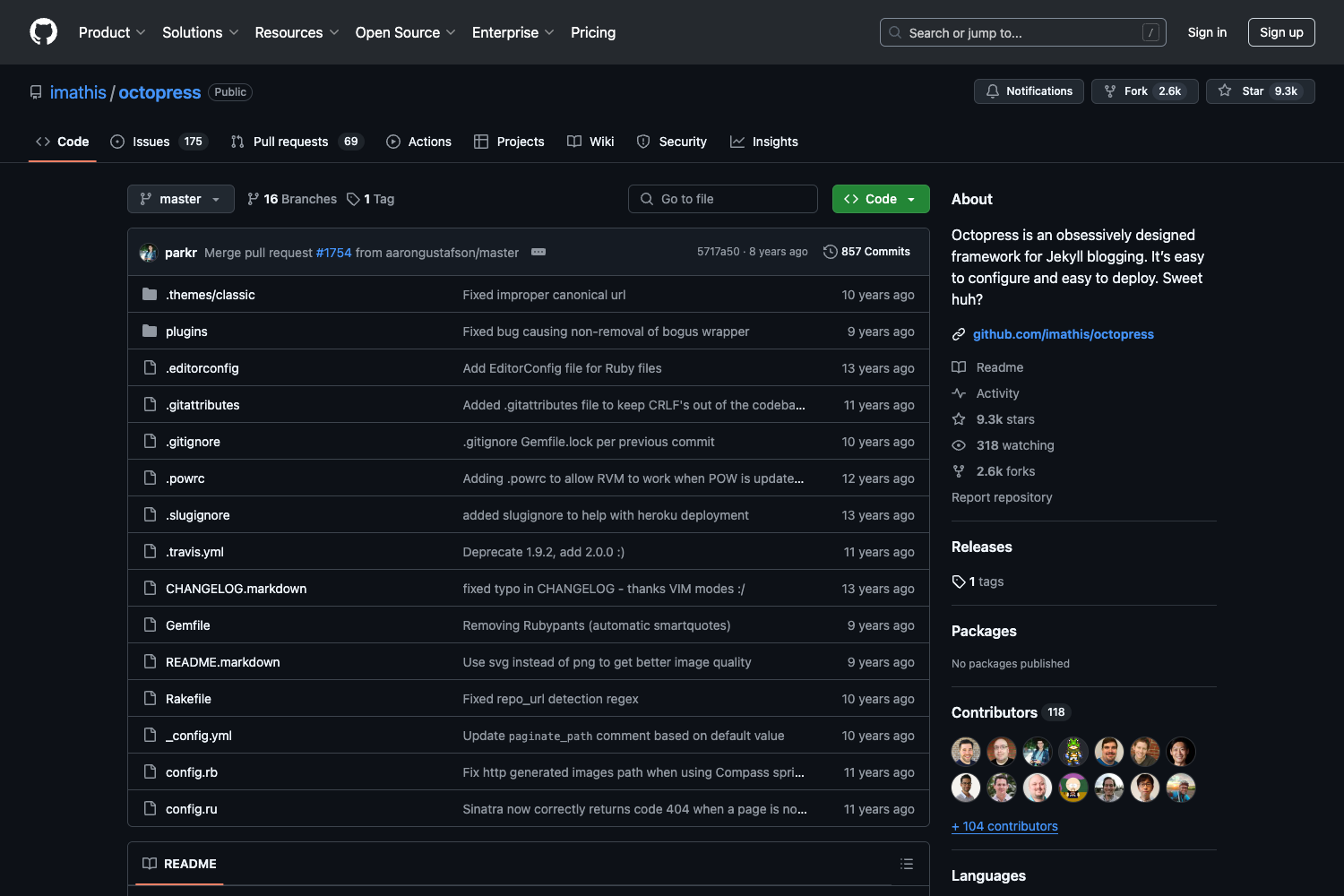
Yes, the theme is open-source and available on GitHub; the repository has 56 stars at the time of writing.
Which comment systems does it support?
It supports Valine and Disqus. Valine requires registering for a Leancloud account; the README suggests the international version to avoid domain filing.
Does it support RSS and search?
Yes, but both require third-party plugins: hexo-generator-feed for RSS and hexo-generator-search for search. Configuration blocks must be added to the root _config.yml.
How do I set up code highlighting?
Visit the highlight.js download page, choose the languages you need, download the pack, rename highlight.pack.js to highlight.min.js, and place it in /source/js/. Then disable the theme's built-in highlight by setting highlight.enable: false in the root config.