Template details
TeXtLite
Lightweight port of the Jekyll TeXt theme to Hugo with sidenotes, floating TOC, KaTeX math, and client-side search.
About this template
TeXtLite is a lightweight Hugo theme for blogging that ports the Jekyll TeXt theme, rendering Markdown posts with sidenotes, a floating table of contents, and KaTeX math.
What is TeXtLite?
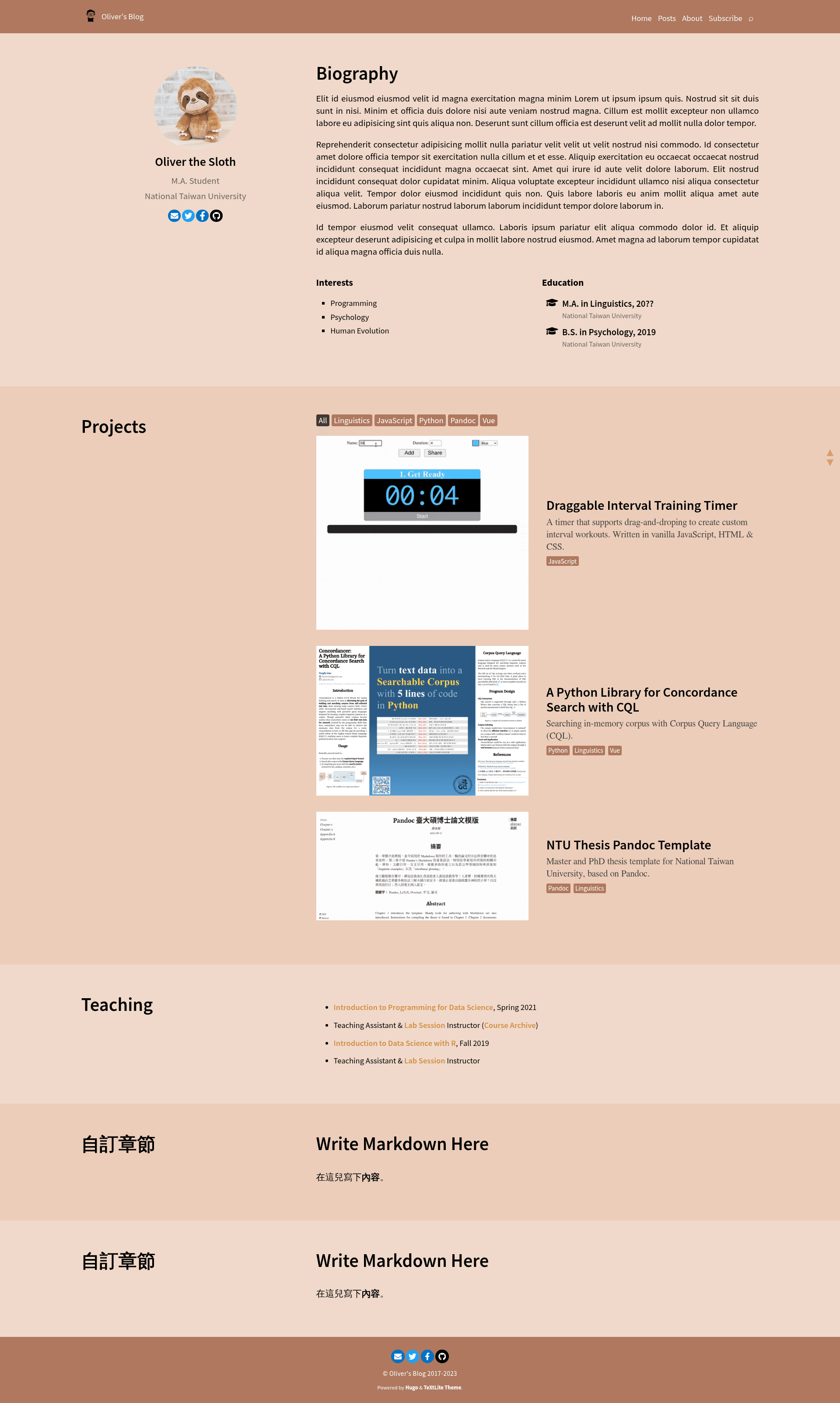
TeXtLite is a blog theme for the Hugo static site generator that ports the Jekyll TeXt theme into a lightweight package. It takes Hugo content written in Markdown, with optional front matter for tags and subtitles, and renders it as a static blog with academic-style reading aids: sidenotes, a floating table of contents on wide screens, and TeX math rendered by KaTeX. The theme runs on Hugo extended v0.93.0 or newer, with v0.110.0 extended suggested, and is available as an open-source Hugo theme. A live demo is hosted at textlite.netlify.app/demo.
What makes TeXtLite stand out?
- Post tags & subtitle — Each post can carry tags and an optional subtitle via front matter, which are displayed in the post header.
- Sidenotes & floating TOC — On screens wider than 1280px, sidenotes.js places footnotes in the margin and shows a floating table of contents that follows the reader.
- KaTeX math support — Math is rendered with KaTeX, and TeX commands in the source are clickable to copy them to the clipboard.
- Client-side search with Fuse.js — Full-text search runs entirely in the browser with Fuse.js, so no server-side search index is needed.
- Hugo native features — Includes syntax highlighting and Mermaid/GoAT diagram rendering through Hugo's content-management diagram support.
- Comment systems — Supports both utterances (GitHub-issues based) and Disqus, selectable per configuration.
- Lightweight port — Compared to the original Jekyll TeXt theme, TeXtLite strips down the feature set to focus on reading-focused blogging.
Who should use TeXtLite?
- Academic and math-heavy bloggers — Render equations with KaTeX, place footnotes as sidenotes, and keep a floating TOC for long articles.
- Technical writers — Use Hugo's built-in syntax highlighting and Mermaid/GoAT diagrams to document code and architectures.
- Hugo users coming from Jekyll — Migrate from the Jekyll TeXt theme to Hugo without losing the familiar layout and reading experience.
- Minimalist bloggers — Want a small, fast theme that doesn't bundle a full page-builder UI, just readable posts and a search box.
What can you do with TeXtLite?
- Math lecturers: Publish lecture notes with inline and display equations, since KaTeX renders TeX math and lets readers copy the source TeX commands.
- Long-form essayists: Use sidenotes and the floating TOC to keep footnotes out of the main reading flow on desktop-sized viewports.
- Open-source project blogs: Wire up utterances so readers comment through GitHub issues, keeping all discussion in the repository.
- Static-site searchers: Add client-side full-text search without running a separate search service, since Fuse.js scans the generated pages.
FAQ
What Hugo version does TeXtLite require?
TeXtLite requires Hugo extended v0.93.0 or newer, and the repository suggests v0.110.0 extended. The extended edition is needed for features like syntax highlighting and SCSS compilation.
Does TeXtLite support math equations?
Yes, math support is built in through KaTeX. TeX commands are rendered on the page, and clickable buttons let readers copy the raw TeX commands to the clipboard.
Which comment systems are supported?
TeXtLite integrates two comment systems: utterances, which stores comments as GitHub issues, and Disqus, the hosted discussion platform. You choose one via configuration.
How does search work in TeXtLite?
Search is client-side and implemented with Fuse.js. No server-side index or external search service is required; the theme performs fuzzy search across generated content directly in the browser.
Is TeXtLite a direct copy of Jekyll TeXt?
TeXtLite is a lightweight port, not a line-for-line copy. It keeps the core reading experience—sidenotes, floating TOC, KaTeX—while dropping heavier parts of the original Jekyll theme and adapting to Hugo's native features.