Template details
Star Read
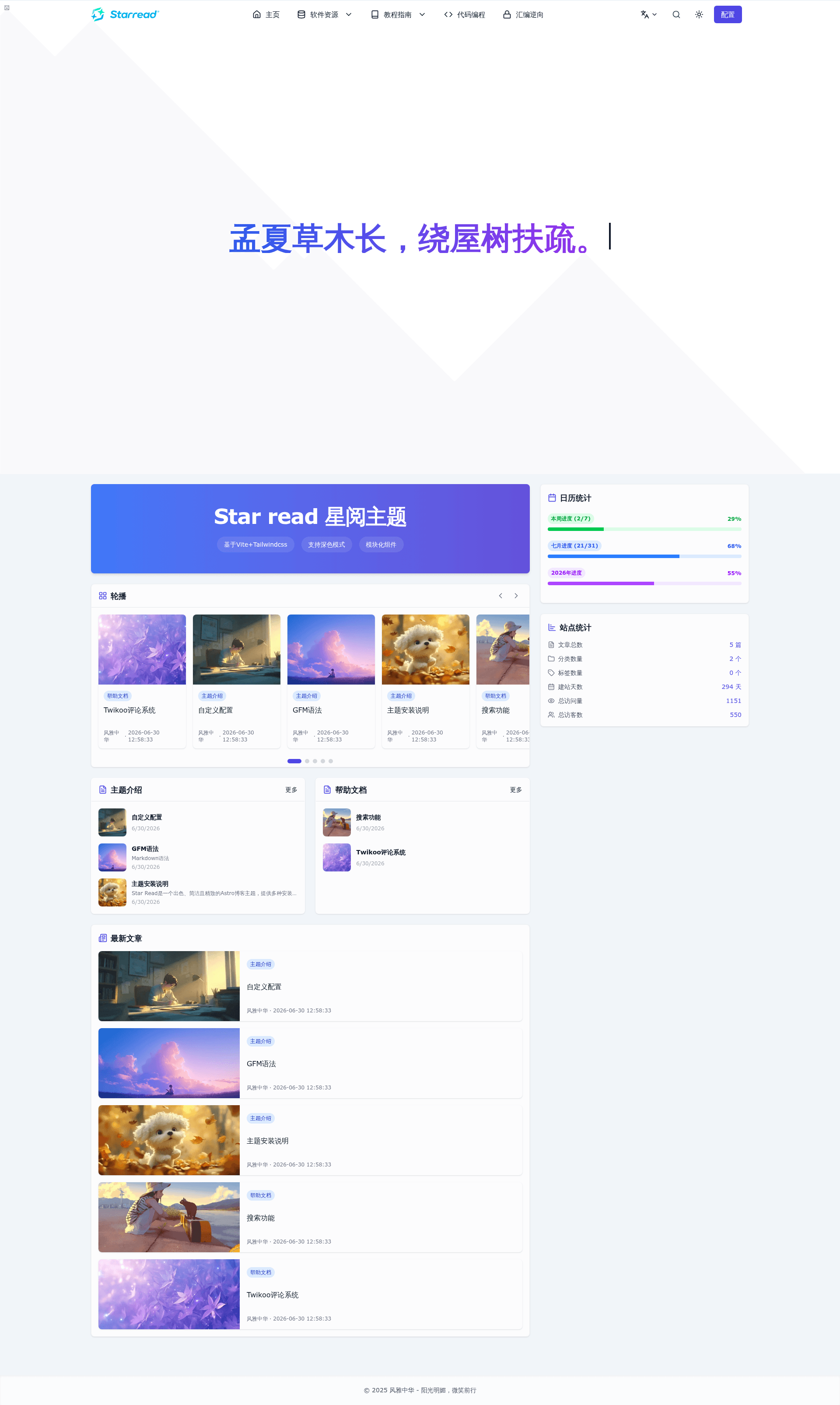
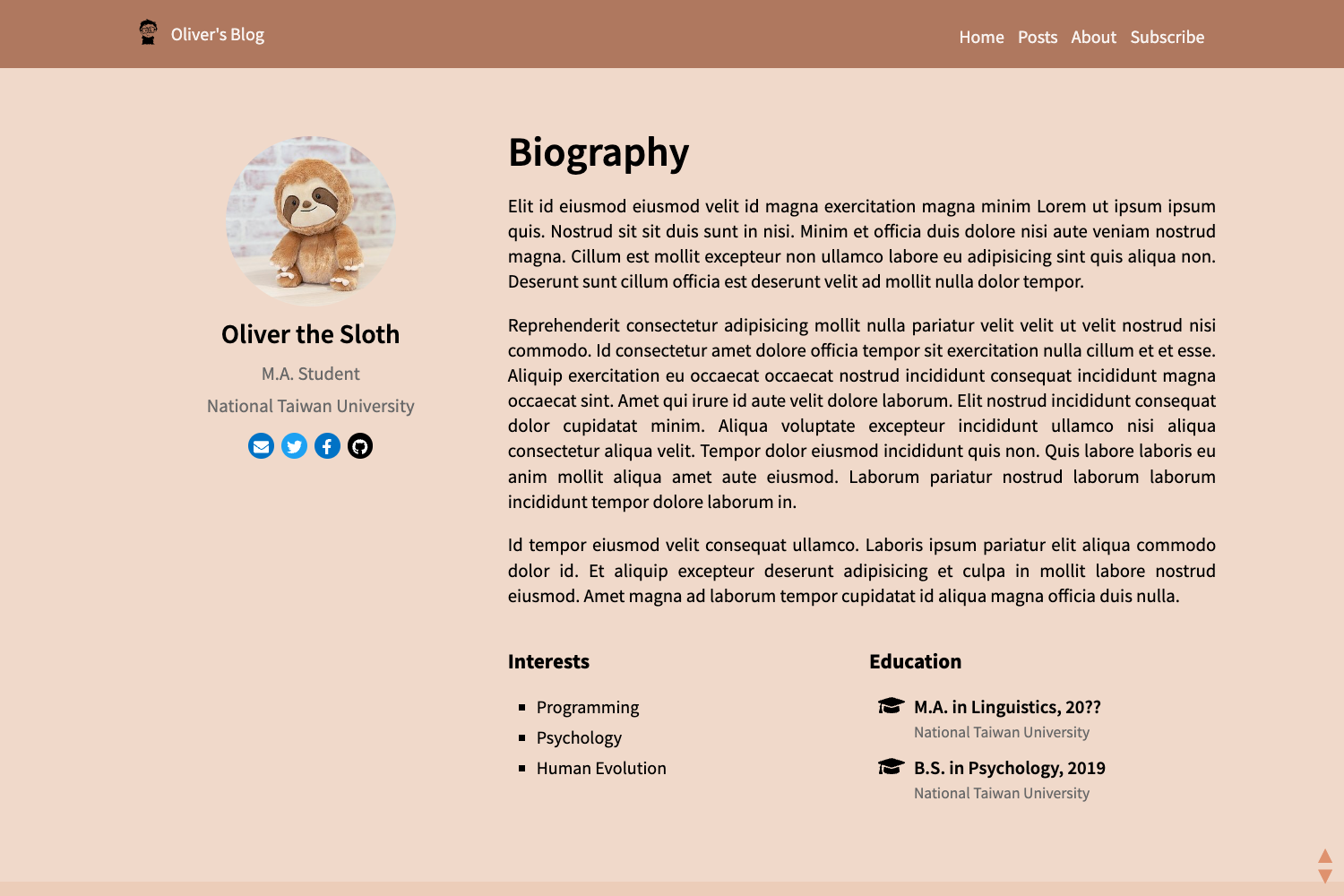
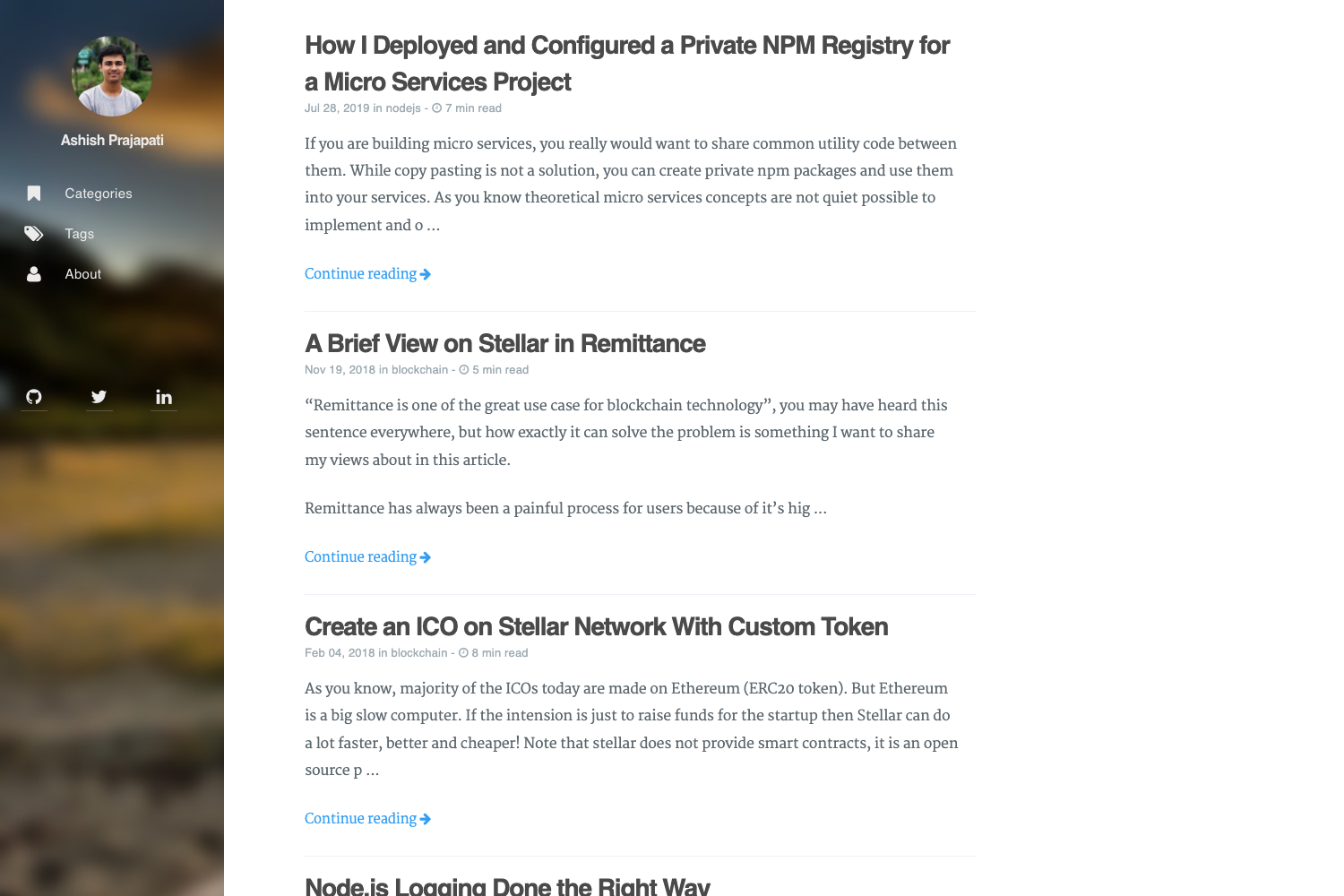
A clean, modern Astro blog theme with local and Algolia search, dark/light mode, and Twikoo comments.
About this template
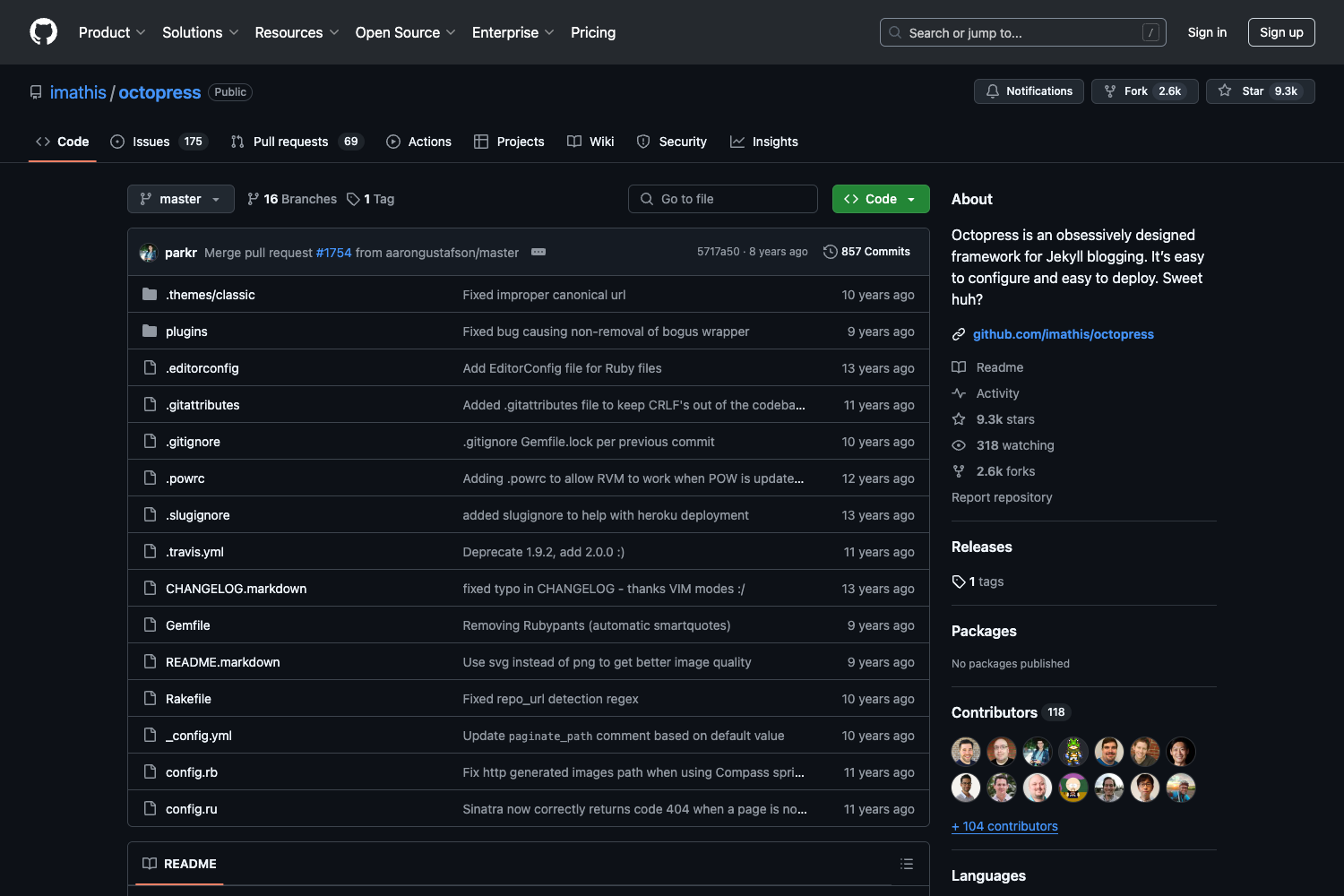
Star Read is an open-source Astro blog theme that builds a modern, responsive blog from Markdown content, with built-in local and Algolia search, automatic dark/light mode, and a configurable sidebar. It runs on the Astro framework and is published on npm as astro-theme-starread, with its source maintained in the passwordgloo/astro-theme-starread GitHub repository.
What is Star Read?
Star Read is a blog theme for Astro that converts content collections written in Markdown or MDX into a static blog. It takes content stored under the src/content directory and outputs a production-ready site with pages for articles, tags, and categories. The theme is distributed as an npm package and can be installed via a CLI command, used as an Astro template, cloned from source, or installed as a dependency in an existing Astro project.
Key Features
- Local and Algolia search — The theme automatically creates local indexes for fully offline search, and can be switched to Algolia network search by editing
starread.config.tsand setting environment variables for the Algolia Application ID, Search Key, Index Name, and Write API Key. - Responsive design — The layout adapts to both mobile phones and desktop PCs, with automatic dark/light theme switching based on the user's system preference.
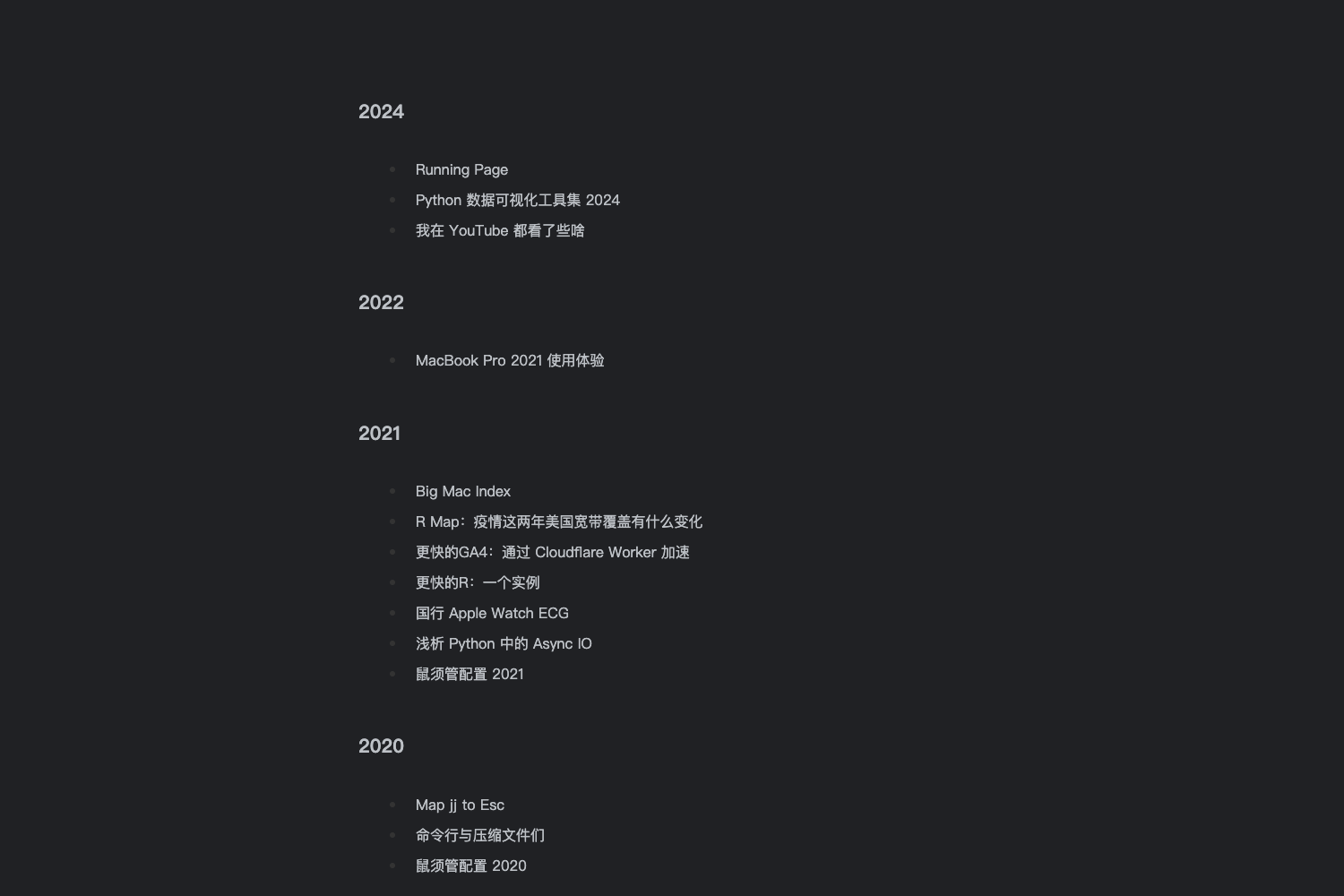
- Tag and category support — Articles can be organized with tags and categories, and the theme displays them in the UI for filtering and navigation.
- Article statistics and author info — Blog pages show article statistics and author information, and the sidebar includes widgets such as an author widget and a tag cloud.
- Twikoo comment integration — To enable comments, edit the
envIdvalue insrc/components/Comment.astroto point to your Twikoo environment address. - Configurable via a single file — Edit
starread.config.tsto set the website title, navigation menu, author details, and which sidebar components appear. - Component library for reuse — Installed as a dependency, the theme exports components (
NavBar,ThemeToggle,ArticleInfo,AuthorWidget,TagCloud) and an article layout that you can import directly fromnode_modules. - CLI initialization — A
createcommand (for examplenpx create-astro-theme-starread my-blog) scaffolds a project into a named folder, and aninitcommand sets up the theme.
Who is it for?
Star Read targets developers and content creators who want a self-hosted blog on the Astro framework without building the front end from scratch. Bloggers can start from the CLI scaffold, drop Markdown files into the content collection, and get a polished site with search and comments. Astro developers building a personal site or portfolio can install the package as a dependency and reuse its components and layouts in existing pages. Theme maintainers can fork the GitHub repository and customize the source directly, then rebuild with pnpm build.
What can you do with Star Read?
- Personal bloggers: Publish Markdown posts and get an auto-generated index, local search, tag clouds, and dark/light mode without writing UI code.
- Astro developers: Import the exported components and the article layout into your own Astro project by adding
astro-theme-starreadas a dependency, then compose pages that reuse the theme's NavBar, ThemeToggle, and ArticleInfo. - Multilingual teams: Use the included English, Chinese, Japanese, Korean, and Russian documentation in the repository to onboard contributors to the theme's configuration and commands.
How does Star Read work?
The theme scaffolds a new Astro project or integrates into an existing one. After installation, you write Markdown content in the content collection, set site options in starread.config.ts, and run pnpm dev to develop locally at localhost:4321. For search, the default local mode builds an index when you run the pnpm local command; switching to Algolia requires creating a .env file with your own Algolia credentials and running pnpm algolia to push the index.
FAQ
Is Star Read free?
Yes. The theme is distributed under an open-source license (a license badge appears in the repository) and is available on npm for anyone to install and modify.
Does Star Read support offline search?
Yes. Local search is the default provider. The theme automatically creates local indexes, and you run the pnpm local command the first time to build the search index, so it works without any network connection.
How do I enable comments?
Star Read uses Twikoo. You need to edit the envId value on line 13 of src/components/Comment.astro and set it to your Twikoo environment address. If you don't have a Twikoo environment, you must create one before comments will work.
What are the requirements to use the Algolia search?
You need your own Algolia account with an Application ID, Search Key, Index Name, and Admin API Key. You put the first three in environment variables and the Admin API Key in the .env file, then run pnpm algolia to push the content index.
Can I install Star Read into an existing Astro project?
Yes. The recommended path for Astro 5 projects is to run pnpm add astro-theme-starread and then import the components and article layout directly from node_modules in your Astro files.