Template details
kpper_next
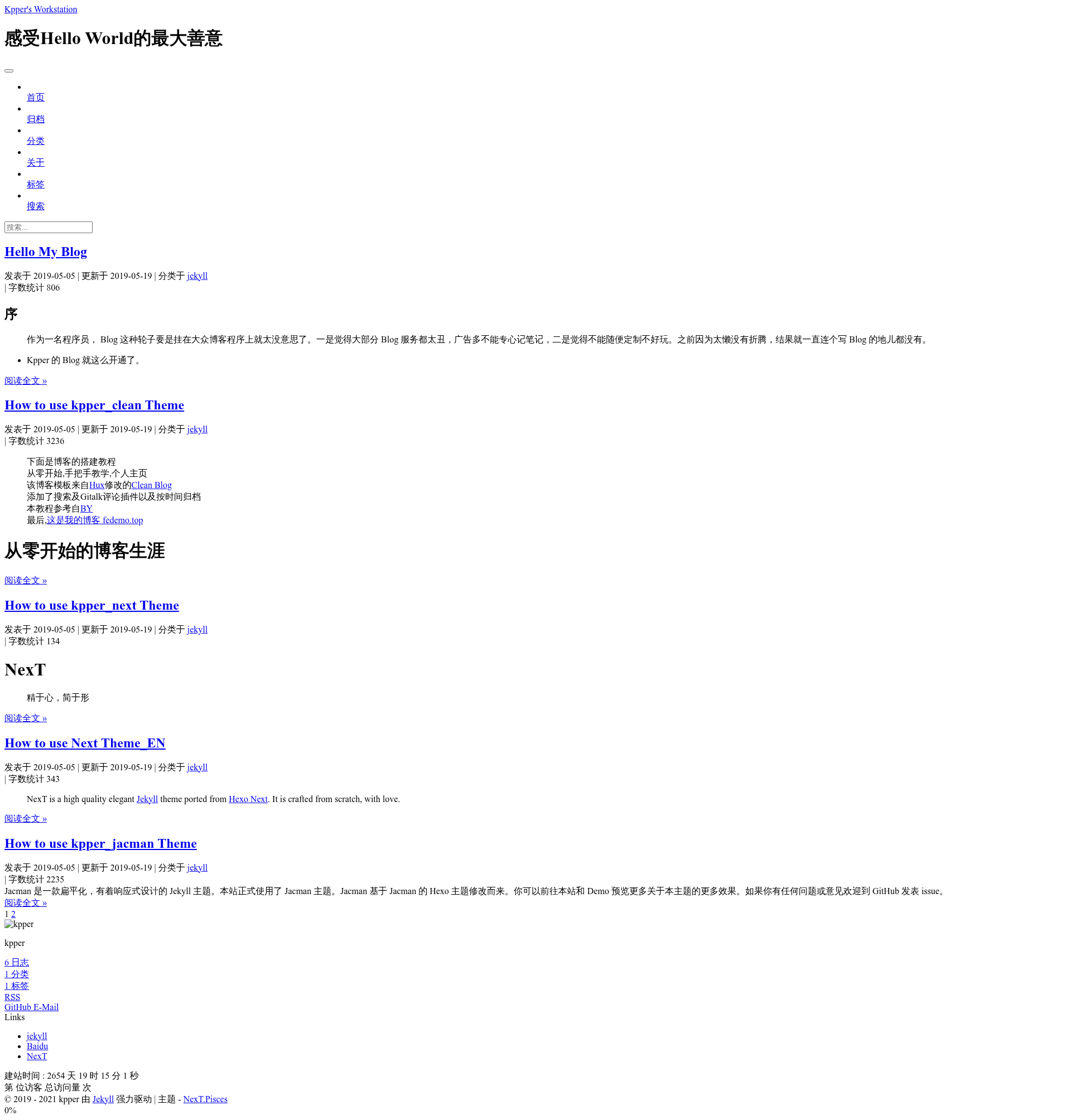
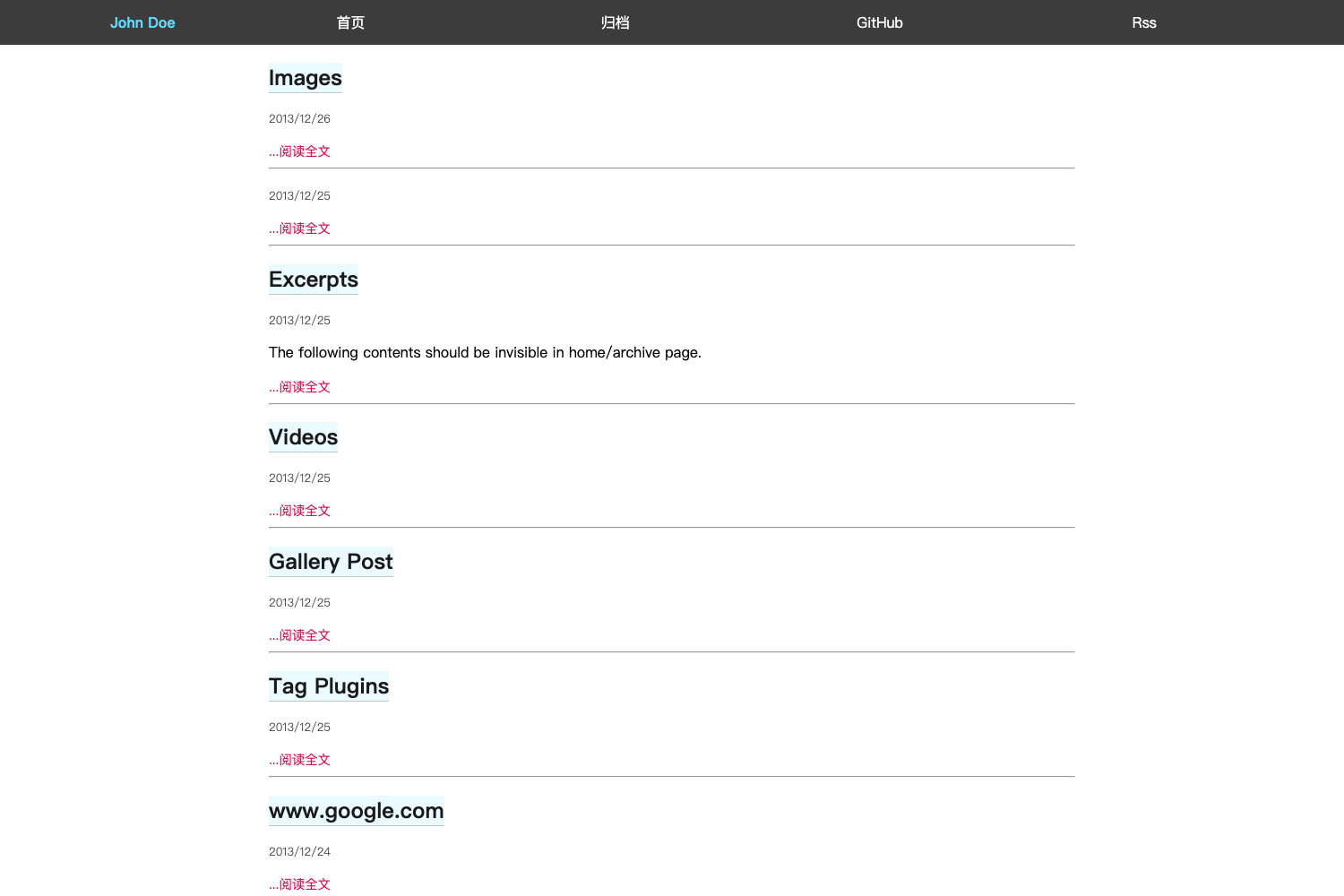
A minimalist black-and-white Jekyll blog theme ported from Hexo NexT, built for distraction-free reading and note-taking.
About this template
kpper_next is a minimalist black-and-white Jekyll blog theme created by developer kpper, porting the classic Hexo NexT design to Jekyll for distraction-free reading and note-taking on GitHub Pages.
What is kpper_next?
kpper_next is a Jekyll theme that transforms plain Markdown content into a static blog with a black-and-white, clean layout. It takes a Jekyll site's posts and pages as input and outputs a fully static HTML site ready for GitHub Pages hosting. The theme is a direct port of Simpleyyt's jekyll-theme-next, which itself is based on iissnan's popular Hexo NexT theme. The author, kpper, is a backend developer who built it primarily to have an online notebook for personal knowledge storage.
Key Features
- Black-and-white minimalist design — The theme uses only black and white tones with no redundant visual elements, keeping the focus on the text.
- Based on Hexo NexT — Inherits the structure and layout of the well-known NexT theme for Hexo, adapted to the Jekyll ecosystem.
- GitHub Pages ready — Deploy by naming your repository
username.github.ioand pushing the Jekyll source; the theme includes the required_config.ymlsettings. - Customizable via configuration — Users can set
urlandbaseurlin_config.ymlfor absolute URLs and subdirectory deployment. - MIT License — Free to use, modify, and distribute, with the license file included in the repository.
- Online preview and source code — The theme has a live demo at
kpper.github.io/kpper_nextand the source is open for star on GitHub. - Active issue support — The author invites contributions and questions through the repository's issue tracker.
Who is it for?
- Personal bloggers — Want a simple, elegant blog theme that doesn't distract readers from the content.
- Note-takers — Need a clean online notebook to store and organize knowledge, as the author originally intended.
- Jekyll developers — Looking for a NexT-style theme to port or customize for their own projects.
What can you do with kpper_next?
- Start a personal blog: Write posts in Markdown, push to GitHub, and get a live blog with a black-and-white theme on GitHub Pages.
- Create an online notebook: Use the theme as a knowledge base for storing technical notes and references, exactly what the author built it for.
- Learn Jekyll theming: Study the ported NexT code to understand how a Hexo theme can be adapted to Jekyll's structure.
How does kpper_next work?
The page describes the deployment workflow in its "Deploy" section: rename your GitHub repository to username.github.io (lowercase), configure url and baseurl in _config.yml if using a subdirectory, then push the Jekyll source to GitHub Pages. The theme follows standard Jekyll conventions, so posts go in the _posts folder and configuration lives in _config.yml.
Pricing
kpper_next is free and open source under the MIT License. There are no paid tiers or premium features.
Alternatives
- kpper_simple — Another theme by the same author that avoids Bootstrap and jQuery for faster loading.
- kpper_clean — A sibling theme with an iOS-flat design optimized for image display.
- Hexo NexT — The original theme by iissnan, built for the Hexo static site generator.
FAQ
Is kpper_next free?
Yes, kpper_next is released under the MIT License, so it is completely free to use, modify, and redistribute, including for commercial purposes.
How do I deploy kpper_next to GitHub Pages?
Create a repository named username.github.io where username is your GitHub username in lowercase. Clone the theme source, add your Markdown posts, and push to the repository. GitHub Pages will build and serve the site automatically.
Does kpper_next support subdirectory deployment?
Yes, you can set the baseurl in _config.yml to something like /blog to host the site under a subpath. Note that the related kpper_simple theme has known baseurl navigation issues, but kpper_next is not noted as having this problem.
Can I customize the theme?
Yes, the theme is open source and you can fork it, edit the templates, styles, and configuration. The author provides documentation in each theme repository to guide modifications.