Template details
Hinode Module - Bootstrap
A Hugo module to add the Bootstrap toolkit to your Hinode site
About this template
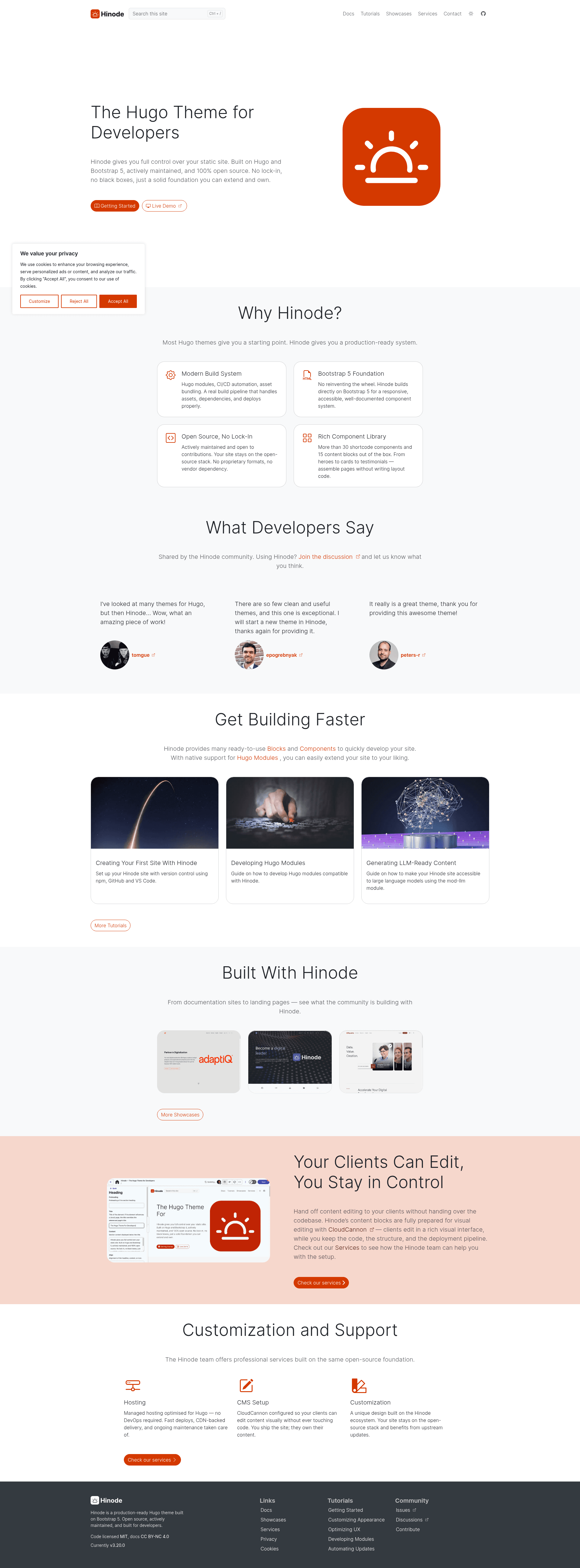
Hinode Module - Bootstrap is a Hugo module that adds the Bootstrap toolkit to a Hinode site, enabling Bootstrap's CSS and JavaScript components within Hugo-powered blogs built on the clean Hinode theme.
What is Hinode Module - Bootstrap?
Hinode Module - Bootstrap is a Hugo module maintained by the gethinode organization on GitHub. It integrates the Bootstrap toolkit into a site built with the Hinode theme, which is a clean blog theme for Hugo, an open-source static site generator. The module takes Bootstrap's SCSS source and wiring and makes it available to a Hinode project, so developers can use Bootstrap's grid, components, and utilities directly in their Hugo templates. It is distributed as a separate repository from the main Hinode theme and the Hinode template.
Key Features
- Vendor folder workaround — Hugo's Go Modules vendor handling deletes the
scss/modules/bootstrap/vendordirectory from downloaded modules; this module mounts that folder from the project itself and uses the npm scriptupdate:vendor:step1to copy_rfs.scssfrom Bootstrap's npm release assets. - Dart Sass entrypoint — When transpiling with Dart Sass, use
assets/scss/bootstrap-dart.scssinstead ofassets/scss/bootstrap.scss; the former includes modifications that address several deprecation warnings in Bootstrap's source. - SCSS regeneration script — The npm command
update-scssrecreates the modified SCSS files from Bootstrap's source. This script is not compatible with Windows because of different handling of double quotes on that operating system. - Hinode integration — The module is built specifically for the Hinode theme, which itself is available as a template repository and a main theme repository under the gethinode GitHub organization.
- Automated release workflow — The project uses semantic-release to automate version increments and releases. Commit messages must follow the Conventional Commits specification, enforced with husky and commitlint hooks.
- Commit message helper — Developers can run
npx git-czto generate commit messages that comply with the project's conventions.
Who is it for?
- Hugo developers using the Hinode theme — Add Bootstrap's grid, components, and utilities to a Hinode blog without manually copying SCSS or JavaScript files into the theme.
- Theme maintainers and extenders — Build on the Hinode theme with Bootstrap-dependent components, using the provided SCSS entrypoints and regeneration scripts to keep custom styles in sync.
- Dart Sass users — Use the dedicated
bootstrap-dart.scssentrypoint to avoid deprecation warnings that appear when compiling Bootstrap with Dart Sass.
What can you do with Hinode Module - Bootstrap?
- Customize Bootstrap variables — Override Bootstrap's SCSS variables within your site's asset pipeline, then recompile using either the standard or Dart Sass entrypoint to produce a custom theme.
- Add interactive components — Incorporate Bootstrap's JavaScript components such as modals, dropdowns, and carousels into Hugo templates after the module is installed.
- Maintain a reproducible build — Rely on the vendor folder workaround and npm scripts to keep required files like
_rfs.scsspresent even though Hugo's vendor cleanup would otherwise remove them.
How does Hinode Module - Bootstrap work?
The module integrates with Hugo's Go Modules system and asset pipeline. Because Hugo aggressively deletes vendor directories from downloaded modules, the module mounts the Bootstrap vendor folder from the project itself and restores the missing _rfs.scss file via the npm script update:vendor:step1. For Dart Sass, the module provides an alternate entrypoint, bootstrap-dart.scss, which contains modifications to address deprecation warnings; running npm run update-scss regenerates these modified files from Bootstrap's original source.
Pros and cons
- Pro: Provides a maintained, automated path for adding Bootstrap to a Hinode site, reducing manual file management.
- Con: The
update-scssnpm script is not compatible with Windows, so Windows users cannot regenerate the modified SCSS files automatically. - Con: The vendor folder workaround adds an extra maintenance step, requiring the npm script to be run to keep
_rfs.scssavailable.
FAQ
Does Hinode Module - Bootstrap replace the Hinode theme?
No. This module only adds the Bootstrap toolkit to an existing Hinode site. You still need the Hinode theme itself, which is available as a template or the main theme repository from gethinode.
What is the difference between bootstrap.scss and bootstrap-dart.scss?
bootstrap-dart.scss is an alternate entrypoint for Dart Sass users. It includes modifications that address several deprecation warnings that appear when transpiling Bootstrap with Dart Sass. Use it instead of bootstrap.scss when your build uses Dart Sass.
Is the module compatible with Windows?
The module itself works on any platform, but the npm script update-scss used to regenerate modified Bootstrap SCSS files is not compatible with Windows. This is because of different handling of double quotes in commands on that operating system.
How do I install the module?
The documentation site at gethinode.com provides installation instructions. The module is designed to be included as a Hugo module in your site's configuration, following standard Hugo module workflows.