Template details
html-docx-js
Converts HTML documents to DOCX in the browser
About this template
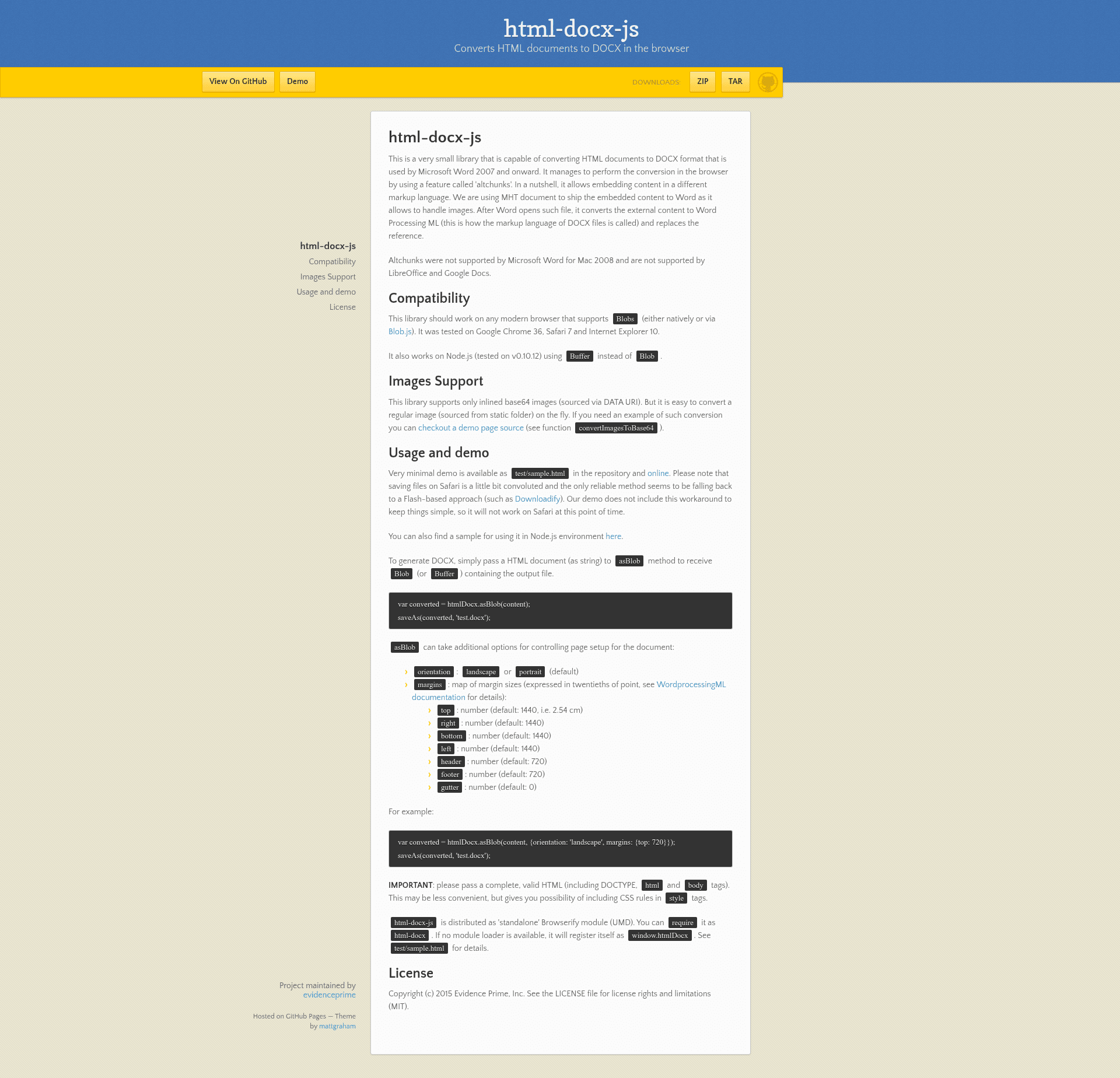
html-docx-js is a lightweight JavaScript library that converts HTML documents into DOCX format for Microsoft Word 2007 and later, running entirely in the browser or Node.js.
What is html-docx-js?
html-docx-js is a small library by Evidence Prime, Inc. that takes a complete HTML document (as a string) and produces a Blob (or Buffer in Node.js) containing a .docx file. It performs the conversion client-side by exploiting Microsoft Word's altchunks feature, embedding the HTML inside an MHT document that Word converts to Word Processing ML when opened. The library is distributed under the MIT license and is available as a UMD module.
Key Features
- Client-side conversion — no server required; the library runs on any modern browser that supports Blobs, tested on Google Chrome 36, Safari 7, and Internet Explorer 10.
- Node.js support — works in Node.js v0.10.12 and later using Buffer instead of Blob, enabling server-side document generation.
- Configurable page setup — the
asBlobmethod accepts an options object fororientation(landscape or portrait) and amarginsmap with top, right, bottom, left, header, footer, and gutter values in twentieths of a point (defaults: 1440 for main margins, 720 for header/footer, 0 for gutter). - Inline image support — handles base64 images embedded via DATA URI; the demo shows a
convertImagesToBase64function for converting regular images on the fly. - Simple API — pass a string to
htmlDocx.asBlob(content)to get a Blob/Buffer, then save it withsaveAs(blob, 'test.docx'). - UMD module — works with CommonJS
require('html-docx')or falls back towindow.htmlDocxwhen no module loader is present. - CSS styling included — because the input must be a complete, valid HTML document, you can include CSS rules in
styletags that affect the DOCX output.
Who is it for?
- Front-end developers who want to generate Word documents directly in the browser without sending data to a server.
- Node.js developers building scripts or services that need to produce .docx files from HTML templates or user input.
- Web app teams creating features like export-to-Word buttons for reports, invoices, or resumes.
What can you do with it?
- Add export-to-Word buttons to web apps: convert a formatted HTML section into a downloadable .docx file with one call.
- Generate styled documents by using CSS to control fonts, colors, and layout, and set orientation and margins via the options object.
- Create offline document utilities that work entirely in the browser, useful for intranet or local tools.
How does html-docx-js work?
The library leverages Microsoft Word's altchunks feature, which lets a DOCX file embed content in a different markup language. html-docx-js ships the HTML content inside an MHT document (which handles images), and when Word opens the file, it converts that embedded content to Word Processing ML and replaces the reference. This allows the conversion to happen without a dedicated converter.
Pros and cons
- Pros: lightweight, client-side conversion, simple API, configurable page layout, works in both browser and Node.
- Cons: the altchunks approach is not supported by Microsoft Word for Mac 2008, LibreOffice, or Google Docs; only inline base64 images are supported; input must be a complete, valid HTML document.
FAQ
Is html-docx-js free?
Yes, html-docx-js is released under the MIT license, so it is free to use, modify, and distribute.
Does html-docx-js work in Node.js?
Yes, it works on Node.js (tested on v0.10.12) using Buffer instead of Blob. A Node.js usage sample is linked in the repository.
What image formats are supported?
Only inlined base64 images sourced via DATA URI are supported. The demo includes a convertImagesToBase64 function to help convert regular images on the fly.
Why doesn't the output open in LibreOffice or Google Docs?
Because the conversion relies on Microsoft Word's altchunks feature, which is not supported by LibreOffice, Google Docs, or Word for Mac 2008. The resulting files are intended for Word 2007 and later.
Does it require a complete HTML document?
Yes, for best results you should pass a complete, valid HTML document including DOCTYPE, html, and body tags. This allows CSS rules in style tags to be applied.