Template details
@nuxtjs/axios
Secure and easy Axios integration for Nuxt 2, with automatic base URLs, token management, and SSR support.
About this template
@nuxtjs/axios is a Nuxt 2 module that brings Axios HTTP client into Nuxt applications, automating base URL configuration, global token management, and SSR request handling.
What is @nuxtjs/axios?
@nuxtjs/axios is an open-source module from the Nuxt Community, published under the MIT License, that integrates the Axios promise-based HTTP client into Nuxt 2 projects. It takes a Nuxt app configuration and injects a $axios instance available throughout the app, so you can make API calls without manually setting up base URLs or headers. The module runs on Nuxt 2 and is distributed through npm.
Key Features
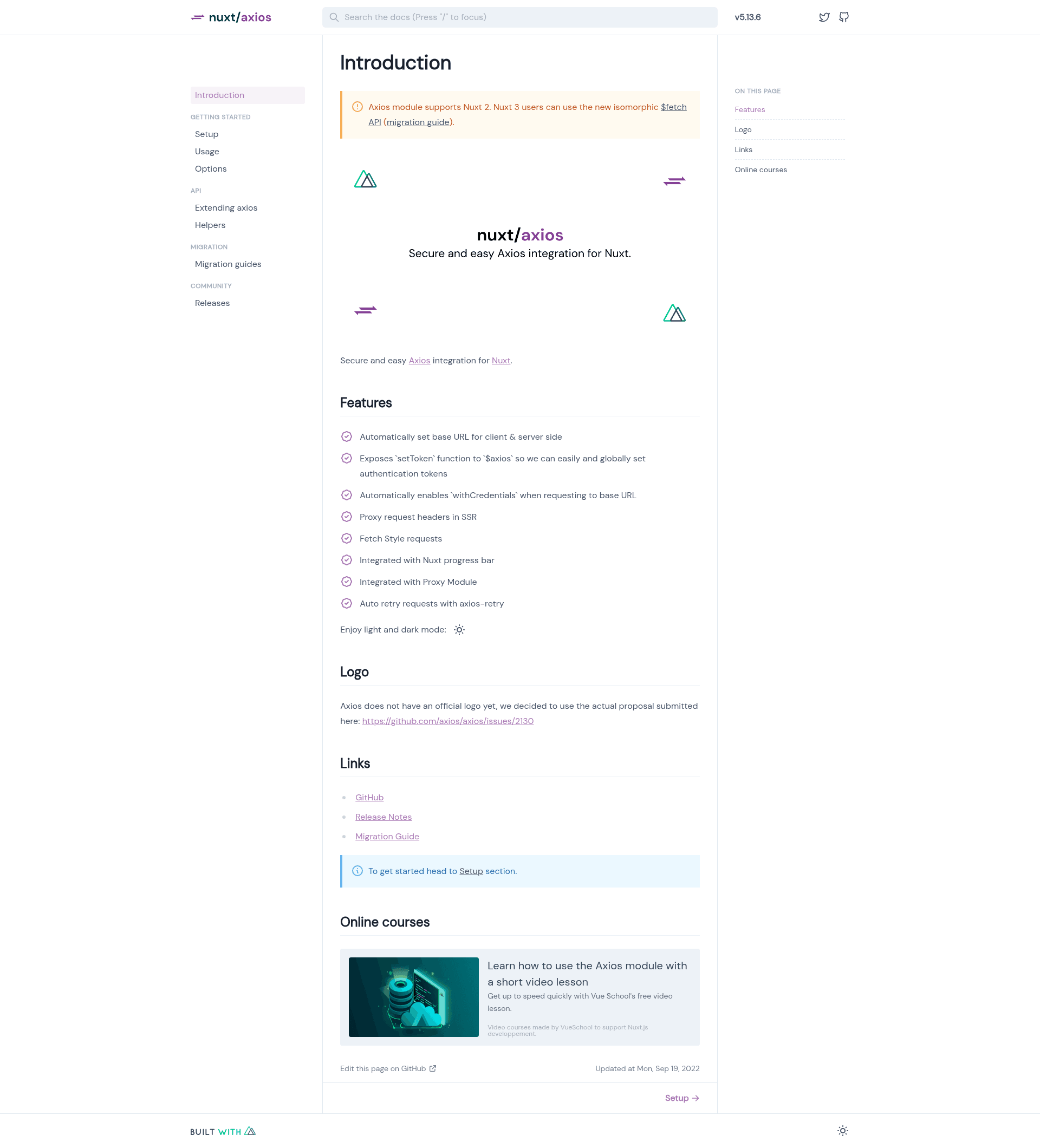
- Automatic base URL — Sets the base URL for both client-side and server-side requests, so you don't have to manage different endpoints for different environments.
setTokenfunction — The injected$axiosexposes asetTokenmethod to set authentication tokens globally; the token is then attached to all subsequent requests.withCredentialsauto-enable — Automatically enableswithCredentialswhen making requests to the configured base URL, which sends cookies along with the request.- SSR header proxy — Proxies request headers during server-side rendering so the server-side request includes headers like cookies and authorization that the client would send.
- Fetch-style requests — Offers fetch-like shortcuts such as
$axios.$getand$axios.$postin addition to the standard Axios API. - Nuxt progress bar integration — Connects Axios requests to Nuxt's built-in progress bar so loading state is visible to users.
- Proxy module integration — Works with the Nuxt proxy module to forward API requests during development, avoiding CORS issues.
- Auto retry with axios-retry — Automatically retries failed requests using the axios-retry library, improving reliability for flaky connections.
Who is it for?
- Nuxt 2 developers — who want a preconfigured Axios instance for their project without writing boilerplate for base URLs and headers.
- Full-stack developers — who need SSR-safe HTTP requests that correctly proxy headers from the server to an external API.
- Teams managing authentication — who need a single
setTokencall to apply authentication tokens across all API requests.
Use cases
- Set a global API token — After login, call
this.$axios.setToken('your-token')and every request automatically includes the token in its headers. - Make server-side data fetching — Use
$axiosinsideasyncData,fetch, ornuxtServerInitto retrieve data on the server with the correct base URL and forwarded headers. - Retry flaky requests — Let the built-in axios-retry support retry failed requests automatically to handle transient network issues.
FAQ
Is @nuxtjs/axios free?
Yes, @nuxtjs/axios is open source under the MIT License, so it can be used in personal and commercial projects without licensing fees.
Does @nuxtjs/axios work with Nuxt 3?
No, the module description explicitly targets Nuxt 2. For Nuxt 3 you would use Nuxt's native fetch or a different module; @nuxtjs/axios itself does not support Nuxt 3.
How do I install @nuxtjs/axios?
You install it as an npm package and add it to the modules array in your nuxt.config.js. The official documentation at axios.nuxtjs.org provides the exact setup steps and options.
Does it support automatic retries?
Yes, the feature list includes auto retry for requests using axios-retry, so intermittent failures can be retried automatically without extra code on your part.