Template details
HTML Starter
Vercel-maintained HTML5 starter template preloaded with Vercel Analytics and Edge Middleware routing.
About this template
HTML Starter is a Vercel-maintained HTML5 boilerplate that ships one static page with Vercel Analytics loaded via a script tag and advanced routing handled by Vercel Edge Middleware, deployable to Vercel with a single click.
What is HTML Starter?
HTML Starter is a web template in the vercel/examples repository, filed under solutions/html, that gives you a plain HTML5 page already connected to two Vercel services: analytics, injected through a script tag rather than an npm package, and Edge Middleware, which handles advanced routing rules at the edge. The template requires no build-step configuration as input and produces a static site that Vercel hosts; the visible content is a single page plus a small set of basic styles. Vercel itself publishes and maintains it, and the repository metadata describes the wider examples collection as curated patterns and solutions for building your own applications.
What makes HTML Starter stand out?
- Plain HTML5 output — the starter is a single HTML document with no framework layer, so there is no React, Next.js, or build pipeline to configure.
- Vercel Analytics preinstalled — tracking is wired in through a script tag in the page markup, so analytics is present without adding a dependency.
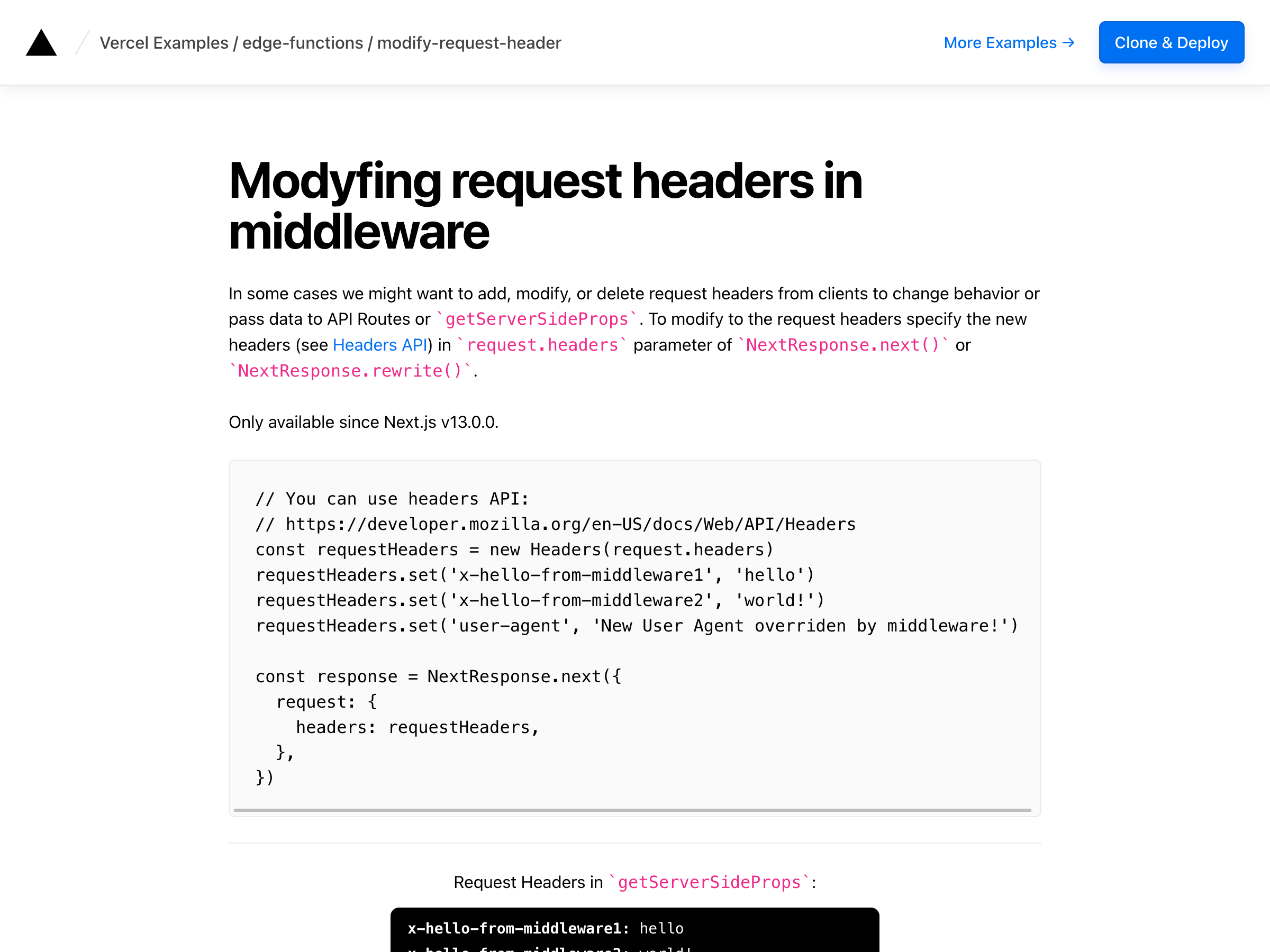
- Edge Middleware routing — advanced routing rules run through Vercel Edge Middleware, linked to Vercel's Edge Middleware documentation.
- Basic styles included — the template ships with a small set of styles so the page renders sensibly out of the box.
- One-click deployment — the Deploy with Vercel button clones the repository and creates a new Vercel project named "html" from the solutions/html path.
- Listed alongside a Next.js boilerplate — the page cross-references nextjs-boilerplate for users who want the framework variant of the same idea.
Who should use HTML Starter?
- Developers starting a static site: begin from a working HTML5 page instead of an empty file, with analytics and routing already attached.
- Engineers learning Edge Middleware: use the template as a small, readable reference for how routing configuration sits in front of a static page on Vercel.
- Teams testing deploy flows: exercise Vercel hosting, analytics, and the clone-to-deploy path on a project with almost no code.
- Prototypers: drop in markup for a quick page without pulling in a framework.
What can you do with HTML Starter?
- Ship a static landing page: edit the HTML file and deploy to Vercel; analytics reports visits without extra setup.
- Prototype edge routing: add middleware rules for redirects, rewrites, or geo-based behavior before wiring them into a larger app.
- Compare against framework starters: deploy the same page as the Next.js boilerplate to see what the framework layer adds.
How does HTML Starter work?
Clicking the Deploy with Vercel button opens Vercel's new-project flow pointed at the GitHub repository vercel/examples under the solutions/html directory, with the project name prefilled as "html". Vercel clones the template into your account, builds it as a static site, and serves the page with the analytics script and Edge Middleware active.
FAQ
Is HTML Starter free?
Yes. HTML Starter is an open template in Vercel's public examples repository, so the code costs nothing to clone and use. Any cost comes from the Vercel plan you deploy it onto, not from the template itself.
Do I need Next.js to use HTML Starter?
No. HTML Starter is deliberately plain HTML5 with no framework, which is why it is a separate entry from the Next.js boilerplate in the same examples collection. It runs on Vercel as a static site with Edge Middleware in front of it.
How does analytics get added?
Vercel Analytics is configured through a script tag in the page rather than an installed package, so the tracking code is present as soon as the template deploys. No dependency install or client library configuration is required.
What files come with the template?
The starter provides a single HTML5 page plus basic styles, alongside the Edge Middleware configuration for routing. It does not include a component library, CMS, database, or authentication layer.