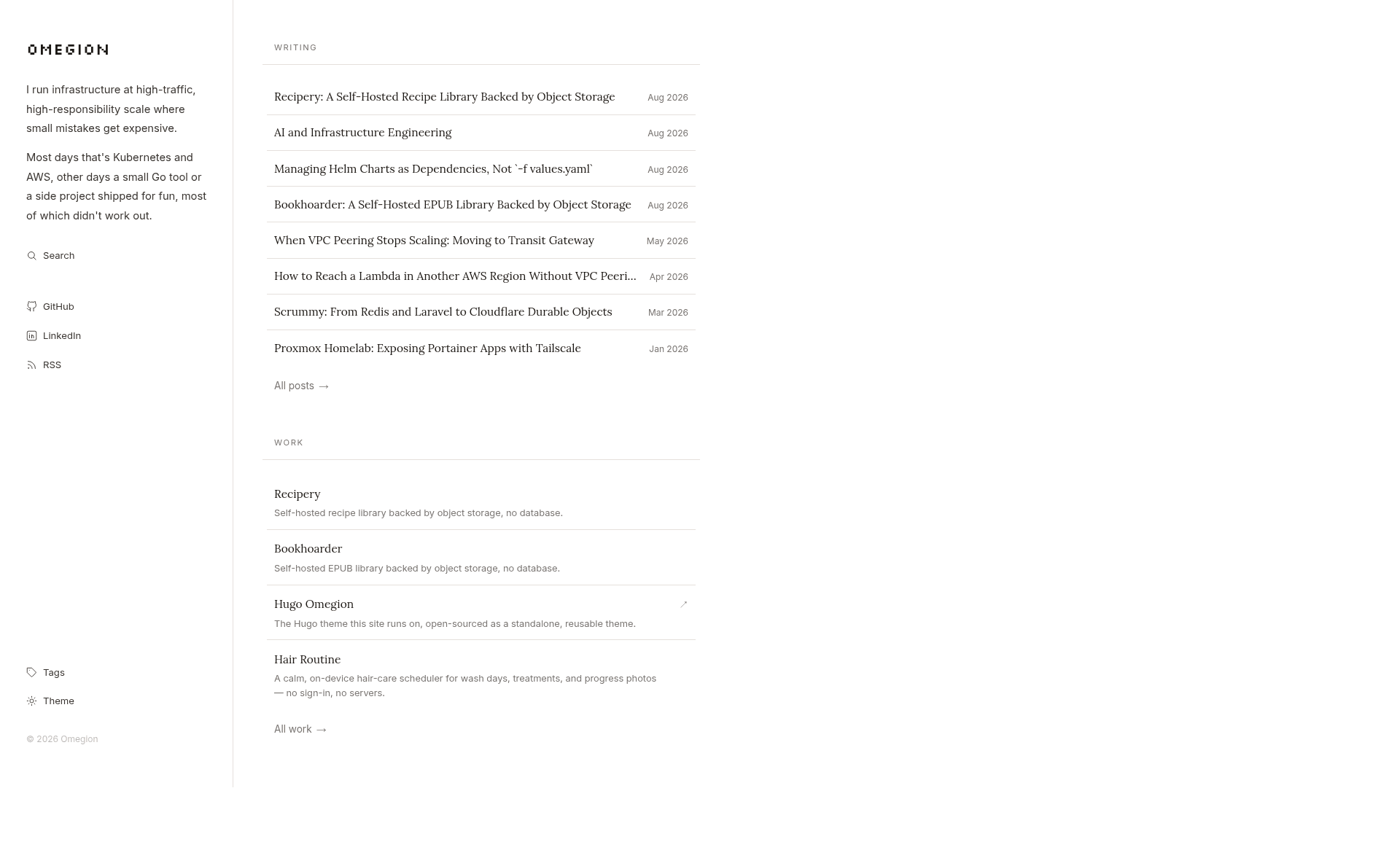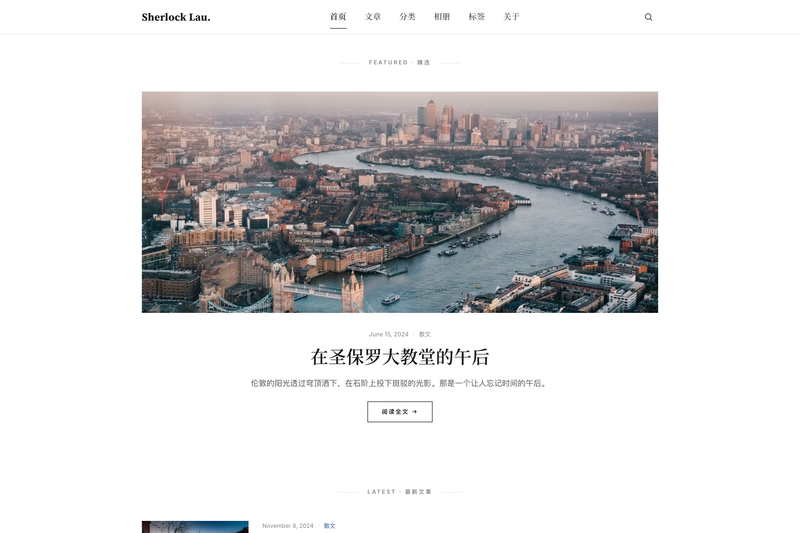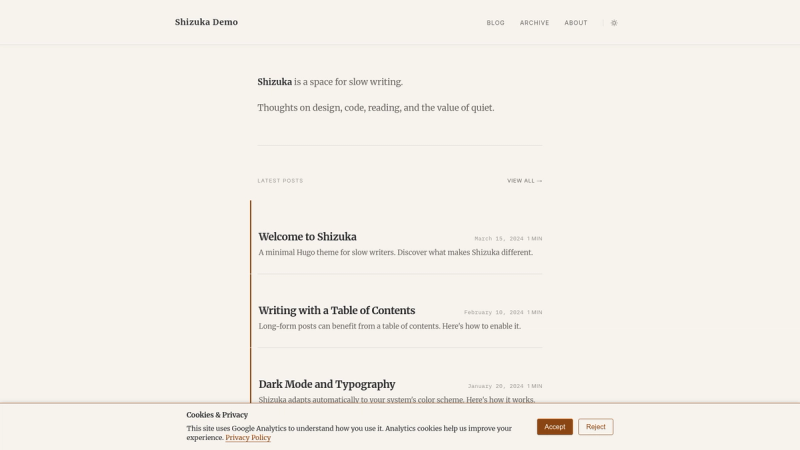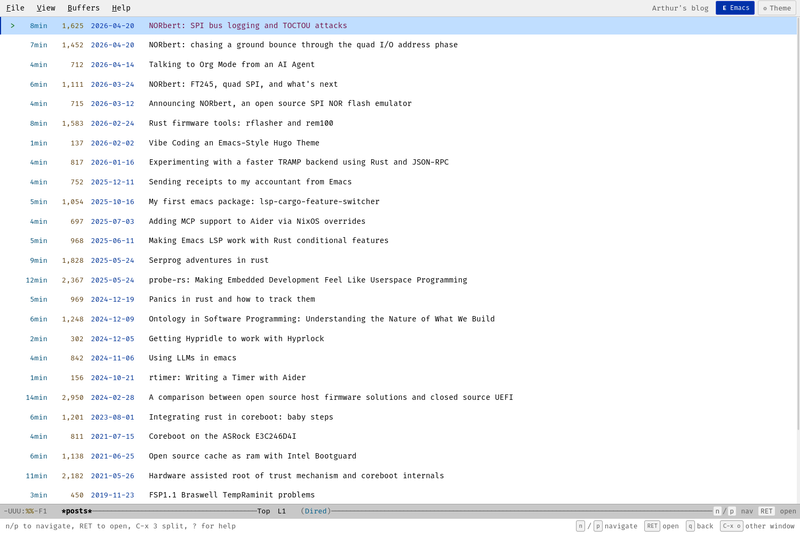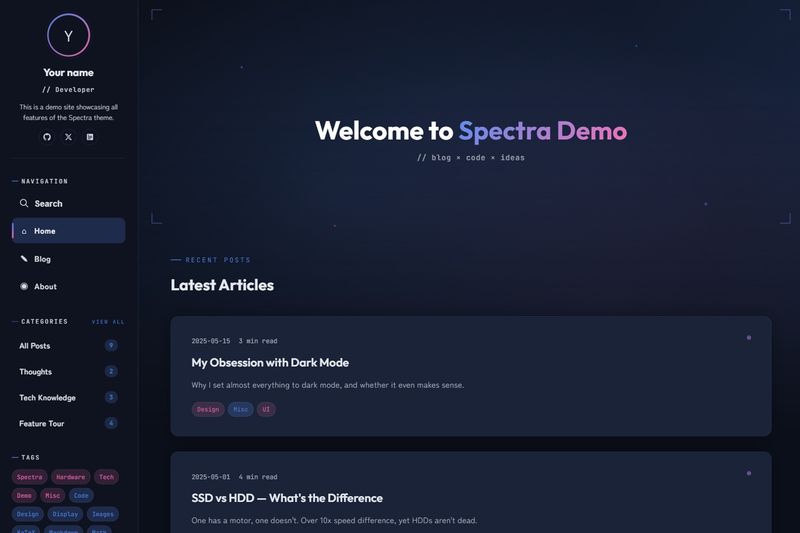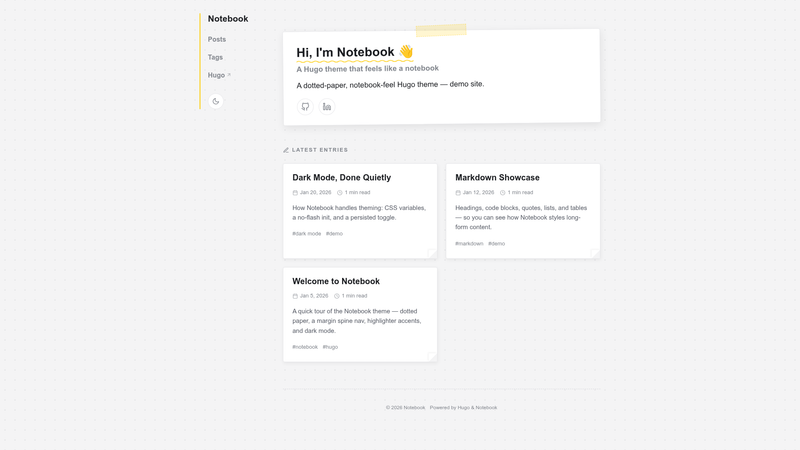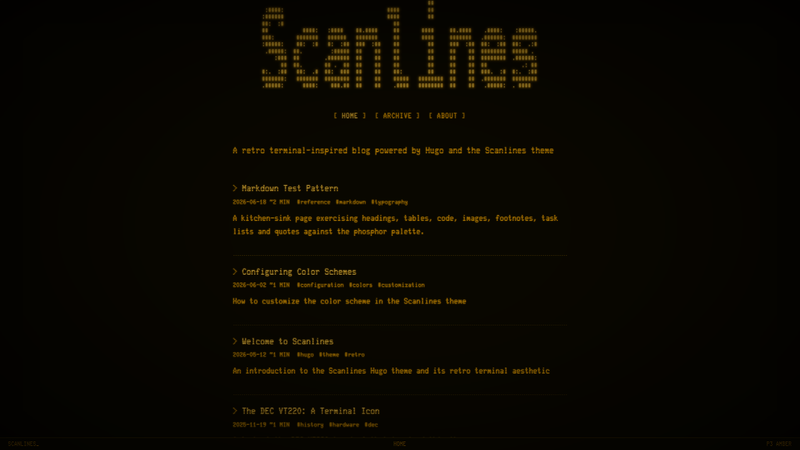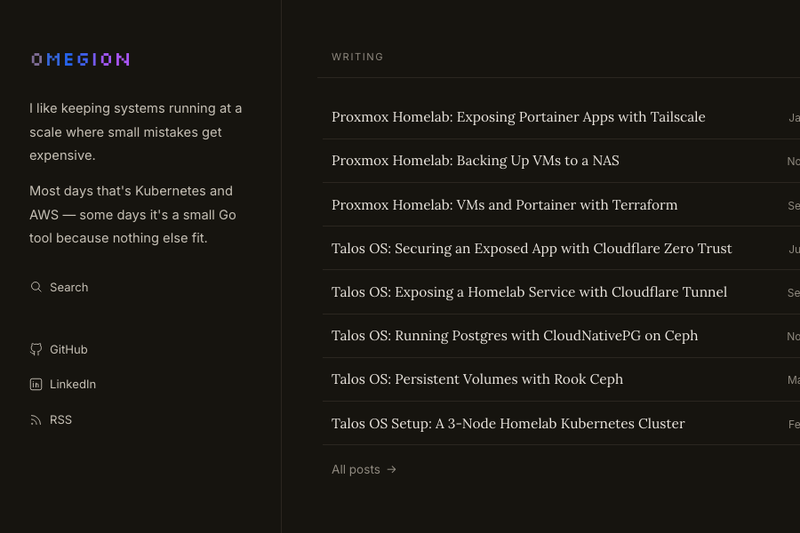
hugo-omegion is a minimal, sidebar-first Hugo theme for combining a personal blog with a project showcase, and it includes dark/light mode, client-side search, and Mermaid diagram rendering.
What is hugo-omegion?
hugo-omegion is a Hugo theme that takes Markdown content from two sections - content/posts for articles and content/projects for a work showcase - and generates a static website with Hugo version 0.146.0 or newer (extended edition). The theme was published by GitHub user omegion, and a live example is at omegion.dev. It uses a sidebar-first layout that places author bio and social links in a collapsible sidebar, then presents posts and projects in separate archive layouts.
What makes hugo-omegion stand out?
- Dark/light mode - built-in theme switching allows readers to choose between light and dark palettes.
- Client-side search - when the
enableSearchparameter is true, the site fetches/index.json(generated through thesearchindexhomepage output) and offers a modal to filter posts and projects. - Table of contents - posts get a TOC from the heading levels configured in
markup.toml; per-page front matter can override it withshowTableOfContents. - Mermaid diagram support - Mermaid syntax in Markdown renders as diagrams inside articles.
- Copy-button code blocks - syntax-highlighted code blocks include a copy button, with highlight styles configured through Hugo goldmark settings.
- Rich project metadata - projects support
website,github,docs,appStore,externalUrl, plus optionaldiscontinueddate, reason, and lessons learned fields. - Git-aware updated dates - with
enableGitInfoenabled, an "Updated" date appears when a file's latest Git commit differs from itsdate. - SEO, OpenGraph, and RSS - pages include OpenGraph and JSON-LD structured data, and the site outputs an RSS feed automatically.
Who should use hugo-omegion?
- Personal bloggers who want a static, fast site: write Markdown files, assign tags, and let Hugo build the pages.
- Software developers who want to pair a blog with a project portfolio that links to GitHub, docs, App Store listings, or an external project site.
- Technical writers who need search, Mermaid diagrams, and code samples without pulling in a JavaScript framework.
What can you do with hugo-omegion?
- Publish a personal blog: Add posts under
content/posts, include tags and summaries, and group the list by year usinggroupByYearin the section's front matter. - Showcase projects: Create an
index.mdper project with launch date and optional links; the theme renders project cards on the homepage and a dedicated project page that supports a logo placed as a page bundle resource. - Provide a searchable archive: Enable the search index and modal so visitors can find posts and projects by title or content from any page.
- Maintain a living knowledge base: Git-aware dates show when content was last updated, giving readers a freshness signal on tutorials.
How does hugo-omegion work?
Installation happens either through a Hugo Modules import from github.com/omegion/hugo-omegion or by adding the repository as a Git submodule in themes. The site must copy the required configuration from the exampleSite, which sets enableEmoji, enableGitInfo, the searchindex output format, and the tag = "tags" taxonomy. During build, Hugo generates static pages plus /index.json for the client-side search modal, and the optional updated dates are computed from Git history.
FAQ
Does hugo-omegion require a specific Hugo edition?
Yes. hugo-omegion requires Hugo extended version 0.146.0 or newer, as stated in the project's requirements.
Is search turned on by default?
No. Client-side search is off until you set enableSearch: true and add the searchindex output format to the homepage outputs. Once configured, the theme loads /index.json and shows a search modal.
Can I hide the table of contents on a single post?
Yes. Although the enableTableOfContents param defaults to true, a specific page can set showTableOfContents: false in its front matter to suppress the TOC.
How does the theme decide whether to show an "Updated" date?
With enableGitInfo: true, Hugo takes each content file's last Git commit date. If that date differs from the file's date front matter, the theme displays an "Updated" line at the bottom of posts and projects; the site build must have full Git history, for example via fetch-depth: 0 in CI.