Template details
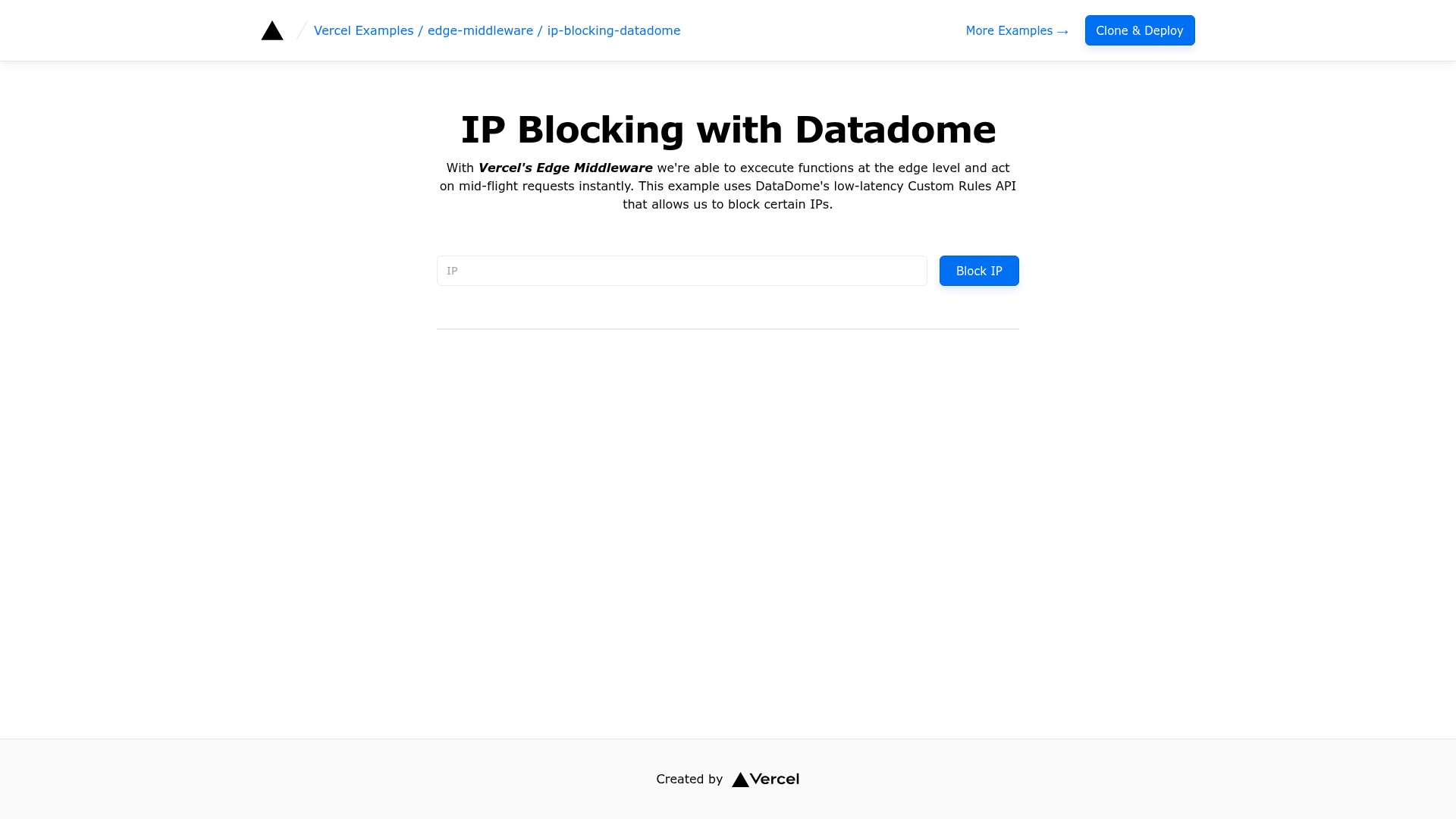
IP Blocking with DataDome
DataDome can provide real-time bot protection, ip blocking, custom rules protection and other security protections to any website.
About this template
IP Blocking with DataDome is a Next.js edge middleware template from Vercel that shows how to add real-time bot protection, IP blocking, and custom-rule enforcement to any website using the DataDome service.
What is IP Blocking with DataDome?
This template is a ready-to-run Next.js application that connects a website to DataDome's cloud-based protection platform. It acts as a middleware layer on the edge: for each incoming request, it consults DataDome using your account keys and then allows or blocks the request based on IP reputation, bot scores, and rules you define in the DataDome dashboard. The template is authored by Vercel and distributed as part of the vercel/examples collection on GitHub. It is styled with Tailwind CSS and runs on the Vercel edge network, which means protection decisions are made close to the visitor with minimal latency.
Key Features
- DataDome integration — Uses DataDome's API to classify traffic in real time, covering bot attacks, scraping, and credential stuffing.
- IP blocking — Blocks requests from specific IP addresses or ranges according to rules configured in DataDome.
- Custom rules — Website operators can set custom rules in the DataDome dashboard to allow or deny traffic based on their own criteria.
- Edge middleware — Protection logic executes in Vercel Edge Middleware before a request reaches your Next.js application, keeping latency low.
- Environment variable setup — Requires
NEXT_PUBLIC_DATADOME_CLIENT_KEY,DATADOME_SERVER_KEY, andDATADOME_MANAGEMENT_KEYto authenticate with DataDome. - One-click deployment — Deploy directly to Vercel by providing the repository URL and the three environment variables.
- Live demo — A working demo is hosted at
https://edge-functions-ip-blocking-datadome.vercel.appso you can see the behavior before deploying.
Who is it for?
- Developers building on Vercel who want a minimal, working reference for adding DataDome protection to a Next.js site without writing the integration from scratch.
- Website operators who need to block malicious IPs or enforce custom safety rules and want an example they can adapt to their existing Next.js codebase.
- Security-conscious teams that want bot mitigation in front of their web application and prefer a solution that runs at the edge instead of on origin servers.
What can you do with it?
- Block abusive IP addresses: Set up custom rules in DataDome to deny requests from known offenders or entire countries, and the middleware will enforce them on every request.
- Shield against bots: Rely on DataDome's machine-learning bot detection to identify and block automated traffic while letting legitimate users through.
- Prototype edge middleware security: Use this template to learn how Vercel Edge Middleware can handle security logic, then extend it with your own checks.
How does it work?
After deploying or cloning the repository, you create a DataDome account and copy the .env.example file to .env.local. You then fill in the three key values from your DataDome dashboard and run pnpm dev to test locally under Next.js development mode. When the app is deployed to Vercel, the edge middleware reads those environment variables, calls DataDome for each request, and enforces the allow/block decision before the page is served.