Template details
JD - Creative Personal Portfolio Bootstrap Template
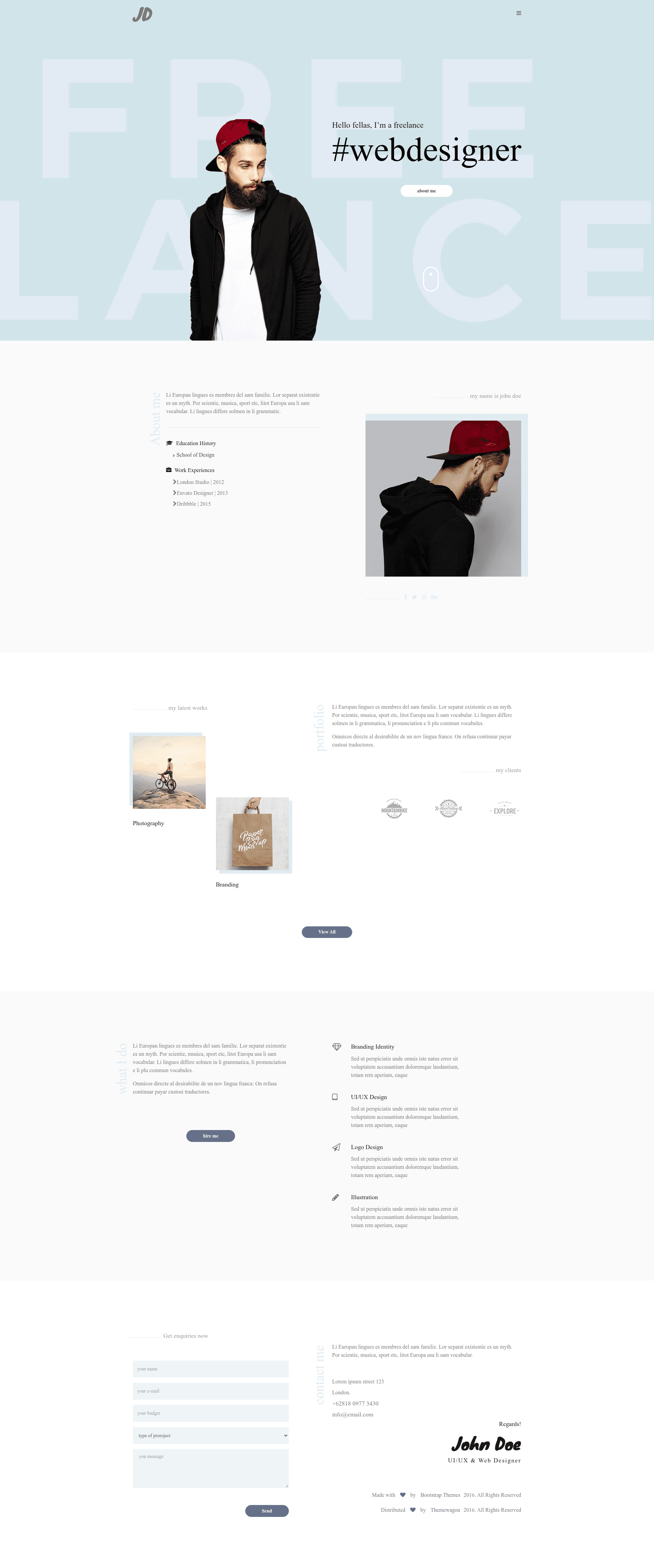
JD (John Doe) is a free, responsive Bootstrap portfolio template for creatives, with animations and a clean minimal design.
About this template
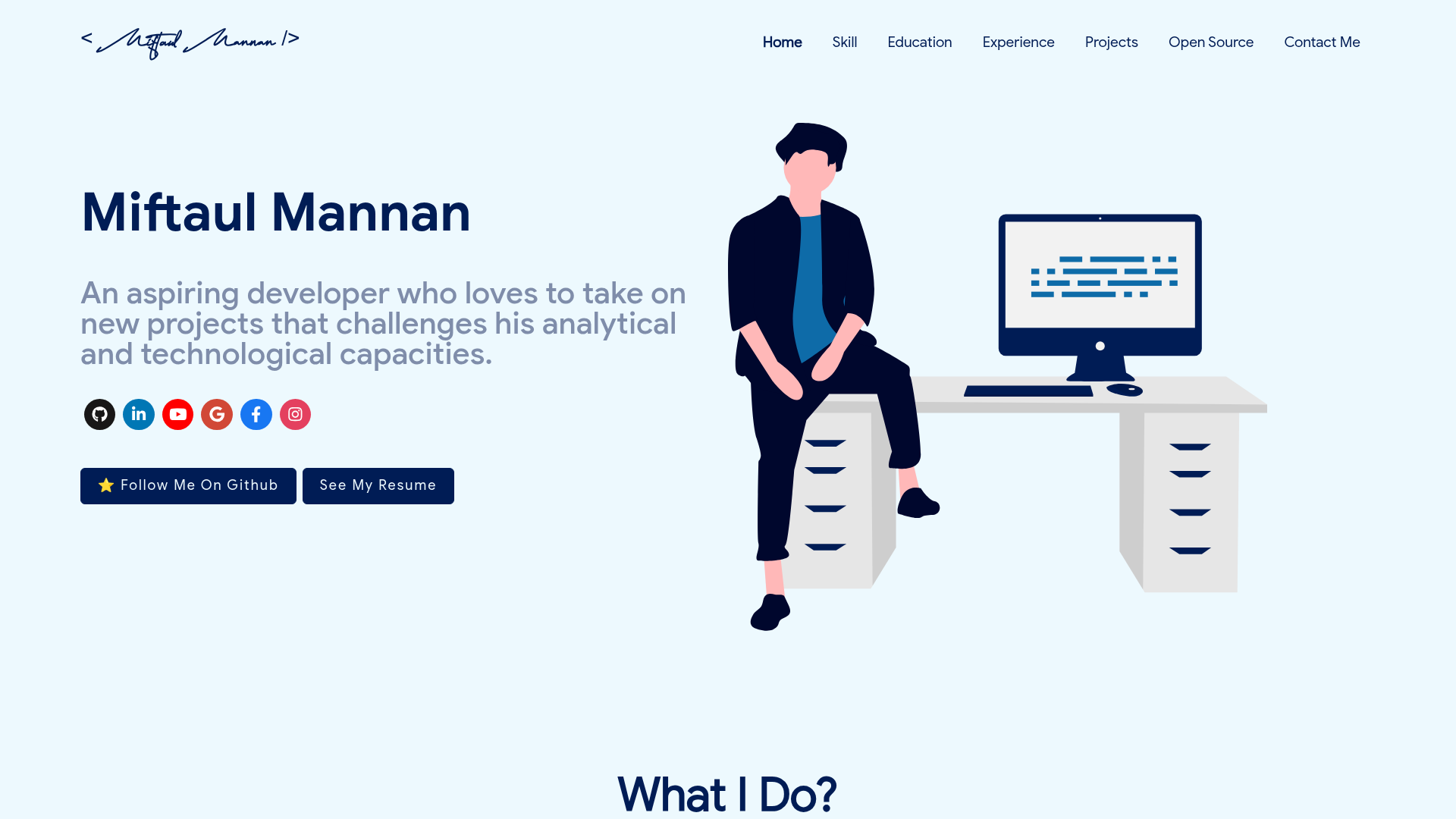
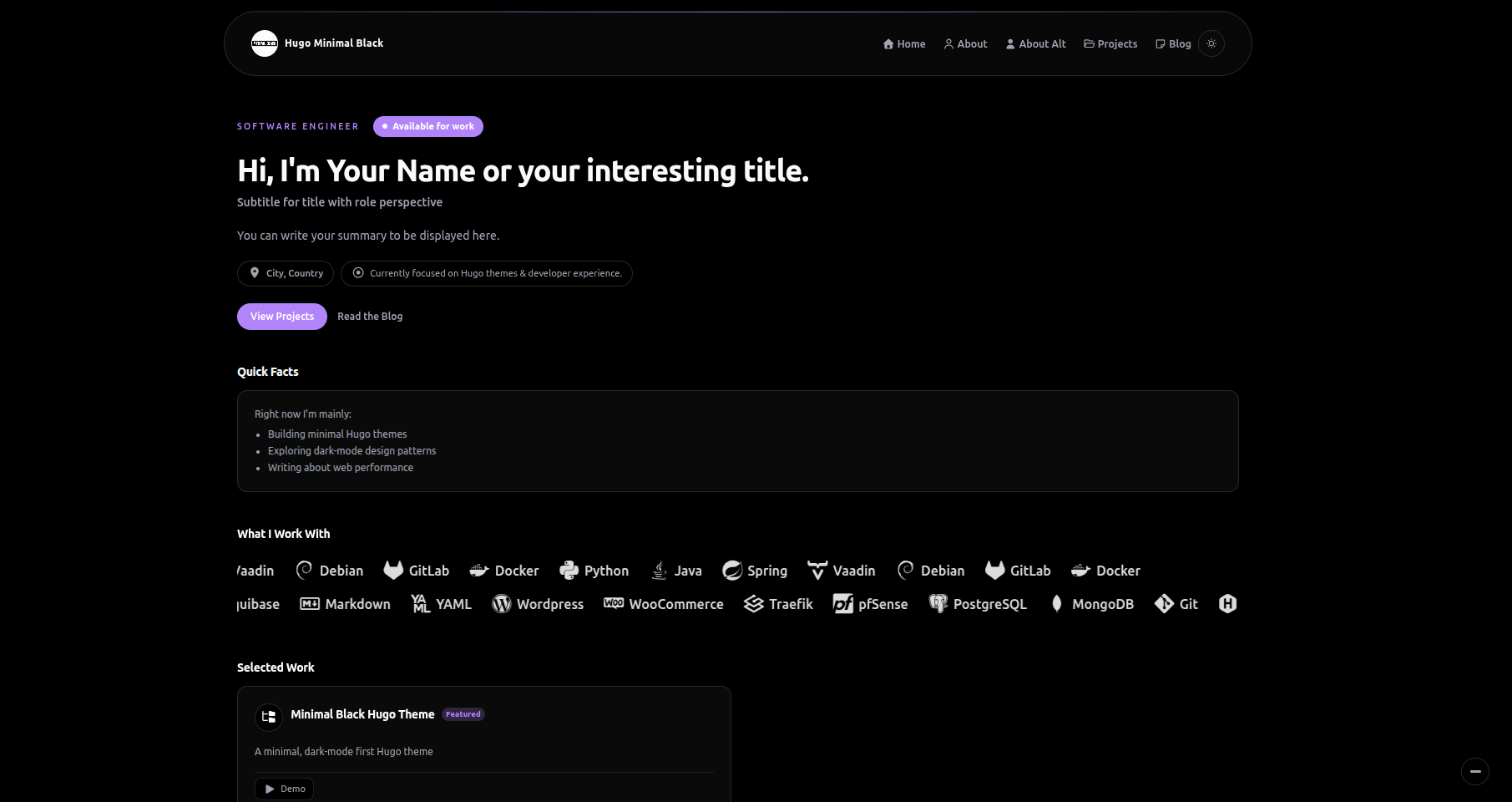
JD (John Doe) is a free creative personal portfolio Bootstrap template distributed by ThemeWagon and developed by BootstrapThemes, built on Bootstrap v3.3.6 to present creative work in a clean, minimal, responsive single-page layout. It takes your portfolio content—images, text, project links—and renders them through a page-animated, fully responsive website that works across Chrome, Edge, Firefox, Opera, Safari, and mobile browsers without any backend.
What is JD (John Doe)?
JD (John Doe) is an open-source HTML portfolio template released by BootstrapThemes on ThemeWagon, using Bootstrap v3.3.6, HTML5, CSS3, jQuery, Font Awesome icons, and animate.css. Its core function is to display a creative professional's work as a responsive website: you edit the template's text and images directly in the HTML/CSS files, and it outputs a polished single-page portfolio with smooth page animations and a clean, faded color scheme. The template is free to download, free to use in commercial projects, and includes lifetime updates from ThemeWagon.
Key Features
- Bootstrap v3.3.6 framework — responsive grid, utility classes, and UI components from Bootstrap 3 with a 12-column layout.
- HTML5, CSS3, and jQuery — a standard front-end stack with W3C-valid HTML code for reliable rendering across browsers.
- Page animation with animate.css — CSS3-powered entrance animations on page load and scroll, giving the portfolio a dynamic feel.
- Font Awesome icons — an integrated icon set for social profiles, contact links, and UI elements without extra image files.
- jQuery Validation Plugin — form validation built in, ready for contact or inquiry forms.
- Fully responsive layout — adapts to smartphones, tablets, and desktops with a burger/Android-style menu for both mobile and desktop versions.
- Cross-browser compatible — verified against Chrome, Edge, Firefox, Opera, and Safari, plus mobile devices.
- Free for commercial use — open-source license allows commercial projects with lifetime free updates and no license fee.
Who is it for?
- Freelance designers and illustrators — showcase web design work, artworks, and illustration projects in a clean, minimal portfolio that loads quickly.
- Photographers and photography studios — present photo series and client galleries with a full-width, image-focused layout.
- Musicians, sound artists, and music producers — promote albums, mixes, or sound projects with a portfolio page and smooth page transitions.
- Architects and agencies — display architectural projects, team capabilities, or agency services using the template's adaptable structure.
What can you do with JD?
- Personal portfolio website — replace the placeholder text and images with your own projects, biography, and contact details to create a client-ready portfolio.
- Agency or studio website — reuse the single-page structure to list services, team members, and selected works for a small studio or creative agency.
- Event or campaign landing page — adapt the template's responsive sections and animations for a product launch, workshop registration, or exhibition announcement.
How does JD work?
Download the template from ThemeWagon, unzip the files, and open the HTML in any text editor. Replace the placeholder text and image URLs with your own content, then upload the folder to any web host — the page requires no build step, database, or coding knowledge. The included jQuery Validation Plugin handles form validation, while the CSS and JavaScript files control the layout and animate.css animations.