Template details
Next.js Creative Portfolio Starter
Interactive 3D Portfolio Website with Next.js, Three.js & Tailwind CSS | Checkout the tutorial link ⚡
About this template
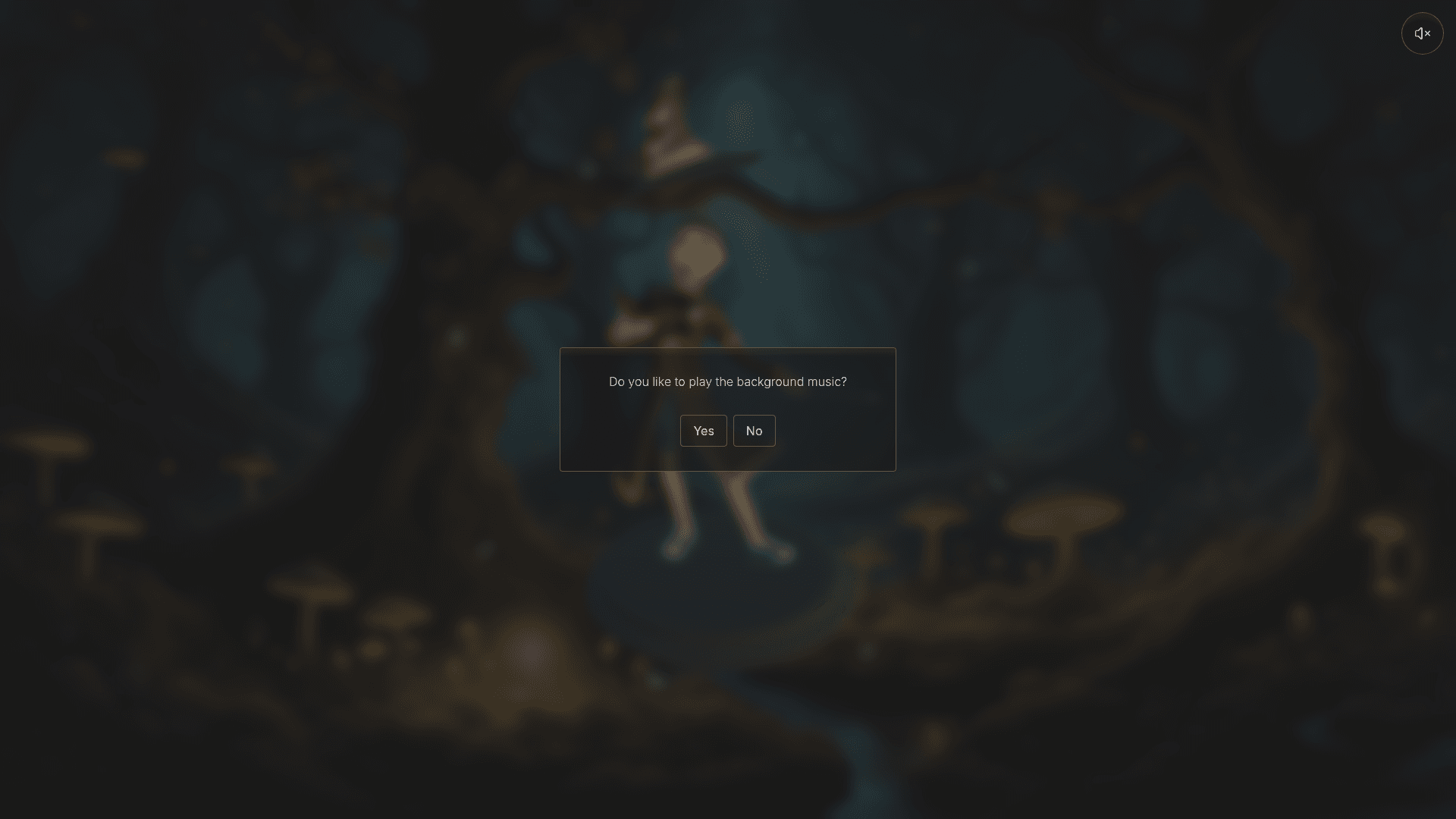
Next.js Creative Portfolio Starter is a portfolio boilerplate that shows developers how to build an interactive 3D portfolio website using Next.js, Three.js, and Tailwind CSS, with a free YouTube tutorial. This starter repository by codebucks27 (DevDreaming) is bootstrapped with create-next-app and includes a pre-built four-page site: Home, About, Projects, and Contact. It uses Three.js to render three Creative Commons Attribution 3D models — "Tim Mckee - Boy Wizard" by elbertwithane, "Stylized wizard hat" by Enkarra, and "Wizard Staff" by Toymancer Studio — inside a wizard-themed scene. The UI is styled with Tailwind CSS, animations run on framer-motion, and the contact form combines react-hook-form with Emailjs for sending messages. Sonner handles toast notifications, Lucide icons supply iconography, and Google Fonts provide typography. The repository also documents its use of AI-generated images from Playground AI, GitHub stats widgets (Github ReadMe Stats, Skills Icons, and Github Readme Streak Stats), and background music from Pixabay.
What is the Next.js Creative Portfolio Starter?
This is a starter code repository for an interactive 3D portfolio website. It takes no external inputs — it is a self-contained Next.js project that you clone, install, and run — and outputs a responsive multi-page portfolio. The site runs on Next.js (a React framework) and uses Three.js for 3D rendering. The starter code lacks some finalized sections; by following the linked YouTube tutorial you add the complete Three.js scene, project data, and interactions.
Key Features
- Three.js 3D scene — Includes three ready-to-use Creative Commons Attribution models: a boy wizard, a wizard hat, and a wizard staff, converted to React components with Gltf JSX.
- Four-page layout — Pre-built Home, About, Projects, and Contact pages with responsive mobile versions.
- Tailwind CSS — Entire UI is styled with Tailwind CSS utility classes.
- Framer Motion animations — Adds page transitions and scroll-based animations.
- React Hook Form + Emailjs — Contact form with validation and email delivery without a backend.
- Sonner notifications — Displays toast alerts for form submissions and other user actions.
- GitHub stats widgets — Integrates Github ReadMe Stats, Skills Icons, and Github Readme Streak Stats to show profile statistics.
- Free fonts and icons — Google Fonts for typography and Lucide icons for UI elements.
Who is it for?
- Developers learning Next.js — Can watch the YouTube tutorial to understand how a multi-page Next.js app with client-side 3D rendering is structured, then modify the starter code.
- Creative professionals — Designers, artists, or photographers who want a portfolio that stands out with an interactive 3D wizard theme rather than a conventional layout.
- Hobbyist developers — Individuals who want a fast way to launch a portfolio by cloning the repo, running npm install and npm run dev, and swapping in their own projects and images.
What can you do with the template?
- Showcase creative work: Display projects, skills, and an about section in front of a Three.js wizard scene.
- Receive contact messages: Use the react-hook-form and Emailjs integration to let visitors email you directly from the site.
- Display live GitHub stats: Embed your GitHub contributions, top skills, and streak data on the Projects or About pages.
- Follow the tutorial: Build the entire site from scratch by watching the video at youtu.be/T5t46vuW8fo, using the starter code as your base.
How does it work?
Clone the starter repository, install dependencies with npm install, and run the development server with npm run dev (or yarn/pnpm/bun). The site is available at localhost:3000. The accompanying YouTube tutorial walks through each step of building the final portfolio, including setting up Three.js models with Gltf JSX.
Pricing
This starter code is free to use and open-source; the final code is also freely available on GitHub. The tutorial is free on YouTube.
FAQ
Is the code free?
Yes, both the starter code and the final code are publicly available on GitHub under the codebucks27 account. The tutorial is also free on YouTube.
What technologies does it use?
It uses Next.js, Three.js, Tailwind CSS, framer-motion, react-hook-form, Emailjs, Sonner, Lucide icons, Google Fonts, and several GitHub stats APIs.
Do I need my own 3D models?
No, the starter includes three Creative Commons Attribution models. If you use them, you must credit the original creators as specified in the repository.
Where is the live demo?
The demo is hosted at next-js-creative-portfolio-website.vercel.app. The tutorial video is linked at youtu.be/T5t46vuW8fo.