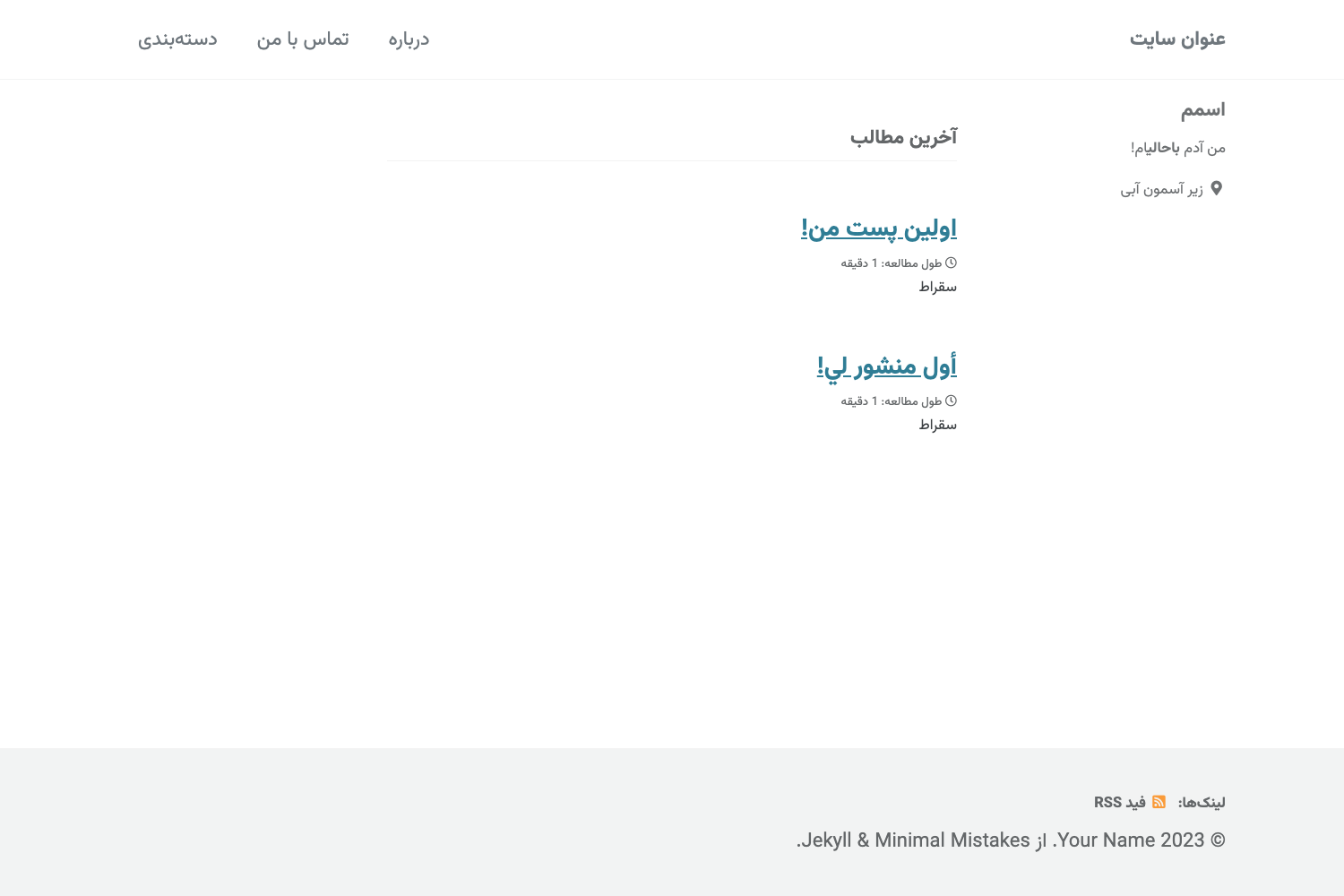
Template details
Jeffprod
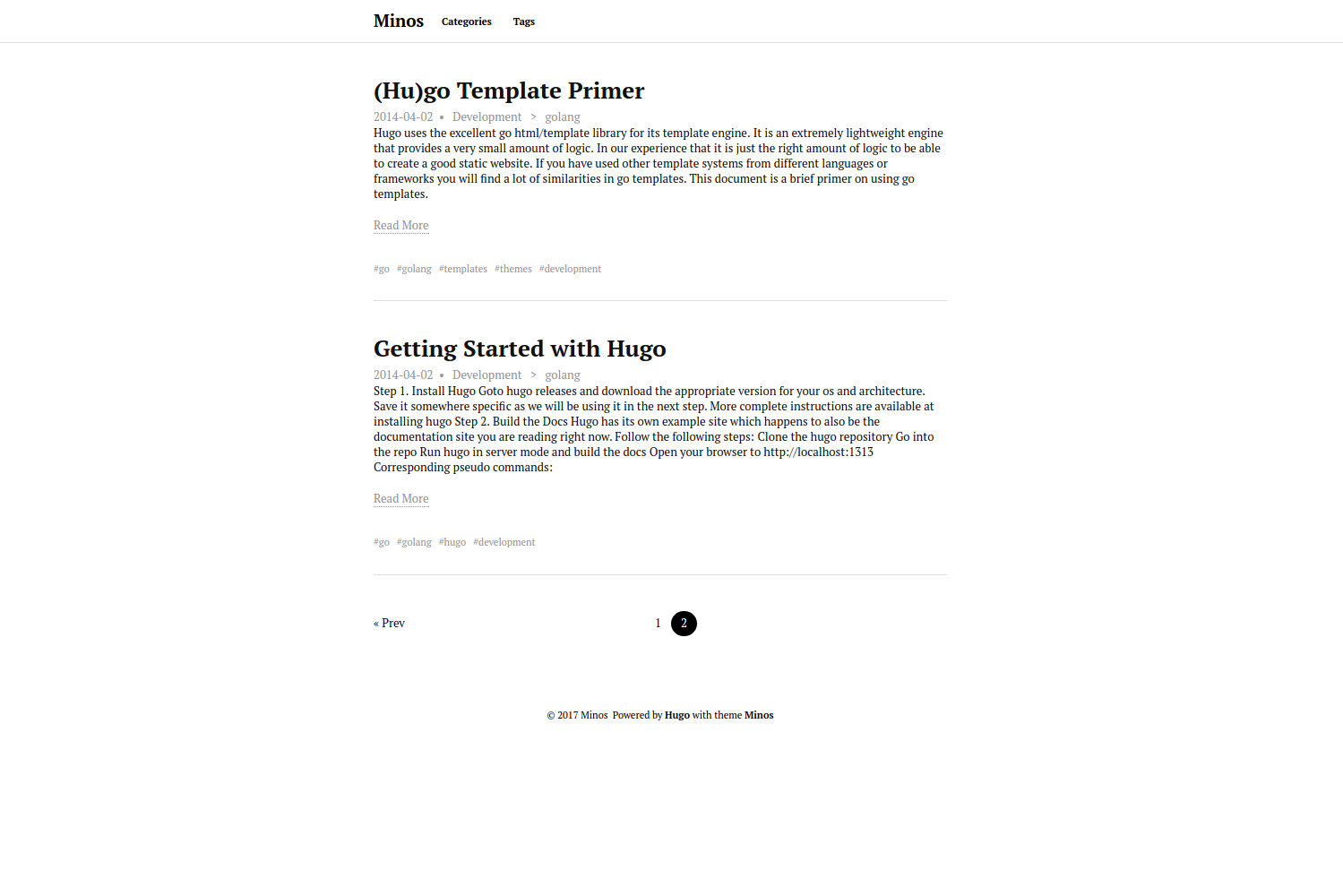
A free HUGO blog theme with tags, archives, and last posts, styled with the Bulma CSS framework.
About this template
Jeffprod is a free blog theme for HUGO, the static site generator, that turns Markdown posts into a tag-organized blog styled with the Bulma CSS framework.
What is Jeffprod?
Jeffprod is a free blog theme built for HUGO, the open-source static site generator written in Go. It takes Markdown content files as input and generates a static blog with tag pages, an archive page, and a section for the latest posts. The theme is designed by @JeffProd and uses the Bulma CSS framework for styling. The repository is available on GitHub at Tazeg/hugo-blog-jeffprod and has 54 stars.
What makes Jeffprod stand out?
- Free to use — Jeffprod is released as a free theme, with an optional donation page for supporting the developer.
- Bulma CSS framework — The theme is built on Bulma, a modern CSS framework that provides responsive, mobile-first design out of the box.
- Tag taxonomy — Posts can be organized with tags, and the theme automatically generates tag pages to group related content.
- Archives page — An archive taxonomy is included, letting readers browse all posts by date.
- Last posts list — The homepage includes a section that displays your most recent posts.
- Markdown support — Write blog posts using standard Markdown syntax; the theme also supports HUGO shortcodes for richer embedding.
- Simple installation — Installation takes a few commands: create a new HUGO site, clone the theme, add two lines to config.toml, and run the server.
- Static output — Build the site with the
hugocommand and publish the generated files in thepublic/directory to any static host.
Who should use Jeffprod?
- Hugo bloggers — Individuals who want a clean, no-frills blog theme that focuses on content and makes it easy to add tags and archives.
- Developers learning Hugo — The theme's small codebase and clear documentation serve as a practical example of Hugo theming with taxonomies and shortcodes.
- Writers wanting a fast site — Since Hugo generates static HTML, the resulting blog loads quickly and can be hosted on GitHub Pages, Netlify, or any static file server.
What can you do with Jeffprod?
- Create a personal blog — Write posts in Markdown, and Jeffprod organizes them into your homepage's last-posts list and tag pages.
- Set up a content archive — Use the built-in archive taxonomy to give readers a date-based index of everything you've published.
- Customize the look — Because it's built on Bulma, you can override the CSS with Bulma variables or add your own styles to match your brand.
How does Jeffprod work?
Jeffprod follows the standard HUGO workflow: install Hugo, run hugo new site myblog, clone the theme into themes/jeffprod, and add theme = "jeffprod" plus the permalinks and taxonomies to config.toml. Then write posts in content/post/ and preview them locally with hugo server. When you're ready, run hugo to build the site into the public/ directory.
Pricing
Jeffprod is free. The theme's repository includes a donation link (https://en.jeffprod.com/donate/) for those who want to support the creator.
FAQ
Is Jeffprod free?
Yes, Jeffprod is released as a free blog theme. There is no cost to download or use it, and its source code is publicly available on GitHub.
What does Jeffprod do?
Jeffprod is a HUGO theme that converts Markdown blog posts into a static site with tag and archive pages. It provides a ready-made layout for bloggers who want a simple, fast, and tag-organized online journal.
What CSS framework does Jeffprod use?
Jeffprod uses Bulma, a popular open-source CSS framework. This gives the theme a responsive grid system, modern typography, and mobile-friendly components without requiring JavaScript.
How do I install Jeffprod?
First install HUGO. Then create a new site with hugo new site myblog, clone the theme using git clone https://github.com/Tazeg/hugo-blog-jeffprod.git themes/jeffprod, and add the theme name, permalinks, and taxonomies to your config.toml file as described in the README.
Can I use Markdown to write posts for Jeffprod?
Yes, blog posts are written in Markdown files placed under content/post/. The theme also supports HUGO shortcodes, so you can embed rich content like videos and gists directly in your posts.