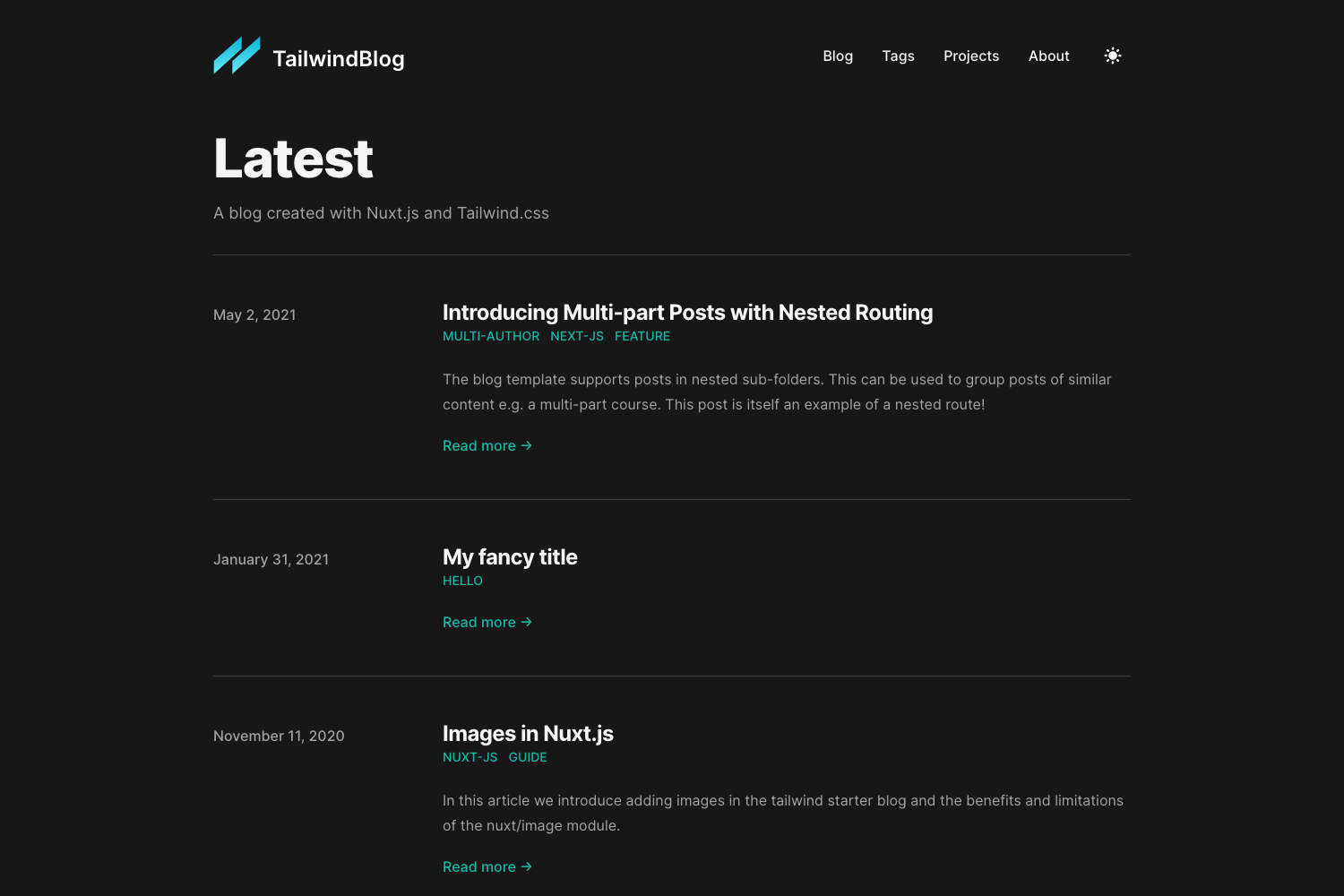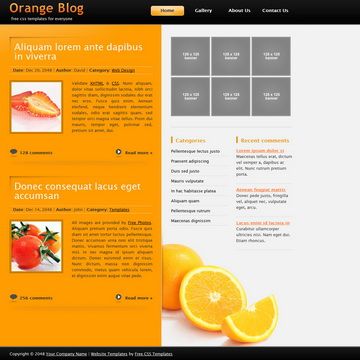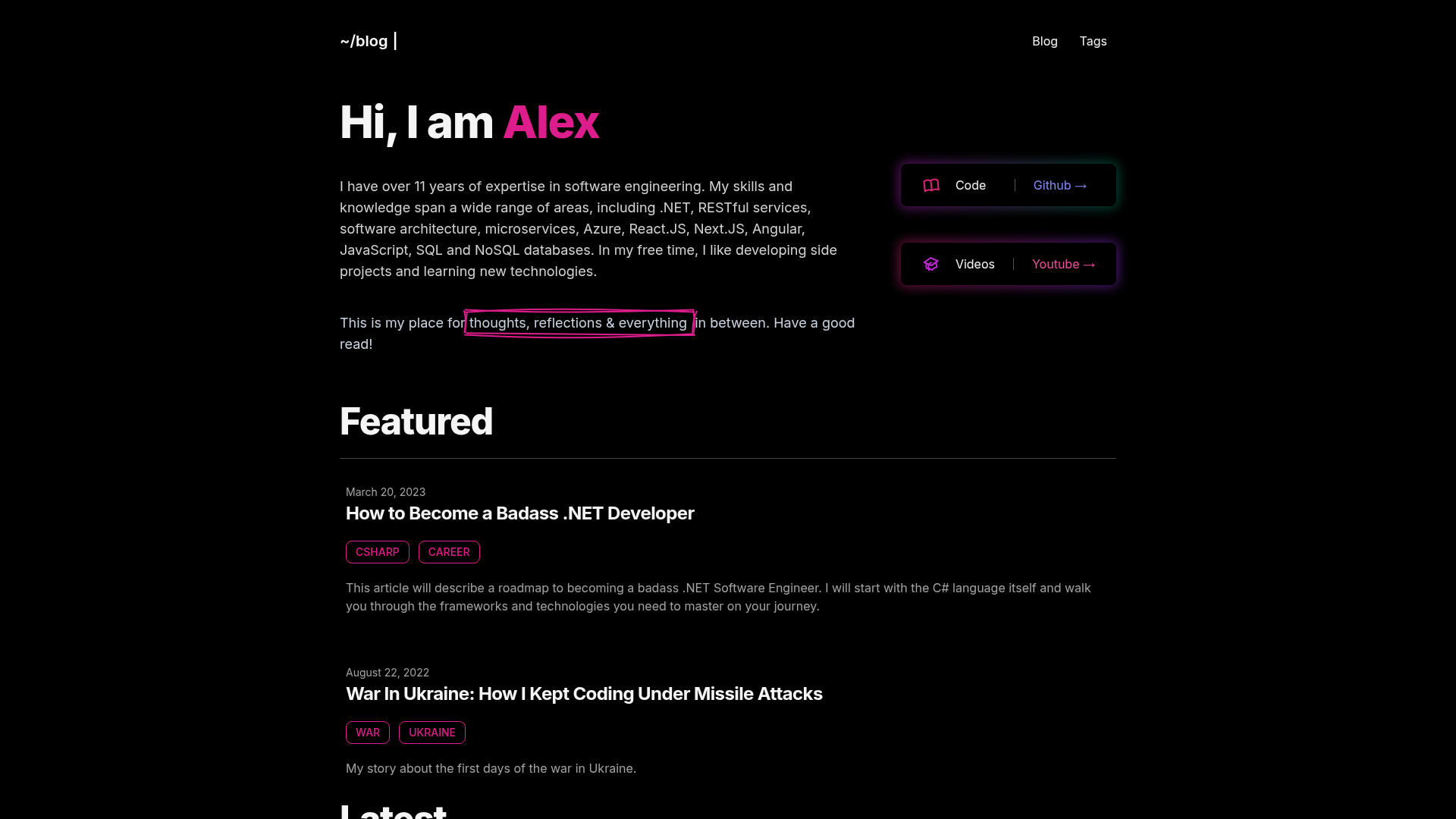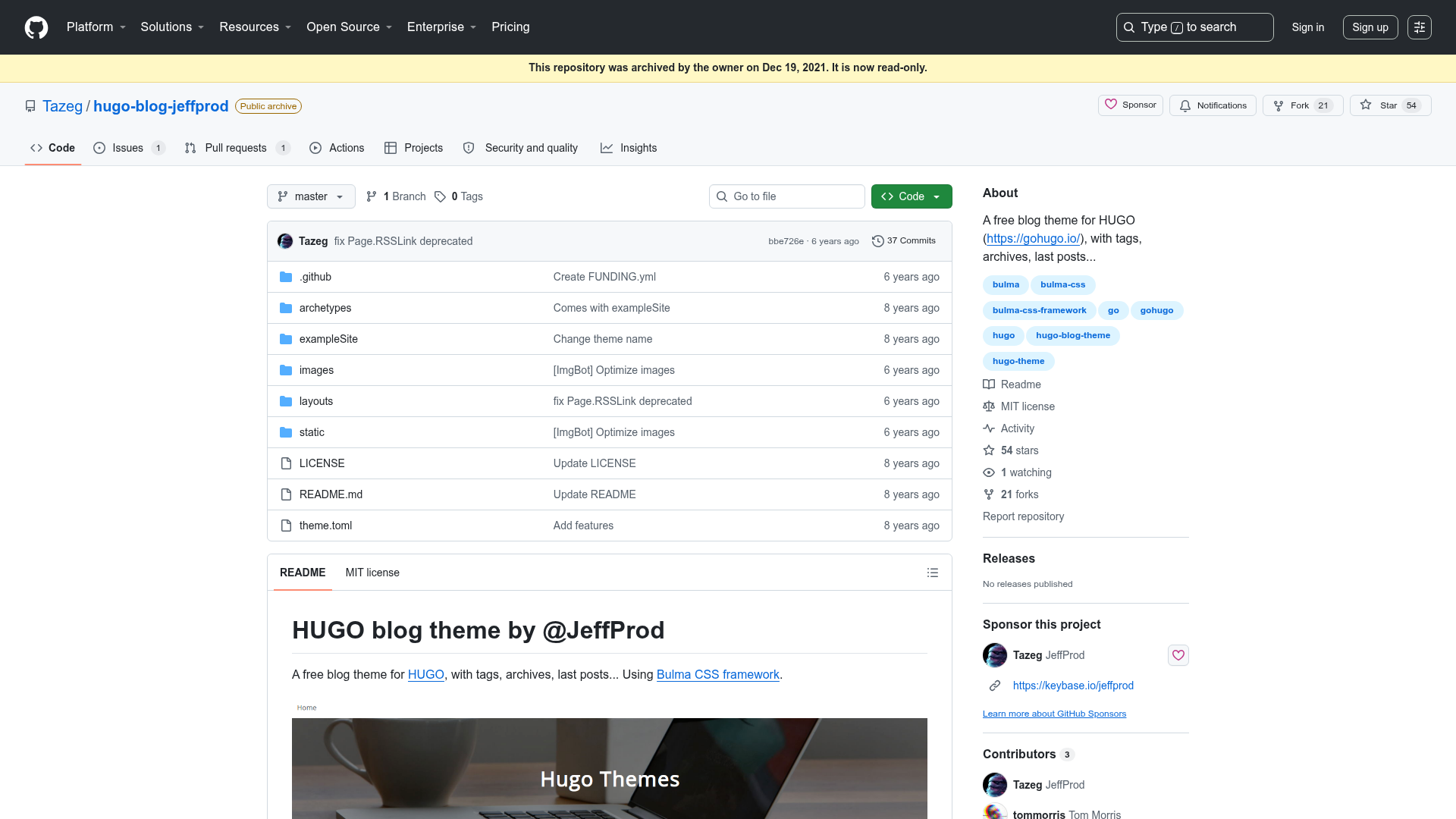
Template details
Minos
A simple and retro styled Hugo theme ported from Hexo, focused on content and ideas.
About this template
Minos is a Hugo theme ported from the Hexo theme of the same name, built to keep the focus on your writing with a simple, retro-styled layout.
What is Minos?
Minos is a Hugo theme ported by Carson Ip from PPOffice's Hexo theme Minos, requiring Hugo v0.59 or later. It takes content written in Markdown with optional front matter variables and renders it into a blog-style static site with an index page, article pages, and tag pages. The theme is distributed as a Git repository under the MIT License, installed by cloning it into the themes directory of a Hugo project.
What makes Minos stand out?
- Smart table of contents — highlights and expands the current section in the TOC as the reader scrolls, a feature not present in the original Hexo theme.
- KaTeX math rendering — optional per-post or global math typesetting using an auto-render extension; block math is written between double dollar signs and inline math with escaped parentheses.
- Syntax highlighting — powered by highlight.js, so code blocks get automatic language detection and color styling without extra configuration.
- Disqus integration — comment threads are added by setting the disqusShortname in the site configuration.
- Google Analytics — tracking is enabled by adding a UA-style tracking ID to the config.toml file.
- Retro, content-focused styling — the theme deliberately omits features like search boxes and hierarchical categories to keep the reading experience minimal.
- Custom CSS support — additional stylesheets can be loaded via the customCss parameter, allowing per-site theming.
Who is it for?
- Hugo bloggers — people who want a minimal, retro-styled theme for personal blogs or essay-style sites, with the ability to hide posts and create about pages.
- Static site developers — those who appreciate a clean Markdown-to-HTML workflow and want to reuse a proven theme with known configuration options.
- Academic or technical writers — KaTeX support makes it suitable for writing posts that include math formulas, and highlight.js helps present code snippets.
What can you do with Minos?
- Bloggers: set a featured image for each post via the featuredImage front matter parameter, so the image appears on the index page.
- Site owners: suppress dates on articles that act as indexes by setting omitDate to true, or hide a post entirely with hidden=true.
- Math-heavy writers: enable KaTeX globally in the config or per post in front matter, then use standard LaTeX syntax to render equations in articles.
- Customizers: add your own stylesheets through the customCss parameter to override or extend the theme's look without editing theme files.
How does Minos work?
- Clone the repository into the themes directory of your Hugo project using git clone with a depth of 1.
- Set the theme name in config.toml to "hugo-theme-minos".
- Configure options like pagination, smartToc, disqusShortname, googleAnalytics, katex, or customCss as needed.
- Write Markdown posts with optional front matter parameters for featured images, hidden status, per-post KaTeX, or date suppression.
FAQ
Is Minos free to use?
Yes, Minos is open source under the MIT License, so it is free to use, modify, and redistribute. The source is available on GitHub at carsonip/hugo-theme-minos.
What are the differences from the original Hexo Minos theme?
The Hugo port drops gallery support via fancybox, Duoshuo comments, a search box, and hierarchical categories. It adds a smart table of contents that highlights the current section, plus Hugo-native Disqus, Google Analytics, KaTeX, and highlight.js integration.
Do I need to install any other dependencies?
No. After cloning the theme, you only need a working Hugo installation of version 0.59 or newer. KaTeX and highlight.js assets are handled within the theme itself.
Can I hide a post from the index page?
Yes. Set the front matter parameter hidden=true for a post to exclude it from the index page, which is useful for an About Me page while keeping the post accessible at its URL.
How do I enable math equations in a post?
Set katex=true in the post's front matter if the global option is off. Then write block math between double dollar signs and inline math using escaped parentheses, following the KaTeX auto-render syntax.