Template details
Jekyll Course Website Template
Feature-rich Jekyll template for academic course websites with schedule, assignments, and announcements.
About this template
Jekyll Course Website Template is a static-site generator template for building academic course websites, packaged with pre-built pages for lectures, assignments, schedules, and announcements and deployable directly to GitHub Pages.
What is Jekyll Course Website Template?
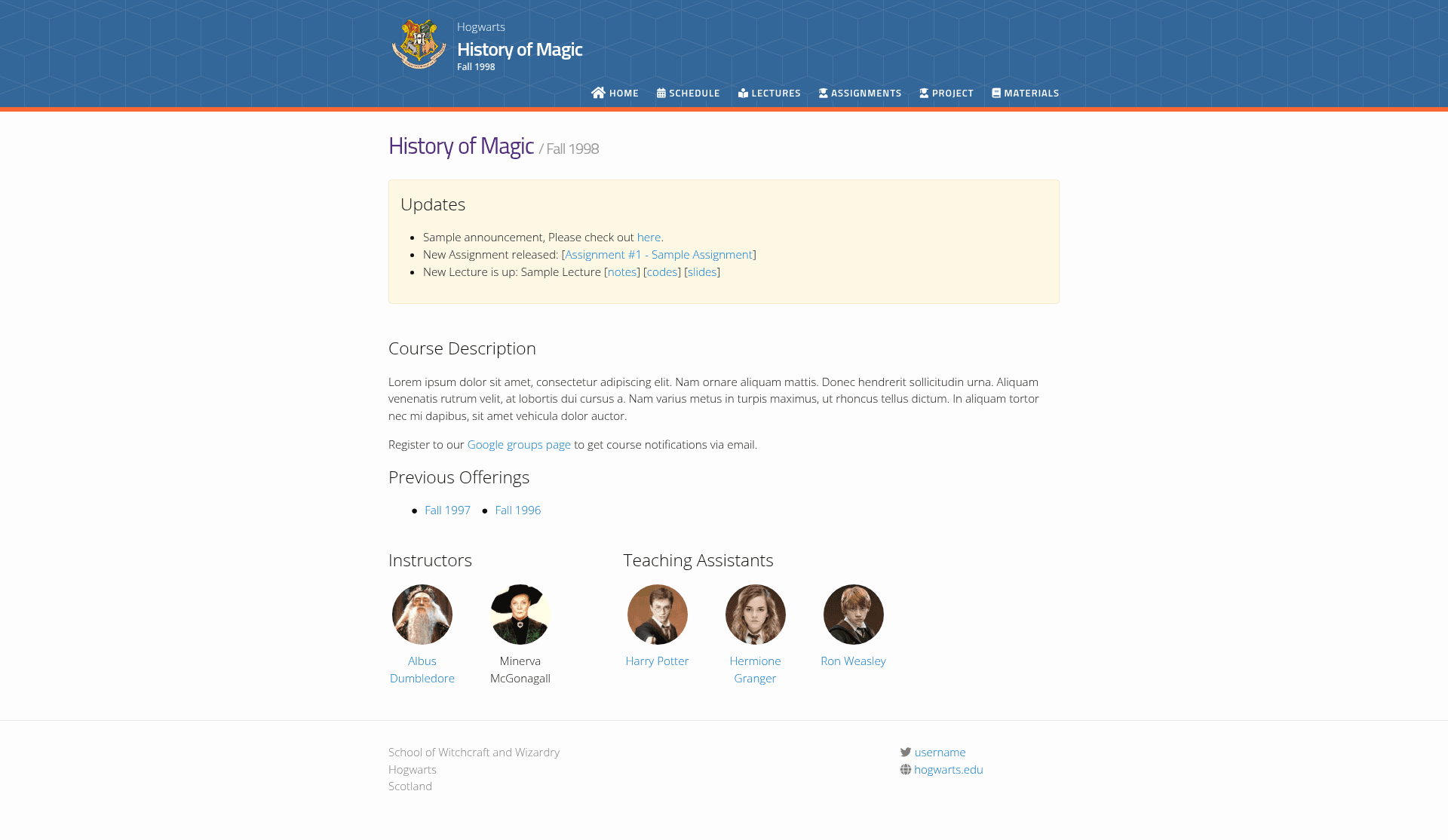
Jekyll Course Website Template is a feature-rich Jekyll theme specifically for academic courses. It takes course content written in Markdown files (stored in folders like _lectures, _assignments, _events, and _announcements) and outputs a complete static website with individual pages for assignments, lectures, course materials, and a course schedule. The template runs on Jekyll, the Ruby-based static site generator, and is designed to be published directly to GitHub Pages. It was created by kazemnejad and is heavily based on svmiller/course-website.
What makes Jekyll Course Website Template stand out?
- Individual pages for assignments, lectures, course material, and schedule — Content is organized into separate collections so each lecture or assignment gets its own page.
- Auto-generated course schedule — A dedicated schedule page is built automatically from events and lectures typed in the
_events,_lectures, and_assignmentscollections. - Auto-generated course updates section — New lectures and assignments automatically appear in an updates/announcements feed on the home page; custom manual announcements can be added via
_announcements/. - Super lightweight and highly customizable — The template avoids heavy JavaScript and is built with Jekyll plus Sass/SCSS, letting you edit variables in
_sass/_user_vars.scssto change colors and themes. - Ready for GitHub Pages — Fork the repository, update
_config.ymlwith your URL and base URL, enable GitHub Pages on the master branch, and the site builds automatically from source files. - Responsive mobile view — The layout adapts to small screens, so students can browse the course site from phones.
- Google Analytics support — Add your tracking ID in
_config.ymlunder thegoogle_analyticsfield. - Themes support (version 2.0) — Version 2.0 introduced pre-defined themes that you can switch by commenting/uncommenting in the SCSS file, making it easy to match school branding.
- YAML-based navigation — Navigation menus are defined in
_data/nav.yml, so adding new pages doesn't require touching HTML templates. - Flexible lecture links — Lectures can include optional links to slides, notes, code, or external resources, each with a custom label.
Who is it for?
- University instructors — Create a course website for a single semester/term with lectures, assignments, and a public schedule, all without building a site from scratch.
- Teaching assistants — Manage course announcements and due dates by adding Markdown files to the appropriate
_dataor collection folders; the home page updates automatically. - Departments or course organizations — Use the recommended GitHub organization pattern (e.g.,
cmu-cs101/fa2020) to maintain multiple semesters of the same course under one account/org. - Self-learners or open-course authors — Publish a structured, free static course site on GitHub Pages for public access, with support for Google Analytics to track visits.
What can you do with Jekyll Course Website Template?
- Publish a full course site: Add lectures, assignments, exams, and custom events as Markdown files with YAML front matter, and the template generates the schedule page, announcements, and individual content pages.
- Customize the look and feel: Switch between pre-defined themes or override colors in
_sass/_user_vars.scss; change the course name, semester, description, school name, and address from_config.yml. - Deploy with zero server cost: Host on GitHub Pages for free — edit files via the GitHub web UI and the site rebuilds automatically.
- Keep students informed: The updates section automatically aggregates new lectures and assignments, plus you can post manual announcements. Hide specific items from the announcements feed by setting
hide_from_announcments: truein front matter.
How does Jekyll Course Website Template work?
Jekyll Course Website Template is built on Jekyll collections. Content lives in folders like _lectures, _assignments, _events, _announcements, and _data. Each file includes YAML front matter (e.g., type, date, title, optional pdf, solutions, links) followed by Markdown body content. Jekyll processes these at build time, generating static HTML pages and the schedule/announcement sections. To get started, fork the repository, edit _config.yml, then push to GitHub Pages; for local development, install Jekyll and run bundle exec jekyll serve to watch changes live.
FAQ
Is Jekyll Course Website Template free?
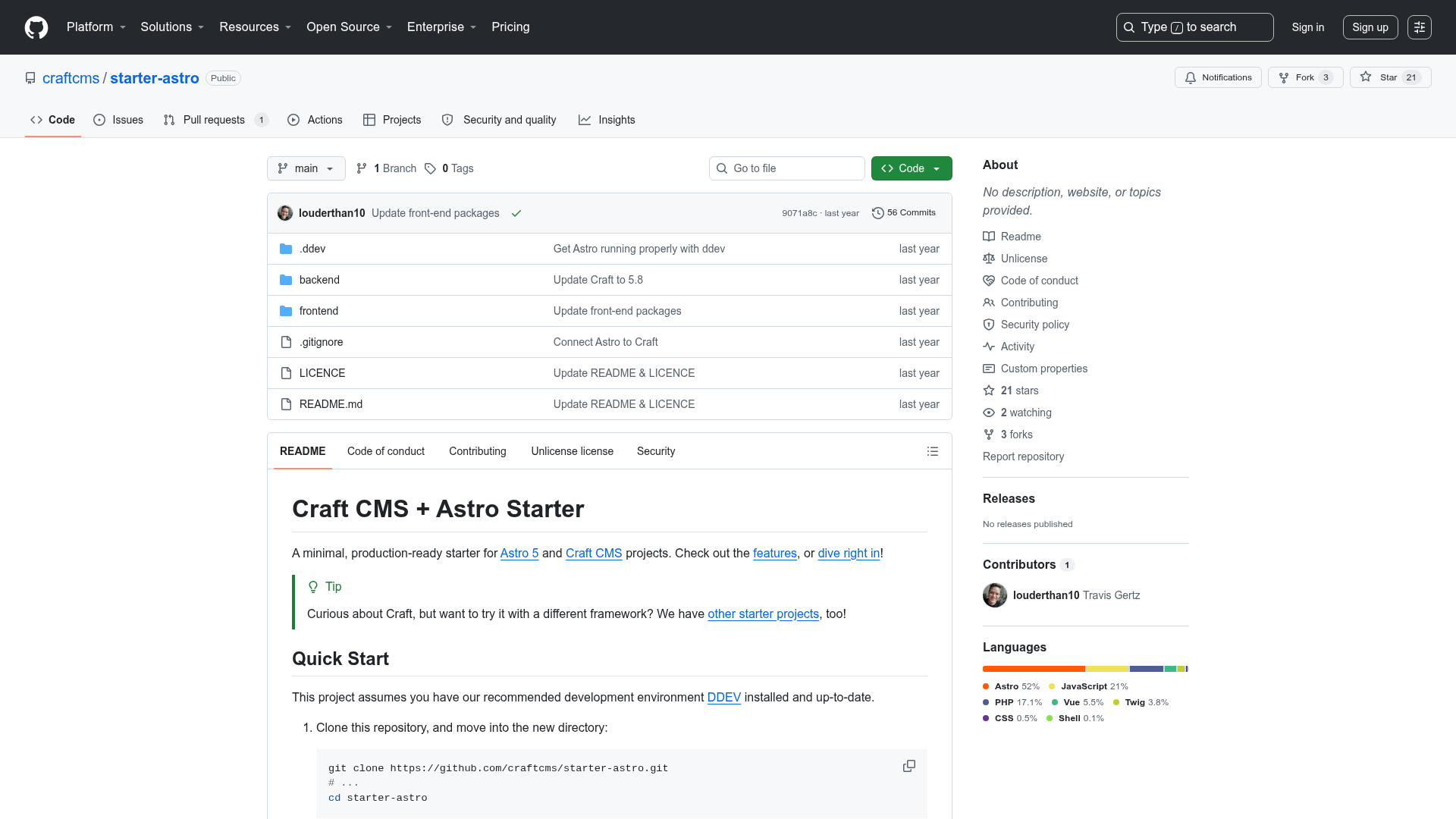
Yes, the template is open source and hosted on GitHub. Since it's designed for GitHub Pages, hosting is free for public repositories. No pricing or paid tiers are mentioned in the repository.
Does Jekyll Course Website Template require a database or server?
No. It's a static site generator, so the output is plain HTML. All content is stored in Markdown files within the repository, and Jekyll builds the site at deploy time. The only runtime requirement is Jekyll during the build step (GitHub Pages handles that automatically).
How do I add a new lecture or assignment?
Create a new Markdown file in the _lectures or _assignments folder, fill in the YAML front matter (type, date, title, and optional fields like pdf, solutions, or links), and add content below the front matter. The template will automatically include it on the schedule and updates pages unless you set hide_from_announcments: true.
Can I customize the website to match my school's branding?
Yes. Version 2.0 added support for themes. Open _sass/_user_vars.scss, comment or uncomment one of the pre-defined themes, or modify the color variables manually. You can also change the navigation menu and add new pages via _data/nav.yml.
What happened to the old version?
The demo and real-world examples (like iust-deep-learning.github.io/972 ) shown in the repository use the older version. Version 2.0 introduced a new schedule page, Gregorian calendar default, more customization options for home/assignments/lectures/schedule pages, themes, YAML navigation, and more flexible lecture links.