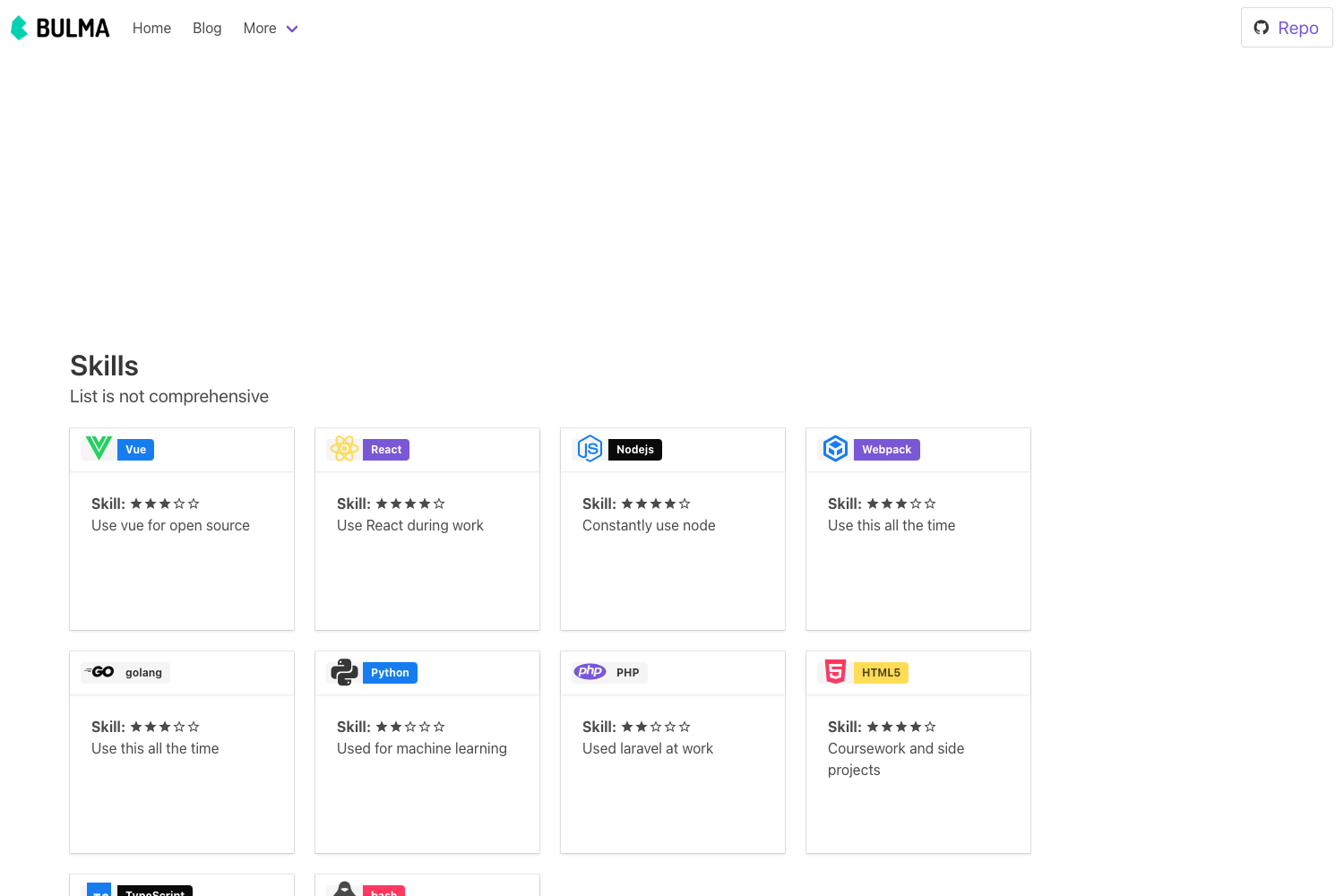
Template details
Platframe default starter
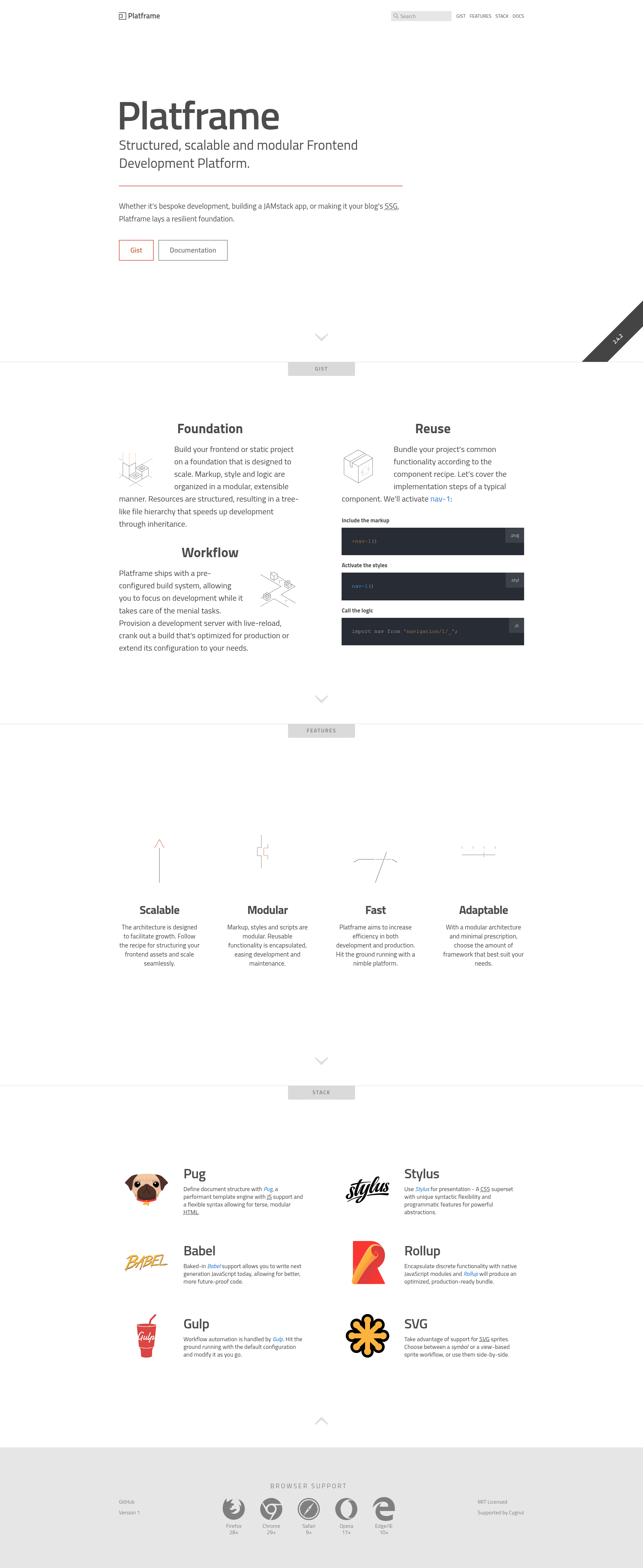
Structured, scalable and modular frontend development platform with a starter template for MPA and SPA projects.
About this template
Platframe default starter is a boilerplate frontend development platform for building structured, scalable multi-page (MPA) and single-page (SPA) applications with a Pug, Stylus, and JavaScript stack.
What is Platframe default starter?
Platframe default starter is a modular frontend development platform that serves as a base template for new projects. It takes source files written in Pug, Stylus, and JavaScript and produces a static, production-ready website that is agnostic to backend technology. The platform runs on Node.js (v8.0 or higher) and is authored by @gidhon under the MIT license.
Key Features
- Multi-page and single-page support — The architecture supports both MPA and SPA builds, letting you choose the app model that fits your project.
- Pug templating — HTML is authored with Pug, a template engine that compiles to plain HTML.
- Stylus styling — Styles are written in Stylus, a CSS preprocessor, while the framework stays neutral on your CSS methodology.
- Modular component implementation — Discrete UI concerns are encapsulated as components to optimize reuse and keep code DRY.
- Backend agnostic — The platform does not depend on any specific backend, so it can connect to any API or service.
- Dual use as static site generator — Beyond full apps, it can generate static sites with less complex requirements.
- One-click Netlify deployment — Deploy the starter directly to Netlify via the provided deploy button.
- Development and production workflow — Run
yarn developfor a local dev server at localhost:3000,yarn buildfor a production build, andyarn deployfor deployment.
Who is it for?
- Frontend developers who want a pre-configured, structured architecture instead of starting from scratch.
- Teams building scalable web apps that need predictable, consistent patterns for organizing source code and assets.
- Freelancers and agencies that need a quick springboard for client projects and can benefit from a modular base that grows predictively.
- Developers experimenting with static sites who want to use the platform as a static site generator.
Use cases
- Frontend developers can use Platframe default starter to scaffold a new MPA or SPA with Pug and Stylus, gaining a semantic, modular architecture out of the box.
- Static site creators can put the platform in development mode and add content, using the default template as a lightweight static site generator.
- Architects can adopt the platform's structure as a blueprint for organizing a new frontend, even if they swap the stack, as long as feature parity exists.
- Open-source contributors can fork the repository, customize the default template, and deploy a live preview via the Netlify button.
How does it work?
To start a new project, install Node.js (v8.0+) and NPM (v5.2+), then fetch the source with npx degit platframe/new my-app or download the latest release. After running yarn install, launch the development environment with yarn develop; the build is served at localhost:3000 with automatic client updates. For production, run yarn build to create an optimized build, and optionally wire deployment logic to yarn deploy.
Pros and cons
- Pros: Backend agnostic, supports MPA and SPA, uses a template engine and CSS preprocessor, includes a one-click Netlify deployment, and is free under the MIT license.
- Cons: The built-in test task only runs JavaScript linting, so you must integrate additional testing tools; the framework intentionally does not prescribe a CSS methodology, leaving that decision to your team.
Pricing
Platframe default starter is free and open-source, released under the MIT license.
FAQ
Is Platframe free?
Yes, Platframe is released under the MIT license, so it is free to use, modify, and distribute in both personal and commercial projects.
What are the prerequisites for using Platframe?
You need Node.js version 8.0 or higher and NPM version 5.2 or higher. Yarn and nvm are optional but recommended for managing dependencies and Node versions.
Does Platframe support single-page applications?
Yes, the platform is suitable for building both multi-page applications (MPA) and single-page applications (SPA), and it remains agnostic to backend technology.
What stack does Platframe use?
Platframe uses Pug for HTML templating, Stylus for CSS preprocessing, and JavaScript for logic. The framework's structure and tooling are built around these technologies.
How do I deploy a Platframe project?
You can deploy directly to Netlify by clicking the "Deploy to Netlify" button on the repository, or run a production build with yarn build and connect your own deployment pipeline.