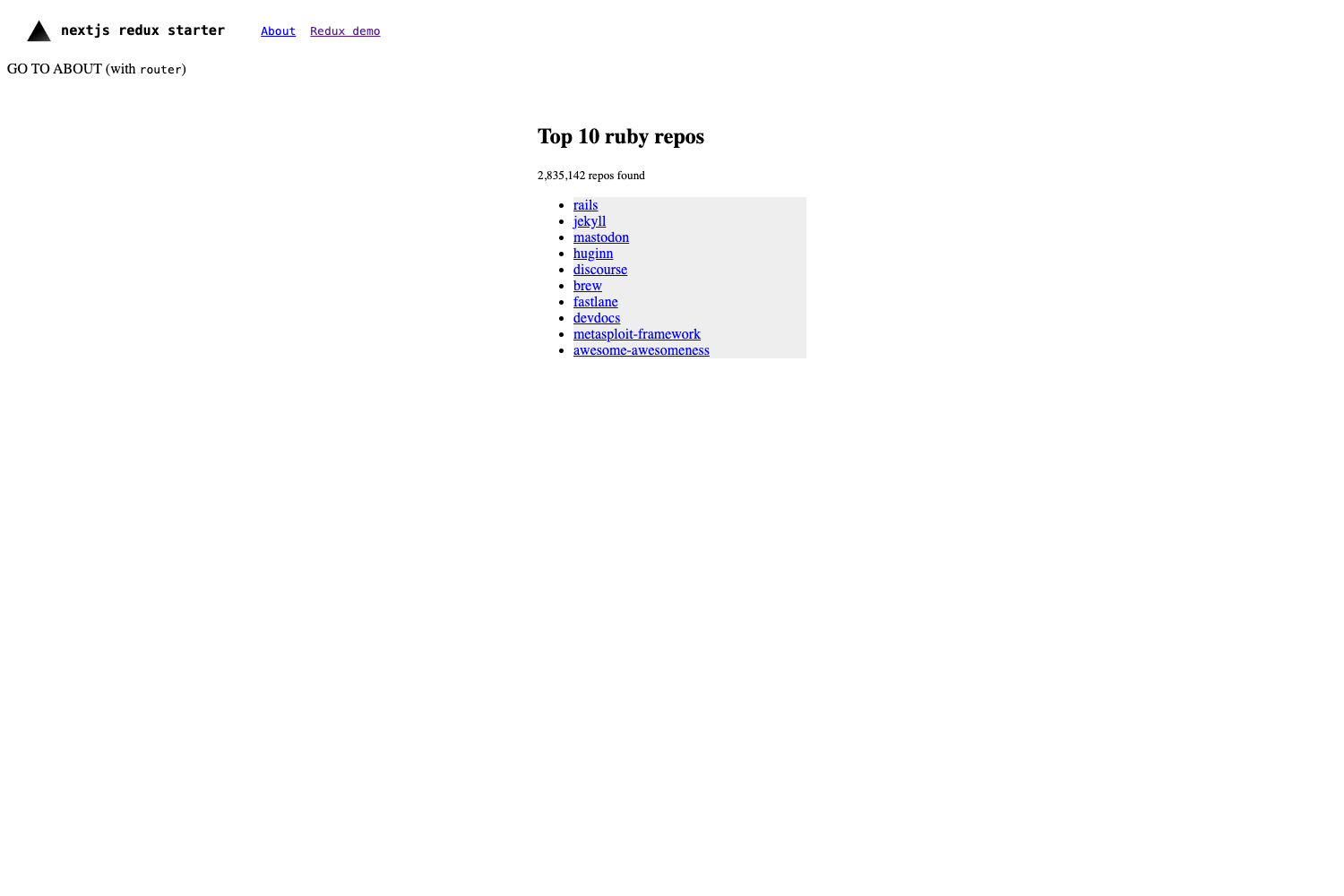
Template details
Jekyll Foundation 6 Starter
Start a GitHub Pages website powered by Jekyll using Foundation/SCSS in under 5 minutes!
About this template
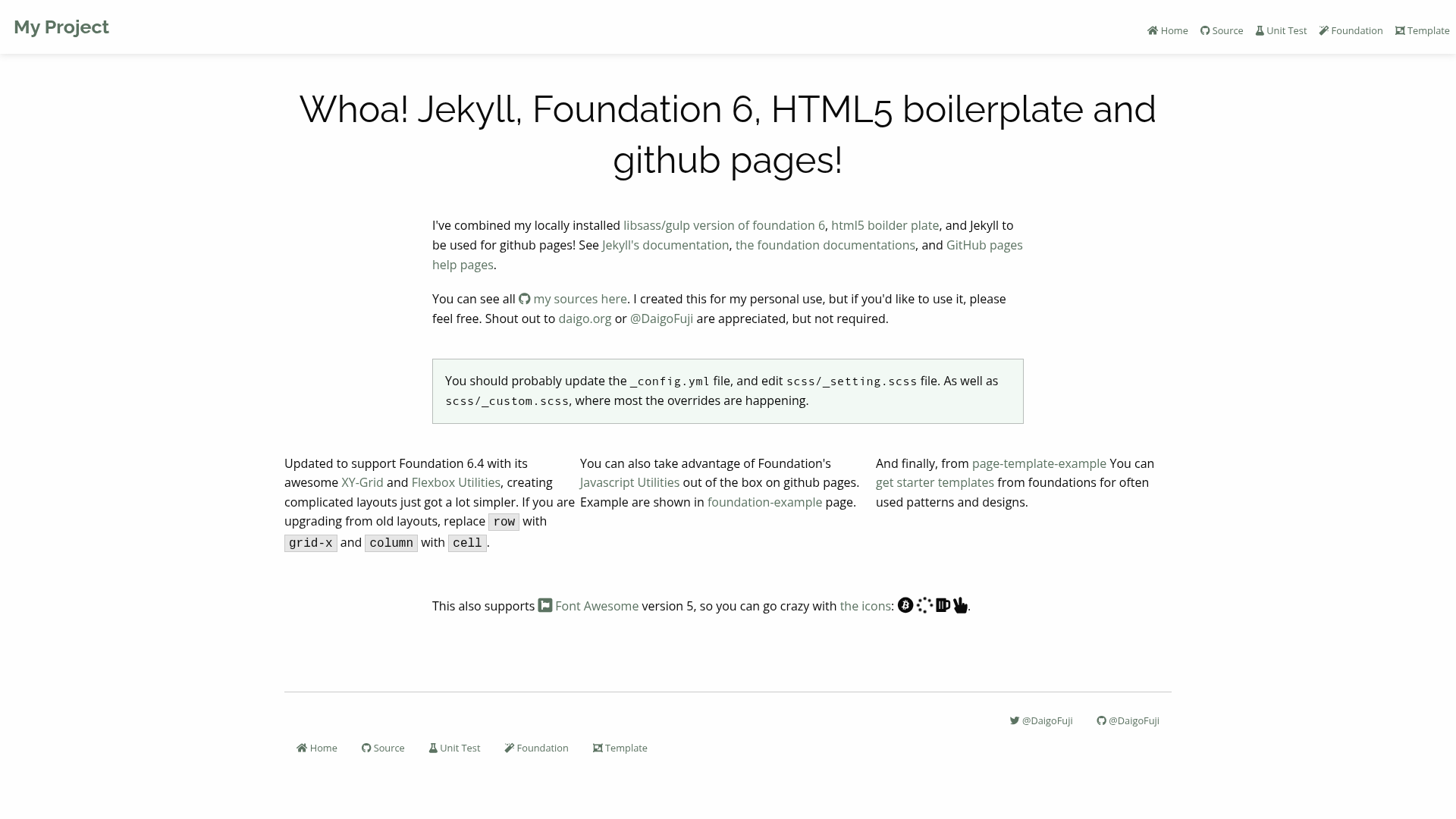
Jekyll Foundation 6 Starter is a free boilerplate template for launching a GitHub Pages website powered by Jekyll and styled with the Foundation 6 front-end framework using SCSS, designed to get a site live in under five minutes.
What is Jekyll Foundation 6 Starter?
It is a starter repository created by Daigo Fuji that combines the Jekyll static site generator with Foundation 6 (via Bower) and SCSS source files compiled by Gulp. As input, it takes a standard Jekyll project structure with configurable HTML, Markdown, and SCSS files; as output, it produces a static, responsive website that can be deployed directly to GitHub Pages. The template runs on any machine with Ruby, Node.js, and Bundler installed, and it includes a working example site at daigofuji.github.io/jekyll-foundation-6-starter.
What makes it stand out?
- Foundation 6 + SCSS pipeline — The template uses Bower to manage Foundation Sites and Gulp to compile
scss/_settings.scssand related files into CSS, with a watch task that runs onnpm start. - GitHub Pages deployment instructions — Clear, step-by-step guidance for both user/organization pages (rename repo to
username.github.ioand use themasterbranch) and project pages (use agh-pagesbranch). - Editable via Jekyll conventions — Content lives in
_config.yml, HTML and Markdown files, and the_layouts/default.htmlbase layout; the navigation is managed in_include/nav.html. - Local development environment — After
npm installandbundle install, you runnpm startto handle SCSS andbundle exec jekyll serve --watchto serve the site at http://0.0.0.0:4000/. - Focused on speed of setup — The README promises a working website in under five minutes, making it suitable for hackathons and quick project pages.
- Permissive licensing — The underlying components are mostly MIT-licensed, so commercial use is permitted; users are advised to follow each product's license restrictions.
Who should use it?
- Hackathon participants — Want a responsive project page up in minutes without spending time on front-end setup.
- Developers and open-source maintainers — Need a clean, mobile-friendly site for a repository, documentation, or a personal project page.
- Jekyll beginners — Want a preconfigured Foundation-based theme to learn how Jekyll and SCSS fit together.
Use cases
- Hackathon teams: Fork the repository, rename it to match a GitHub Pages URL, and push to get a live site with a responsive layout and navigation.
- Project maintainers: Customize
_config.ymland page content to create a polished landing page or documentation hub for a repo. - Prototyping: Use the local dev workflow to rapidly experiment with SCSS variables and Jekyll layouts before deploying.
How does it work?
The workflow splits into two commands: npm start runs the Gulp task that compiles SCSS to CSS and watches for changes, while bundle exec jekyll serve --watch runs the Jekyll site locally. For deployment, you either rename the repository for user/organization pages or create a gh-pages branch for project pages, then push the contents to GitHub.
FAQ
Is Jekyll Foundation 6 Starter free?
Yes, the template itself is shared free of charge, and the README notes that most of the included products are MIT-licensed, which allows commercial use.
What do I need to run it locally?
You need Ruby (with Bundler) and Node.js. The README includes commands to install them via Homebrew on macOS and troubleshooting for common bundle install issues.
Does it work for project pages?
Yes, the README provides explicit instructions: create a gh-pages branch, download the repo contents, replace the branch contents, and push to GitHub.
How do I customize the design?
You edit _config.yml for site settings, HTML/Markdown files for content, scss/_settings.scss to change Foundation's Sass variables, and _include/nav.html for the navigation bar.
What if I encounter Gulp or Bower errors?
The README suggests installing Gulp globally with npm install gulp -g and updating Foundation with bower update foundation-sites --save to resolve version issues.

![TacoDAO [UI] preview](https://cdn.sanity.io/images/asuw607r/production/e1ee34c0af73c2ebfc8aae0b0180cb45a7a8b8db-1500x1000.png)