Template details
Jekyll URL Shortener
A Jekyll and GitHub Pages template repository for creating a self-hosted URL shortener with short, shareable links.
About this template
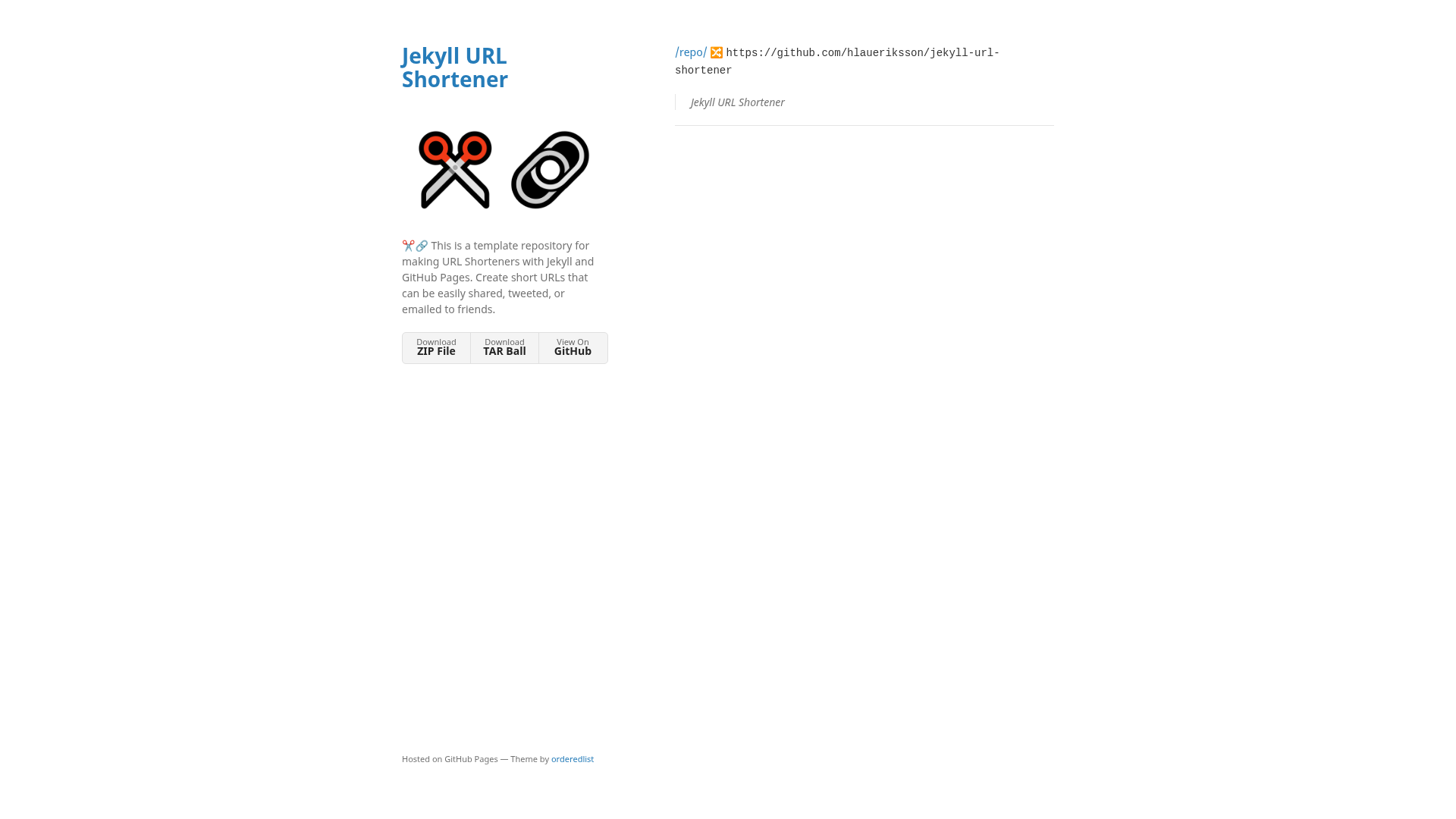
Jekyll URL Shortener is a GitHub template repository that turns a Jekyll site hosted on GitHub Pages into a self-hosted URL shortener, where every short link is a Markdown or HTML page with a redirect_to front matter value. It is maintained by hlaueriksson and demonstrated at https://hlaueriksson.github.io/jekyll-url-shortener/.
What is Jekyll URL Shortener?
Jekyll URL Shortener is a starter repository that creates a static-site URL shortener; it accepts page files with redirect front matter as input and outputs redirect pages that forward visitors to any target URL. The stack is Jekyll with the jekyll-theme-minimal theme, the jekyll-redirect-from plugin, and GitHub Pages for hosting, with no server-side code or database.
Key Features
- Markdown or HTML short links — each new short URL is created by adding a file in the repository root; the file name becomes the slug and
redirect_topoints at the target. - Custom permalinks with emoji support — the global
permalink: /:slug/gives clean paths, and per-pagepermalinkvalues such as/😻/make ultra-short memorable URLs. - GitHub Pages deployment — publishing is configured to deploy from the
mainbranch, root folder, with optional custom domain and enforced HTTPS. - Apex domain support — point DNS A records to the four GitHub Pages IP addresses 185.199.108.153, 185.199.109.153, 185.199.110.153, and 185.199.111.153; custom domains are stored in a CNAME file.
- Automatic redirect page — the jekyll-redirect-from plugin generates a noindex redirect page with a canonical link, an instant meta refresh, and a fallback click link.
- Optional Google Analytics — setting
google_analyticsin_config.ymlinjects the gtag.js snippet into the redirect template so short-link traffic can be tracked. - Development container — a devcontainer for Visual Studio Code and GitHub Codespaces installs Jekyll automatically, and local preview runs with
bundle exec jekyll serve.
Who is it for?
- Self-hosted link enthusiasts: anyone who wants branded short URLs on their own domain instead of using a public shortener service.
- GitHub Pages users: people already serving a site from a GitHub repository can add short links without renting a server or running a database.
- Developers who write in Markdown: creating a link is as simple as committing a small page file, so it fits naturally into a docs or personal-site workflow.
What can you do with Jekyll URL Shortener?
- Brand your links: register a short domain, configure the apex domain DNS, and every link you create carries your own domain name.
- Track visits: if you set a Google Analytics tracking ID, the generated redirect page sends a pageview to your property without any extra script on the target site.
- Make mnemonic short links: use ordinary slugs or emoji permalinks like
/😻/to make URLs easy to type and remember. - Self-host without infra: keep the entire shortener in a git repository, so links are version-controlled and recoverable.
How does Jekyll URL Shortener work?
- Register a domain and point the apex domain's DNS A records to GitHub Pages' four IP addresses.
- Click Use this template on the repository page to create a new repo, then edit
_config.ymlwith your own title, description, logo, and optional Google Analytics ID. - In repository settings, configure GitHub Pages to deploy from the
mainbranch at the root, and add the custom domain to create a CNAME file. - Add a
.mdor.htmlpage to the repo root with the front matterredirect_toset to the destination URL; push and the short link goes live.
FAQ
Is Jekyll URL Shortener free?
The template is free and open source. Hosting on GitHub Pages is free for public repositories, and enforcing HTTPS costs nothing. You only pay for the domain name from a registrar.
How do I create a short link?
Create a file with .md or .html extension in the root of the repository. Add front matter containing redirect_to with the target URL and an optional title. Commit and push; the default permalink: /:slug/ setting turns the file name into the short path.
What happens when someone opens a short link?
The jekyll-redirect-from plugin builds a small redirect page that includes a canonical link, a meta refresh set to zero seconds, a JavaScript location redirect, and a fallback link. The page also carries a noindex robots meta tag so it does not appear in search results.
Can I use a custom domain?
Yes. Configure an apex domain with DNS A records at 185.199.108.153, 185.199.109.153, 185.199.110.153, and 185.199.111.153, then enter the domain under GitHub Pages settings. GitHub writes it to a CNAME file and lets you enforce HTTPS.
What tools do I need to run it locally?
You need Ruby, Bundler, and Jekyll, or you can open the repository in Visual Studio Code with Docker and use the included devcontainer, which installs the dependencies. GitHub Codespaces also picks up the devcontainer. Then run bundle exec jekyll serve and browse to localhost:4000.