Template details
Jekytrap
Template for Jekyll + Bootstrap 5 + GSAP
About this template
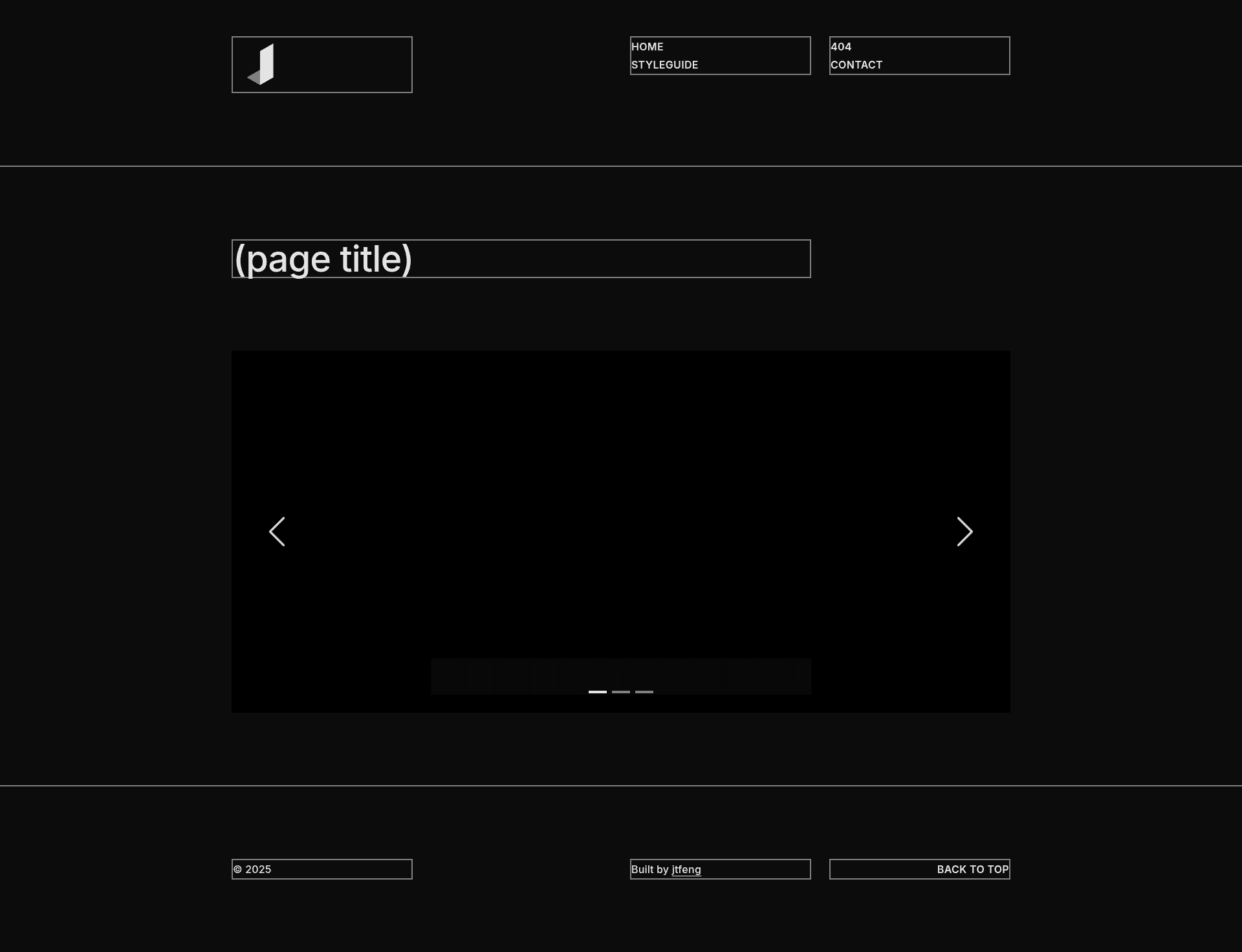
Jekytrap is a Jekyll starter template that combines the Jekyll v3.10.0 static site generator with Bootstrap 5.2.3 for responsive styling and GSAP 3.11.5 for JavaScript animations, giving developers a preconfigured base to build static websites with minimal setup.
What is Jekytrap?
Jekytrap is a custom Jekyll template maintained by the GitHub user jingtianfeng. It plugs the Jekyll static site generator (v3.10.0) together with Bootstrap's component and grid system (v5.2.3) and the GreenSock Animation Platform (GSAP v3.11.5). The template takes Jekyll content — typically Markdown and Liquid templates — and outputs a fully static website that can be hosted anywhere without a server-side runtime. Theming is done by editing /assets/css/styles.scss, and animation behavior is controlled from /assets/js/main.js, both of which are exposed in the repository on GitHub.
Key Features
- Jekyll v3.10.0 — The site generator that processes content and layouts; Jekyll compiles Markdown, Liquid, and Sass into plain HTML, CSS, and JavaScript files.
- Bootstrap 5.2.3 — Includes the responsive grid, utility classes, and UI components such as buttons, cards, and navigation; Sass variables can be overridden in the stylesheet.
- GSAP 3.11.5 — A high-performance animation library for creating scroll-triggered effects, parallax, and timeline animations; the JavaScript entry point is preconfigured.
- Custom template structure — The project is tracked in the Jekytrap GitHub repository (https://github.com/jingtianfeng/jekytrap) and carries the
static-site-generatorandtemplatetopics on GitHub. - Asset pipeline via Jekyll — Jekyll's native asset processing handles the SCSS compilation and JS concatenation, so no external build tools like Webpack or Gulp are required.
Who is it for?
- Jekyll developers who want a ready-made Bootstrap and GSAP integration so they can start writing content instead of configuring styles and animations.
- Front-end designers who prefer to customize a site by editing Sass variables in
/assets/css/styles.scssand tweaking animation calls in/assets/js/main.js. - Static site owners building personal portfolios, blogs, or marketing pages who want a responsive, animated site that is fast because it is served as static files.
What can you do with Jekytrap?
- Launch a blog: Write posts in Markdown; Jekyll generates the pages, Bootstrap provides typography and layout, and GSAP can animate elements like post cards or the header.
- Assemble a portfolio: Use Jekyll's collections to manage projects and Bootstrap's grid for a responsive gallery; add GSAP entrance animations to project items.
- Prototype a landing page: Quickly structure a page with Bootstrap components and add scroll animations with GSAP, then deploy the static output to any host.
FAQ
What versions does Jekytrap use?
Jekytrap uses Jekyll v3.10.0, Bootstrap v5.2.3, and GSAP v3.11.5, as listed in the project's tech stack table. The Sass and JavaScript files are located at /assets/css/styles.scss and /assets/js/main.js.
Where can I find the Jekytrap source code?
The source code is hosted on GitHub at https://github.com/jingtianfeng/jekytrap. The repository describes itself as "Template for Jekyll + Bootstrap 5 + GSAP."
How is Jekytrap themed?
Bootstrap's look is customized through /assets/css/styles.scss by overriding Sass variables. The file is compiled by Jekyll's asset pipeline, so after editing the SCSS you rebuild the site to generate the updated CSS.