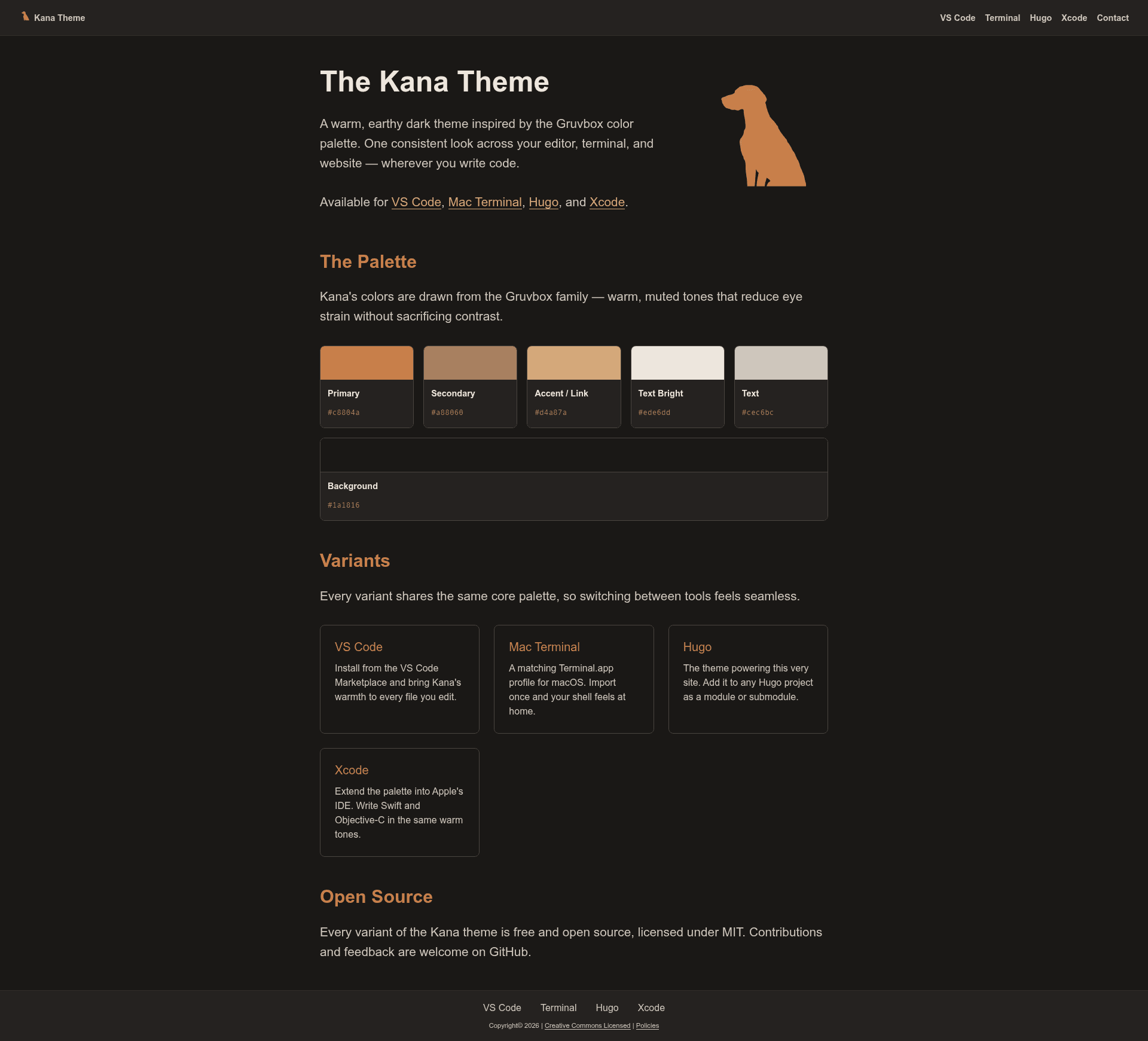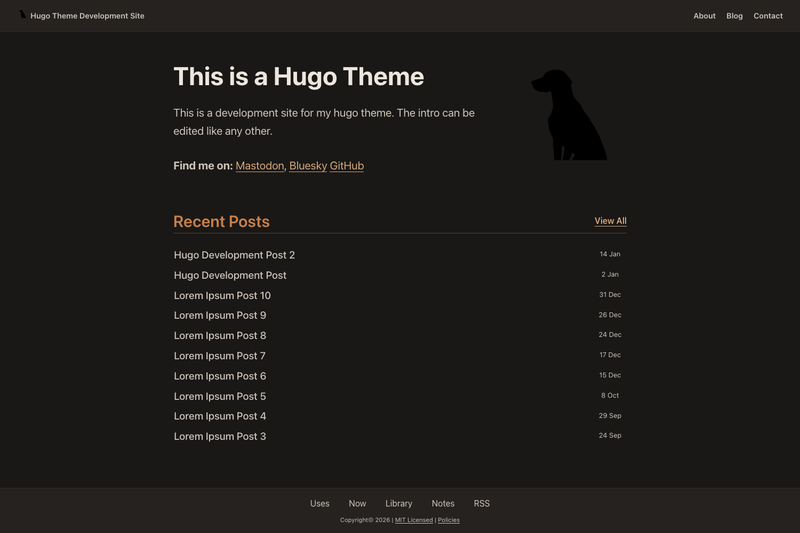
Kana Theme is a warm, earthy dark Hugo theme for personal blogs, built around client-side search, a filterable reading library, short-form notes, and responsive images with automatic WebP conversion.
What is Kana Theme?
Kana Theme is a Hugo static-site theme maintained in the ChrisWiegman/kana-hugo-theme repository and distributed under the MIT license. It turns Markdown content into a personal blog site with a Gruvbox-inspired dark palette, and ships with templates for posts, notes, books, search results, a homepage, a 404 page, and per-section RSS feeds. The theme targets Hugo extended v0.152.0 or later and requires no Node.js at build time — Node is only used for Playwright end-to-end tests and screenshot tooling. Content is authored in standard Hugo Markdown front matter, and the generated output is plain static HTML, CSS, and JavaScript.
What makes Kana Theme stand out?
- Client-side search — the homepage emits a JSON index; a search page runs entirely in the browser against post titles, categories, tags, and body content, so no external search server is needed.
- Reading library — books live in a headless content/books section with author slug folders and front matter for title, author, star rating, and finish dates; the library layout filters by year, author, and rating, sorts by four fields, and shows statistics per year, author, and rating.
- Short-form notes — a separate notes content type gets its own paginated archive and a dedicated RSS feed at /notes/index.xml, grouped by year.
- Responsive images — Markdown images and an asset-image shortcode generate srcset sets from configurable imageSizes, produce WebP output, and add lazy loading and figure/figcaption markup.
- Syntax highlighting — code blocks use a Gruvbox palette, support optional filename labels via a file= attribute, collapsible blocks with details=true, and over 200 languages.
- SEO and feeds — optional Open Graph, Twitter Cards, Schema.org JSON-LD, a Fediverse creator meta tag, canonical URLs, sitemap, robots.txt, and site-wide and section-specific RSS.
- Two menus — a main header menu and a separate footer menu, both configured through Hugo menus.
Who should use Kana Theme?
- Personal bloggers — publish Markdown posts with year/month/slug permalinks and get a Gruvbox-styled dark site with RSS and search out of the box.
- Book reviewers and reading journalers — maintain a filterable reading library with ratings and re-read dates without needing a separate book-tracking app.
- Short-form diarists — post quick, paginated notes that stay separate from long-form blog posts and receive their own feed.
- Hugo developers — install the theme as a Hugo module or git submodule and extend its component-based SCSS and template partials.
What can you do with Kana Theme?
- Run a personal blog — configure mainSections as posts, add a JSON output to the homepage for search, and publish ordinary Hugo posts with categories and tags.
- Track personal reading — add book Markdown files under a headless books section and create a library page with the library layout to browse stats and filter by completion year, author, or rating.
- Add instant search without a backend — drop in a search page that reuses the homepage JSON and indexes titles, tags, categories, and content entirely client-side.
- Generate optimized images — insert an asset-image shortcode or use plain Markdown image syntax to receive responsive srcsets and WebP files.
How does Kana Theme work?
After you install the theme as a Hugo module, submodule, or manual copy inside the themes folder, you set a minimal hugo.toml that names the theme, selects main sections, and adds JSON to the homepage outputs, because a JSON output is required for client-side search. Then you add Markdown content for posts, notes, or books, optionally create a search page with the search layout and a library page with the library layout, and build the site with Hugo. A make dev command serves the bundled development site at http://localhost:1313, and make test runs Playwright browser tests against it.
Pricing
Kana Theme is free and open-source under the MIT license as shown in the repository's LICENSE.txt. The theme can be used, modified, and included in commercial projects under the terms of that license.
FAQ
Is Node.js required to use Kana Theme?
No. The theme builds with Hugo extended alone. Node.js and npm are needed only for the Playwright-based end-to-end tests and for screenshot regeneration via make test and make screenshots.
What Hugo version does Kana Theme require?
Hugo extended, version 0.152.0 or later. The extended edition is necessary because the theme relies on Hugo's image-processing pipeline for WebP generation and srcset outputs.
How do I install Kana Theme?
Three installation methods are documented: as a Hugo module with hugo mod get, as a git submodule cloned into themes/kana-hugo-theme, or as a manual copy of the repository into the themes folder. The Hugo module method is recommended by the theme author.
Does the search feature need a server?
No. Kana Theme's search is entirely client-side. It builds its index from the JSON output on the homepage, and the search page then searches titles, categories, tags, and body content in the browser.
What content types does Kana Theme include?
The theme includes standard posts, short-form notes with their own RSS feed, a books content type for the reading library, and dedicated search and library page layouts. Each content type uses normal Hugo front matter for metadata such as title, date, draft status, categories, and tags.