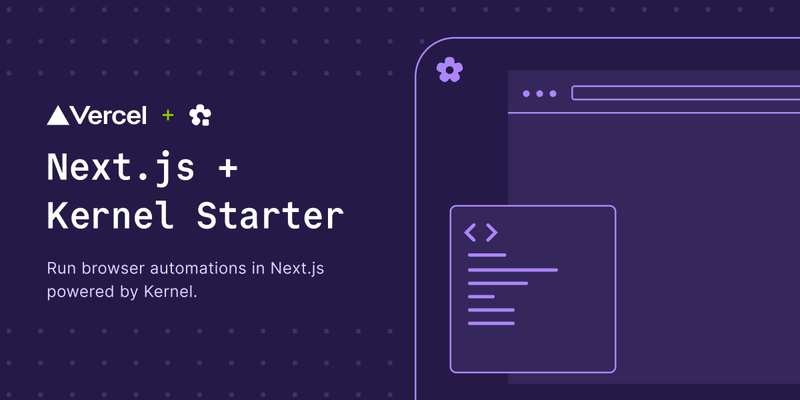
The Kernel + Vercel Template is a Next.js 15 starter that runs AI-powered browser automations described in natural language on Vercel, using Kernel's serverless browsers and the Vercel AI SDK.
What is the Kernel + Vercel Template?
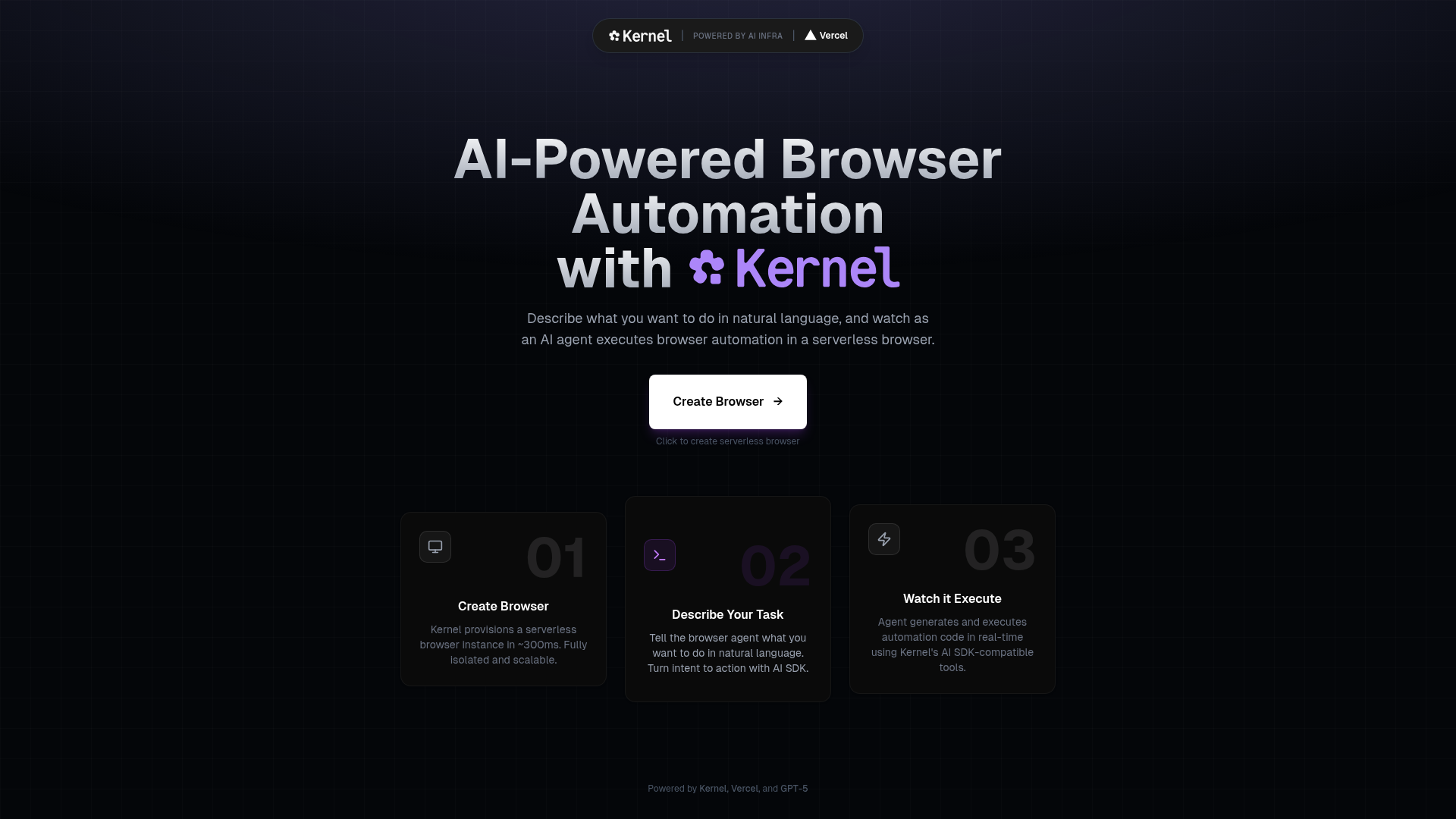
This template combines Next.js 15 (App Router) with the Kernel SDK to create serverless browser sessions that an AI agent can control. You describe a browser task in plain English, the template sends it to an OpenAI GPT-5.1 model through the Vercel AI SDK, and the agent calls Kernel's Playwright execution tool to perform the actions. The output is a live browser view, a step-by-step execution log, and the agent's final answer. The project is built by Kernel and deploys to Vercel via the one-click Vercel button.
Key Features
- Serverless browsers with live view — provision a Kernel browser instance in a Next.js API route and stream its live view URL to the UI.
- Natural-language task control — users type a task such as "Go to Hacker News and get the top article title" and the AI agent interprets it.
- Vercel AI SDK integration — the agent endpoint uses
Experimental_Agentfrom theaipackage with an OpenAIgpt-5.1model. - Kernel's Playwright execution tool —
@onkernel/ai-sdkprovidesplaywrightExecuteTool, which is exposed to the agent as a tool. - Step cap control — the agent stops when it reaches the built-in
stepCountIs(20)limit, preventing runaway automations. - Step inspection UI — a StepsOverlay modal shows the generated code and execution details for each step.
- Full tech stack — Next.js 15, Tailwind CSS v4, shadcn/ui components, Bun as package manager, and API routes for create/delete browser sessions.
- One-click Vercel deploy — the template includes a Vercel Deploy button and an optional Kernel integration from the Vercel Marketplace that injects the API key.
Who is it for?
Next.js developers wanting to add browser-automation capabilities to serverless apps without managing browsers themselves. AI product engineers who need a reference implementation of an AI agent that controls a real browser through function calling. Indie hackers and founders building agents that perform web research, form filling, or content extraction, who want a working starting point deployed on Vercel in minutes.
What can you do with it?
- Web scraping on demand: ask the agent to visit any URL and extract structured data, like top article titles or prices, without writing selectors.
- Workflow demonstrations: show how an AI agent can fill forms, navigate pages, or click through a UI using natural-language commands in a live demo app.
- Testing and QA prototypes: use the template to explore how AI-driven browser testing might work, with the step log showing exactly what the agent did.
How does the template work?
- Click "Create Browser" in the UI to call
app/api/create-browser/route.ts, which initializes the Kernel client and provisions a stealth, headless browser with a live view URL. - Type a task into the textarea; the UI sends it to
app/api/agent/route.ts. - The agent endpoint builds an
Agentwith OpenAI's GPT-5.1 and Kernel'splaywrightExecuteTool, then runs until the task completes or 20 steps are reached. - The response includes the agent's text and steps; the UI displays the live browser view and opens a StepsOverlay modal so you can inspect the generated code.
FAQ
What prerequisites do I need to run this template?
You need Node.js 18 or newer, Bun as the package manager, a Kernel account with an API key, an OpenAI API key, and optionally a Vercel account for deployment. The template uses Kernel's dashboard or the Vercel Marketplace integration to get the Kernel key.
What AI model does this template use?
The agent route uses OpenAI's gpt-5.1 model through the Vercel AI SDK. The model receives the user's task and a system prompt that instructs it to act as a browser automation expert, deciding when to call the Playwright execution tool.
How do I deploy this template to Vercel?
Push the repository to GitHub, import it into Vercel, and add the KERNEL_API_KEY and OPENAI_API_KEY environment variables. Alternatively, install the Kernel integration from the Vercel Marketplace to automatically add the Kernel key, then set the OpenAI key manually.
What is the step limit for the AI agent?
The agent is configured with stepCountIs(20), which stops generation after 20 steps. The template's UI shows the step count in the results area, and the StepsOverlay lets you review every step's code and details.
Does the template work only on Vercel?
The template is designed for Vercel deployment, but because it is a standard Next.js app, it can run locally with bun dev after setting the same environment variables. The Vercel Marketplace integration is optional; you can also create a Kernel API key directly from the Kernel dashboard.