Newsletter
Join the Community
Subscribe to our newsletter for the latest news and updates

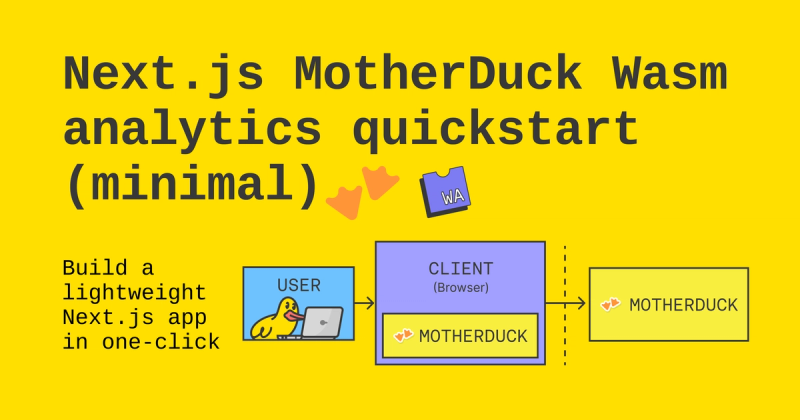
A minimal Next.js template for building analytics apps with the MotherDuck Wasm client.
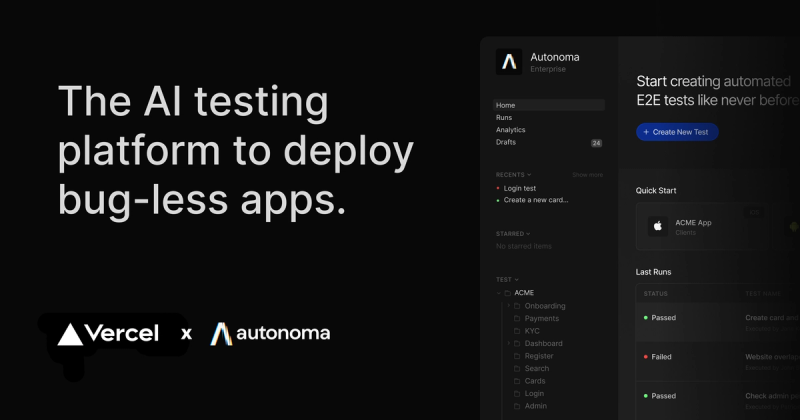
A Next.js banking demo web app designed as a sandbox for Autonoma AI end-to-end test generation.
Next.js + Kernel template for running AI-powered browser automations on Vercel with natural language.

A frontend clone of the Selemen website built with HTML, CSS, JavaScript, and GSAP animations for educational purposes.
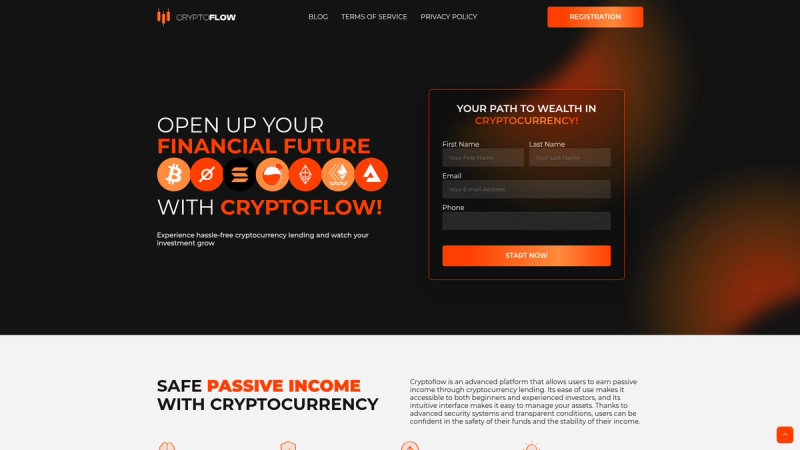
A minimal Hugo theme for fintech websites, with blog, policy, terms sections and KaTeX math support.
The Next.js MotherDuck Wasm Analytics Quickstart is a minimal boilerplate template that shows how to connect a Next.js application to MotherDuck's in-browser Wasm client for running SQL analytics queries.
This is a minimal example repository published by MotherDuck Open Source that combines Next.js with the MotherDuck Wasm client, giving developers a runnable starting point for a data analytics app. It takes the MotherDuck Wasm query engine and wires it into a Next.js project using the App Router, with a single app/page.tsx file that you edit to build your own UI. The template itself contains no backend and runs the analytics workload directly in the browser, and it can be deployed to Vercel using the one-click Deploy with Vercel button included in the README.
app/ directory with page.tsx as the entry point for editing.create-next-app with npm, Yarn, pnpm, and Bun commands.app/page.tsx to understand how the client is initialized and used with Next.js.Bootstrap the project by running npx create-next-app --example https://github.com/MotherDuck-Open-Source/nextjs-motherduck-wasm-analytics-quickstart-minimal (or the Yarn, pnpm, or Bun equivalents). After installing dependencies, run npm run dev (or the matching command) and open http://localhost:3000. The page auto-updates as you edit app/page.tsx, where you can add MotherDuck queries and build out the analytics UI.