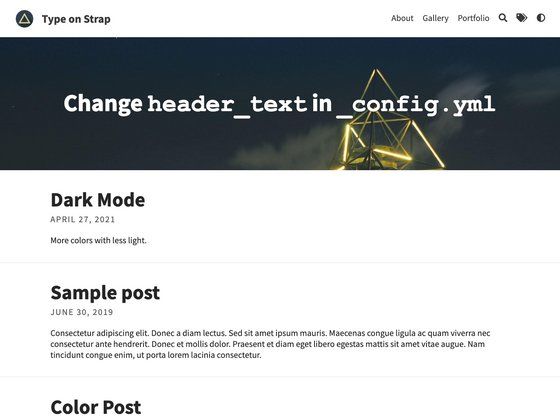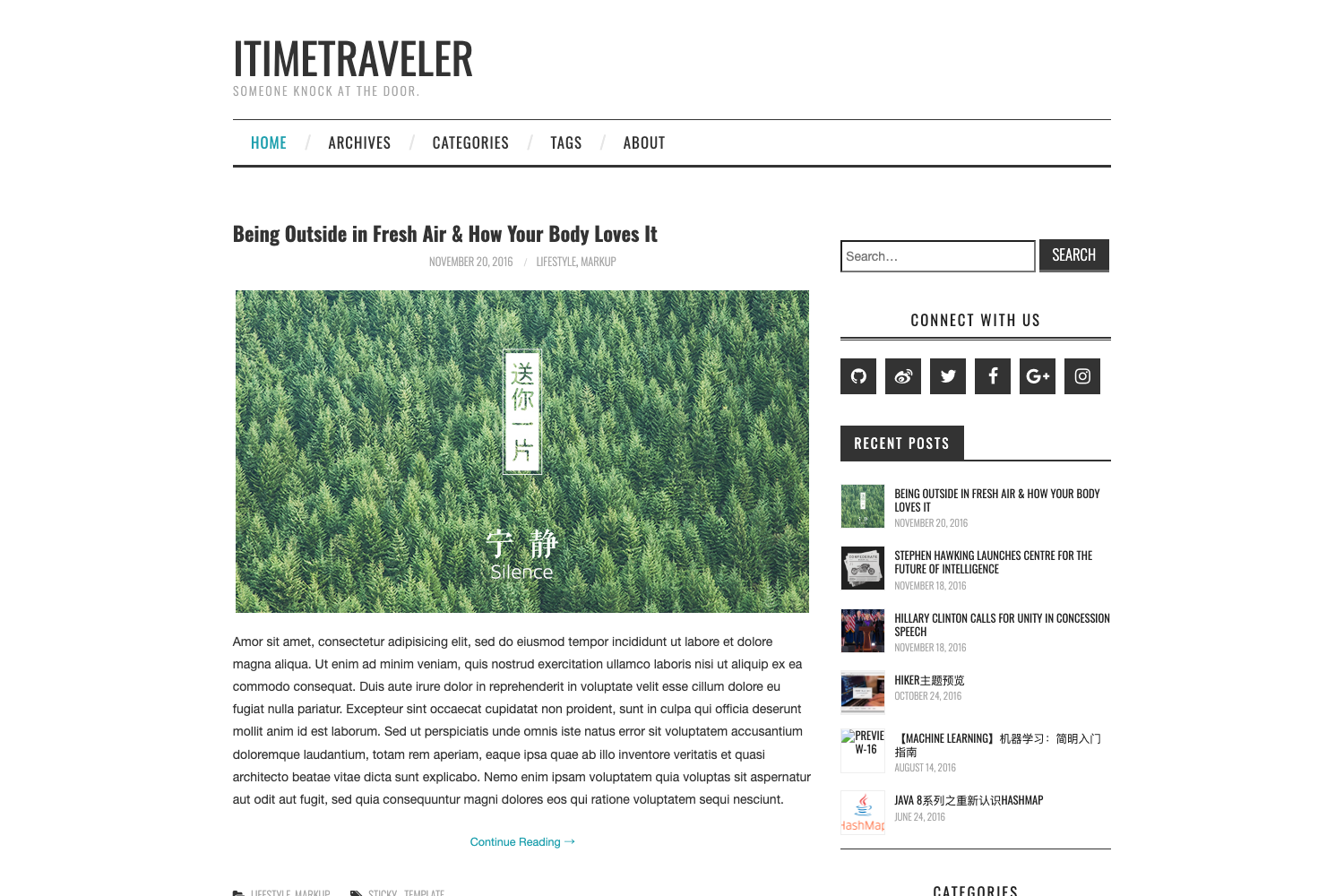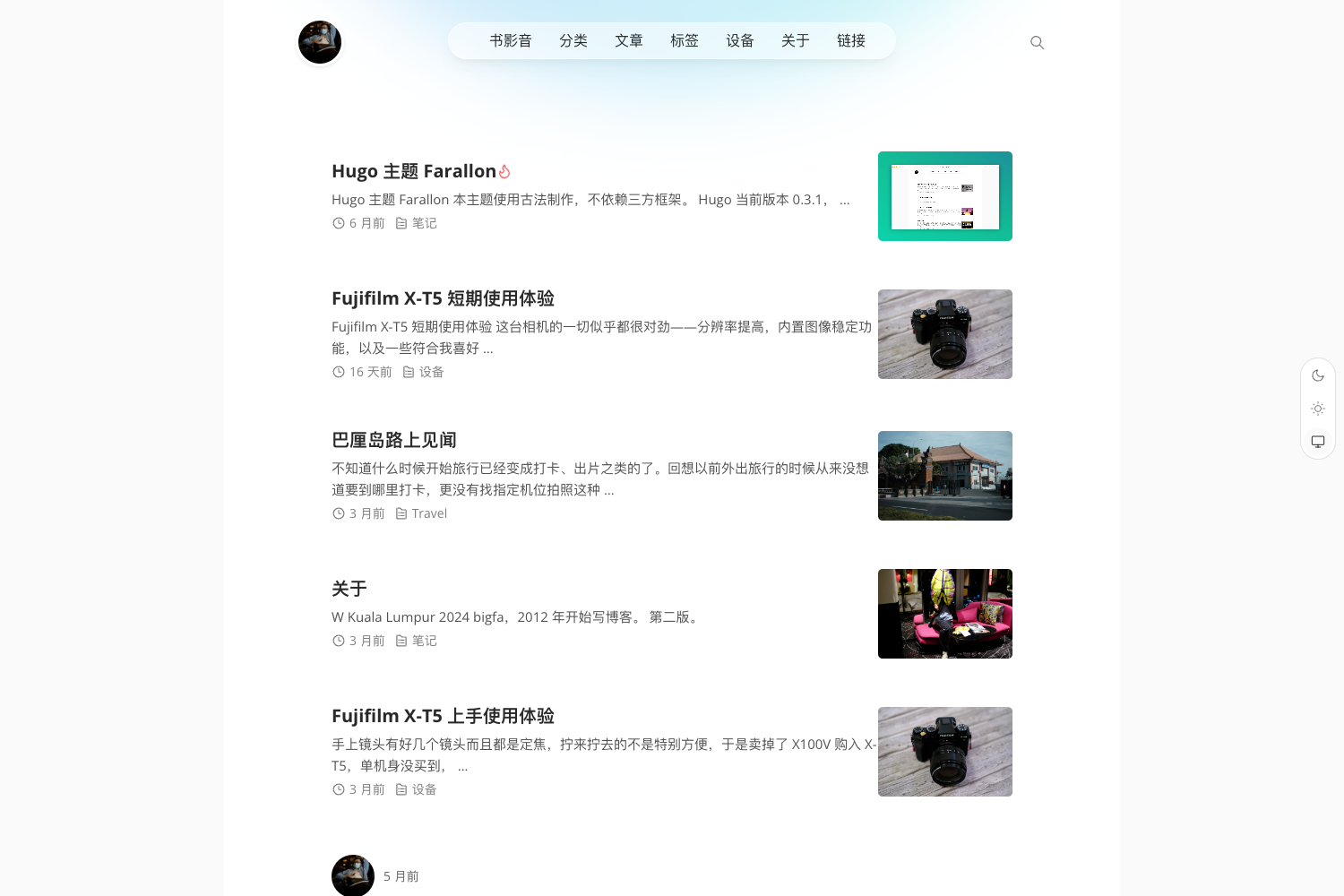
Template details
Kjaer.io
A Jekyll-based personal blog template with customizable YAML frontmatter, hero images, Disqus comments, and production build optimizations.
About this template
Kjaer.io is a Jekyll-based personal blog template created by Maxime Kjaer, built to turn Markdown posts with custom YAML frontmatter into a static website. It accepts Markdown files as input and outputs a fully generated HTML site with per-post hero images, Disqus comments, and SEO descriptions, while the build pipeline handles production optimizations.
What is Kjaer.io?
Kjaer.io is a Jekyll-powered blog template that demonstrates a complete personal blogging workflow. It runs on Jekyll (Ruby) and uses Node.js and npm for asset management and build scripts. The template includes a local development server, a production build command, and support for continuous integration via Travis CI, as shown by the repository's build status badge. The site's configuration is driven by YAML frontmatter in each post, giving authors control over titles, descriptions, hero images, comments, publishing status, edit history, and Hacker News discussion links.
Key Features
- Custom YAML frontmatter — Nine configurable fields per post: title, description, image, fallback-color, comments (default true), published (default true), edited (default false), updated, and hn, providing fine-grained per-post control.
- Hero image fallback color — The fallback-color field accepts a hex color code (in quotes) that appears behind the hero image while it loads or if it fails; the README suggests Color Thief for extracting an image's average color.
- Disqus comments — Comments are enabled by default on every post and can be disabled per post with the frontmatter key
comments: false. - Excerpt separator — Posts can define an excerpt for the front page by inserting an HTML comment; the default break point is at the first HTML comment (the sample uses
<!-- More -->). - Production build optimizations — Running
npm run build:prodapplies Autoprefixer for cross-browser CSS compatibility, resizes hero images to breakpoints defined in_config.yml, and compresses assets with Zopfli. - Local development server — The
npm run servecommand serves the site locally with incremental builds and autorefresh, using dependencies installed viabundle installandnpm install. - Social sharing metadata — The description field is used by search engines and when posts are shared on Facebook and Twitter, while the image field supplies the hero image for those shares.
- Hacker News integration — An optional hn frontmatter field adds a link at the bottom of the post to its Hacker News discussion.
Who is it for?
- Personal bloggers — Publish Markdown posts without managing a database or server, while controlling metadata, hero images, and comment threads per post.
- Jekyll developers — Use the template as a reference implementation for advanced frontmatter handling, custom config, and an automated production build pipeline.
- Technical writers — Write long-form articles with the ability to link to Hacker News discussions, show edited/updated timestamps, and build edit-history links into GitHub.
- Performance-conscious site owners — Take advantage of the built-in image resizing and Zopfli compression to keep page weight low.
What can you do with Kjaer.io?
- Publish Markdown posts — Write posts in Markdown with YAML frontmatter; the site renders them with a hero image, optional description, and a Disqus comment thread.
- Customize post visibility — Set
published: falseto hide a draft from the rendered site, or use theupdatedfield to display an update date and automatically enable theeditedGitHub edit-history link. - Optimize for production — Run the
npm run build:prodscript to have Autoprefixer, hero-image resizing, and Zopfli compression produce a deployment-ready static site. - Drive engagement — Add a Hacker News discussion link via the
hnfield and rely on thedescriptionfield to ensure clean social sharing previews on Facebook and Twitter.
FAQ
How do I install Kjaer.io locally?
Install Node, npm, Ruby, and bundler, then run bundle install and npm install in the repository root. To serve the site with incremental builds and autorefresh, run npm run serve. For a production build, run npm run build:prod.
How do I write a new post?
Create a new Markdown file in the _posts directory (following Jekyll conventions) and include YAML frontmatter. At minimum you need a title; you can also set description, image, fallback-color, comments, published, edited, updated, and hn fields. Insert an HTML comment like <!-- More --> to mark the end of the excerpt on the front page.
What does the fallback-color field do?
It sets a hex color that displays behind the hero image while the image loads. This makes the appearance of the image less jarring if it loads slowly or fails, and the README suggests generating the color using Color Thief to match the image's average color.
Does the template include comments?
Yes, Disqus comments are integrated. They appear on posts by default. To disable comments for a specific post, set comments: false in that post's YAML frontmatter.
How do I hide an unfinished post?
Set published: false in the post's frontmatter. Jekyll will then not render or publish that post, keeping it out of the generated site.